ARLO PRO 6 REVIEW: THE 2K VIDEO IS GREAT. THE BLIND SPOT ISN’T IN THE CAMERA.
ARLO PRO 6
Every unboxing video looks the same: crisp 2K footage of a driveway, a proud new owner, five stars. Nobody films the moment three weeks later when the trial quietly ends and the app stops saving anything. That’s the part of the Arlo Pro 6 nobody puts in the thumbnail — and it’s the part that actually decides whether you’re happy with this camera a year from now, not the resolution number on the box.
| Spec | Arlo Pro (6th Gen, 2025) |
|---|---|
| Video | 2K HDR, 2560×1440 |
| Field of view | 160° diagonal |
| Night vision | Color (spotlight) or black-and-white infrared |
| Power | Swappable battery, USB-C charging, solar-compatible |
| Battery life (claimed) | Up to ~8 months, light use |
| Connectivity | Dual-band Wi-Fi (2.4GHz / 5GHz) |
| Weather rating | IP65 |
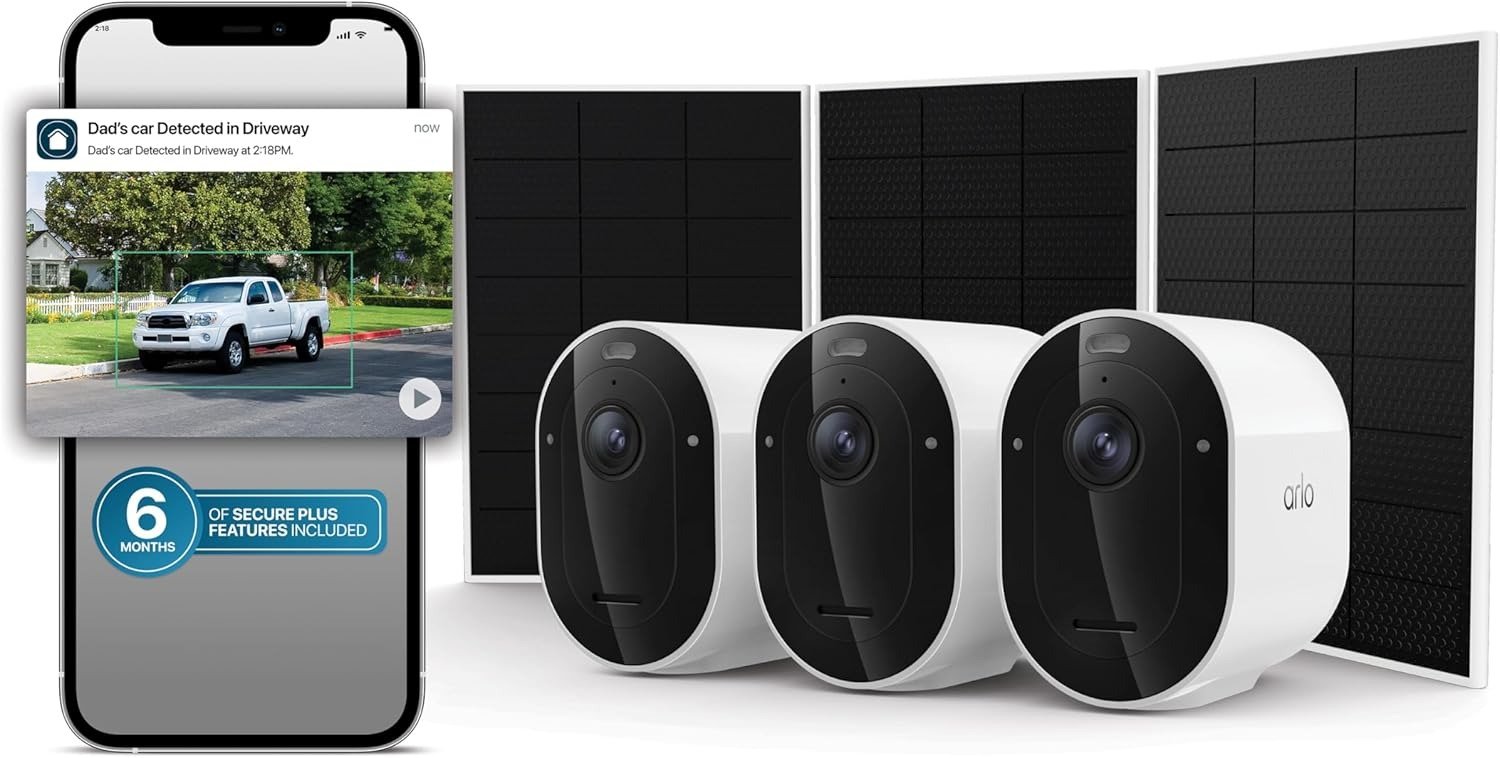
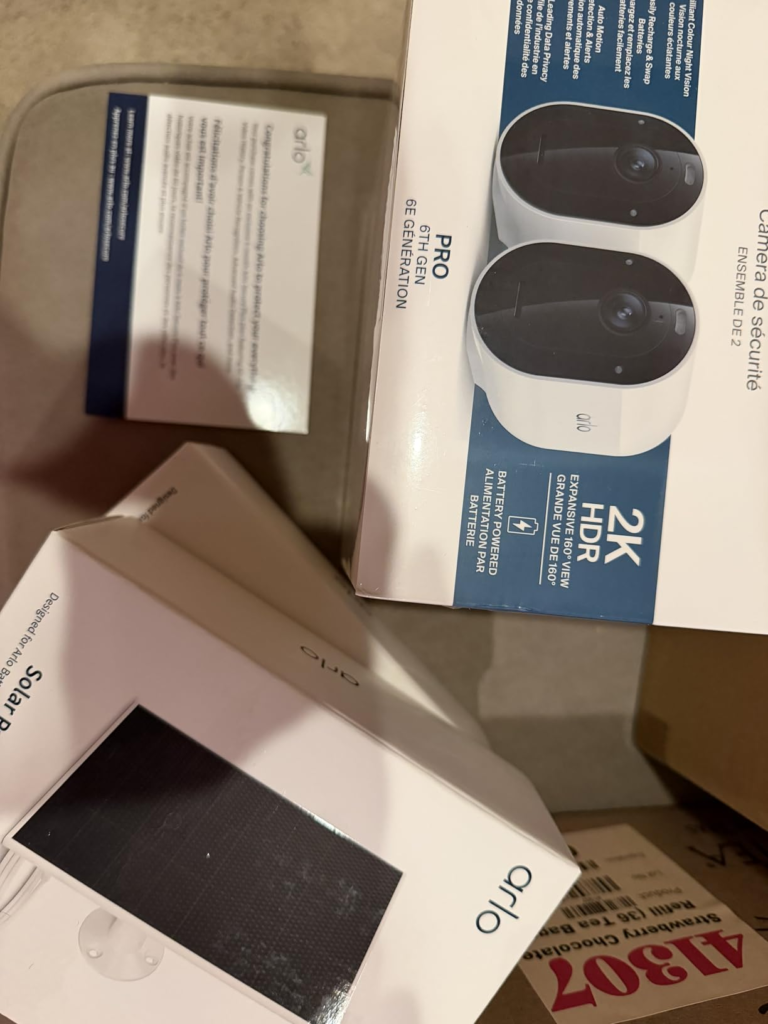
| This bundle includes | 3 cameras, 3 solar panels, 6 months Secure Plus |
| Works without a subscription? | Live view + basic alerts only |
Arlo Pro 6 Video Quality: The Footage Looks Fine. The Problem Isn’t.
On this part, the reviews genuinely agree with each other, which is rare. Owners across Best Buy, Walmart, and Home Depot describe the same thing independently: the picture is clear day or night, with a wide viewing angle that covers more ground than expected. That’s not marketing copy — that’s the pattern across hundreds of unrelated buyers.
Here’s the part that gets left out. Independent lab testing from Consumer Reports found something less flattering: daytime footage is comparatively soft next to the sharpest cameras on the market, and nighttime video is watchable but not as bright or clear as the top performers. Both things are true at once. For reading a face at your front door or confirming a delivery van in your driveway, 2K HDR is plenty. For zooming in on a license plate from sixty feet in the dark, it isn’t the class leader. The failure isn’t in the lens — it’s in the gap between what the thumbnail promises and what you actually need the footage to do.
Arlo Motion Alerts and False Triggers: What You’re Actually Feeling but Not Naming
Why does a camera with this many good reviews still make people mute their notifications within a month? It’s rarely the video. It’s the volume. One Walmart reviewer put it plainly: motion detection only picks up movement directly in front of the camera, and it also triggers a bit too easily on random objects. A Best Buy reviewer who owns more than twenty Arlo devices — hardly a casual user — rated the hardware a perfect five but dropped the app and AI detection to four out of five specifically because of occasional misdetections and false alerts.
That’s the feeling most new owners can’t quite name in week one: not “this camera is bad,” but a low-grade fatigue from checking your phone for a swaying branch. It’s not a defect. It’s what happens when a camera is filtering everything instead of just what matters — and that filtering, it turns out, isn’t actually a hardware problem.
Arlo Secure Subscription Explained: The Hidden Mechanism Behind the Missed Alert
Here’s the mechanism nobody puts on the box art. “Person, Vehicle & Animal Detection” is real — the AI genuinely does this. But Arlo locks person, vehicle, and animal detection behind its Secure subscription, and without it you’re left with basic motion alerts and nothing more. No saved clips. No “person at front door” — just “motion detected,” the same alert whether it’s a delivery driver or a shadow. Arlo has also phased out free cloud storage on its newer camera lines entirely, so a paid plan is now required just to keep any recorded clip at all.
This is where the bundle you’re looking at actually earns its keep. Most single Arlo cameras ship with a one-month trial. This one includes six. That’s not a gimmick — it’s enough time to actually find out, with your own footage and your own false-alarm rate, whether the subscription is worth it to you before you’ve spent a cent on it.
| Plan | Typical price (annual billing) | Cameras | Cloud history | AI detection |
|---|---|---|---|---|
| No subscription | $0 | — | None | No — generic “motion” only |
| Secure Plus, Single | ~$7.99/month | 1 | Up to 60 days | Yes |
| Secure Plus, Unlimited | ~$17.99/month | Unlimited | Up to 60 days | Yes |
| SmartHub + local storage | One-time hardware cost | Depends on hub | Local only | No — motion clips only |
Prices shift — Arlo has raised subscription prices more than once in recent years, so confirm current numbers on Arlo’s site before deciding.
Arlo Pro 6 Battery Life in Cold Weather: The Threshold Where “Months of Power” Breaks
Independent testing backs up Arlo’s claim in ideal conditions — one reviewer clocked roughly the promised eight months, seeing only a few percentage points of drop per week. That number is real. It’s also conditional, and three thresholds are where it quietly stops holding:
Cold. Below freezing, real-world battery life commonly runs 40 to 60 percent shorter than the advertised figure, and cameras can drop offline until they warm back up.
Traffic. A camera aimed at a busy driveway or street wakes up, records, and uploads for every passing car — high-activity placements have drained batteries in days rather than months in documented cases.
Signal. Weak Wi-Fi forces the camera to work harder to stay connected, which quietly accelerates all of the above.
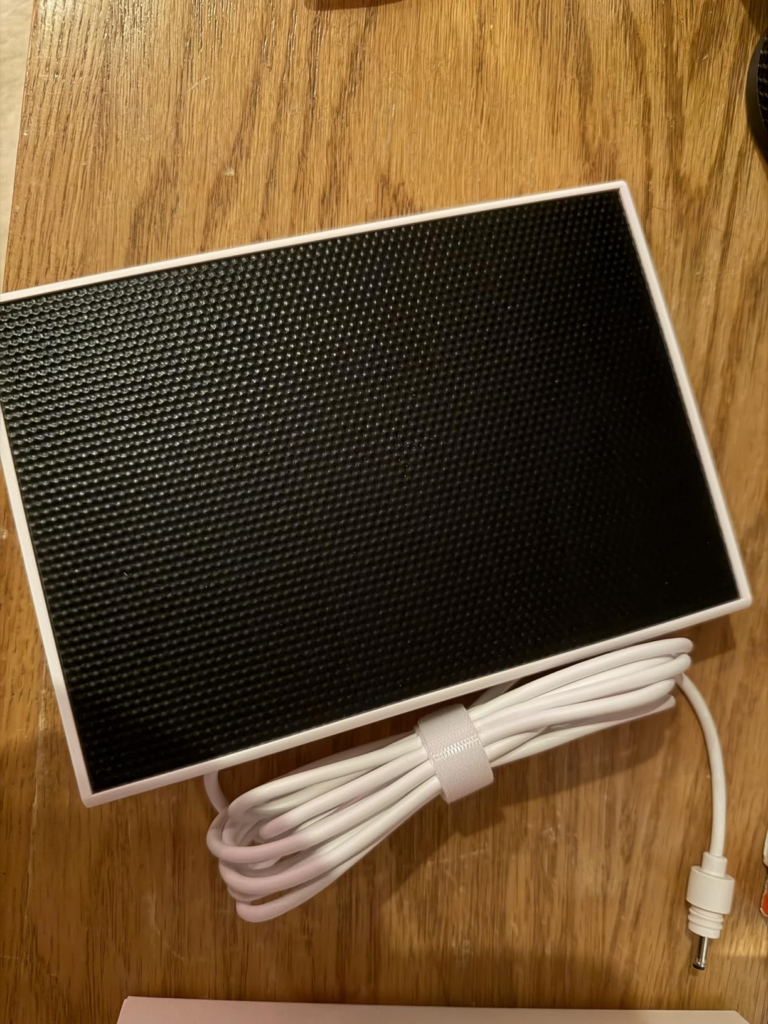
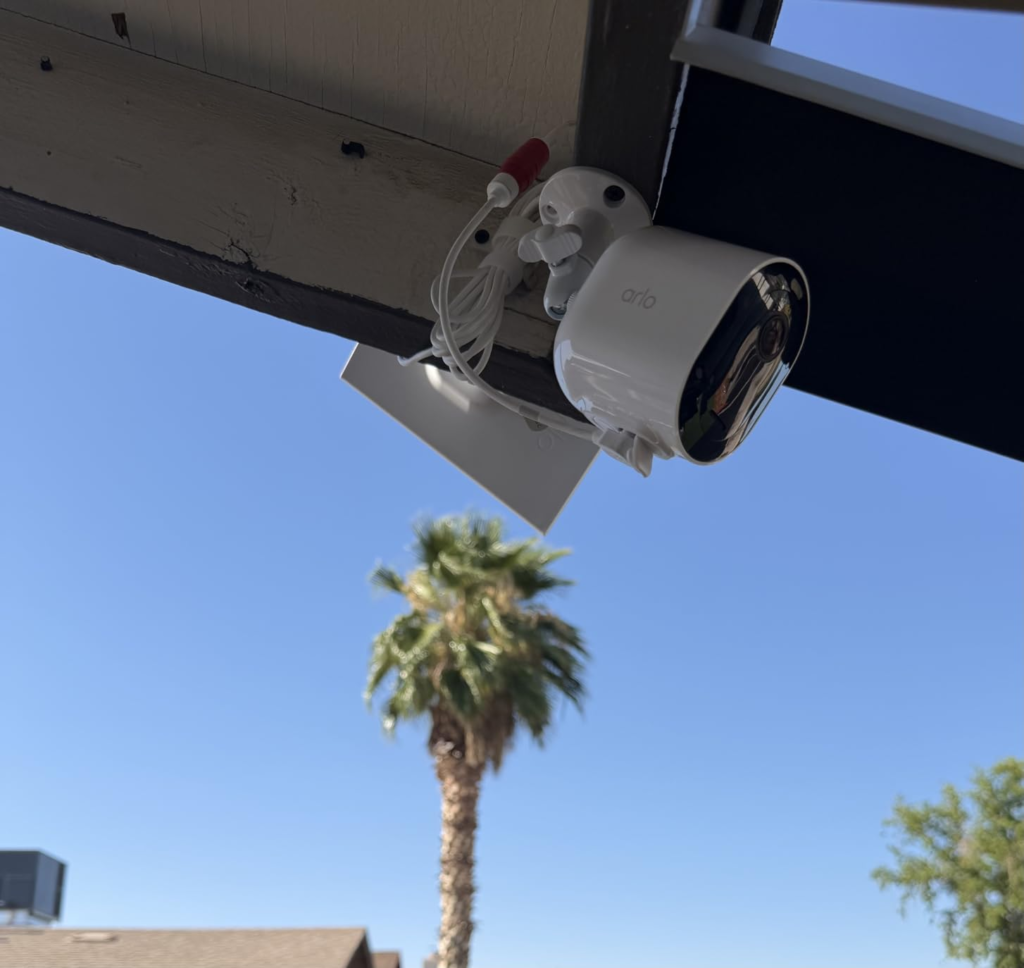
This is exactly where the included solar panels change the math — but only in the right spot. In one real-world test through six straight days of total cloud cover, a panel-connected camera dropped from 100 percent to just 81 percent before recovering fully the moment the sun returned. That’s genuinely resilient. But it assumes a few hours of direct sun. Mount it in heavy shade or on a north wall through a northern winter, and the panel will slow the bleed — it won’t stop it.
Arlo Pro 6 vs Ring vs Eufy: Why Most Buyers Compare the Wrong Numbers
Most people shop this category on price or megapixels and miss the number that actually determines their day-to-day experience: who’s paying for the AI, and who’s storing the video.
| Arlo Pro 6 | Ring | Eufy | |
|---|---|---|---|
| Resolution | 2K HDR | Up to 1080p | 2K–4K |
| AI detection cost | Subscription | Subscription | Free, processed on-device |
| Local storage option | Yes, SmartHub (extra) | None — everything routes through the cloud | Yes, standard |
| Smart home support | Alexa, Google, HomeKit, SmartThings, IFTTT | Alexa only | Narrower, model-dependent |
| Law enforcement data policy | Warrant required | More contested track record | Local, not cloud-shared |
Eufy wins on lifetime cost if you refuse subscriptions outright. Ring wins if you’re deep in Alexa and want the cheapest entry point. Arlo wins on image quality, ecosystem flexibility, and the fact that you can still get local recording later if you change your mind about paying monthly — you just won’t get the smart detection without the subscription, and neither will the other two.
Who the Arlo Pro 6 Solar Bundle Is Actually Built For
Picture someone standing in their backyard trying to cover a driveway, a side gate, and a back door — three different problems, none of them near an outlet. That’s the actual buyer here: someone who needs multiple wireless points of coverage, not just a single front-door camera. It’s also the household already leaning toward HomeKit, Google Home, or a mixed ecosystem, since Arlo’s compatibility is the widest of the three brands above.
And it’s specifically the person who was going to pay for a subscription anyway. The math on Secure Plus Unlimited flips from “expensive” to “obvious” once you’re running three or more cameras on one flat fee — which is exactly what this bundle sets you up for from the first day.
Arlo Pro 6 Pros and Cons: Where Wrong-Fit Begins
This isn’t the right box for everyone, and it’s worth saying plainly who should keep looking. If you’ve decided you will never pay a recurring fee, under any circumstance, buying a bundle whose entire headline feature — person, vehicle, and animal detection — sits behind a subscription is setting yourself up for disappointment. A SmartHub avoids the fee, but it also quietly removes the exact feature printed on the box.
If your only realistic mounting spots are heavily shaded, tree-covered, or facing north in a low-sun climate, don’t expect the solar panels to fully replace charging through winter — they’ll help, not solve it. And if you’re only ever buying one camera, the subscription math is at its weakest point; that’s the situation where even loyal, longtime Arlo owners rate the value lowest.
| Genuinely works well | Worth knowing first |
|---|---|
| Sharp, consistently well-reviewed day/night video | Daytime detail trails the sharpest cameras in lab testing |
| Simple, tool-free wireless setup | Smart detection needs an active subscription to function |
| Solar panels meaningfully extend runtime in real sun | Battery drops fast below freezing or in high-traffic spots |
| Widest smart-home compatibility in this class | No wind-noise reduction on two-way audio |
| 6 months of Secure Plus included — real time to test it | Local storage skips the fee but also skips the AI detection |
The One Situation Where the Arlo Pro 6 Bundle Becomes the Logical Buy
Strip away the marketing and one scenario fits this box better than any other: multiple zones to cover, no nearby power, decent sun on at least one mounting wall, and an honest willingness to keep paying $17.99 a month once the included six months end — because that’s the price of the “smart” part actually working. Buy it for that reason, with that plan, and the hardware, the solar panels, and the six-month runway all line up into something coherent instead of three separate purchases you’d have made anyway at a higher combined cost.
What This Arlo Pro 6 Bundle Solves, Reduces, and Still Leaves to You
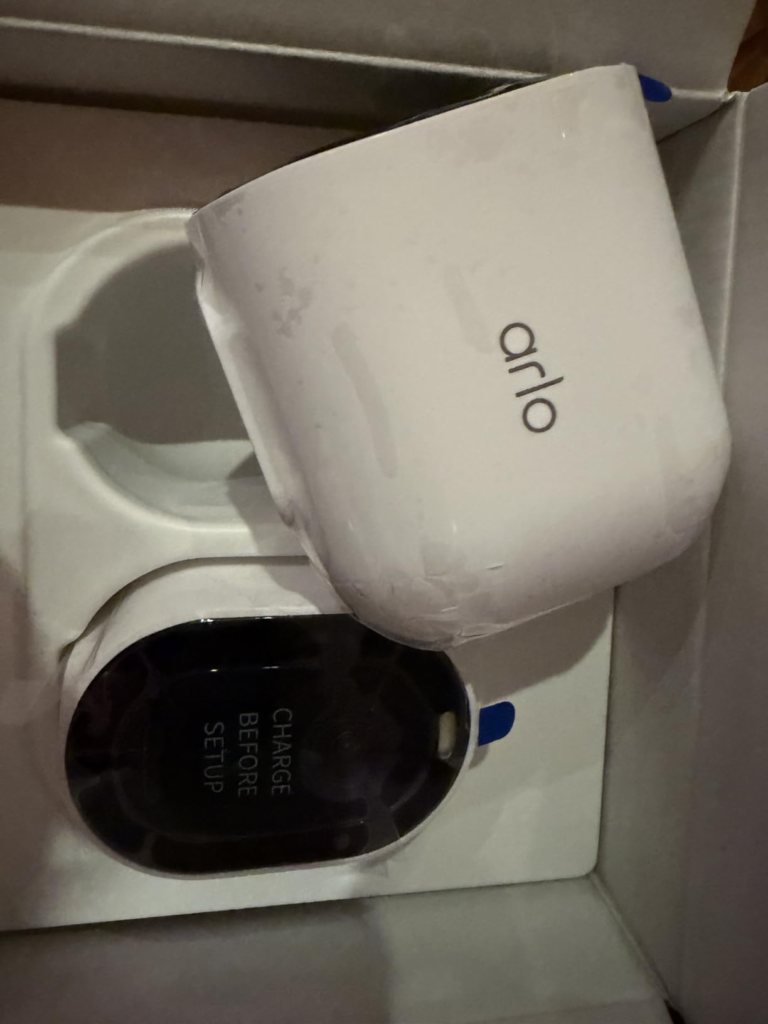
It solves the wiring problem — no outlet, no electrician, no drilled conduit. It meaningfully reduces the battery-swap chore that wears down most wire-free camera owners within a year, as long as the panel gets real daylight. It gives you six honest months to judge the subscription with your own data instead of a 30-day trial rushing the decision.
What it doesn’t solve for you: positioning the panel correctly, planning for a cold snap if you’re in a freeze-prone climate, and the actual subscription decision once month six arrives. Those three things are still yours to handle — the hardware just gives you a real runway to handle them well.
Arlo Pro 6 Review: Frequently Asked Questions
| Question | Answer |
|---|---|
| Does the Arlo Pro 6 work without a subscription? | Yes, but only for live viewing and basic push alerts. Without a paid plan, you won’t get cloud storage, interactive notifications, or video object detection — you’ll still get motion alerts and live video. |
| How long does the battery really last? | Roughly six to eight months in mild, low-traffic conditions. Expect that number to drop significantly below freezing or on a camera facing a busy street. |
| Is the included solar panel actually worth using? | Yes, if the mount gets a few hours of direct sun daily. In heavy shade or deep winter, it slows battery drain rather than eliminating it. |
| What’s the real difference between Secure and Secure Plus? | Cloud history length (30 vs. 60 days) and camera coverage (single vs. unlimited). For a 3-camera bundle like this one, Unlimited is almost always the better value per camera. |
| Can I skip the subscription entirely with a SmartHub? | You can record locally without a monthly fee, but you’ll lose AI person, vehicle, and animal detection — basic motion recording still works. |
| Does this work with Alexa, Google Home, or Apple HomeKit? | Yes — Arlo supports Alexa, Google Home, Apple HomeKit, and SmartThings, which is broader than most competitors in this price range. |
Final Verdict: Is the Arlo Pro 6 Solar Bundle Worth It?
Judge this bundle by its spec sheet alone and it looks like every other 2K camera on the shelf. Judge it by where it actually breaks — cold, shade, false alerts, the subscription wall — and it becomes clear this is hardware built for a specific job: multi-point wireless coverage for someone who’s already decided the smart features are worth paying for. If that’s the situation you’re actually in, the six months included here is where the decision stops being guesswork.
Transparency Note:
This analysis is built on aggregated real-world experience.
It extracts what repeatedly holds, what breaks, and what users uncover only after living with the system—then shapes it into a clear model you can use immediately.
Think of it as structured experience, refined and presented so you don’t have to learn it the hard way.
“A quick note: Don’t believe the star ratings, but trust personal experience. This article is a compilation of collected experiences.”