WYZE THERMOSTAT REVIEW: CHEAP ISN’T THE RISK. YOUR WIRING IS.
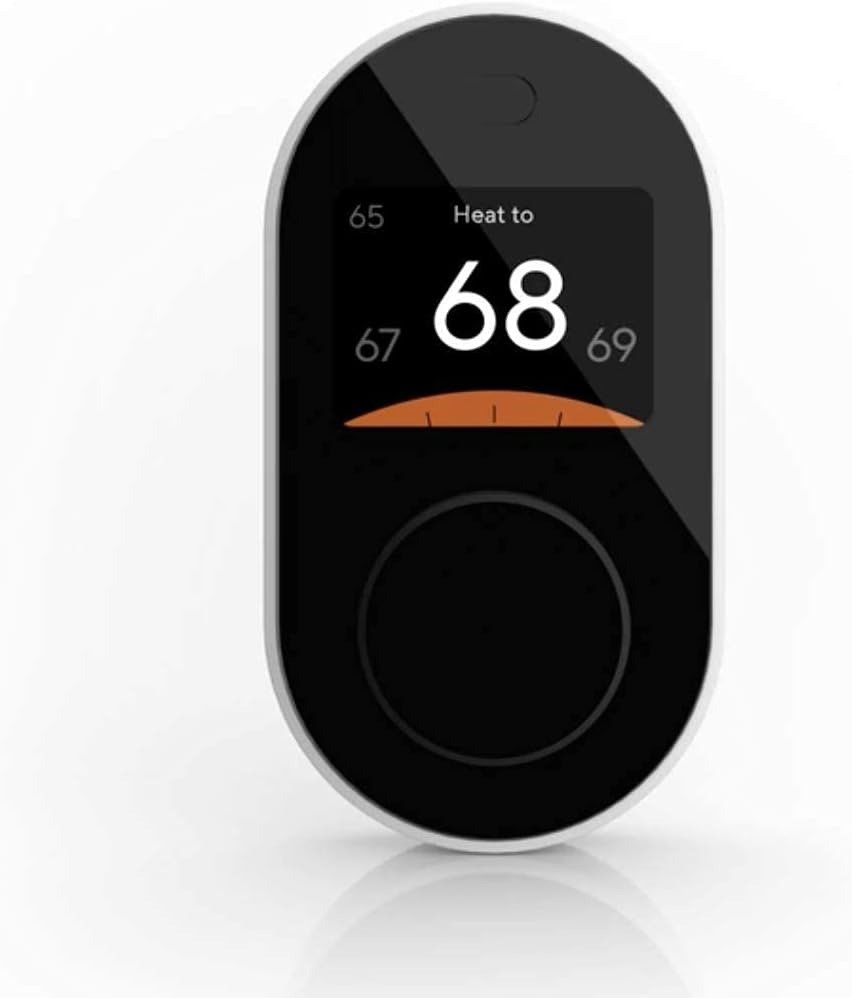
Wyze Thermostat
“Installed it. App said connected. Two weeks later it just… stopped.” That line, or some close variant of it, shows up across owner reviews for the Wyze Thermostat often enough that it stops looking like bad luck and starts looking like a pattern.
Here’s what most reviews skip in paragraph one: this isn’t a story about a cheap thermostat failing because it’s cheap. It’s a story about a genuinely competent $50–70 device running into a wall that has nothing to do with build quality — your wiring, your router, and your HVAC system’s fine print. Get those three things right, and the Wyze Smart Thermostat is one of the better-reviewed budget picks in its category. Get one wrong, and you’ll swear it’s defective.
This review covers the specific listing you’re looking at: the black, 2.4GHz-only Wyze Smart WiFi Thermostat, compatible with Alexa and Google Assistant, sold through Amazon Renewed — inspected and tested, not sealed-box new. That distinction matters more than most reviews admit.
Wyze Thermostat Review: The Result Looks Fine — The Problem Isn’t
For most buyers, the first two weeks go exactly as promised. The in-app installation wizard walks you through killing the breaker, labeling old wires, and matching them to new terminals — more detailed than most competitors bother with. About 30 minutes later, there’s a working smart thermostat on the wall, and it feels like a $150 upgrade for a third of the price.
Then, somewhere in month two, a pattern starts repeating in owner reviews. One Home Depot reviewer needed three reboots in the first two weeks and was still waiting to see if it would become a recurring problem. Another had theirs run fine for a full month, then fail entirely on the single coldest day of the year.
Why does the failure show up in week six instead of day one? Because whatever breaks it isn’t the thermostat — it’s a condition that was already in the house before the box was opened.
Wyze Thermostat WiFi Problems: What You’re Actually Feeling but Not Naming
If you’re here because a Wyze thermostat keeps dropping off your network, here’s the name for it: the 2.4 Ceiling.
This device — like most of Wyze’s lineup — only speaks to 2.4GHz WiFi. Not 5GHz, not automatically, not after a firmware update. Wyze’s own support documentation says so directly, and it’s still one of the most active troubleshooting topics on Wyze’s community forum this year.
The problem is that almost nobody manages their router by band anymore. Most homes run mesh systems or ISP routers that combine both bands under one network name and quietly hand each device whichever one performs best — fine for a laptop, invisible and occasionally fatal for a thermostat that can only ever see one lane. Your phone shows “connected.” Your thermostat may be trying to reach a lane it structurally can’t use.
That’s not a defect. It’s a spec, buried in the product title, that most people skim past on the way to checkout.
Wyze Thermostat C-Wire and Compatibility: The Hidden Mechanism Behind the Miss
The second variable hiding under the price tag is wiring — specifically, the C-wire, the common wire that gives a smart thermostat constant power instead of letting it go dark like a phone with no charger. Wyze includes a C-wire adapter in the box for homes without one, a genuinely generous inclusion most competitors charge extra for. But “included” isn’t “invisible” — someone still has to open the HVAC panel and match wires correctly. One Home Depot reviewer found two wires on their heat pump reversed, and the thermostat wouldn’t behave until they were swapped.
| Works With | Does Not Work With |
|---|---|
| 24V systems: forced air, heat pump (including dual-fuel), hydronic, gas, oil, electric furnace | High-voltage baseboard heat (120V/240V line-voltage) |
| Most single-stage and multi-stage conventional or heat pump setups | Complex zoned or proprietary “communicating” thermostat systems — verify first |
| Homes with a C-wire already, and homes without one (adapter included) | Very old systems with no standard low-voltage thermostat wiring |
| A real, selectable 2.4GHz WiFi network | 5GHz-only networks or combined-SSID mesh systems that won’t split |
| Amazon Alexa, Google Assistant | Apple HomeKit / Siri |
Wyze puts its own compatibility rate at around 90% of home systems — worth confirming against your exact setup on their compatibility checker before you install, not after.
Wyze Thermostat Review: The Threshold Where the Deal Quietly Breaks
Fifty to seventy dollars is the headline. It’s not always the final number.
| Your Situation | What You Actually Pay |
|---|---|
| C-wire already in place, standard 24V system, real 2.4GHz WiFi | Renewed unit price — the deal holds completely |
| No C-wire, but a standard 24V system | Same price — the adapter ships in the box |
| Adapter lost or needs separate replacement | + roughly $25 |
| Router is 5GHz-only or won’t split bands | + time to reconfigure, or a second access point |
| Wiring you genuinely can’t identify | + the cost of an HVAC tech’s house call |
None of this is a hidden fee — it’s the same math behind every thermostat at this price point, and Wyze is more upfront about it than most by including the adapter at all. But the threshold is real: the day your install needs a professional, the “budget thermostat” starts costing about what the premium one would have.
Wyze Thermostat vs Nest and Ecobee: Why Most Buyers Misread This Too Early
Why does the exact same thermostat earn five stars in one house and a return label in the next? Because most people shop thermostats the way they shop headphones — spec sheet against spec sheet, price against price. Thermostats don’t fail on spec sheets. They fail in wiring closets and router settings pages that never made it onto anyone’s comparison chart.
| Wyze Thermostat (Renewed) | Amazon Basics Thermostat | Ecobee / Nest (entry models) | |
|---|---|---|---|
| Typical price | Lowest of the three | Slightly higher | 2–3x higher |
| Voice assistants | Alexa + Google | Alexa only | Alexa + Google (Siri on some) |
| C-wire adapter included | Yes | Varies | Often sold separately |
| Auto-learning schedules | No — manual | No | Yes, higher tiers |
On paper, Wyze isn’t losing this comparison. It loses to itself, in homes where nobody checked the wiring or the WiFi band before checkout — a research gap, not a product flaw, and one that Wyze’s own five-minute compatibility tool closes before you ever pick up a screwdriver.
Who Should Buy the Wyze Smart Thermostat: Are You Actually Inside This Problem
| You’re a Good Fit If | You’re Probably Not, If |
|---|---|
| You run a standard 24V forced-air, heat pump, or hydronic system | Your home uses electric baseboard (line-voltage) heat |
| Alexa or Google Assistant already run your house | Your smart home is built entirely on Apple HomeKit |
| You’re fine opening an HVAC panel, or paying for 30 minutes of tech time | You want zero chance of ever touching a wire |
| You want solid app and voice control on a tight budget | You’re specifically chasing a utility ENERGY STAR rebate |
| Your router can hand out a real, separate 2.4GHz signal | Your mesh network only broadcasts one combined band |
Nodded more than you shook your head? Keep going. If not, this is the point where walking away costs nothing — buying costs a return shipment.
Wyze Thermostat Cons: Where Wrong-Fit Begins
A few boundaries worth stating plainly. No Apple HomeKit, as of this writing — if Siri runs your home, this isn’t your thermostat. No ENERGY STAR certification, which matters if your utility ties a rebate specifically to that label; Wyze has said publicly it’s working toward it, with no confirmed date. And it flatly won’t run electric baseboard heat — a different voltage class entirely, not a firmware gap.
One more thing worth knowing, separate from the thermostat itself: Wyze’s camera line has had real, documented security incidents — a 2019 data exposure, and a February 2024 event where a caching error briefly let roughly 13,000 users see thumbnail images from other customers’ camera feeds, with around 1,500 clicking through. Both involved cameras, not thermostats, and Wyze responded publicly to both. It’s not a reason to panic over a thermostat — it’s informed context before you hand any device your home network and a Wyze account.
Wyze Thermostat Renewed vs New: The One Situation Where This Product Becomes Logical
If you’ve checked the boxes above — 24V system, 2.4GHz WiFi ready, Alexa or Google already in the house, comfortable with basic DIY — this is where the Renewed listing earns its place over buying new.
Amazon Renewed items are inspected and tested by Amazon-qualified suppliers to work and look like new, backed by the standard Amazon Renewed Guarantee: a 90-day window for a full refund or replacement if it doesn’t perform. Treat those 90 days as your real compatibility test — install early in the window, confirm the WiFi holds and the schedule runs through several days of actual use, and Amazon’s guarantee covers you the whole time.
| Spec | Detail |
|---|---|
| Voice assistants | Amazon Alexa, Google Assistant |
| WiFi requirement | 2.4GHz only |
| Power | 24V systems; C-wire adapter included |
| Installation | DIY, about 30 minutes, guided in-app |
| Subscription required | No — core features are free |
| ENERGY STAR certified | Not currently |
| Condition | Amazon Renewed — inspected and tested |
| Guarantee | 90-day Amazon Renewed Guarantee |
| Typical price | Well under the new-unit price — confirm the current figure on the listing before checkout |
What the Wyze Thermostat Solves, What It Reduces, and What It Still Leaves to You
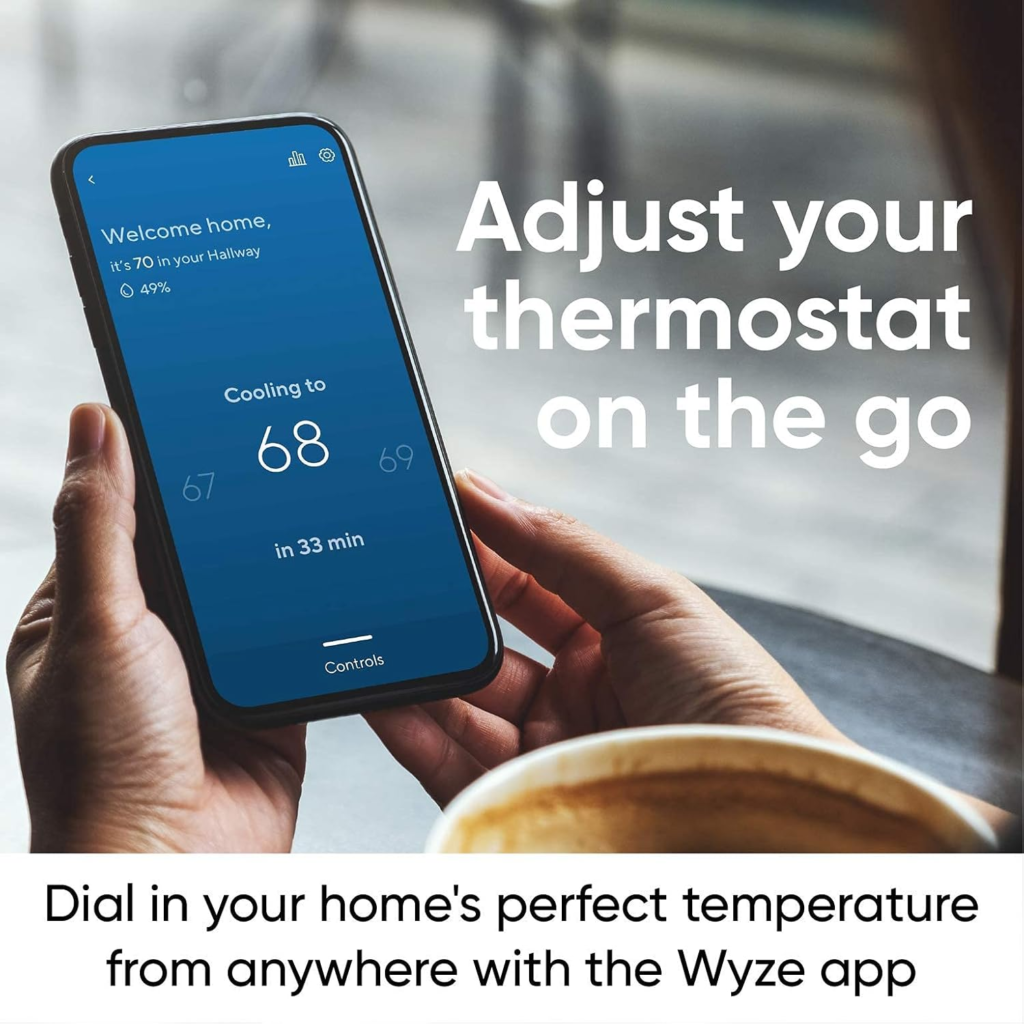
It solves remote and voice control, real 7-day scheduling, and the simple habit-based savings that come from a thermostat that actually gets used instead of ignored. That underlying mechanism — automatic setbacks when you’re away or asleep — is the same one behind the roughly 8% average savings the U.S. government’s ENERGY STAR program credits to certified smart thermostats. Wyze hasn’t put a certified number on it, but the mechanism doing the work is identical.
It reduces the number of times you walk to a wall to change a number, and the “forgot to turn it down” waste a manual thermostat can’t prevent on its own.
It does not learn your habits the way a Nest does. It does not talk to Siri. And it does not replace the five minutes you should spend confirming your wiring and WiFi band before install — that part is on you, every time, at any price.
Wyze Thermostat Review: Quick Answers Before You Decide
Does the Wyze Thermostat need a C-wire?
Not necessarily — a C-wire adapter ships in the box for homes that don’t have one. If your system is unusual, confirm compatibility first, not after installation.
Will it work on my 5GHz or mesh WiFi network?
Only if your router can broadcast a separate, selectable 2.4GHz signal. This is the 2.4 Ceiling — the single most common connectivity complaint tied to this device. Check it before you buy.
Does it work with electric baseboard heat?
No. That’s a high-voltage (120V/240V) system, and this thermostat is built for 24V systems only.
Do I need a Wyze subscription to use it?
No. Core scheduling, remote control, and voice features work on a free account.
Is buying the Renewed version risky?
It’s inspected and tested, and carries Amazon’s standard 90-day Renewed Guarantee — a full refund or replacement if it’s not right.
What happens if my WiFi goes down?
It keeps running its last saved schedule and can still be adjusted by hand at the unit. You lose app and voice control until the connection returns — not climate control.
Does it work with heat pumps?
Yes, including dual-fuel systems, as long as it’s a standard low-voltage (24V) setup.
Wyze Thermostat Review: Final Compression
Take the 2.4 Ceiling and the C-wire question off the table first. If your system is standard 24V, your router can hand it a real 2.4GHz connection, and Alexa or Google already run your house, there’s nothing left to debate — the compatibility question is answered, and what’s left is price. That’s the situation this listing is built for: Wyze Smart WiFi Thermostat (Renewed).
Still not sure about your wiring or your WiFi band? That’s not a reason to close this tab. It’s the reason to check both today — before you’re the one writing next month’s review explaining what happened in week six.
Transparency Note:
This analysis is built on aggregated real-world experience.
It extracts what repeatedly holds, what breaks, and what users uncover only after living with the system—then shapes it into a clear model you can use immediately.
Think of it as structured experience, refined and presented so you don’t have to learn it the hard way.
“A quick note: Don’t believe the star ratings, but trust personal experience. This article is a compilation of collected experiences.”