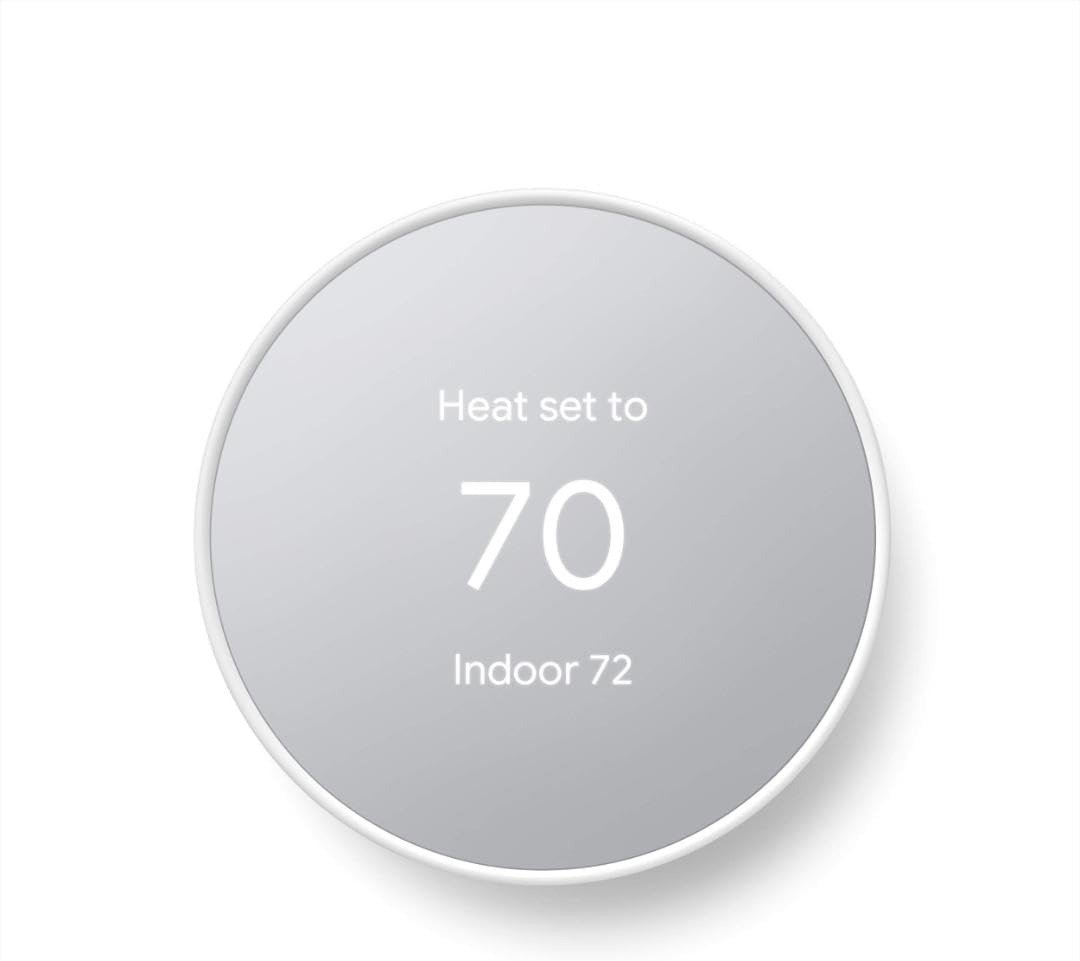
HONEYWELL T9 THERMOSTAT REVIEW: WHY THE TEMPERATURE IS "RIGHT" AND THE ROOM STILL ISN’T
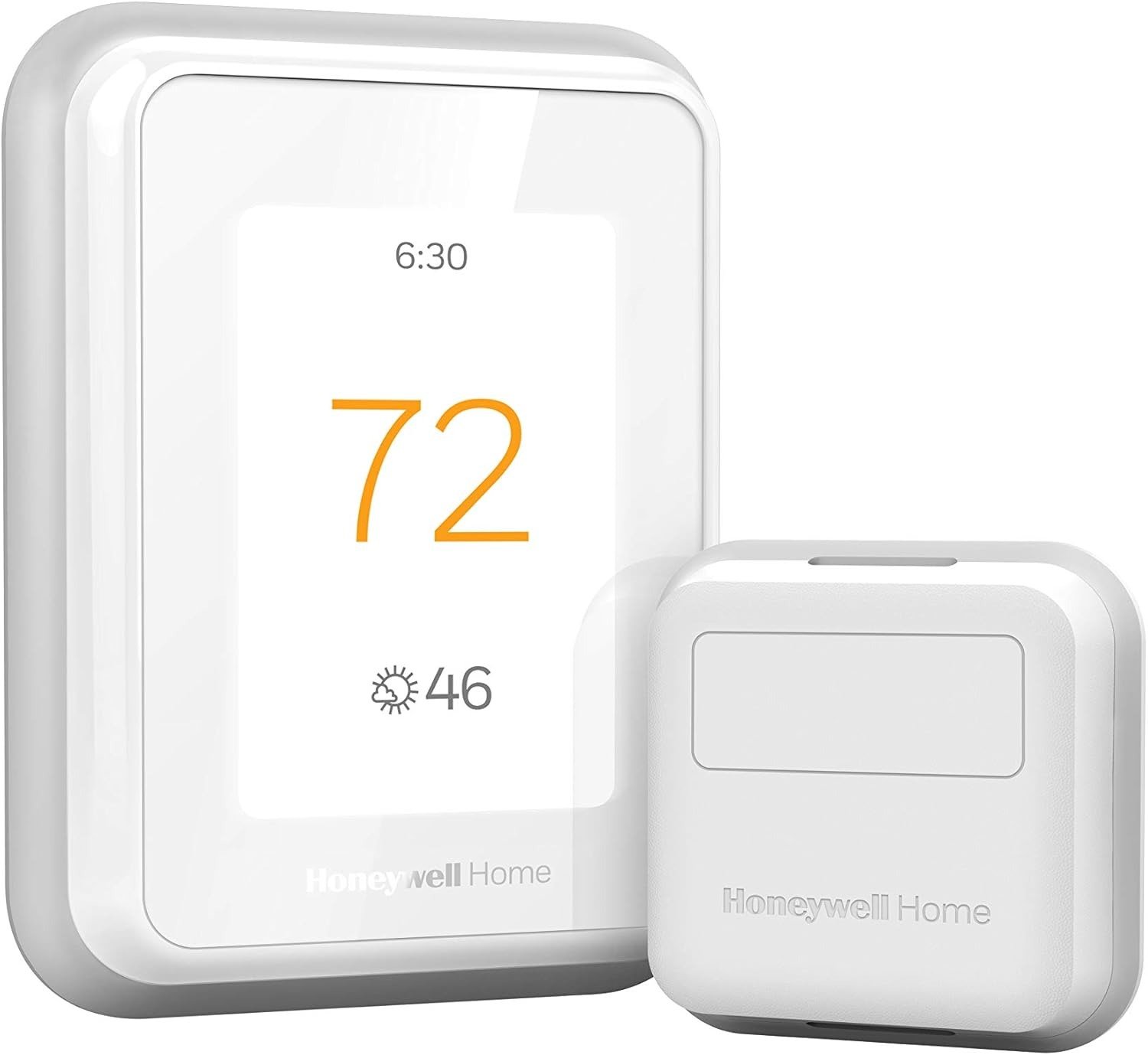
HONEYWELL T9 THERMOSTAT
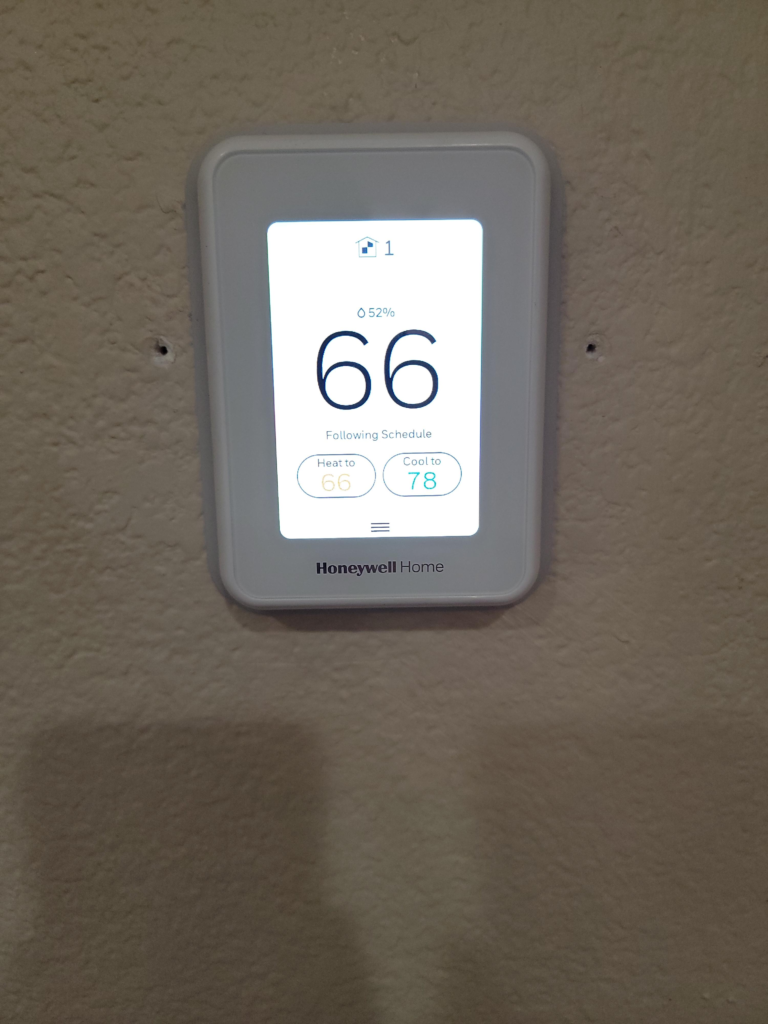
It’s 9 p.m. The T9 on the hallway wall reads 71, exactly what you set it to. Down the hall, your kid is kicking the blanket off because that bedroom is sitting closer to 75. Nobody touched the thermostat. Nothing broke. The number on the screen is correct. The room is still wrong.
That gap is the whole story of this device. Most write-ups skip straight to specs and skip that part entirely. We’re not doing that here.
Honeywell T9 Temperature Accuracy: The Result Looks Fine, The Problem Isn’t
The T9’s internal sensor is accurate. Ask it what the air feels like exactly where it’s mounted, and it’ll tell you the truth almost every time. That’s not the issue.
The issue is the quiet assumption buyers make: an accurate reading equals an accurate home. It doesn’t. A thermostat only ever knows the temperature at one specific point in space. If that point is a hallway, and you’re not living in the hallway, “correct” and “comfortable” stop meaning the same thing. The T9 isn’t lying to you. It’s just answering a narrower question than you thought you asked.
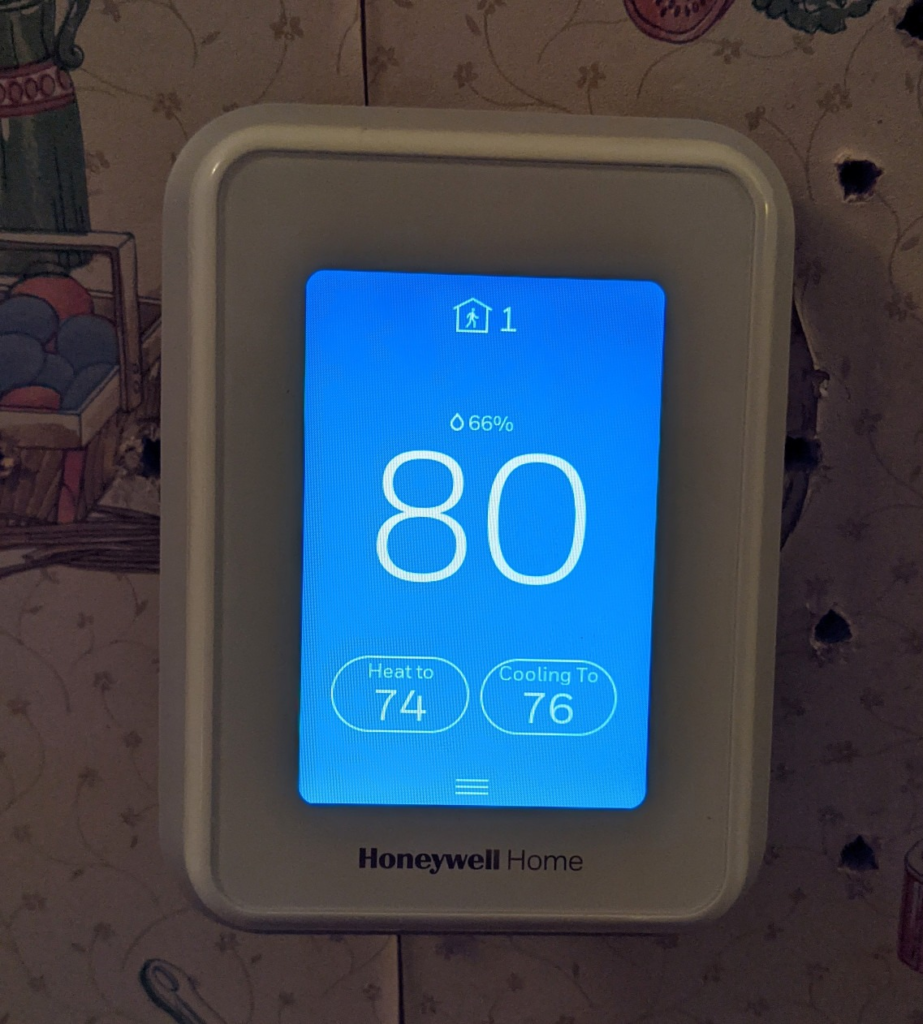
Honeywell T9 Common Complaints: What You’re Actually Feeling but Not Naming
Nobody types “single-point sensing limitation” into a search bar. What people actually say sounds more like this: the bill crept up and nothing changed. One room is always the exception. The app takes a beat too long to open. You pulled into the driveway and the house didn’t warm up until you were already inside, jacket still on.
Why does a thermostat with an actual room sensor still leave one room wrong? Usually because the sensor isn’t doing what people assume it’s doing, or isn’t there at all. We’ll name that mechanism next, because naming it is the only way to stop the same complaint from repeating in six months.
How the Honeywell T9 Sensor Works: The Hidden Mechanism Behind the Miss
Here’s the part the box doesn’t spell out. The T9 always has exactly one active input at any moment: either its own built-in sensor, or a Smart Room Sensor you’ve placed and configured. When you pick “active rooms,” the system is watching for motion. Walk through a room and it counts as occupied for about ten minutes; linger, and that window stretches. The instant that window closes with no motion detected anywhere, control quietly falls back to the thermostat’s own sensor, wherever it happens to be mounted.
That’s not a flaw. It’s the actual mechanism, straight from Honeywell’s own documentation. But it explains almost every “why is this room wrong” complaint we found: either no sensor was ever purchased for that room, it was placed somewhere motion doesn’t reliably reach it, or the household simply didn’t realize the smart part of “smart thermostat” is doing nothing until a sensor tells it where people actually are.
| Spec | Honeywell T9 |
|---|---|
| Display | Touchscreen, vertical body |
| Works with | Alexa, Google Assistant, Apple HomeKit, SmartThings, IFTTT |
| Sensor range | Up to 200 ft (RedLINK 900 MHz) |
| Max add-on sensors | Up to 20 |
| Power | C-wire required; adapter included in box |
| Compatible systems | Forced air (gas/oil/electric), hot water/steam, heat pumps with backup, 2-stage and dual-fuel |
| Not compatible with | Electric baseboard, mini-splits, convectors, radiant ceiling heat, any 120/240V system |
| Warranty | 2-year limited |
Honeywell T9 Multi-Room Limits: The Threshold Where the Outcome Quietly Breaks
If you live alone in a studio, or your whole life happens in one open floor plan near the thermostat, none of this matters. The built-in sensor and the room you occupy are the same square footage. Nothing breaks.
The threshold sits right where a home stops being one zone. A second floor. A bedroom on the far side of the house. A home office that catches afternoon sun and runs six degrees warmer than the hallway by 3 p.m. Cross that line without a sensor sitting in the room you actually care about, and the T9 behaves like a good-looking basic thermostat, not the room-aware system on the box.
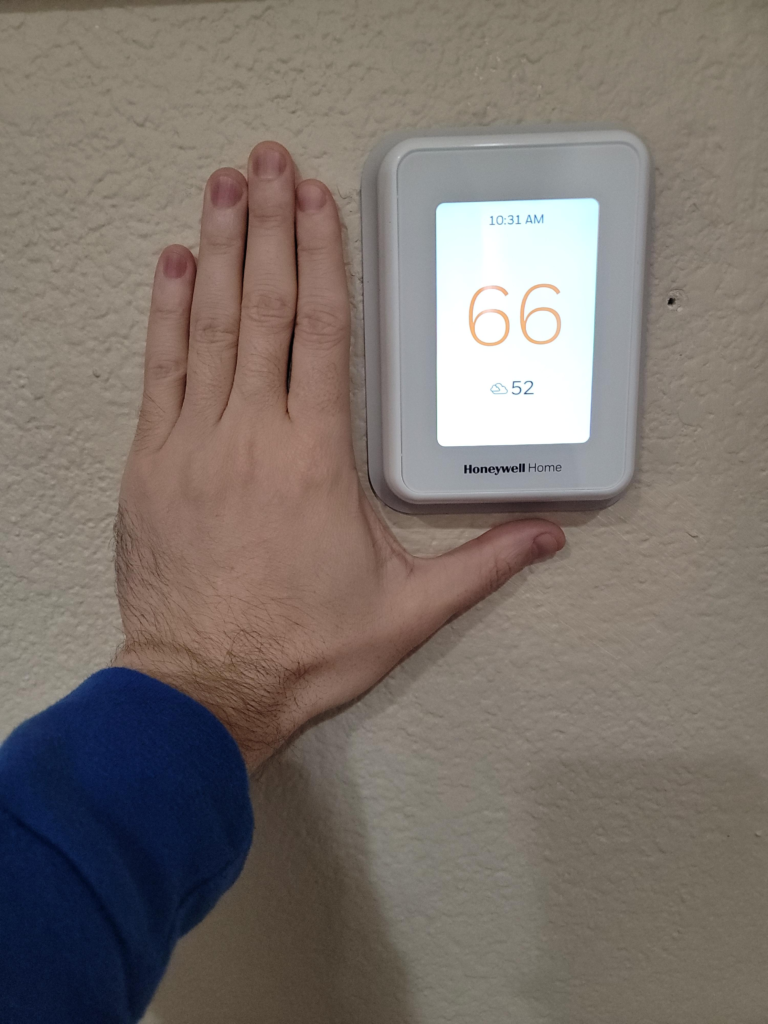
Honeywell T9 vs Nest vs Ecobee: Why Most Buyers Misread This Too Early
Most comparisons stop at screen size and sticker price. That’s the lazy version. The real question is narrower: which of these three actually solves the specific problem in your specific house?
| Honeywell T9 | Nest (4th Gen) | Ecobee Premium | |
|---|---|---|---|
| Sensor in box | Only with bundle | Sold separately | Yes, one included |
| Built-in speaker | No | No | Yes (Alexa & Siri) |
| Air quality sensor | No | No | Yes |
| Humidity control | Setpoint only | Display only | Overcool-to-dehumidify |
| Complex HVAC (dual-fuel, 2-stage aux) | Strongest of the three | Limited | Not built for it |
| Typical price position | Lowest | Middle | Highest |
Ecobee’s sensors and software are the most polished of the three, and it shows in the price. Nest is the easiest choice if your whole house already runs on Google and you want the simplest self-learning schedule. The T9 wins a narrower fight: it’s the cheapest real path to room-level sensing, and it handles messier HVAC setups — two-stage heat pumps, dual-fuel, dual transformers — better than either competitor.
Best Homes for the Honeywell T9: Who Is Actually Inside This Problem
This thermostat makes sense for a specific household, not a general one. Two or more floors, or two or more rooms you genuinely spend time in. A standard ducted, heat pump, or dual-fuel system, with a C-wire already present or a willingness to use the included adapter. A home already running Alexa, Google, or HomeKit. And a buyer who’s fine with a functional app instead of a beautiful one, because the money saved is going toward sensors, not polish.
Honeywell T9 Compatibility Issues: Where Wrong-Fit Begins
Some of this isn’t a matter of taste. If your current thermostat is labeled 120V or 240V, or the wires behind it are thick black and red ones joined with nuts, stop. The T9 was built for low-voltage systems, and electric baseboard heat, mini-splits, convectors, and radiant ceiling heat all fall outside what it can control. No adapter fixes that. That’s a different thermostat, full stop.
Short of that hard wall, there’s a softer one: if you’re buying the Base unit and telling yourself you’ll add a sensor “eventually,” you’re paying for a feature you’re choosing not to use yet. And if what you actually want is the most refined app experience on the market, or a built-in speaker, that’s a real reason to spend more elsewhere instead of feeling shortchanged here.
Honeywell T9 Smart Room Sensor Bundle: The One Situation Where This Product Becomes Logical
Take a two-plus-room home, a standard 24V system, a C-wire or the patience for a twenty-minute adapter install, and a buyer willing to actually place a sensor in the room they live in, not just the box it came in. That’s the situation where the T9 stops being “a cheaper option” and starts being the correct one. Not because it’s flashy. Because it matches the problem.
Honeywell T9 Pros and Cons: What It Solves, What It Reduces, and What It Still Leaves to You
| Solves | Reduces | Still On You |
|---|---|---|
| The hallway-only blind spot, once a sensor sits in the room you use | Conditioning empty rooms while occupied ones drift | Buying and placing enough sensors for your actual layout |
| Manual daily fiddling, through schedules plus geofencing | Guessing whether last month’s runtime was wasteful | Confirming your system isn’t baseboard, mini-split, or line-voltage first |
| One app for Alexa, Google, and HomeKit households | Surprise overnight runtime in rooms nobody’s in | Living with an app that’s functional, not polished |
| DIY install even without an existing C-wire | The need to babysit a manual dial all day | Swapping 2 AAA batteries per sensor occasionally, on a 2-year warranty |
Honeywell T9 FAQ: Quick Answers Before You Decide
| Question | Answer |
|---|---|
| Does the Honeywell T9 need a C-wire? | Yes, for full functionality. An adapter ships in the box if you don’t have one, but running Honeywell’s compatibility checker first is five minutes well spent. |
| Does it work with Apple HomeKit? | Yes, along with Alexa, Google Assistant, SmartThings, and IFTTT. |
| Will it work with a mini-split or electric baseboard heat? | No. Honeywell states this plainly: baseboard, mini-splits, convectors, and any 120/240V line-voltage system are outside what the T9 can run. Check your existing wiring before you buy, not after. |
| How many Smart Room Sensors do I actually need? | The ceiling is 20. Most two- or three-bedroom homes only need two or three, placed in the rooms people actually spend time in. |
| Is geofencing reliable? | It works, but it needs every household member’s phone running the app with location on. Some owners find it responds more consistently once a phone is unlocked, not the instant a car turns into the driveway. |
| Is it worth it over Nest or Ecobee? | If your HVAC setup is complex, or you want real room sensors without Ecobee Premium pricing, yes. If a polished app or a built-in speaker matters more to you than the price gap, you’ll feel that difference daily with the other two. |
Honeywell T9 Review Verdict: Final Compression
Strip away the spec sheet and it comes down to two questions. Is there more than one room in your home you actually care about? And does your system run on standard low-voltage wiring? If both answers are yes, the T9 with a Smart Room Sensor is a rational, well-priced way to close the gap between what the thermostat reads and what the room feels like. If your system is baseboard, mini-split, or line-voltage, no price makes this the right listing.
Street pricing on this exact model has bounced between roughly $130 and $190 depending on the bundle and whatever sale is running, so check the current listing rather than trusting any number in print for long.
Transparency Note:
This analysis is built on aggregated real-world experience.
It extracts what repeatedly holds, what breaks, and what users uncover only after living with the system—then shapes it into a clear model you can use immediately.
Think of it as structured experience, refined and presented so you don’t have to learn it the hard way.
“A quick note: Don’t believe the star ratings, but trust personal experience. This article is a compilation of collected experiences.”