EVE DOOR & WINDOW SENSOR REVIEW: THE APP SAID CLOSED. I WASN’T SO SURE.
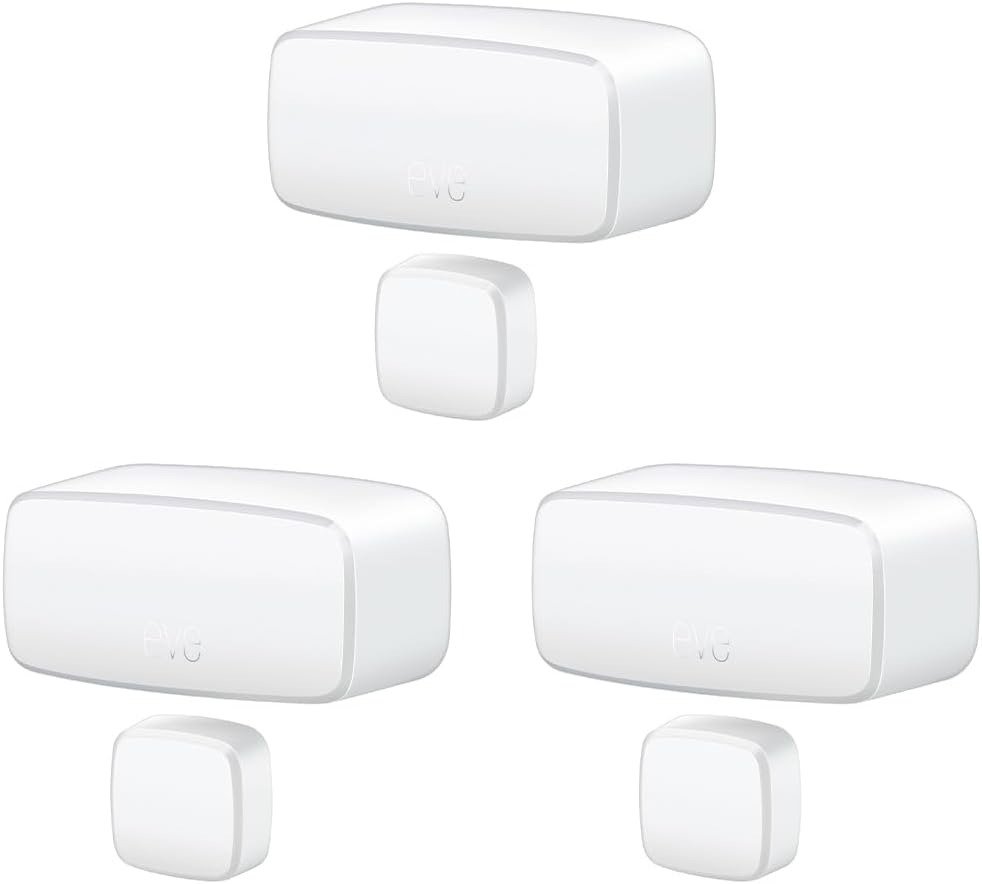
EVE DOOR & WINDOW SENSOR
It’s almost midnight and the house is asleep. I open the Eve app the way you double-check a lock — out of habit, not worry. Every door and window on the list reads closed. Green dots. Nothing flashing.
Then I walk past the side door and it’s cracked open two inches, cold air sliding across the floor.
The app wasn’t lying. It just hadn’t heard from that sensor in a few hours, and it never once told me that. It kept showing me the last thing it knew and let me mistake that for the truth.
Eve Door & Window Sensor Review: The Result Looks Fine, The Problem Isn’t
A contact sensor doesn’t watch your door. It sends a signal, and your phone displays whatever it last received. Most nights those two things — the real state of the door and the state on your screen — match closely enough that you stop thinking about the gap between them.
Why does the one night it matters look exactly like every other night on the screen? Because there’s no warning banner, no “connection lost” badge, nothing nudging you to go check in person. It just keeps saying what it said last, calmly and wrong.
Eve Sensor Problems: What You’re Actually Feeling but Not Naming
If you already own one of these, you’ve probably felt this without naming it. A notification that lands ninety seconds after the door actually opened. A sensor that goes silent for a day, then reconnects on its own like nothing happened. The habit of walking over to check a door “just to be sure,” even after the app already told you.
That’s not paranoia. Some owners describe the sensor working perfectly for a stretch, then dropping out for a few days at a time with no distance or interference issue between the sensor and the rest of the network. It usually comes back on its own. Nothing in the app ever explains why it left.
Why Your Eve Sensor Fails Quietly: The Hidden Mechanism Behind the Miss
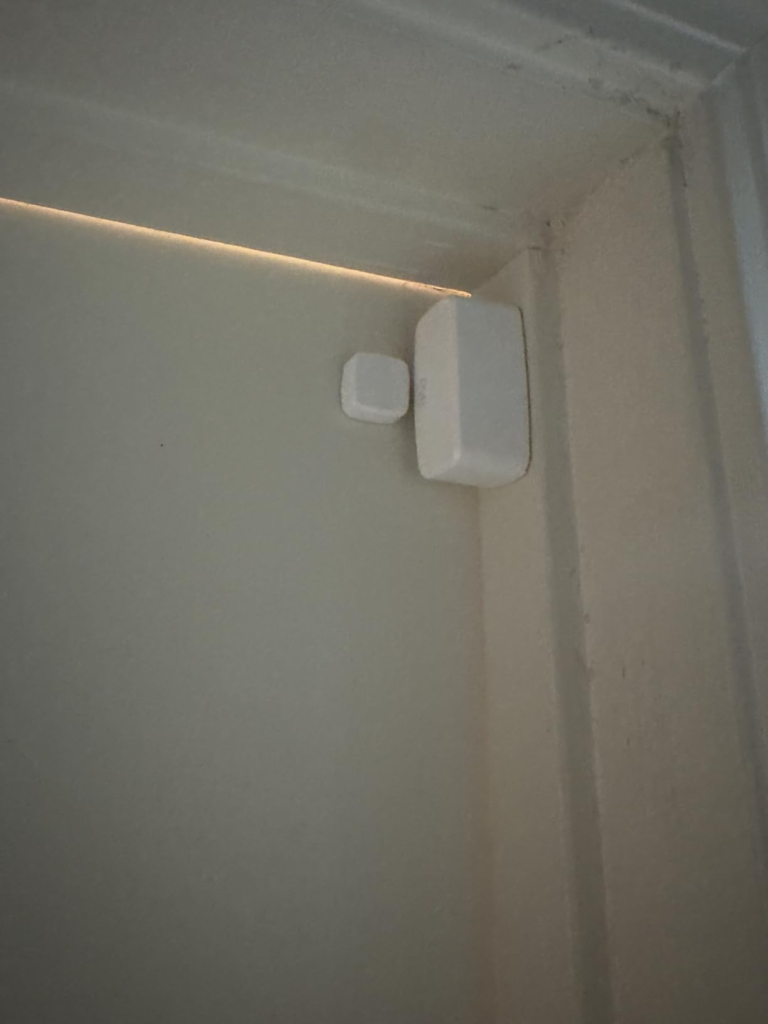
Here’s the part most listings skip. Eve Door & Window is what Thread calls a Minimal Thread Device — a battery-powered endpoint that leans on nearby always-on Thread devices to carry its signal, rather than relaying data itself. Mains-powered gear like a HomePod mini, an Eve Energy plug, or a Thread light bulb does the relaying. Your sensor is just a voice in the room, hoping something close enough is listening.
When that nearby “listener” is weak or too far away — one missing router near a specific door, one thick wall — the sensor doesn’t fail outright. It just works harder to be heard, and that extra effort is invisible and expensive. One reviewer who triggered his sensor about once a day burned through two batteries in four months, a pattern he found echoed in other owners’ experiences, despite Eve never publishing a firm number to compare against. Other owners report the opposite — hundreds of open-close events on the original battery with no sign of slowing. Same hardware, same battery, different mesh, different outcome.
Call it the Last-Known-State Trap: the app never says “I don’t know.” It always says something, and the something is always the past.
Eve Door & Window Battery Life: The Threshold Where the Outcome Quietly Breaks
The threshold isn’t the battery chemistry. It’s mesh coverage at that exact door. Cross into weak coverage and identical hardware starts behaving like a different product.
| What | Eve Door & Window (Matter, 3-Pack) |
|---|---|
| Radios | Bluetooth for setup, Thread for daily use |
| Battery | One ½ AA (ER14250, 3.6V) cell, included |
| Battery estimate | Roughly a year in normal conditions; Eve doesn’t publish a firm figure |
| Hub required | Yes — a Thread Border Router, not just a Wi-Fi router |
| Ecosystems | Apple Home, Google Home, Amazon Alexa, SmartThings |
| Rated environment | Indoor use only, 32–104°F |
| Main unit size | 2.1 x 1 x 0.9 in, magnet 0.7 x 0.7 x 0.9 in |
| Typical price | Around $119.95 for the 3-pack, about $49.95 per single unit, with frequent sales |
Two more things worth knowing before you mount one. Metal doors and window frames can interfere with the sensor’s magnet and reduce reliability — a steel security door isn’t its ideal home. And Eve’s own materials suggest placing it on a garage door or even a mailbox, which is worth weighing against the indoor-only rating two rows up. A dry garage is usually fine. A mailbox in the rain is a different bet.
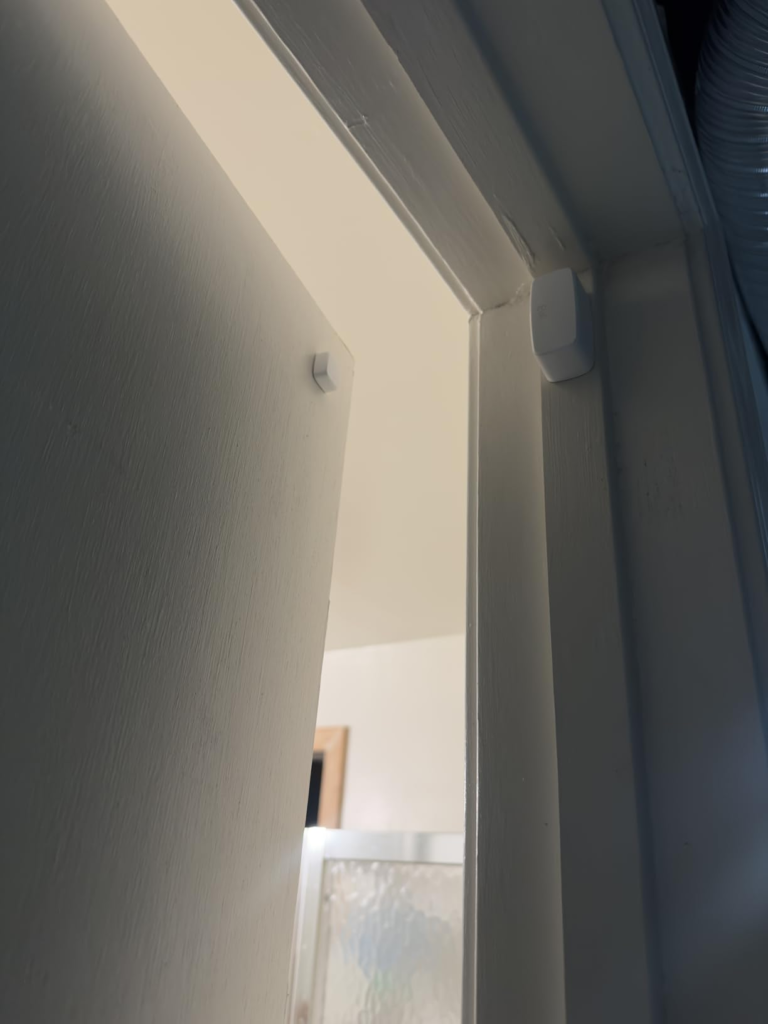
Eve Door & Window vs Aqara: Why Most Buyers Misread This Too Early
The most common mistake happens before the sensor is even out of the box: comparing two price tags and assuming that settles it.
The Aqara Door and Window Sensor P2 typically runs close to $30 against roughly $50 for a single Eve sensor, and both require the same investment in a Thread Border Router before either one actually works. The cheaper number looks like the whole story. It isn’t — the hub cost is identical either way, and it’s usually the larger expense in the room.
| Eve Door & Window | Aqara P2 | |
|---|---|---|
| Typical single price | ~$49.95 | ~$29.99 |
| Physical size | Smaller, more discreet | Larger, oblong |
| Needs a Thread hub | Yes | Yes |
| Companion app | Eve app, iOS/iPadOS only, with usage-history stats | Limited companion features at launch |
| Cloud account | Not required | Not required |
If discretion and a cleaner install matter, Eve earns its price. If you’re covering ten doors on a tight budget and don’t care about a few extra millimeters of housing, the math tips the other way.
Who the Eve Door & Window Sensor Is Actually Built For
Picture a Tuesday morning: a HomePod mini already humming on a shelf, three kids out the door in different directions, and a parent who used to physically check the back door before leaving for work. That’s the household this sensor quietly serves — mostly Apple Home, already holding the one piece of hardware everything else depends on, and done manually checking what a $40 sensor should already know.
It also does that without requiring a cloud account, registration, or tracking to function — a real reason, not a footnote, for anyone who’s tired of smart-home gear that phones home.
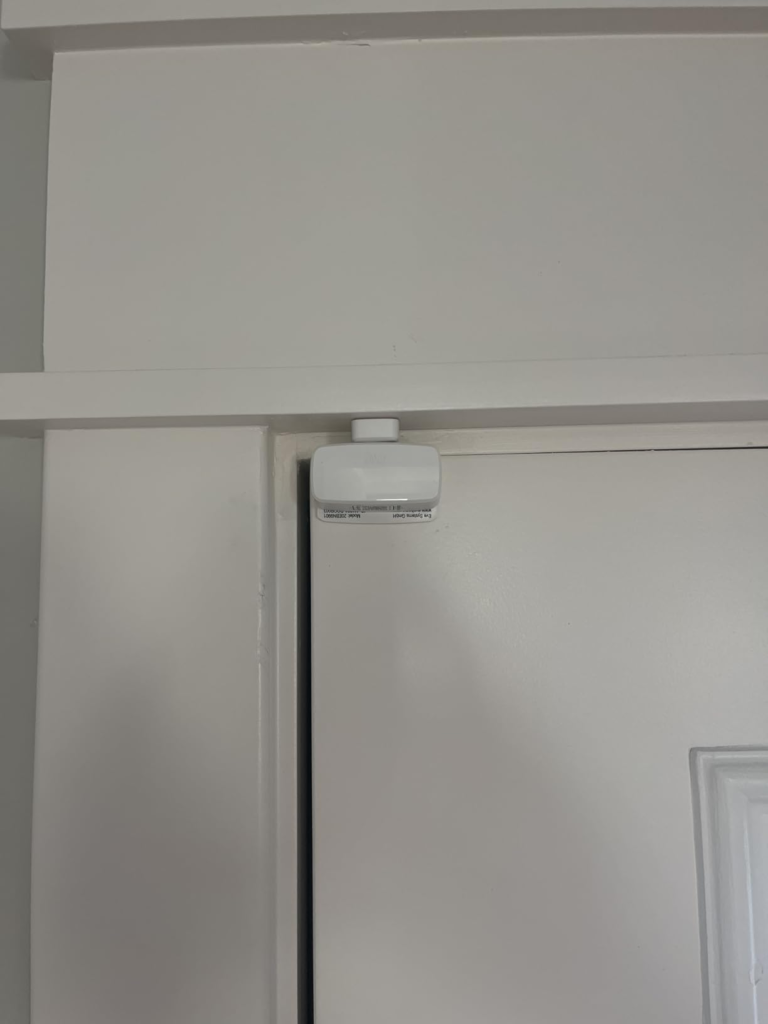
Eve Door & Window Sensor Compatibility: Where Wrong-Fit Begins
Wrong-fit rarely looks dramatic. It looks like someone who bought the box before checking what else they needed. I’ve seen the regret version: three sensors mounted the same afternoon, and only then does it come out that the only smart speaker in the house is an old Bluetooth-only one with no Thread radio at all. Three sensors, zero mesh — just three magnets guessing at each other.
| You’re probably the right fit if… | You’ll probably regret it if… |
|---|---|
| You already own a Thread Border Router (HomePod mini, Apple TV 4K, Echo Hub, a supported Nest Hub, or similar) | You don’t own any smart speaker or hub yet |
| Your home runs mostly on Apple Home | Reliable Alexa routine-triggering is your main reason for buying |
| Your doors and frames are wood, uPVC, or composite | Your frames are metal |
| Everything stays indoors | You want to cover a shed, gate, or exposed garage |
| You value the smallest, cleanest sensor on the market | Price per unit is your only real criteria |
On the Alexa point specifically: Matter contact sensors are supported by Alexa in principle, but trigger-based routine automation from these sensors is still described by current smart-home guides as limited and improving rather than fully reliable. If that’s the exact feature you’re buying for, either wait for that gap to close, or lean on Apple Home or SmartThings for the automation side instead.
Eve Door & Window Sensor Review: The One Situation Where It Becomes Logical
Strip away the marketing and one situation remains where this is simply the right call: you already own the hub, you already live in Apple Home day to day, and you want three entry points covered by the smallest, most private sensor on the shelf.
In that situation, the one real weakness — mesh-dependent battery life — has a known fix. Put a mains-powered Thread device, even a basic Eve Energy plug, near whichever door sits furthest from your router, and the “two batteries in four months” story mostly stops happening. That’s a placement problem with a fifteen-dollar solution, not a reason to walk away from the product.
Eve Door & Window Sensor: What It Solves, What It Reduces, and What It Still Leaves to You
| It solves | It reduces | It still leaves to you |
|---|---|---|
| “Is that door actually shut?” without walking over | Windows left open by accident | Placing a router near your weakest-signal door |
| Manual light or thermostat switching tied to a door | Guessing who came and went, and when | Checking battery health yourself — Apple Home won’t surface it for you |
| One sensor working across Apple, Google, Alexa, and SmartThings | The old single-ecosystem lock-in of the original HomeKit-only version | Picking the right hub before you buy, not after |
Eve Door & Window Sensor Review: Final Verdict
Nothing here is broken. It’s a small, private, well-built piece of hardware doing exactly what it says — right up until the mesh around one particular door gets thin, and then it fails the one way that’s easy to miss: silently, with no alert telling you it happened.
Buy it knowing that, and it’s a genuinely good three-pack. Buy it without a hub, or expecting flawless Alexa routines on day one, and you’ve bought the wrong solution to your actual problem.
If you already own the hub and you’re just deciding how many doors to cover, this is where the decision stops being vague:
Eve Door & Window Sensor: Frequently Asked Questions
| Question | Answer |
|---|---|
| Does it work without any hub at all? | Only locally, and only nearby. It needs a hub that supports both Thread and Matter for remote status, away-from-home notifications, and automations — without one, you’ll mostly see its state when you’re already close enough for Bluetooth. |
| Does it actually work with Alexa and Google Home, or is that just a box claim? | The current Matter version genuinely connects to both. The product listing itself confirms support for Amazon Alexa, Google Assistant, Apple Home, and SmartThings. What’s newer — and still maturing — is Alexa triggering automations directly from the sensor’s status, rather than just displaying it. |
| How long does the battery really last? | Eve doesn’t publish a firm number. In practice it depends far more on your Thread mesh at that specific door than on how often it’s triggered — some owners get well over a year, others replace it twice in four months. Strong nearby mesh coverage is the deciding factor. |
| Can I mount it on a shed, gate, or exposed garage? | It’s officially rated for indoor use, with no weatherproof rating attached. A dry, temperature-stable garage is usually fine. Anything genuinely exposed to rain or freezing cold is outside its design intent. |
| Is the 3-pack better value than three single units? | Yes, meaningfully. The pack works out to roughly $40 per sensor versus $49.95 buying them one at a time — close to what a single unit costs during Eve’s frequent sales, but a real saving over full price. If you know you need three or more, the pack is the more predictable route. |
| Should I get this or the Aqara P2 instead? | Choose Eve for the smallest housing and iOS usage stats. Choose Aqara if you’re covering many doors on a tighter budget and don’t mind a slightly bulkier unit. Either way, budget for the hub first — both require it. |
Transparency Note:
This analysis is built on aggregated real-world experience.
It extracts what repeatedly holds, what breaks, and what users uncover only after living with the system—then shapes it into a clear model you can use immediately.
Think of it as structured experience, refined and presented so you don’t have to learn it the hard way.
“A quick note: Don’t believe the star ratings, but trust personal experience. This article is a compilation of collected experiences.”