AQARA DOOR AND WINDOW SENSOR REVIEW: YOU INSTALLED IT. SO WHY DIDN’T IT ALERT YOU?
AQARA DOOR AND WINDOW SENSOR
Your phone sits face-down on the counter. Somewhere in the house, a window that should be closed isn’t. The Aqara app would tell you that in half a second — if the setup actually finished the way it looked like it did.
I’ve seen this exact moment described over and over in forum threads and Amazon reviews: someone buys the Aqara Door and Window Sensor 3-Pack and Hub Kit, sticks the sensors on in an afternoon, watches the app confirm “paired,” and quietly assumes the job is done. Nothing dramatic breaks. The sensor doesn’t die. It just doesn’t always reach you the way you pictured it would.
That gap — between installed and actually alerts me — is the real story of this product. The battery, the range, the app, the hub. Every one of them either closes that gap or widens it.
Aqara Door and Window Sensor Review: The Result Looks Fine. The Alert Doesn’t Come.
Open the app a week after setup and everything looks correct. Green dot. “Online.” Sensor history showing every open and close, timestamped and tidy.
That’s exactly what makes the failure mode so easy to miss. Nothing in the interface tells you your phone was in Do Not Disturb when the door opened at 2am. Nothing flags that the hub briefly dropped off your Wi-Fi the same afternoon your kid tested the back gate. The data was captured. The alert just didn’t land.
This is not a defective-unit problem. It’s a silent one — the kind you only notice in hindsight, which is exactly why it’s worth naming before you’re the one explaining it after the fact.
Smart Home Notification Anxiety: What You’re Feeling But Not Naming
If you’ve already got sensors like this installed somewhere in your house, you probably recognize a specific habit: opening the app just to double-check, even though nothing alerted you to a problem. Not because you don’t trust the sensor’s hardware — because you don’t quite trust the silence.
That’s a reasonable instinct, not paranoia. A door sensor’s entire value proposition is “no news is good news.” But no news can also mean the notification chain quietly broke somewhere between the sensor and your lock screen. Until you’ve deliberately tested that chain end to end, the silence isn’t proof of safety — it’s just silence.
Zigbee, Hubs, and Critical Alerts: The Hidden Mechanism Behind the Miss
Here’s the part most listings skip: a notification from this sensor has to survive four handoffs before it reaches you.
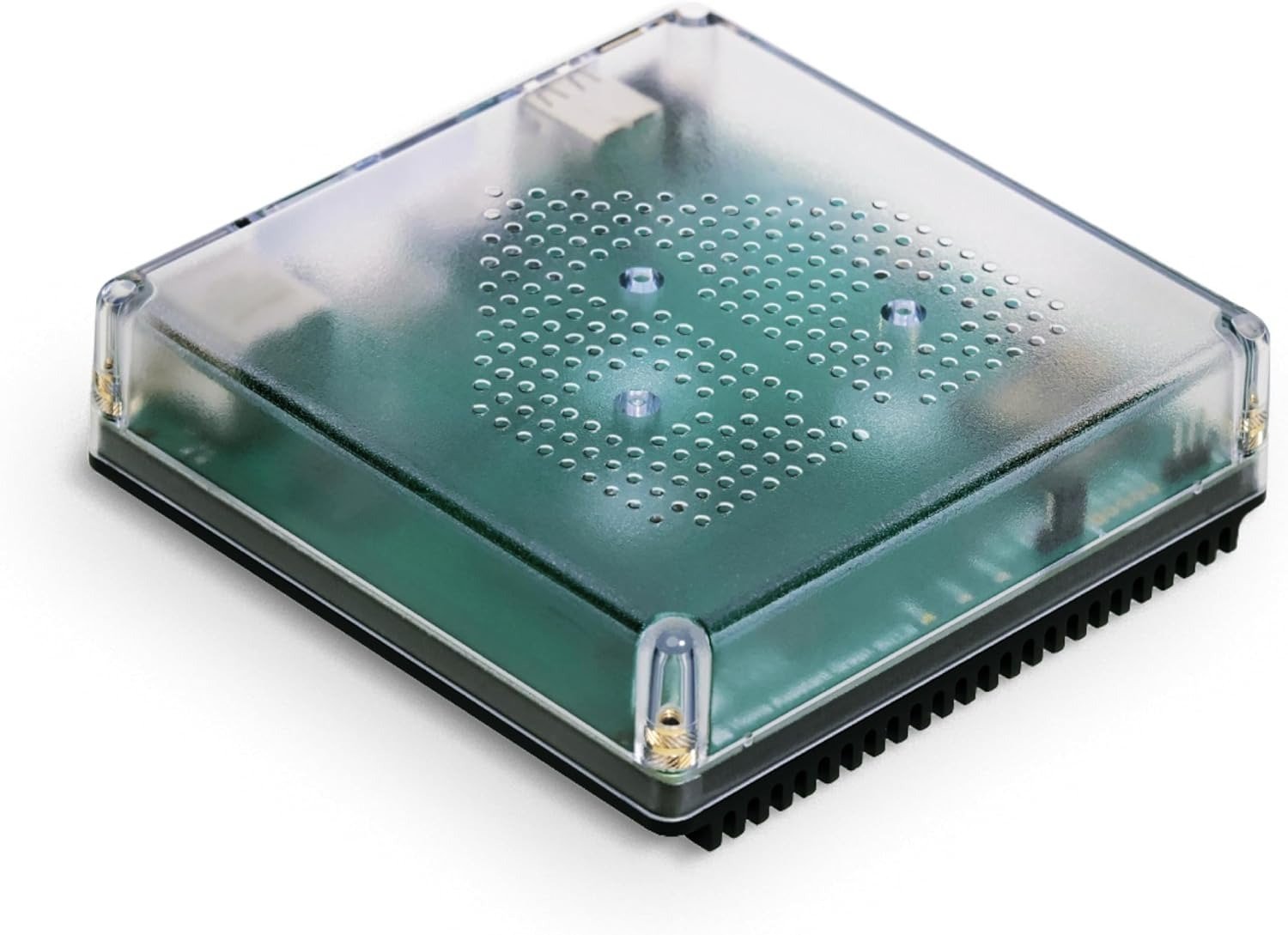
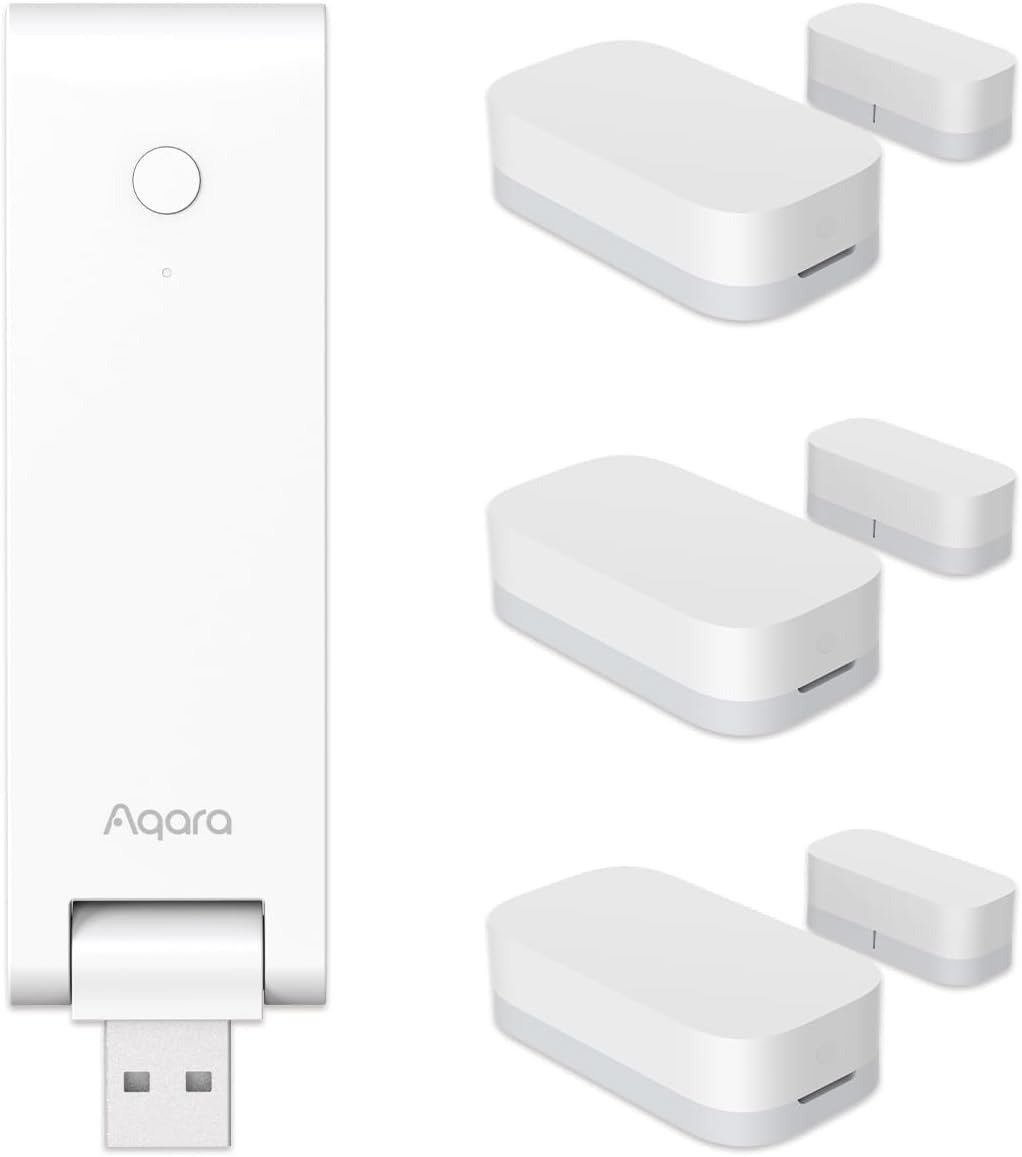
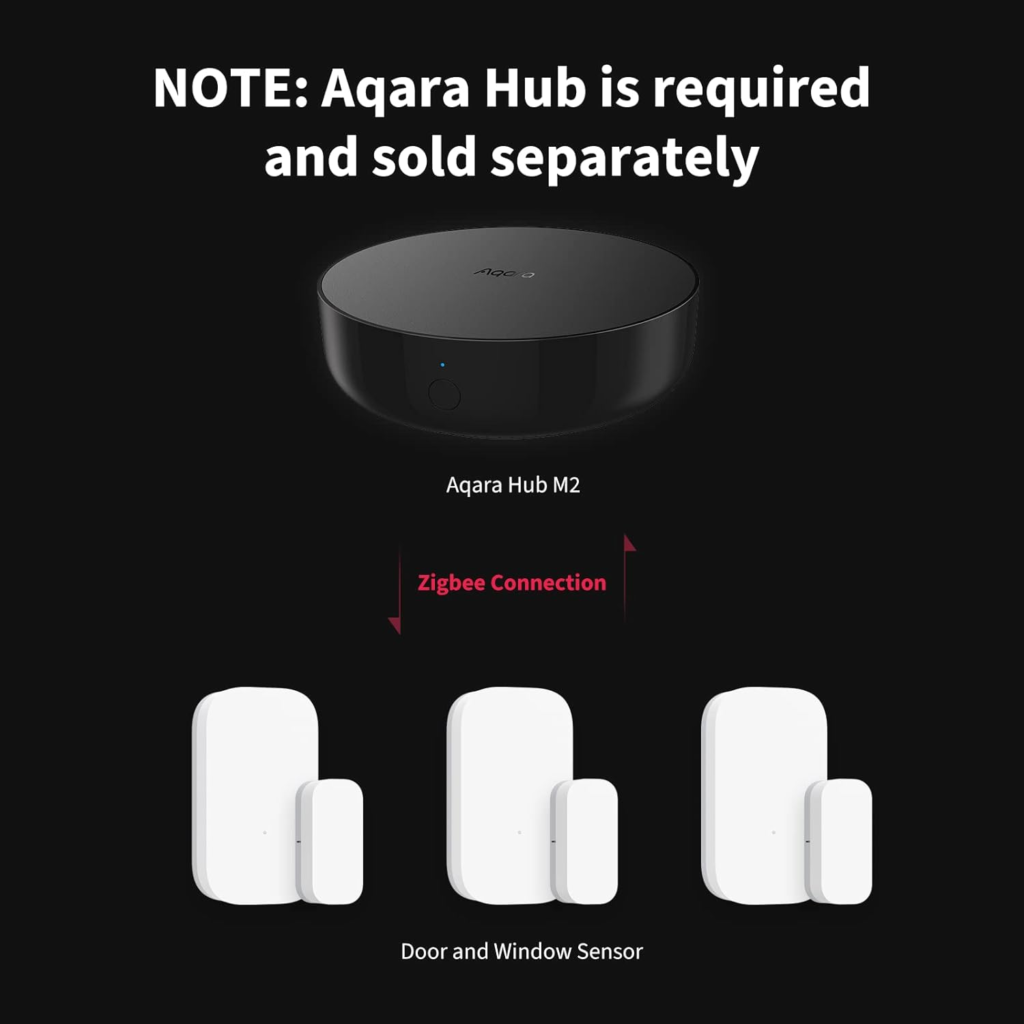
The sensor detects a change and sends it over Zigbee to the included Aqara Hub (this kit bundles the compact M100). The hub forwards it to Aqara’s app layer. The app pushes a notification to your phone’s OS. Your phone’s OS decides whether to actually surface it — and that last step is where most silent failures happen, because Do Not Disturb and Focus modes silence ordinary notifications by default. Aqara does support Critical Alerts on iOS and high-priority channels on Android, specifically so child-safety and security notifications can punch through silent mode — but it’s an opt-in setting, not a default. Skip it, and a genuinely working sensor can still fail to wake you up.
Expert tip: if this kit is going anywhere near a nursery, medicine cabinet, or pool gate, the Critical Alerts toggle is not optional — it’s the actual point of the purchase.
Why does a device with a straightforward pairing process still generate so many “it’s not working” threads? Because pairing correctly and alerting reliably are two different achievements, and only one of them is checked by the setup wizard.
| Symptom | Real Cause | Fix |
|---|---|---|
| No notification at all | Phone in Do Not Disturb/Focus without a Critical Alert exception | Turn on Critical Alerts (iOS) or the high-priority channel (Android) for the Aqara app |
| App shows “closed” while the door is open | Sensor-to-magnet gap exceeds 22mm | Remount the two pieces closer together; recheck after any door adjustment or weather warping |
| Hub shows offline | Hub not on the same 2.4GHz network as the sensor, or Wi-Fi dropped | Reboot the hub; confirm the network isn’t 5GHz-only |
| Alerts arrive late | Sensor near the edge of the hub’s effective range | Move the hub closer, or add it as a mesh point nearer the sensor |
| Battery drains in weeks, not years | Sensor mounted in a near-constant open state, or unusually high trigger frequency | Reserve this sensor for points with normal open-close cycles, not always-open installs |
The 22mm Rule: Where the Aqara Sensor Quietly Breaks
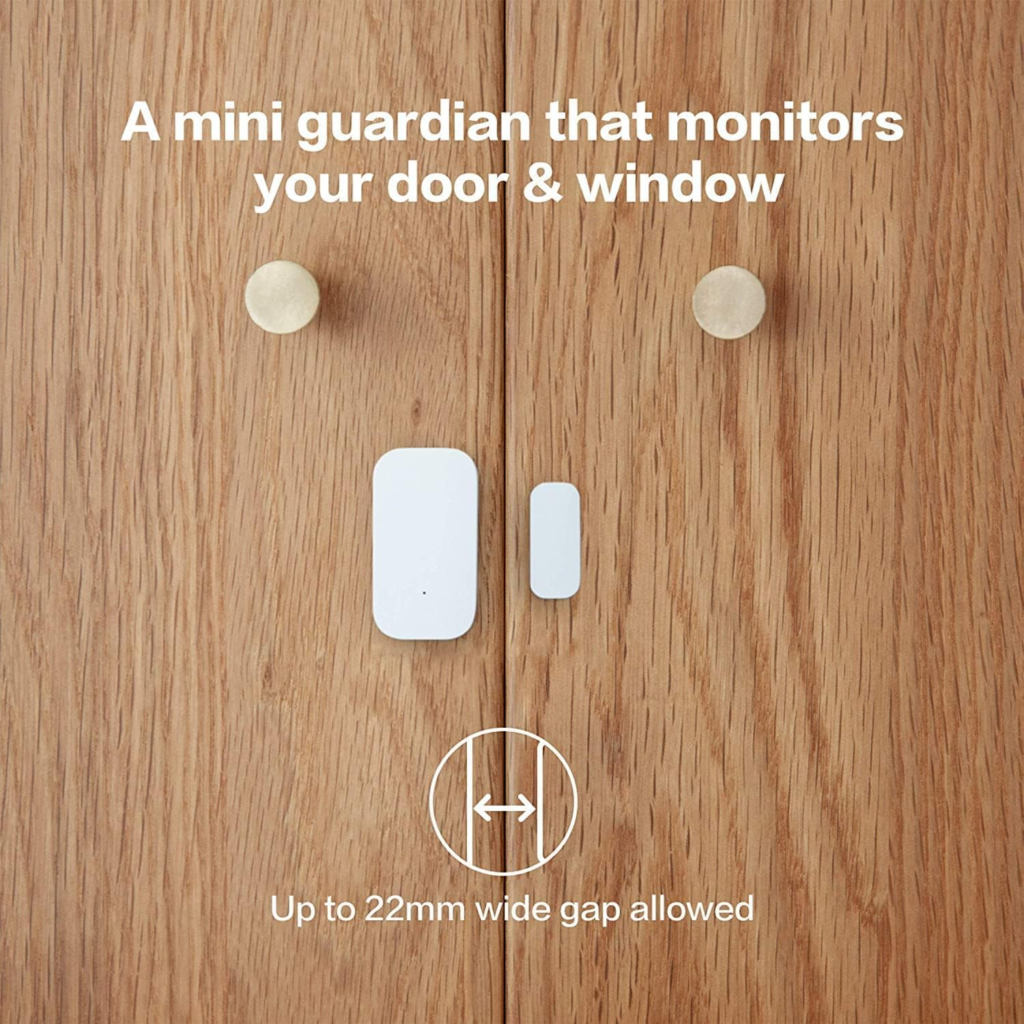
Every spec sheet lists a maximum gap of 22mm (0.86 in) between the sensor body and its magnet. What the spec sheet doesn’t say clearly is that this number is a ceiling under ideal conditions, not a guarantee. One real installer, working with a thicker door than usual, found detection failed at just 1cm even though the manual allows up to 2cm — the surface wasn’t perfectly flat, and the alignment was slightly off-angle. That’s the threshold in practice: it’s not just distance, it’s distance plus alignment plus surface flatness.
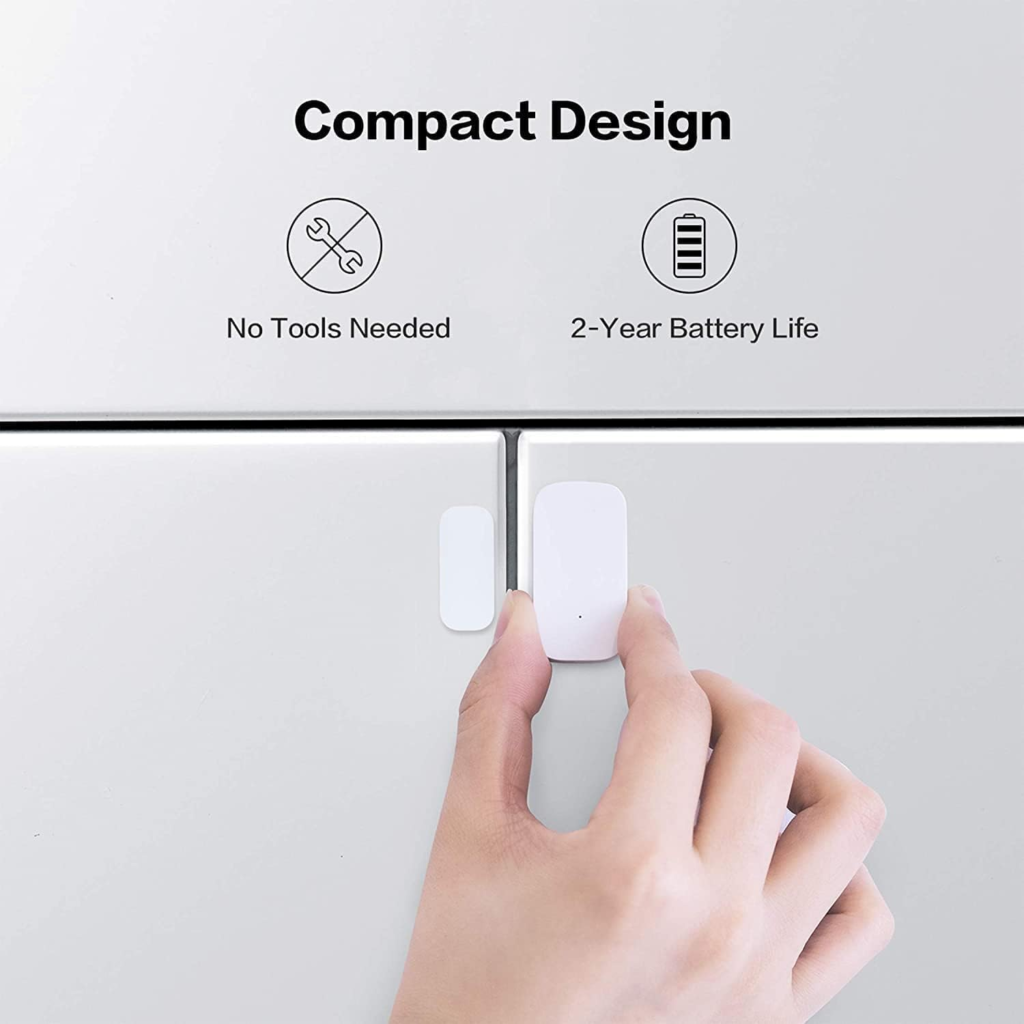
The battery tells a similar story. Aqara rates the CR1632 coin cell at roughly two years under normal use, and independent long-term testing backs that up — one reviewer clocked eight months at a full charge with zero missed events. But normal use is doing real work in that sentence. Sensors wired into unusual configurations, or mounted where they’re triggered constantly, have been reported drained within a couple of months. The battery isn’t underpowered; the installs that drain it fast are just outliers.
| Spec | What’s Listed | What It Means in Practice |
|---|---|---|
| Battery | CR1632, ~2 years | Real-world reports range from 8+ months at full charge to a few months in atypical installs |
| Max gap (sensor–magnet) | 22mm / 0.86 in | Thicker doors, warped frames, or angled mounting can fail well under 22mm |
| Hub range | ~400 in / 10m | Walls, metal doors, and interference count against the raw distance |
| Protocol | Zigbee, hub required | Won’t pair directly to a phone; won’t work with third-party Zigbee hubs or Zigbee2MQTT (unofficial) |
| Native platforms | Apple HomeKit, Alexa, IFTTT via hub | SmartThings support has historically been absent at the sensor level |
Why Most Buyers Misread Smart Sensors Too Early
The most common mistake isn’t picking the wrong brand — it’s comparing sensors like they’re interchangeable parts instead of pieces of a specific ecosystem. A $10 sensor and an $18 sensor look like the same purchase decision until you factor in what each one actually requires to function.
| This Aqara Kit | SimpliSafe Entry Sensor | Wyze Contact Sensor | Eve Door & Window | |
|---|---|---|---|---|
| Connection | Zigbee, hub included in this bundle | Proprietary, needs SimpliSafe base station | Needs a Wyze hub | Bluetooth/Thread, no proprietary hub |
| Typical battery life | ~2 years (CR1632) | Up to ~3 years | Months to about a year | ~1–2 years |
| Monthly fee required | No | Only for full professional monitoring | Increasingly pushed at checkout | No |
| Best fit | HomeKit/Alexa/Home Assistant households | Anyone wanting a monitored alarm system | Existing Wyze camera/plug households | Apple-only, privacy-focused households |
| SmartThings support | Historically no at the sensor level | N/A — own ecosystem | N/A — own ecosystem | Yes |
Why does this comparison trip people up? Because the sticker price never mentions the hub dependency, the subscription nudge, or the ecosystem lock-in — and by the time that becomes obvious, the return window is closing.
Who Actually Needs the Aqara Door and Window Sensor 3-Pack
| You’re a good fit if… |
|---|
| You already use, or plan to use, Apple Home, Alexa Routines, or Home Assistant |
| You want per-entry notifications without a monthly monitoring fee |
| You have exactly three points worth covering — a nursery door, a back gate, a medicine cabinet |
| You’re willing to spend 10–15 minutes actually configuring Critical Alerts, not just pairing the hardware |
Where the Wrong Fit Begins: Who Should Skip This Kit
| Skip this kit if… |
|---|
| Your smart home runs on Samsung SmartThings as the primary hub — native support here has historically lagged |
| You want a professionally monitored alarm with entry-delay timers, a keypad, or police dispatch — this is a notification tool, not a monitored system |
| You already own a working Aqara hub (M1S, M2, M3, E1, or M100) — buy the sensor-only 3-pack and skip paying for a second hub |
| Your doors or windows are thick, metal, or visibly warped — the 22mm tolerance may not hold reliably |
The One Situation Where This Kit Becomes the Logical Choice
If you’re starting from zero — no existing Aqara hub, no Zigbee mesh yet — bundling the sensor 3-pack with a hub, the way this kit does, is usually the simplest correct entry point. A standalone M100 hub runs around $20 on its own, and a 3-pack of sensors is typically priced close to what you’d pay for three sensors bought separately, so buying them bundled generally beats guessing at a standalone hub first and adding sensors later. It’s worth checking the current listed price against that math on the day you buy, since bundle pricing shifts.
Expert tip: if Apple HomeKit is your main hub, set this up through Aqara’s native HomeKit pairing rather than the Matter bridge path. Independent testing has flagged the M100’s Matter bridge as still buggy with Apple Home — native pairing is the more reliable route for now.
What This Kit Solves, What It Reduces, and What Still Depends on You
| Solves | Reduces | Still Depends on You |
|---|---|---|
| “Is that door still open?” without walking over to check | Blind trust in silence — you get an actual status, not a guess | Actually enabling Critical Alerts so it can bypass Do Not Disturb |
| Manually checking three entry points every time you leave | The cost and guesswork of buying a hub separately | Mounting within the 22mm gap tolerance, correctly |
| Ongoing monthly fees for basic open/close alerts | Uncertainty about which sensor pairs with which hub | Accepting this is a notification system, not a monitored alarm |
AQARA DOOR AND WINDOW SENSOR: FREQUENTLY ASKED QUESTIONS
| Question | Answer |
|---|---|
| Do I need a separate Aqara Hub with this kit? | No — this bundle includes the hub (M100). If you already own an Aqara hub, buy the sensor-only 3-pack instead. |
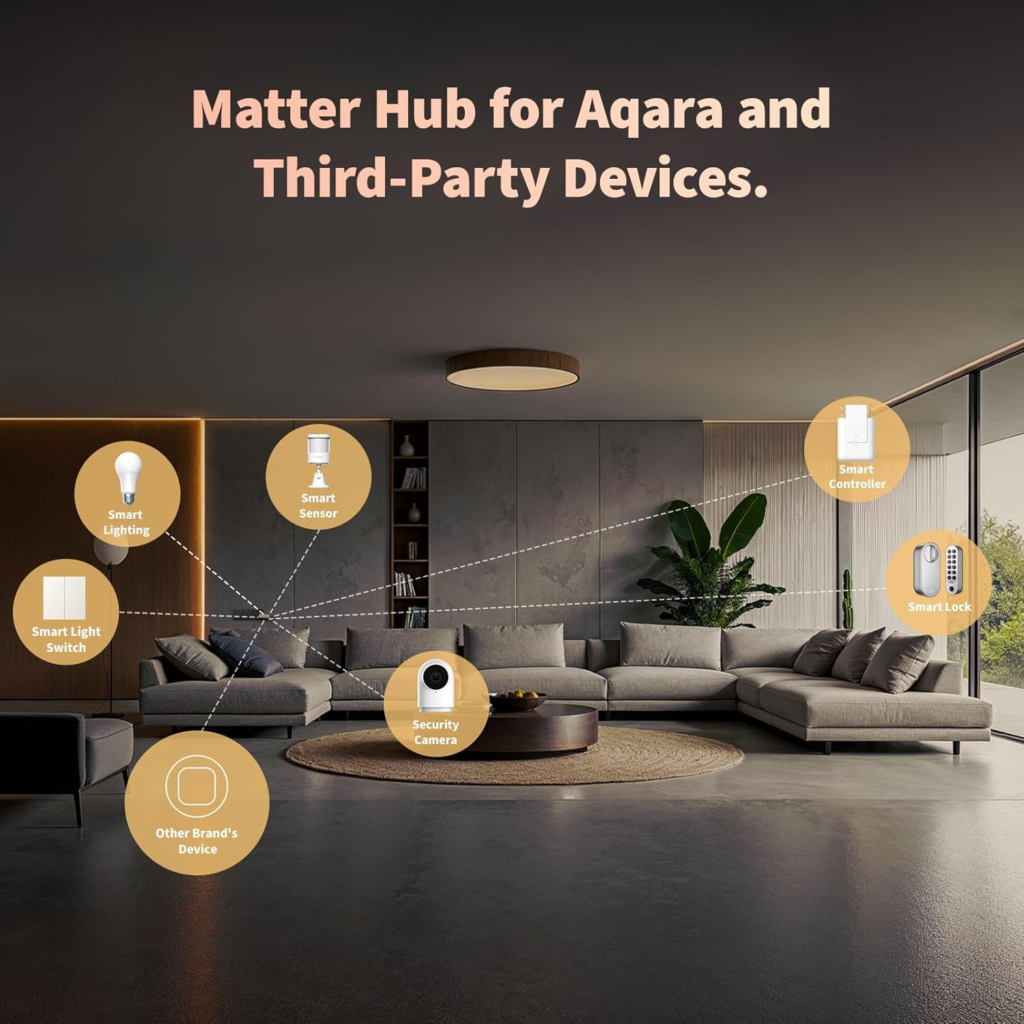
| Does it work with Samsung SmartThings? | Not natively at the sensor level. The bundled M100’s Matter bridge can expose it to SmartThings for some users, but confirm current feature support before relying on it as your primary hub. |
| What battery does it use, and how long does it last? | A CR1632 coin cell, rated around 2 years under normal use. Heavy-cycling or unusual installs can drain it faster. |
| Will it work with Google Home? | Through the M100’s Matter bridge, yes — though some reviewers note certain device types show up with fewer controls in Google routines than in Home Assistant. |
| Can I mount it outdoors? | No. It’s rated for indoor use only, with no weatherproofing — fine for a garage-facing door, not an exposed exterior gate. |
| Is it safe to use around young kids? | It contains small magnets, which are a genuine choking and ingestion hazard — mount both pieces out of reach of small children, and enable Critical Alerts if you’re using it for child-safety monitoring. |
| Why didn’t I get a notification when the door opened? | The three most common causes: phone in Do Not Disturb without a Critical Alert exception, the hub offline or out of Wi-Fi range, or a sensor-magnet gap over 22mm. |
| Can I use it with Home Assistant or Hubitat instead of the included hub? | Many users report success unofficially, but Aqara doesn’t officially support or guarantee third-party hubs or Zigbee2MQTT setups. |
Final Decision: Close the Gap or Live Without It
Everything in this review comes down to one gap: the literal 22mm between sensor and magnet, and the configuration gap between installed and actually alerting you. The hardware isn’t the hard part. The ten minutes after unboxing — mounting within tolerance, confirming the hub’s network, turning on Critical Alerts — decide whether this becomes quiet background reassurance or another sensor you eventually stop trusting.
If you’ve read this far because one specific door, gate, or cabinet has been bothering you, that’s usually the sign it already matters enough to close. This is where you do it — not by trusting the box, but by finishing the last ten minutes most reviews never mention.
Transparency Note:
This analysis is built on aggregated real-world experience.
It extracts what repeatedly holds, what breaks, and what users uncover only after living with the system—then shapes it into a clear model you can use immediately.
Think of it as structured experience, refined and presented so you don’t have to learn it the hard way.
“A quick note: Don’t believe the star ratings, but trust personal experience. This article is a compilation of collected experiences.”