Ultimate Ears Wonderboom 3 (2-Pack) Review: The Stereo You Paid For Isn’t the Stereo You’re Hearing
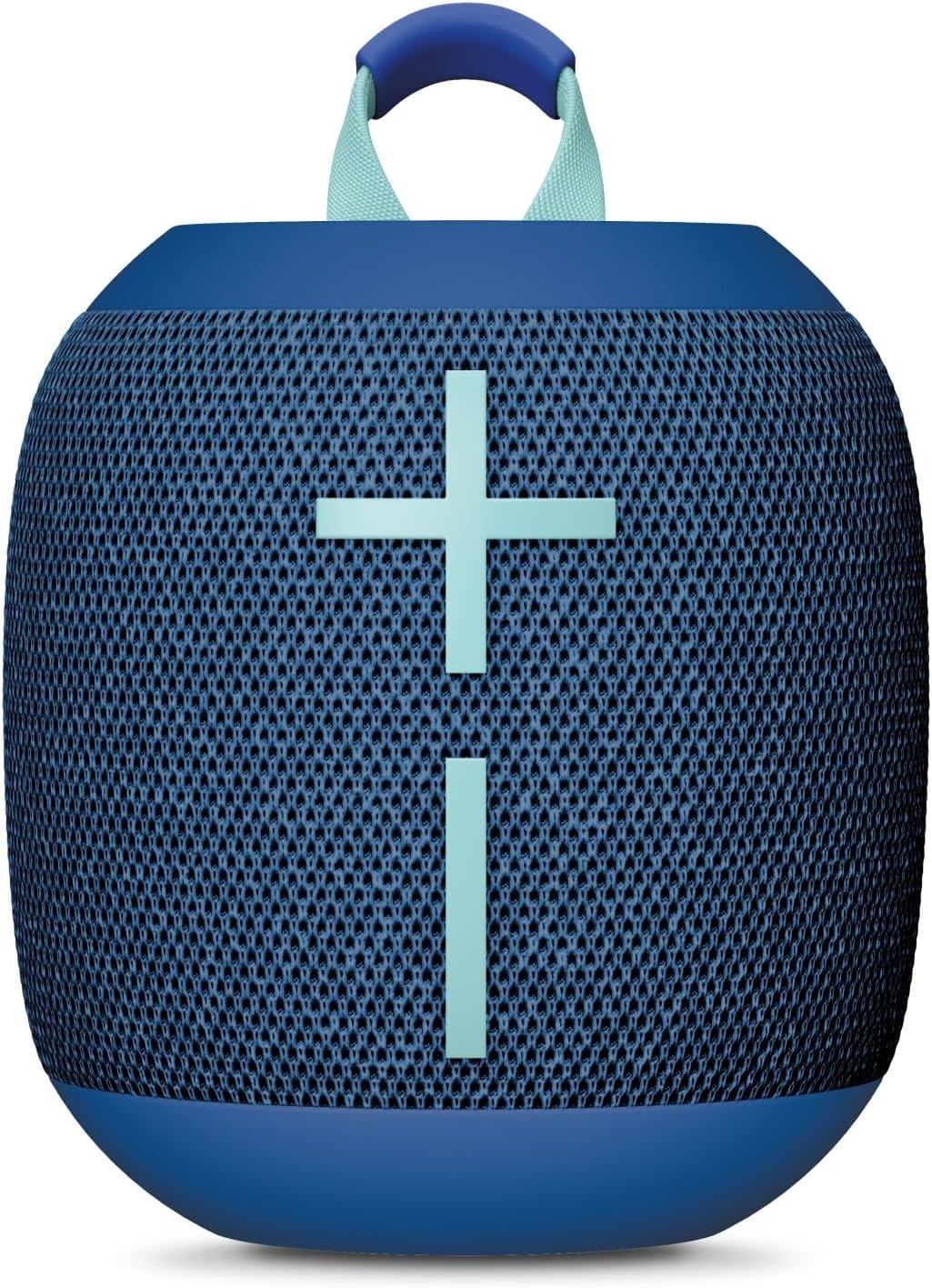
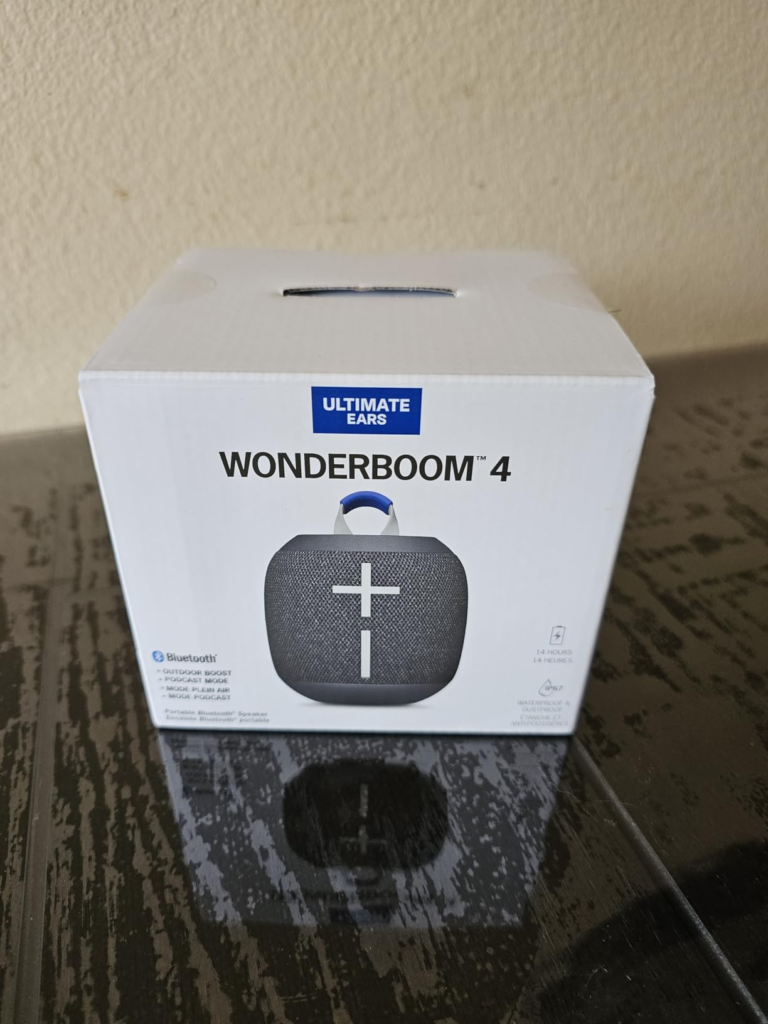
WONDERBOOM 3 (2-PACK)
The Result Looks Fine. The Problem Isn’t.
You unbox both units, charge them, press the center button on each until they chime together, and set them at opposite ends of the patio table. Music plays. It’s loud, full, coming from both sides. You assume that’s the stereo experience the listing promised.
It isn’t.
What you just triggered is “Party Louder” mode — both speakers playing the identical mono signal, just doubled in volume. True left-right separation, the actual reason a stereo pair sounds different from one big speaker, sits one more button press away. Most buyers never make that second press. They live with a louder mono speaker for months, assume that’s the ceiling of what two Wonderboom 3 units can do together, and never notice the gap between what they paid for and what they’re hearing.
What You’re Actually Feeling but Not Naming
If you own this pair already, some of this will sound familiar even if you haven’t put words to it:
- It’s loud, but everything sounds like it’s coming from “everywhere” rather than from a left or right side.
- Cranking the volume outside makes things brighter, almost thin, in a way that feels different from indoors.
- The startup and shutdown beep is jarringly loud no matter how low you’ve set the volume — and there’s no obvious way to fix that.
- You’ve started hunting for the charging cable specifically because it’s not the same one as everything else you own.
None of these are defects. They’re the predictable result of features behaving exactly as engineered, just not as expected.
The Hidden Mechanism Behind the Miss
Three mechanisms explain almost every complaint about this speaker.
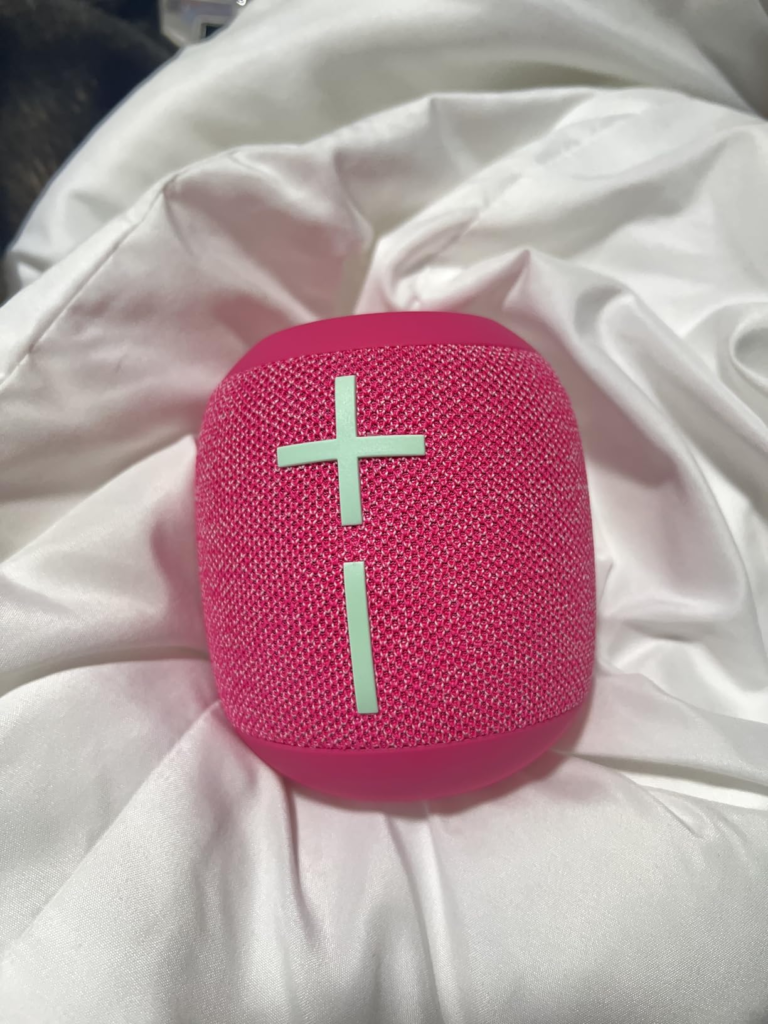
The two-state pairing system. Holding the center button on both units links them into Double Up mode, which opens in Party Louder (mono) by default. A separate, single press on the center button afterward swaps it into Immersive Stereo, splitting the channels. The trigger is the same button used for play/pause and pairing, so it’s easy to never realize a second function exists.
Outdoor Boost is a different EQ curve, not a volume boost. The button hidden on the underside reduces bass emphasis and pushes mids and highs forward — built for open air, where bass disperses and gets lost. Indoors, against walls and furniture, that same curve reads as thin or harsh. Reviewers who tested it indoors consistently disliked it; reviewers who tested it outdoors consistently praised it. Same hardware, opposite verdicts, because of where it was used.
The connection tone is hardcoded to max volume. This has been reported since the first-generation Wonderboom and was never changed in this model. It isn’t tied to your volume setting and can’t be muted from the speaker or any app — because there is no app for this product line.
The Threshold Where the Outcome Quietly Breaks
| Trigger | What Happens | Channel Behavior | Best Suited For |
|---|---|---|---|
| Long-press both center buttons once | Pairing completes, defaults to Party Louder | Mono — identical signal from both units | Background volume, casual outdoor noise |
| Single press on either center button afterward | Switches to Immersive Stereo | True left/right separation | Focused listening, movies, music with real stereo mixing |
There’s a second, quieter threshold buyers cross without noticing: generation matching. Double Up only links two identical Wonderboom 3 units. Pair one with a Wonderboom 2 or a Wonderboom 4 and you either get a connection failure or a fallback to mono — never true stereo. This is the entire functional reason a matched 2-pack exists as a product category instead of buying singles over time: it removes the risk of accidentally landing on the wrong side of that compatibility line.
One more thing worth flagging while shopping the broader market: a number of third-party “2-pack” or “SE” bundles in circulation are actually older Wonderboom 2 hardware repackaged with Wonderboom 3-style marketing language. The giveaway is usually a battery life listed at 13 hours instead of 14, or no mention of recycled materials. A listing that explicitly states Wonderboom 3 hardware, like this one, sidesteps that trap entirely.
Why Most Buyers Misread This Too Early
The most common hesitation isn’t about the speaker itself — it’s “should I just get the Wonderboom 4 instead, since it’s newer?” That instinct treats the model number as a proxy for sound quality. It isn’t.
| Spec | Wonderboom 3 | Wonderboom 4 |
|---|---|---|
| Drivers | 2x 40mm active + 2x passive radiators | 2x 40mm active + 2x passive radiators |
| Max volume | 86 dBC standard / 87 dBC Outdoor Boost | 86 dBC standard / 87 dBC Outdoor Boost |
| Dimensions / weight | 104 x 95.3mm, ~420g | 104 x 95.3mm, ~420g |
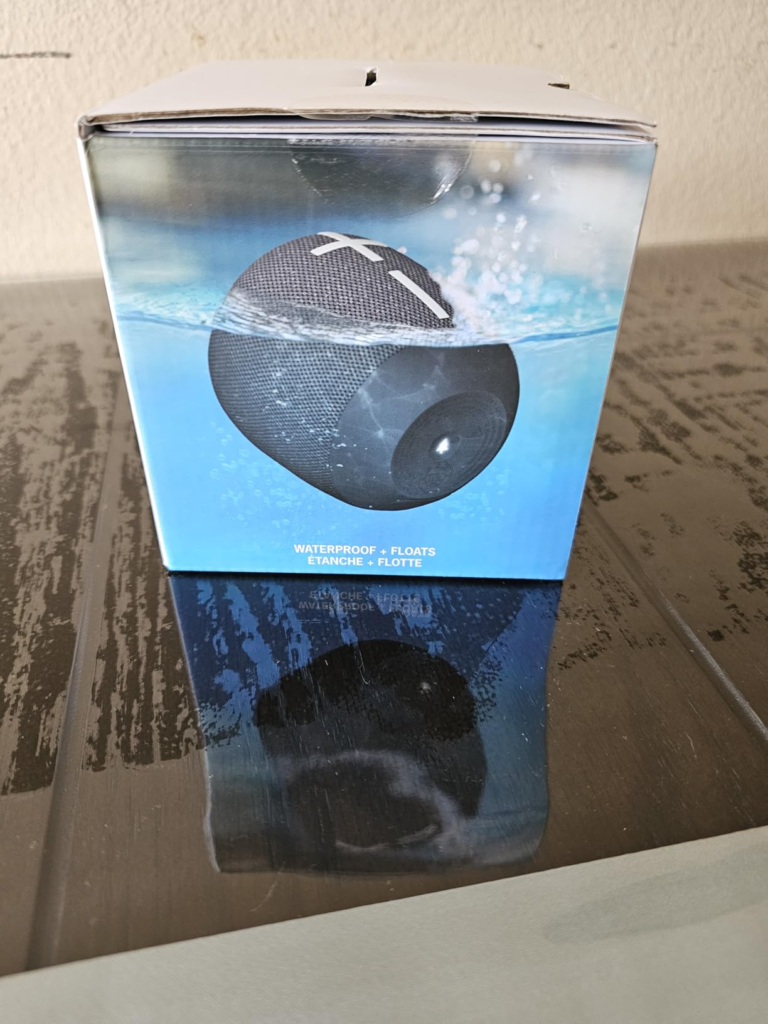
| IP rating | IP67, floats, drop-tested | IP67, floats, drop-tested |
| Charging port | Micro-USB | USB-C |
| Extra EQ mode | None | Podcast mode |
| App support | None | None |
Independent lab comparisons and multiple outlets that tested both back to back landed on the same conclusion: the audio hardware is identical. The only real differences are the charging port and one extra EQ preset built for spoken-word audio. Several reviewers explicitly noted that once the Wonderboom 3 drops in price, it becomes the better-value pick — you’re paying less for sound that measures the same.
The actual decision isn’t “3 or 4.” It’s “do I personally care about USB-C charging enough to pay more for identical sound.” For most people buying a pair specifically to Double Up, the honest answer is no.
Who Is Actually Inside This Problem
| You’re a strong fit if… |
|---|
| You want genuine stereo separation for two-person trips, small rooms, or split-zone outdoor setups |
| You’re fine pressing one extra button to unlock Immersive Stereo |
| You don’t already own a USB-C-only travel kit you’re trying to standardize |
| Durability and battery life matter more to you than studio-level frequency response |
| You’re buying both units together specifically to avoid the generation-mismatch problem |
Where Wrong-Fit Begins
| You’ll likely be disappointed if… |
|---|
| You’re chasing deep, extended bass — multiple independent tests note the low end softens as you push toward maximum volume |
| You already own a Wonderboom 1, 2, or 4 and expected to pair it with one of these |
| You want to sync more than two speakers together — there’s no app and no multi-unit party mode on this line, that feature exists only on UE’s Boom and Megaboom series |
| You need a built-in microphone for calls — there isn’t one on any Wonderboom generation |
| You’re a light sleeper or late-night listener who’ll be bothered by a full-volume chime every single power cycle |
The One Situation Where This Product Becomes Logical
If you’ve read the two tables above and landed in the first one, not the second, the 2-pack format is the rational purchase — not because it’s the loudest or most feature-rich option on the market, but because it’s the only way to guarantee both units sit on the same side of the generation threshold without having to research and verify that yourself. Buying matched, from a listing that confirms Wonderboom 3 hardware, removes the single biggest way this category of purchase goes wrong.
What It Solves, What It Reduces, and What It Still Leaves to You
| Solves | Reduces | Still on You |
|---|---|---|
| Generation-mismatch risk between two units | Cost vs. buying two separate full-price singles or jumping to Wonderboom 4 | Remembering the second button press for true stereo |
| Guaranteed Double Up compatibility out of the box | Decision fatigue over which exact pair to source | Carrying a Micro-USB cable long-term |
| Two IP67, drop-tested units ready for outdoor or pool use immediately | Risk of accidentally buying a mislabeled “SE” bundle | Managing the fixed-volume power chime, especially at night |
Frequently Asked Questions
| Question | Answer |
|---|---|
| Does the Wonderboom 3 2-Pack play in true stereo right out of the box? | No. Pairing defaults to Party Louder (mono, doubled volume). You need one additional press on the center button to switch into Immersive Stereo. |
| Can I pair one of these with a Wonderboom 2 or Wonderboom 4 I already own? | No. Double Up mode only connects two units of the identical Wonderboom 3 generation. |
| Is charging USB-C? | No, it’s Micro-USB, with a roughly 2.6-hour charge time. USB-C arrived with the Wonderboom 4. |
| How loud does it actually get, and does it distort? | It’s rated at 86 dBC standard and 87 dBC with Outdoor Boost engaged. Multiple independent testers noted some loss of clarity and bass tightness as you approach maximum volume — it’s loud for its size, not distortion-free at the top end. |
| Can I connect more than two speakers together for a bigger group setup? | No. The Wonderboom line has no companion app and no multi-speaker party mode. That capability exists only on UE’s Boom and Megaboom series. |
| Can the power-on/power-off chime be turned down or muted? | No. It plays at a fixed, near-maximum volume regardless of your current volume setting, and there’s no software or button workaround. |
Final Compression
Two identical, matched Wonderboom 3 units remove the one variable that actually breaks this category of purchase — generation mismatch — and get you to genuine stereo separation the moment you learn the second button press. If you were hesitating because a newer model exists, the sound itself isn’t the reason to wait; the charging port is. If your priority is deep bass or syncing a crowd of speakers, this isn’t your threshold to cross.
Transparency Note:
This analysis is built on aggregated real-world experience.
It extracts what repeatedly holds, what breaks, and what users uncover only after living with the system—then shapes it into a clear model you can use immediately.
Think of it as structured experience, refined and presented so you don’t have to learn it the hard way.
“A quick note: Don’t believe the star ratings, but trust personal experience. This article is a compilation of collected experiences”