Emerson Sensi Touch ST75 Review: Why the Number on the Screen Isn’t the Whole Story
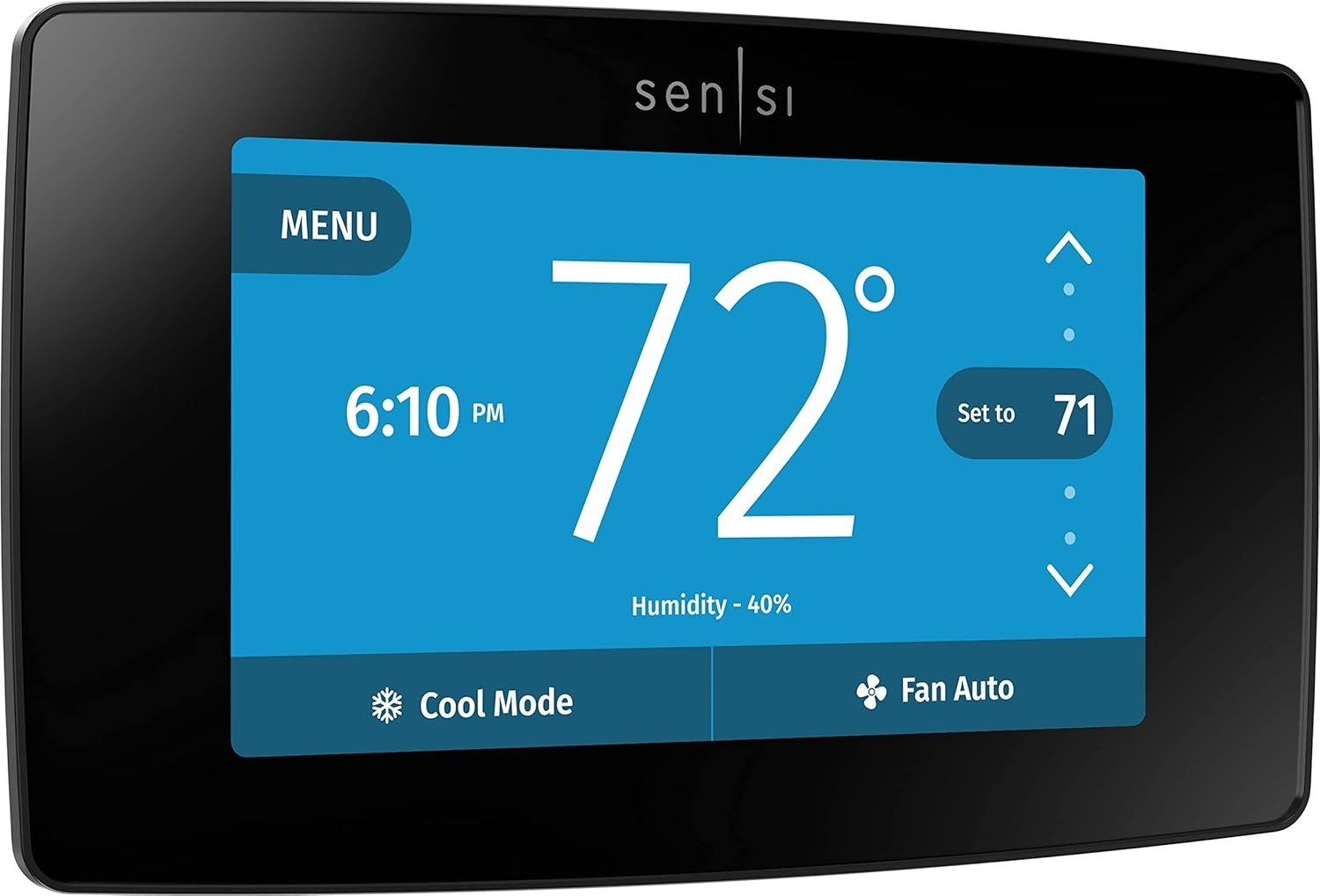
EMERSON SENSI TOUCH ST75
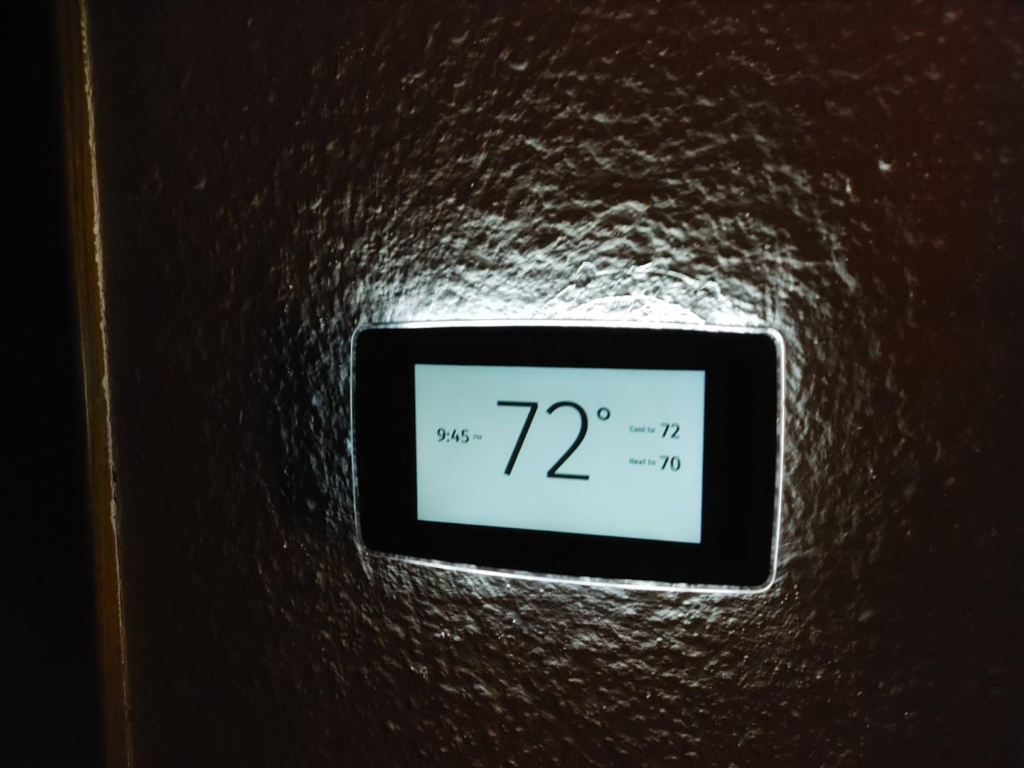
You set it to 72. The screen says 72. And somehow the hallway is still cold enough that you’re doing the sock-shuffle across the tile at 6 a.m., while the room the thermostat actually sits in feels perfectly fine.
That’s not a defect. That’s how every single-sensor thermostat works, including the one we’re looking at here — the Emerson Sensi Touch ST75, a Wi-Fi color-touchscreen smart thermostat now built by Copeland, the HVAC-parts company Emerson’s climate division became. We went through Sensi’s own spec sheets, reviews on Amazon, Best Buy, and Home Depot, contractor forum threads, and the company’s own support documentation to see what actually holds up once the box is open and the thermostat’s been on the wall for a year. Not the marketing version — the lived-in one.
| Spec | Detail |
|---|---|
| Screen | ~4″ color touchscreen |
| Dimensions | 5.6″ x 3.4″ x 1.2″ |
| Colors | Black, white, silver |
| Connectivity | Wi-Fi, 2.4GHz only |
| Works with | Alexa, Google Assistant, SmartThings, HomeKit (via hub) |
| Power | C-wire required, no exceptions; no battery backup |
| Certification | ENERGY STAR certified |
| Warranty | 3 years self-install / 5 years professional install |
| Owner ratings | 4.5–4.9★ across major retailers |
| Not compatible with | Electric baseboard heating |
Sensi Touch ST75 Problems: What You Keep Noticing but Not Naming
Small stuff, mostly. The kind that doesn’t show up on a spec sheet but shows up in your evening.
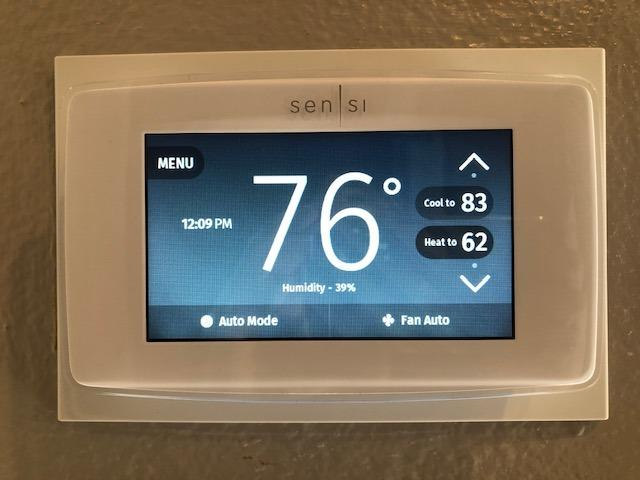
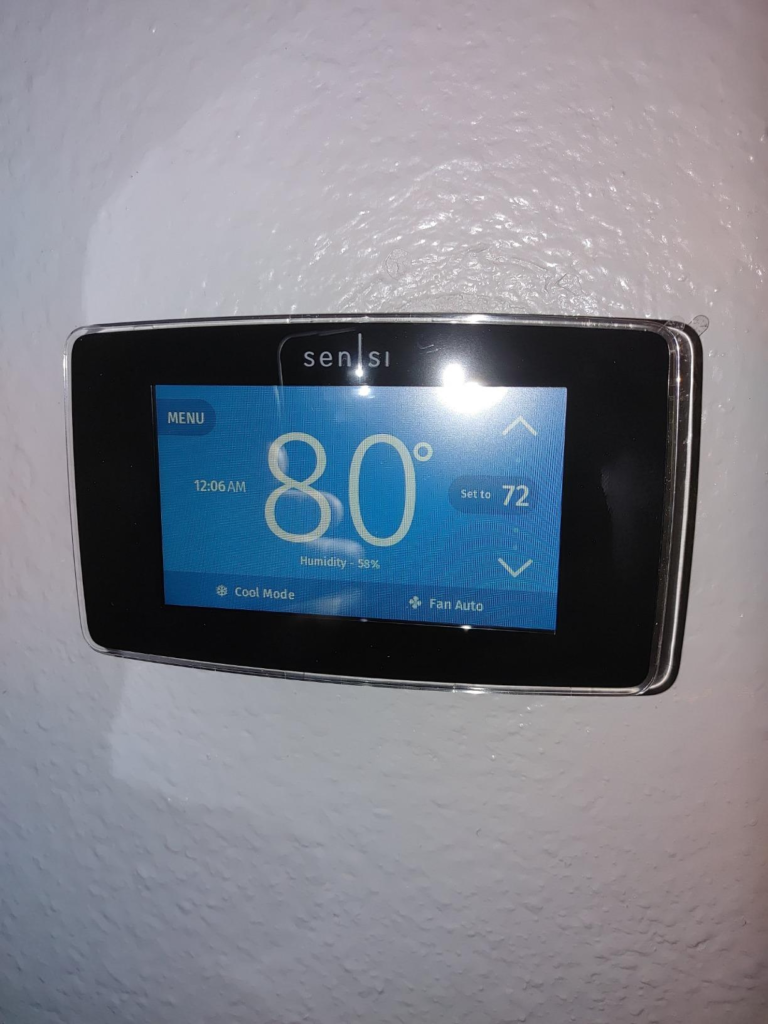
The screen goes dark fast — about a minute of no interaction and it drops to near-black, and more than one owner mentions it’s genuinely hard to read from across the room or with daylight hitting it. There’s no “stay lit” setting. You tap it awake, every time.
Then there’s the clock problem. Lose power for even a few seconds — breaker trip, storm, whatever — and the ST75 keeps your temperature setting, but not the time. Why does a wall-mounted computer forget what time it is? Because it has no battery backup; the display and Wi-Fi radio run entirely off the C-wire, so when that power blinks out, so does the clock, and your schedule can run a few hours off until it reconnects and re-syncs.
| What you’re noticing | What’s actually happening | Quick fix |
|---|---|---|
| Screen goes dark / hard to read | Auto-sleep kicks in after ~60 seconds to save power | Tap to wake — there’s no always-on mode |
| Schedule runs at the wrong time after an outage | No battery backup, so the clock resets (your setpoint doesn’t) | Reconnect Wi-Fi promptly so it re-syncs |
| App feels a beat slow | Commands route through Sensi’s cloud, not a direct link | Normal; worse on weak Wi-Fi |
| Wi-Fi keeps dropping after a router update | ST75 only supports 2.4GHz — some mesh routers push it to 5GHz | Give it its own 2.4GHz-only network name |
| Can’t simplify the schedule | The system locks you into 4 daily periods that shift together | Bunch the 4 periods close together |
Sensi Touch C-Wire Requirement: The One Thing That Decides Everything Else
Here’s the mechanism behind most of the ST75’s one-star reviews, and it has nothing to do with build quality.
A C-wire — “common wire” — is the low-voltage wire that gives a thermostat constant power. Older mercury and battery thermostats never needed one. A color touchscreen running a Wi-Fi radio around the clock does. For the ST75 specifically, a C-wire isn’t optional. It’s required every time, with no workaround kit in the box, and it’s flatly incompatible with electric baseboard heating.
Why does this trip up so many buyers? Because Sensi’s own earlier, non-touch thermostat could run on plenty of systems without a C-wire at all, and people carry that reputation over without checking the fine print on this model. If your old thermostat only has two or three wires and nothing landed on a terminal marked C, you’ll either be adding that wire yourself, having a tech add it during a routine visit, or looking at a different thermostat. Sensi publishes a free online wire-compatibility checker — worth five minutes before you buy, not after.
Sensi Touch ST75 vs Sensi Touch 2: Where the Older Model Quietly Falls Short
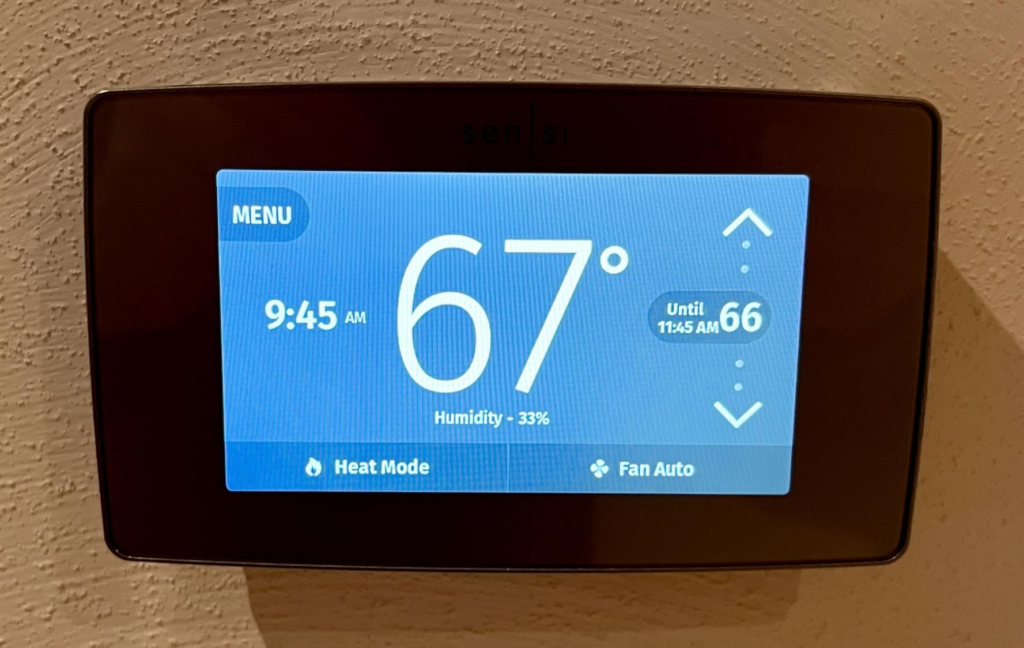
This is the mix-up we saw most often: people buying the ST75 expecting features that actually belong to its newer sibling, the Touch 2 (ST76).
| Sensi Touch (ST75, this review) | Sensi Touch 2 (ST76) | |
|---|---|---|
| Wi-Fi | 2.4GHz only | 2.4GHz + 5GHz |
| Room/remote sensors | Not supported | Supported (sold separately) |
| Screen | ~4″ color touch | Larger, slimmer color touch |
| C-wire | Required | Required |
| Typical price position | Lower | Higher |
If balancing hot and cold rooms with add-on sensors is what you’re actually after, that feature isn’t available on this model — no firmware update adds it later. That’s the Touch 2’s job.
Sensi Touch vs Ecobee vs Nest: Why the Spec Sheet Alone Won’t Tell You Who Wins
Put three thermostats’ feature lists side by side and it looks like a straightforward “who has more” contest. It isn’t — because the two questions that actually decide this, do you have a C-wire and do you want the thermostat to learn your habits or wait for instructions, never make it onto the chart.
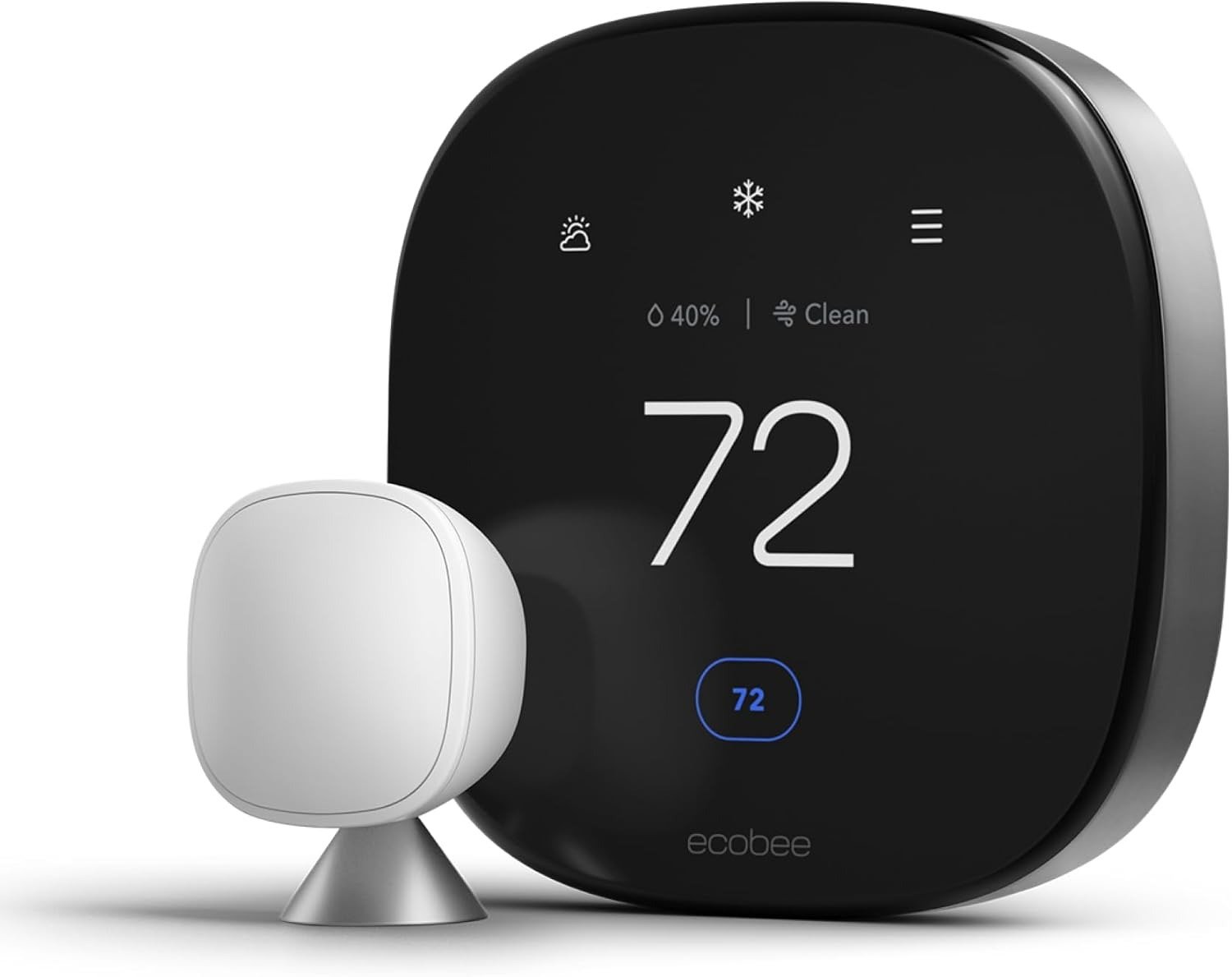
Ecobee’s Premium tier costs meaningfully more, but that includes a room sensor in the box, an air-quality monitor, a built-in Alexa speaker, and a Power Extender Kit that lets many homes skip a C-wire install. Nest’s Learning Thermostat builds your schedule from your behavior over the first week or two, and plugs into Google’s camera/doorbell ecosystem if you’re already there. Sensi’s pitch runs the other way: lower cost, a schedule you set and stay in control of, and a stated policy that it won’t sell your personal data to third parties.
| Sensi Touch ST75 | Ecobee Premium | Nest Learning Thermostat | |
|---|---|---|---|
| Builds your schedule for you | No — you set it | Partial (suggests changes) | Yes, learns over time |
| Room sensors | Not on this model | Included in box | Sold separately |
| C-wire workaround | None — always required | Power Extender Kit included | Often works without one |
| Built-in voice assistant | No (Alexa/Google/HomeKit via hub) | Alexa built-in; Siri via HomePod | Via separate Google speaker |
| Stated data policy | Won’t sell personal data, per Sensi | Standard ecosystem policy | Standard ecosystem policy |
| Typical price position | Budget-to-mid | Premium | Premium |
Neither ecobee nor Nest is “better” in the abstract. They’re solving a different problem than the ST75 is, at a different price.
Who Should Actually Buy the Sensi Touch ST75
This is the part comparison charts skip: not “what does it have,” but “does it match your house.”
It fits you if: you already have a C-wire, or you’re fine having one added; your smart home runs on Alexa, Google Assistant, or SmartThings (or basic HomeKit through a hub); you’d rather set your own schedule than have software guess at it; and you want ENERGY STAR-certified efficiency without a subscription or a premium tier you’ll never touch.
Who Should Skip the Sensi Touch ST75
It’s the wrong pick if: your home runs on electric baseboard heat — it’s flatly incompatible; you have no C-wire and no interest in adding one; you specifically want room-by-room sensor balancing right now (get the Touch 2, or ecobee); you want a thermostat that learns your routine without being told; or your router setup is 5GHz-only.
What It Solves, What It Reduces, and What It Still Leaves to You
| Solves | Reduces | Still on you |
|---|---|---|
| Remote control from your phone, anywhere | Manual trips to the thermostat | Checking you actually have a C-wire first |
| Alexa / Google / SmartThings / HomeKit control | Guesswork on HVAC runtime (usage reports) | Waking the screen instead of glancing at it |
| ENERGY STAR scheduling and geofencing (Sensi cites ~23% HVAC savings from typical use) | Energy waste from a “set and forget” old thermostat | Re-syncing the clock after a power blip |
| A stated no-data-selling privacy policy | Third-party data-sharing worries | Building the schedule yourself — nothing here learns for you |
Sensi Touch ST75 Pros and Cons
| Pros | Cons |
|---|---|
| Genuine touchscreen with a well-built app, not a bolted-on gimmick | C-wire is mandatory, with no included workaround |
| Works with Alexa, Google Assistant, SmartThings, and HomeKit (via hub) | No room/remote sensor support on this model |
| ENERGY STAR certified, no subscription needed | 2.4GHz Wi-Fi only |
| States it won’t sell your personal data to third parties | No battery backup — clock resets after an outage (setpoint doesn’t) |
| 3-year warranty (5 years with professional install) | Not a learning thermostat — you build the schedule |
| Straightforward DIY setup if a C-wire is already present | Screen dims quickly, hard to read in bright light |
Sensi Touch ST75 FAQ: Fast Answers Before You Buy
| Question | Answer |
|---|---|
| Does the Sensi Touch ST75 need a C-wire? | Yes, always, with no exceptions — and it isn’t compatible with electric baseboard heating at all. |
| Does it work with Apple HomeKit? | Yes, alongside Amazon Alexa, Google Assistant, and Samsung SmartThings. |
| Does it “learn” my schedule like a Nest? | No. You set the schedule (or start from Sensi’s default template); geofencing is the only adjustment it makes on its own. |
| Can I add room sensors later for multi-zone comfort? | No — that’s exclusive to the newer Sensi Touch 2 (ST76). The original Touch doesn’t support them, now or with a future update. |
| What’s the warranty? | 3 years for a self-install, 5 years if a licensed HVAC professional installs it. |
| Will it still heat and cool my house if the Wi-Fi goes down? | Yes. It keeps running its last schedule locally — you just lose remote control and automatic updates until it’s back online. |
| How long does installation actually take? | Sensi’s own post-purchase survey put it around 30 minutes or less for most people, longer if you need to add a C-wire first. |
Sensi Touch ST75 Review: The Bottom Line
Strip away the spec sheet, and the ST75 comes down to one honest trade: give up room sensors and self-learning AI, and in exchange get a reliable, ENERGY STAR-certified touchscreen thermostat, at a lower price, that plays well with Alexa or Google and doesn’t ask for a subscription.
If your HVAC already has a C-wire and Alexa or Google already run the rest of your house, this is where the decision stops being complicated.
Transparency Note:
This analysis is built on aggregated real-world experience.
It extracts what repeatedly holds, what breaks, and what users uncover only after living with the system—then shapes it into a clear model you can use immediately.
Think of it as structured experience, refined and presented so you don’t have to learn it the hard way.
“A quick note: Don’t believe the star ratings, but trust personal experience. This article is a compilation of collected experiences.”