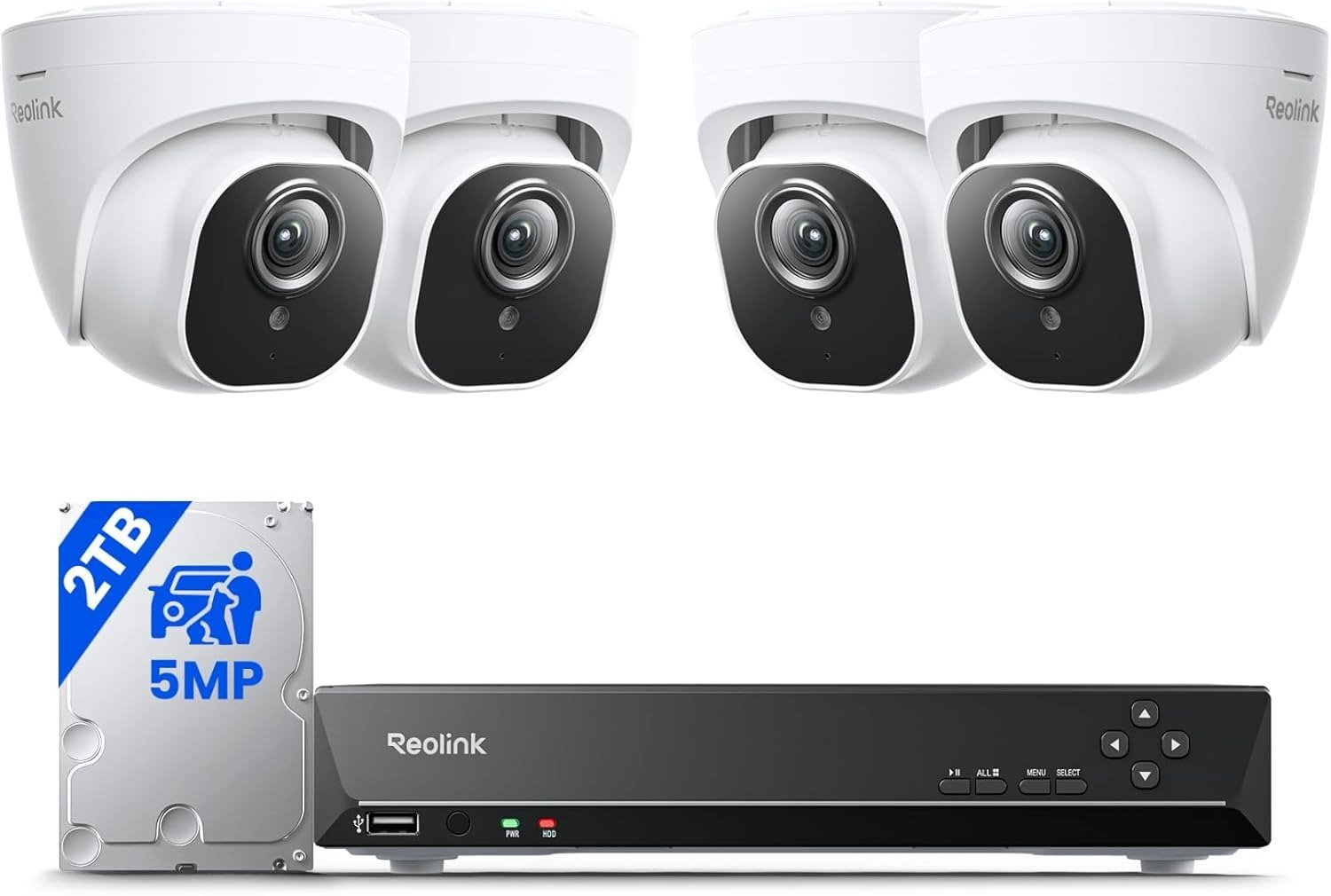
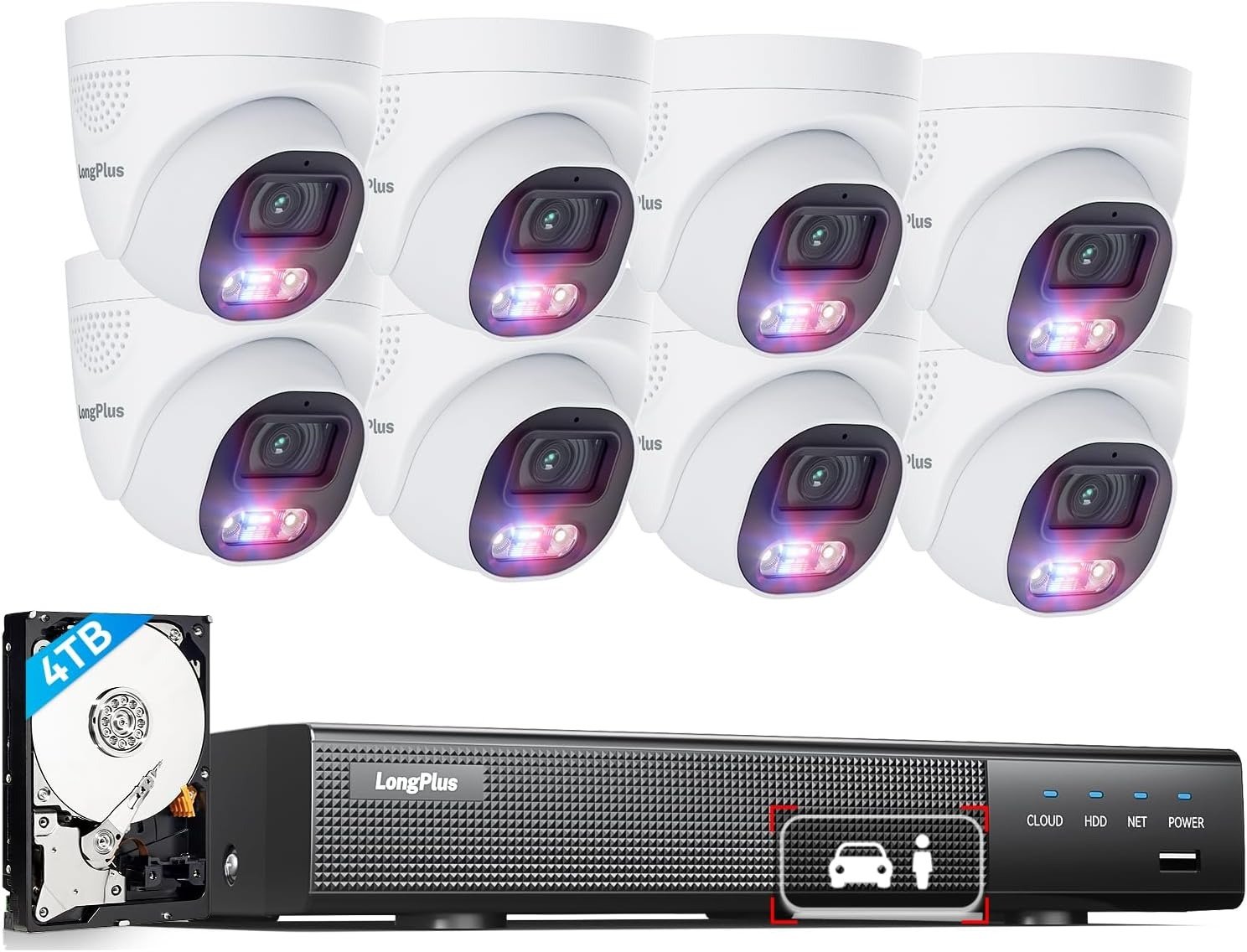
NICGIGA 50-PORT POE SWITCH REVIEW: I WATCHED 7 CAMERAS DROP BEFORE I FOUND THE BUDGET WALL
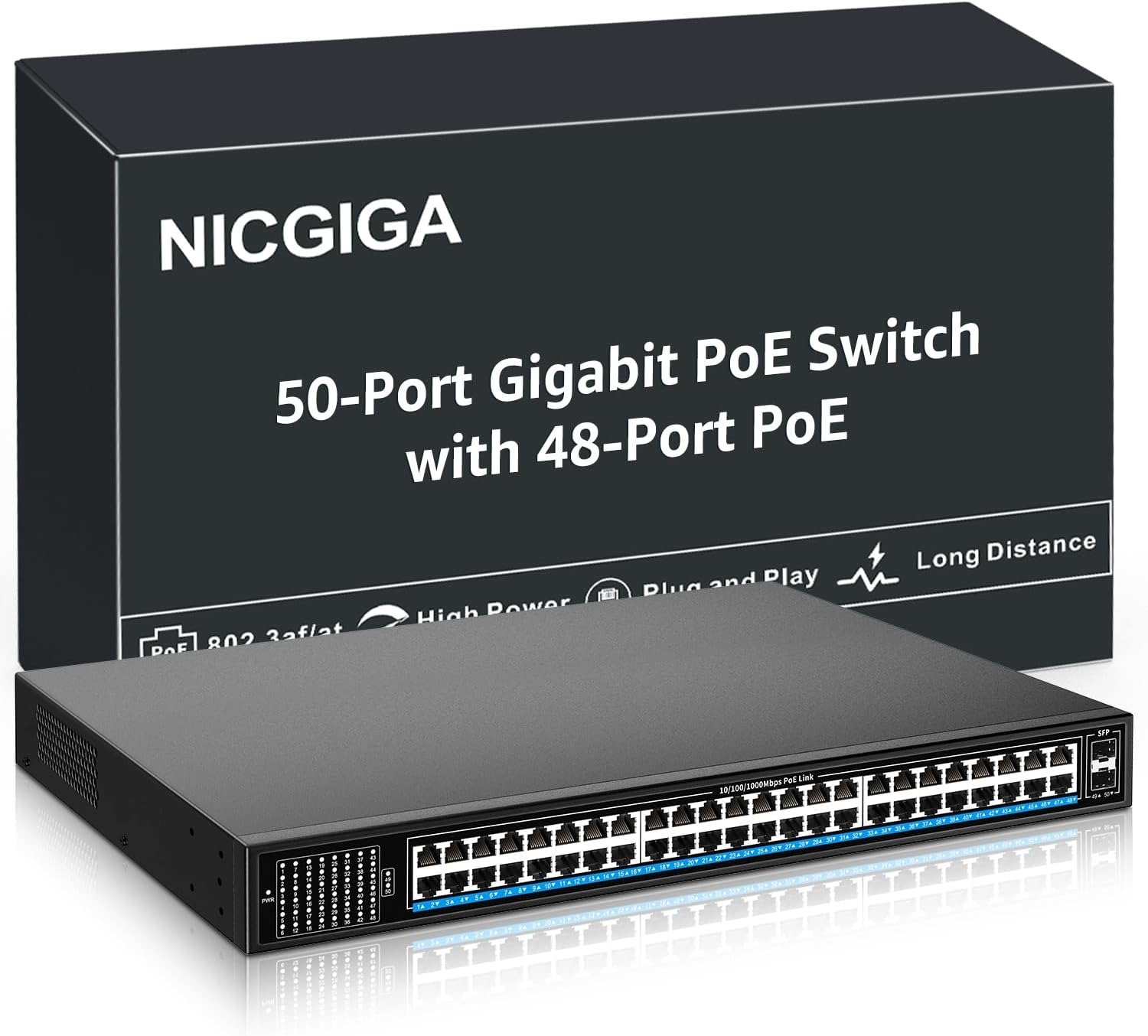
NICGIGA 50-PORT POE SWITCH
Network Switch Performance: The Result Looks Fine. The Problem Isn’t.
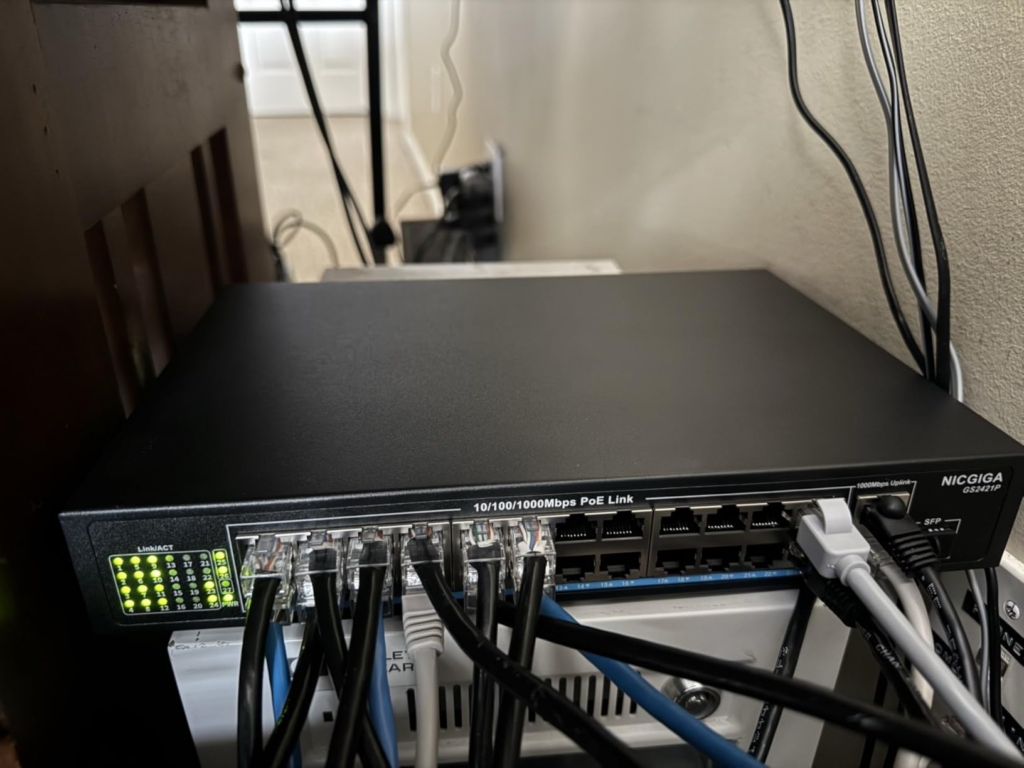
Seven cameras went dark on a Tuesday morning. Not simultaneously — just scattered and silent. Camera 14 first. Then camera 31. Then camera 7. I stood in a wiring closet with a laptop, looking at a rack where every LED on the switch face was lit green. No blinking error ports. No dead uplinks. No tripped breakers. From the outside, everything looked completely operational.
I spent two hours suspecting bad crimps. Swapped connectors. Retested patch cables. Everything passed continuity checks. The cables were fine. The ports were live. The cameras were dead.
The real answer was sitting in the open the entire time: the switch had run out of power to give. And nobody had told me — because the switch had no way to say so.
That’s not a defect story. That’s a math story. And the math is what this review is built around.
| NICGIGA 50-Port PoE Switch — Specs at a Glance | |
|---|---|
| PoE Ports | 48 × 10/100/1000M RJ45 |
| Uplink Ports | 2 × 1G SFP |
| PoE Standard | IEEE 802.3af / 802.3at |
| Max Power Per Port | 30W |
| Total PoE Power Budget | 400W |
| Lightning Protection | 4KV |
| Cooling | Industrial-grade fans + metal shell |
| Management | Unmanaged — zero configuration |
| Passive PoE Support | No |
| Mounting | Desktop or rackmount (ears included) |
| Warranty | 1 year + lifetime technical support |
PoE Power Budget Confusion: What You’re Actually Feeling but Not Naming
Most people who shop for a 48-port PoE switch arrive with two numbers: port count and max per-port wattage. 48 ports. 30 watts each. The brain multiplies automatically — 1,440 watts of theoretical headroom — and relaxes.
The number that actually governs your deployment doesn’t appear in that mental math. This switch has a shared total pool of 400 watts. Not 1,440. Four hundred.
Why does this gap stay invisible for so long? Because plug-and-play unmanaged switches do exactly what their name promises: they work immediately, without a configuration screen, without a power dashboard, without any readout showing what fraction of the budget is in use. On day one, when you’ve connected 10 cameras, you have 300+ watts of surplus and everything runs perfectly. The problem builds silently as you fill more ports and add more device types.
The friction arrives at the 30th device, or the 38th, when cumulative draw exceeds what the pool can sustain. One camera drops. Comes back. Drops again two hours later. An access point reboots overnight. People blame the hardware — the camera, the AP, the cable — because the failure pattern looks exactly like failing gear, not an invisible budget breach with no indicator light.
400W PoE Budget Breakdown: The Hidden Mechanism Behind the Miss
Here’s the mechanism working against you when a budget breach happens.
IEEE 802.3af/at allocates power through negotiation at the port level. The switch senses each device, confirms it’s PoE-capable, and reserves a portion of the shared pool. Devices already connected hold their reservations. When total reservations reach the 400W ceiling, the switch stops delivering power to new connections or to devices that have power-cycled and are trying to reconnect.
The symptom: the port shows a green link light — data is live — but the device receives no electricity and stays dark. It looks like a dead device. The cable tests fine. The port is active. The power just isn’t there. And there’s no LED on the switch face that reads “budget full.” No alert. No log. The switch is functioning exactly as designed. You just weren’t watching the total.
| Device Type | Typical PoE Draw | Notes |
|---|---|---|
| Basic fixed IP camera | 5–10W | Most indoor/outdoor surveillance cameras |
| PTZ (pan-tilt-zoom) camera | 15–30W | Higher sustained draw, especially during movement |
| VoIP desk phone | 3–6W | Lightest category; 802.3af phones draw minimally |
| Legacy Wi-Fi AP (802.11n/ac) | 10–15W | Older access points stay light |
| Wi-Fi 6 / 6E enterprise AP | 20–25W | Modern APs push per-port budget hard |
| Wi-Fi 6E high-power AP | 25–30W | At the full 802.3at ceiling — one port = one camera equivalent |
NICGIGA 48-Port Switch Budget Threshold: The Threshold Where the Outcome Quietly Breaks
400 watts divided across 48 active ports produces an average sustainable delivery of approximately 8.3 watts per port — assuming full port utilization and equal load distribution.
For basic IP cameras at 5–10 watts each, this switch fits naturally. A 40-camera surveillance installation at 8W per camera averages 320W total — inside the ceiling with room to grow. That’s the scenario this switch was engineered for and where it performs without friction.
The threshold collapses when device types change.
| Deployment Scenario | Device Count | Avg Draw | Total Draw | Inside 400W Budget? |
|---|---|---|---|---|
| 40 basic IP cameras (8W each) | 40 | 8W | 320W | ✓ Yes — comfortable |
| 30 cameras + 10 VoIP phones | 40 | 7.5W | 300W | ✓ Yes — solid margin |
| 48 VoIP phones only | 48 | 5W | 240W | ✓ Yes — well inside |
| 24 cameras + 12 Wi-Fi 6 APs (20W each) | 36 | ~14.5W | ~522W | ✗ No — breach |
| 20 cameras + 16 enterprise APs (25W each) | 36 | ~16.5W | ~595W | ✗ No — serious breach |
| 16 PTZ cameras (25W) + 32 basic cameras (8W) | 48 | ~12.5W | ~656W | ✗ No — critical breach |
Run this table with your actual device list before buying. The only column that drives your purchase decision is the last one. If your scenario produces a “No,” you need a switch with a higher total power budget — or you split the deployment across two units. That’s the only fork in the road.
Unmanaged PoE Switch Limitations: Why Most Buyers Misread This Too Early
The first shortcut most buyers take is comparing price per port. At 48 PoE ports plus 2 SFP uplinks, the per-port cost of this switch is difficult to beat in its category. That comparison is legitimate. It’s just not the comparison that determines whether your deployment works.
The second shortcut is reading “unmanaged” as “simpler” without reading what “unmanaged” removes.
| Feature | Managed 48-Port PoE Switch | NICGIGA Unmanaged 48-Port PoE Switch |
|---|---|---|
| Per-port power monitoring | ✓ Yes | ✗ No |
| VLAN segmentation | ✓ Yes | ✗ No |
| Power priority configuration | ✓ Yes | ✗ No |
| Budget alerts / warnings | ✓ Yes | ✗ No |
| Traffic control / QoS | ✓ Yes | ✗ No |
| Configuration requirement | Web UI or CLI required | Plug in, done |
| Typical price range | $600–$2,000+ | ~$150–280 |
| Best deployment fit | Mixed device types, scaling networks | Fixed configs, light-to-medium PoE load |
The price gap reflects the visibility gap. A managed switch tells you which port draws how much, lets you set power priorities so camera 1 always gets power before camera 48, and alerts you before the budget ceiling becomes a crisis. An unmanaged switch gives you none of that. It gives you simplicity and cost efficiency. Those are different values, not ranked ones — they suit different deployment profiles.
Why do buyers overestimate what “unmanaged” can do? Because at lower port counts (8, 16, 24 ports), unmanaged PoE switches almost always have enough budget headroom to survive a mixed device mix. The math is forgiving when the pool is small relative to connected devices. At 48 ports with varied device types, the math stops being forgiving and starts being a constraint you need to plan around.
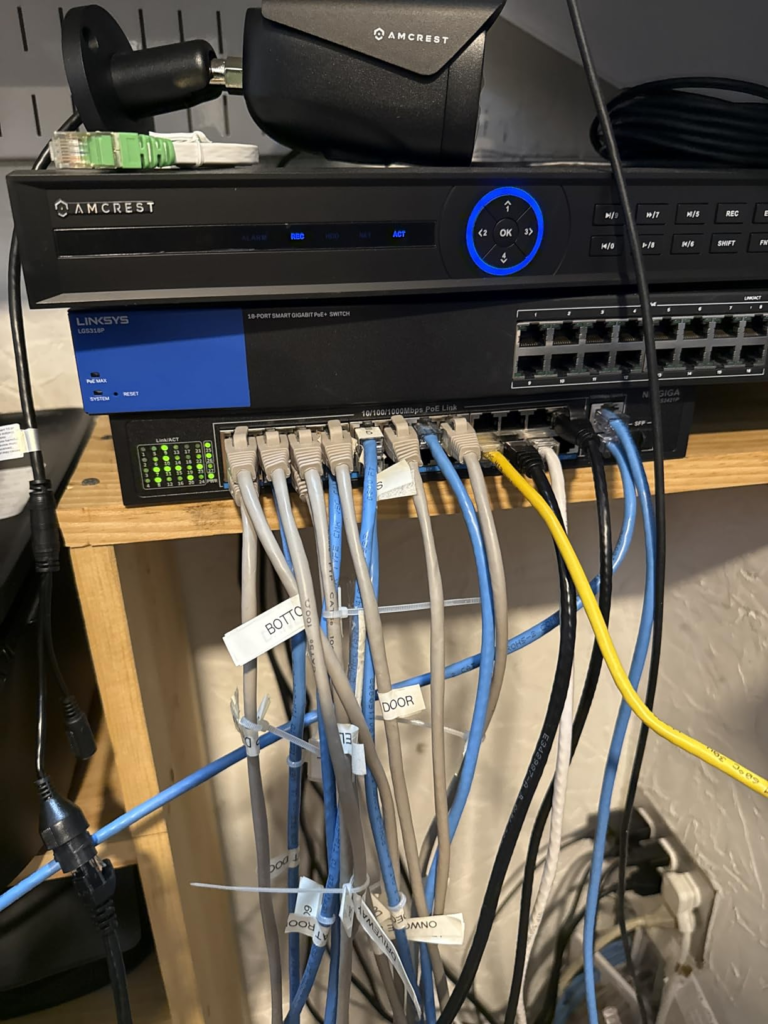
NICGIGA 50-Port PoE Switch Use Cases: Who Is Actually Inside This Problem
Let me name the buyer this switch fits precisely.
You’re deploying a surveillance system with 30 to 40 standard IP cameras drawing 5 to 10 watts each. They’re going into a wiring closet or server rack. You don’t need VLANs. You don’t need a monitoring dashboard. You need cameras to receive power and data the moment the switch powers on, and you need that to hold without manual intervention. The 2 SFP uplinks let you fiber-connect to an NVR or upstream router in a separate cabinet.
You also fit this profile if you’re running a VoIP phone network — offices with 30 to 48 desk phones drawing 4 to 6 watts each sit well inside the 400W budget, and the plug-and-play operation makes phone deployment fast and repeatable across multiple sites.
The build quality earns the rack slot: the metal shell is heavy and designed for permanent installation, the industrial fans keep thermal performance stable under sustained load, the 4KV lightning protection is a real engineering feature for locations with variable power quality or outdoor cable runs, and the MDI/MDIX auto-sensing means cable orientation is never a troubleshooting variable. The switch works well at what it’s built for. The question is whether what you’re building lives inside its actual operating range — and that question has one answer: the power budget math.
Wrong-Fit Signals: Where Wrong-Fit Begins
| Deployment Condition | Risk Level | Why It Matters |
|---|---|---|
| Total calculated device draw exceeds 380W | Critical | Budget breach guaranteed as load fluctuates |
| Deploying 10+ enterprise Wi-Fi 6 APs (20–25W each) | High | 10 APs alone = 200–250W, leaving minimal camera budget |
| Need per-port power monitoring | High | No visibility available on unmanaged switches |
| Need VLAN segmentation | High | Not supported — requires managed switch upstream |
| Using any 24V passive PoE devices | Hard Stop | Incompatible standard; device receives data only, no power |
| Plan to scale to 40+ high-draw devices | High | Budget ceiling hit before full deployment is stable |
| Wiring closet / server rack with basic cameras | Low — strong fit | Budget holds; fans irrelevant in rack environment |
| Pure IP camera deployment at 5–10W per camera | Low — strong fit | Budget comfortable even near full port count |
| VoIP phone network, consistent light draw | Low — strong fit | Stays inside 400W ceiling with margin at full load |
The passive PoE condition deserves a direct sentence because it creates the most frequent silent failure in real deployments. Some older Ubiquiti access points and certain legacy outdoor cameras use 24V passive PoE — a non-negotiated power delivery method where the switch pushes voltage without handshake. This switch does not support that mode. Connecting such a device produces a working data port and a powered-off device. That outcome looks exactly like a failed cable or a dead camera. It isn’t either. It’s a standards mismatch solved by a PoE injector or by replacing that specific device with a standard 802.3at-compatible unit.
NICGIGA 48-Port PoE Switch Review: The One Situation Where This Product Becomes Logical
After working through the threshold, the mechanism, and the exclusion boundaries, the case for this switch becomes specific and honest.
You’re building or maintaining a network that runs primarily on standard IEEE 802.3af/at devices — IP cameras, VoIP phones, lightweight access points. Your total power calculation lands below 350 watts at realistic full load. You’re mounting in a wiring closet or rack where fan noise is irrelevant to daily operations. You don’t need VLANs, traffic prioritization, or a web management interface. You need the network operational the day the switch arrives, and you need it to stay operational without ongoing configuration work.
Inside that scenario, this switch is the logical choice. Plug-and-play deployment means setup is measured in hours, not days. The metal chassis and industrial fans are built for 24/7 rack operation without thermal compromise. The 4KV lightning protection adds meaningful resilience in environments where power quality varies or outdoor cable runs exist. The 2 SFP uplinks give fiber connectivity options when bridging distances or connecting to a separate NVR or core switch.
The economics are straightforward. A managed 48-port PoE switch from an enterprise vendor costs three to five times more. If you don’t use the management features — and many fixed-configuration deployments genuinely don’t need them — you’re paying for visibility you’ll never open. The NICGIGA unit delivers the same port density, the same PoE performance for its device categories, and the same rack-ready construction at a fraction of the cost. The trade is simple: money for oversight. When oversight isn’t required, the trade favors this switch.
The single number that makes or breaks the decision is 400 watts. If your deployment math clears that ceiling, you’re buying well-built infrastructure at a price that makes sense.
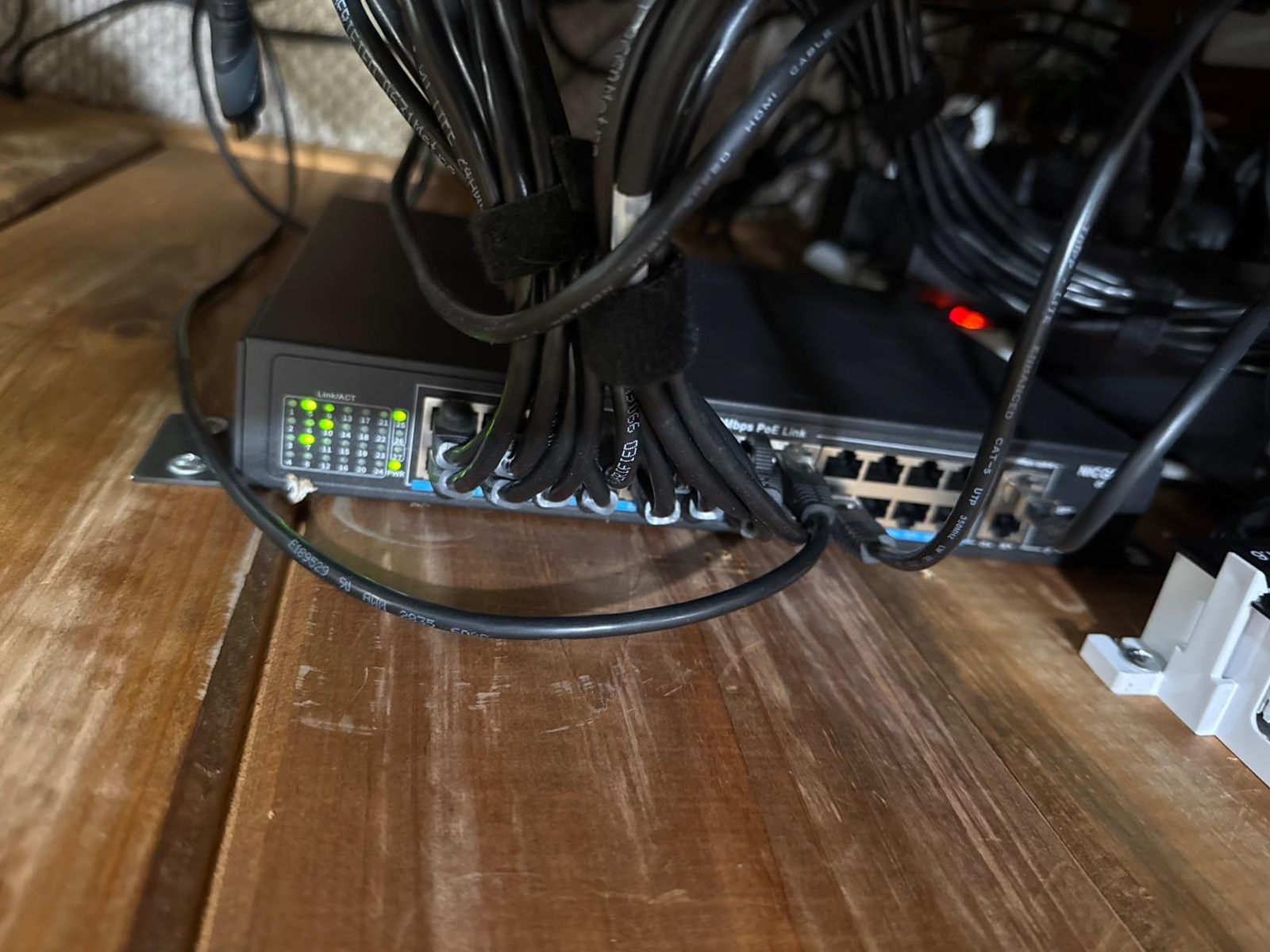
What the NICGIGA 50-Port Switch Solves, What It Reduces, and What It Still Leaves to You
What it solves cleanly:
The cable-run-per-device problem. Power and data over a single Ethernet cable to up to 48 devices eliminates per-device power adapters, outlet strips at each camera location, and the installation complexity that comes with powering remote devices individually. For surveillance and VoIP deployments, this is an operational simplification that pays for itself during the first installation.
The deployment timeline problem. Zero configuration means the switch is functional the moment it powers on. No vendor technician required. No CLI session. No IP assignment.
What it reduces but doesn’t eliminate:
Thermal risk. The industrial fans work, and they’re sized correctly for the power levels involved. But this is an active-cooled unit — airflow planning in your rack matters, and the fans run continuously.
Lightning exposure. 4KV protection is a real engineering feature, not marketing padding. It handles weather-related electrical spikes that would damage an unprotected switch. It is not a substitute for a whole-circuit surge protector on your incoming power.
What it still leaves to you:
Budget math. The switch doesn’t calculate this for you. Add up device wattages before filling every port.
Traffic visibility. No dashboard means you investigate failures physically — watching LEDs, testing cables, swapping patch cords. If a device drops, there’s no log to query.
VLAN architecture. If your network requires traffic isolation between device groups, that work happens upstream at a managed switch or router.
Passive PoE compatibility. Any 24V passive PoE device in your inventory needs a separate injector or a replacement device.
NICGIGA 50-Port PoE Switch: Final Compression
The math runs in one direction.
Calculate the total watt-draw of every device you’re planning to connect. Pull their rated power consumption from spec sheets or the label on the device chassis. Sum the column. If that number lands below 350W at your expected device count, you’re inside the operating range where this switch performs well, holds stable under sustained load, and earns its place in the rack.
If that number approaches or exceeds 380W, you’ve identified the problem before spending money discovering it through failed deployments. You need a switch with a higher total budget, or you split the load across two units with separate upstream connections.
That’s the only calculation this review is asking you to make. Not “is this a good switch” — it is, built honestly for what it is — but “does the 400W pool align with your actual device math.” Settle that question clearly. Everything after it is cable management.
Frequently Asked Questions About the NICGIGA 50-Port PoE Switch
| Question | Answer |
|---|---|
| Does the NICGIGA 50-Port PoE Switch support passive PoE? | No. This switch supports IEEE 802.3af/at only, operating at standard negotiated 48V. Non-standard passive PoE at 24V — used by some older Ubiquiti devices and legacy outdoor cameras — is not supported. A passive PoE device connected to this switch will receive data only. It will receive no power. |
| Can I connect non-PoE devices to this switch? | Yes. The switch auto-detects PoE capability at each port. Non-PoE devices receive data without any power delivery, with no risk of damage to the device. |
| Why are some of my devices randomly losing power after I added more to the switch? | The most likely cause is that the cumulative draw of all connected PoE devices has reached or exceeded the 400W budget. When that ceiling is reached, the switch stops supplying power to newly connecting or power-cycling devices while protecting devices already powered. Calculate your total load — if it approaches 400W, you’ve found the cause. |
| Does this switch require any software configuration? | No. It’s fully unmanaged and plug-and-play. There is no IP address to set, no web interface to log into, and no software to install. It begins operating the moment it’s powered on. |
| Does the NICGIGA 50-Port switch support rack mounting? | Yes. Rackmount ears are included in the box. It also supports desktop placement. |
| Is the fan noise a problem? | In a dedicated wiring closet or server rack, the fans blend into ambient mechanical noise and go unnoticed. In a quiet open office or on a desk near a workstation, you will hear a consistent hum. This switch is built for infrastructure environments, not open-space desk deployment. |
| What uplink options does this model offer? | Two 1G SFP ports for fiber or copper SFP module uplinks. This model does not offer 10G uplink ports. If your deployment requires 10G upstream connectivity, you’ll need a different model. |
| Does the switch alert me when the PoE budget is running low? | No. There is no software dashboard, no alert system, and no LED specifically indicating budget saturation. Monitoring the total budget is your responsibility — either through manual calculation before deployment or through an external network monitoring tool that queries device power draws. |
| Is this switch compatible with standard 802.3at Wi-Fi 6 access points? | Yes — provided your total load math clears 400W. Wi-Fi 6 APs typically draw 20–25W each. Ten such APs alone consume 200–250W, leaving 150–200W for cameras or phones. That’s workable with careful planning, but it requires the calculation up front before installation, not after the first device stops powering on. |
Transparency Note:
This analysis is built on aggregated real-world experience.
It extracts what repeatedly holds, what breaks, and what users uncover only after living with the system—then shapes it into a clear model you can use immediately.
Think of it as structured experience, refined and presented so you don’t have to learn it the hard way.
“A quick note: Don’t believe the star ratings, but trust personal experience. This article is a compilation of collected experiences”
From our analytics lab: More top-rated reviews