TP-Link TL-SG1008MP Review: The Eighth Port Problem
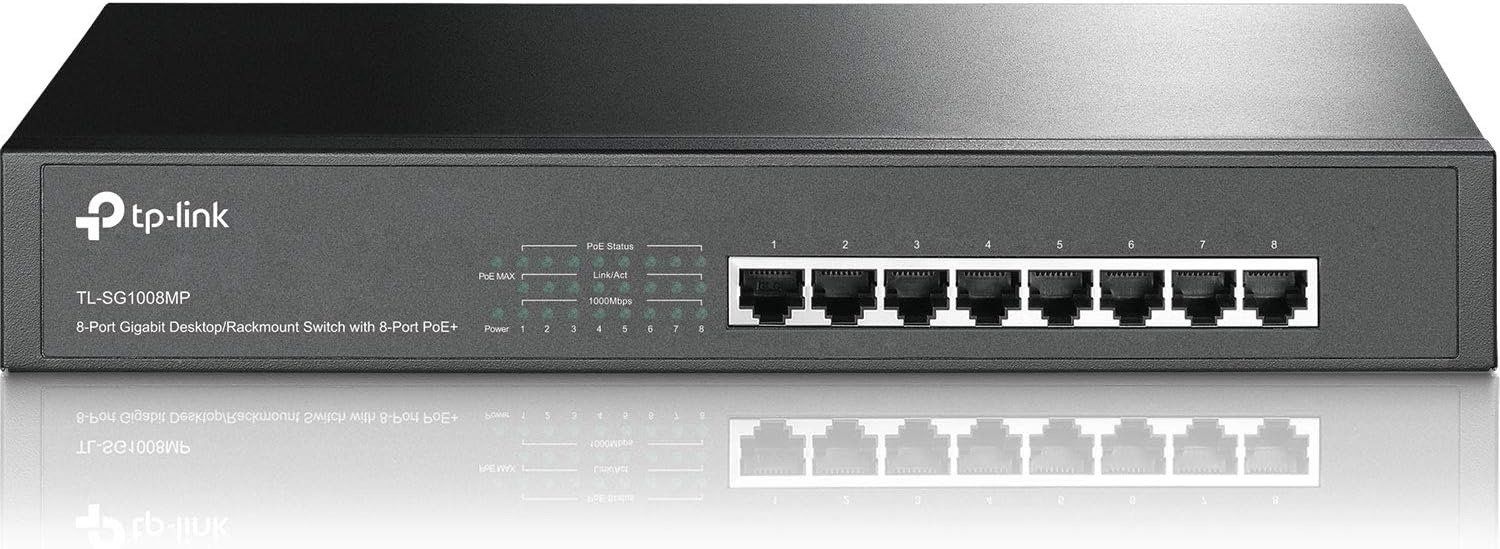
TP-LINK TL-SG1008MP
Eight Gigabit ports. Eight of them powered. A headline number — 153W — that sounds like more than enough headroom for a small office or a home camera setup. That’s the pitch, and on paper it’s accurate.
What the spec sheet doesn’t tell you is what happens the day you plug in a ninth thing, metaphorically speaking — the day your total PoE+ draw quietly crosses a line this switch will never warn you about, because it has no screen, no app, and no log to warn you with.
Something just goes dark. Usually the thing in the last port you added.
That’s the part of this switch worth understanding before you buy it, not after.
The Result Looks Fine. The Problem Isn’t.
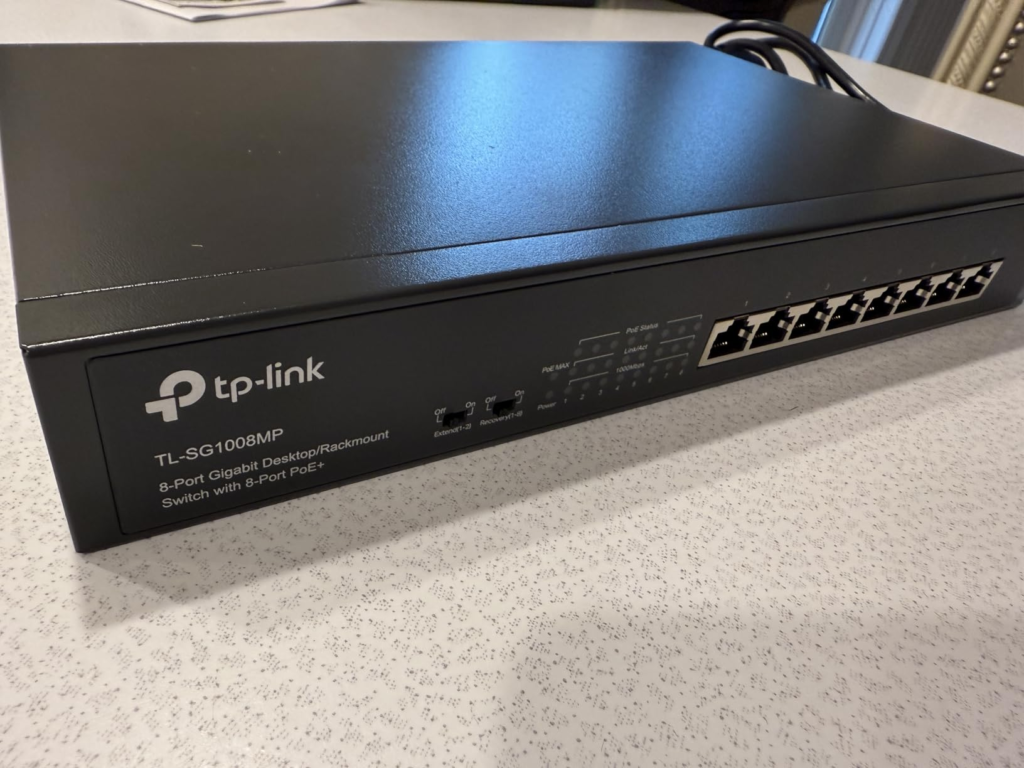
On its face, the TL-SG1008MP is one of the more generous switches in its class: every one of its eight Gigabit ports can deliver PoE+ power, not just four of them, which is the more common split at this price point.
TP-Link’s current product page and datasheet rate the total power pool at 153W, with up to 30W available on any single port — enough for PTZ cameras, PoE access points, or VoIP handsets that older, lower-budget switches choke on.
Here’s the part that doesn’t show up in a bullet-point feature list: that 153W is one shared pool, not eight independent allowances. The switch has zero configuration interface — no app, no browser dashboard, nothing — so there’s also no live readout telling you how close to that ceiling you actually are.
The first sign of a problem isn’t a warning. It’s a device that stops responding.
| What the spec sheet implies | What’s actually documented |
|---|---|
| 8 PoE+ ports = 8 independent power circuits | All 8 ports draw from one shared 153W pool |
| 153W is the guaranteed number for any unit sold | TP-Link’s current page and datasheet say 153W; a number of retailer listings and an earlier hardware version cite 126W for the same model |
| “Overload protection” means you’re in control | Protection is automatic, but the order it protects in is fixed and can’t be changed |
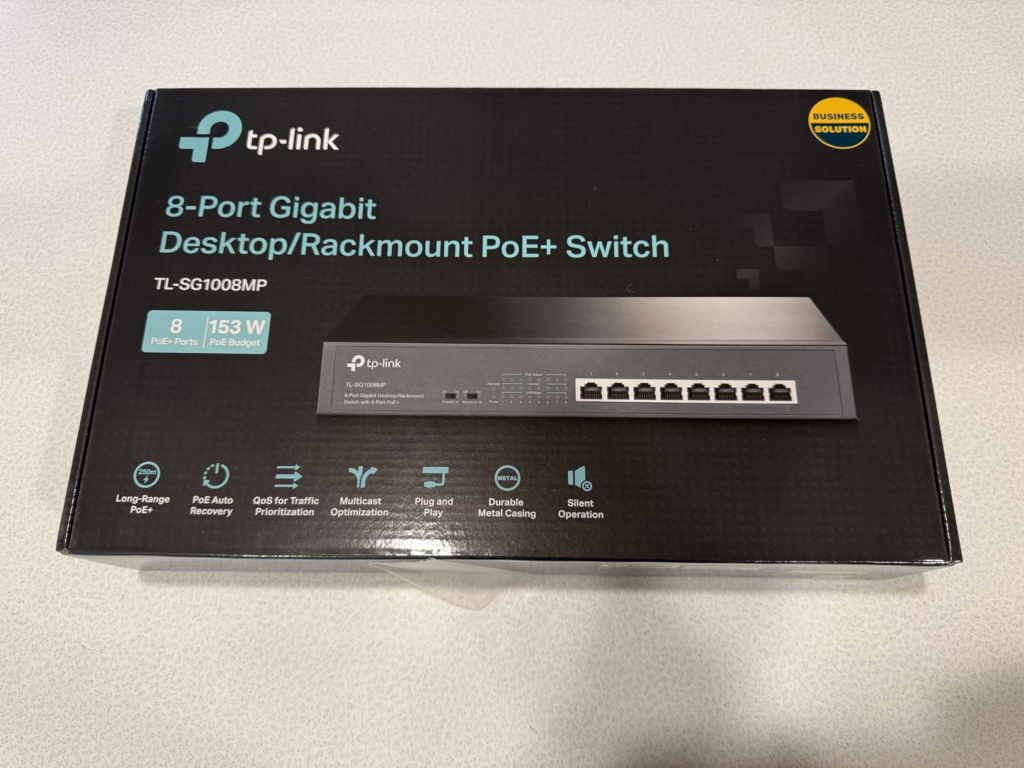
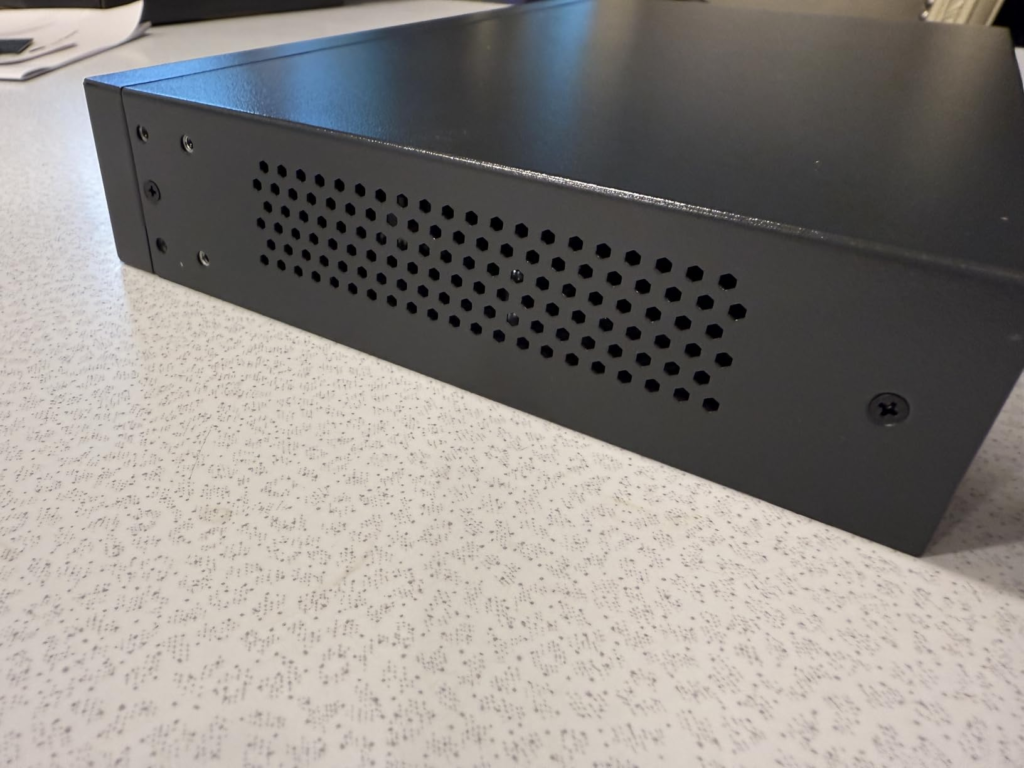
| “Energy-efficient” and “fanless” are settled facts | TP-Link’s own marketing copy says fanless; a detailed third-party hardware spec sheet for this unit lists one internal fan |
Quick spec reference, pulled together from TP-Link’s own documentation and matched against multiple authorized resellers:
| Spec | TL-SG1008MP |
|---|---|
| Ports | 8x Gigabit (10/100/1000 Mbps) RJ45 |
| PoE-capable ports | All 8 |
| PoE standard | IEEE 802.3af/at (PoE+) |
| Max per port | 30W |
| Total PoE budget | 153W (current TP-Link spec); 126W on some listings/earlier hardware revisions |
| Switching capacity | 16 Gbps |
| MAC address table | ~4K entries |
| Jumbo frame support | Up to 16KB |
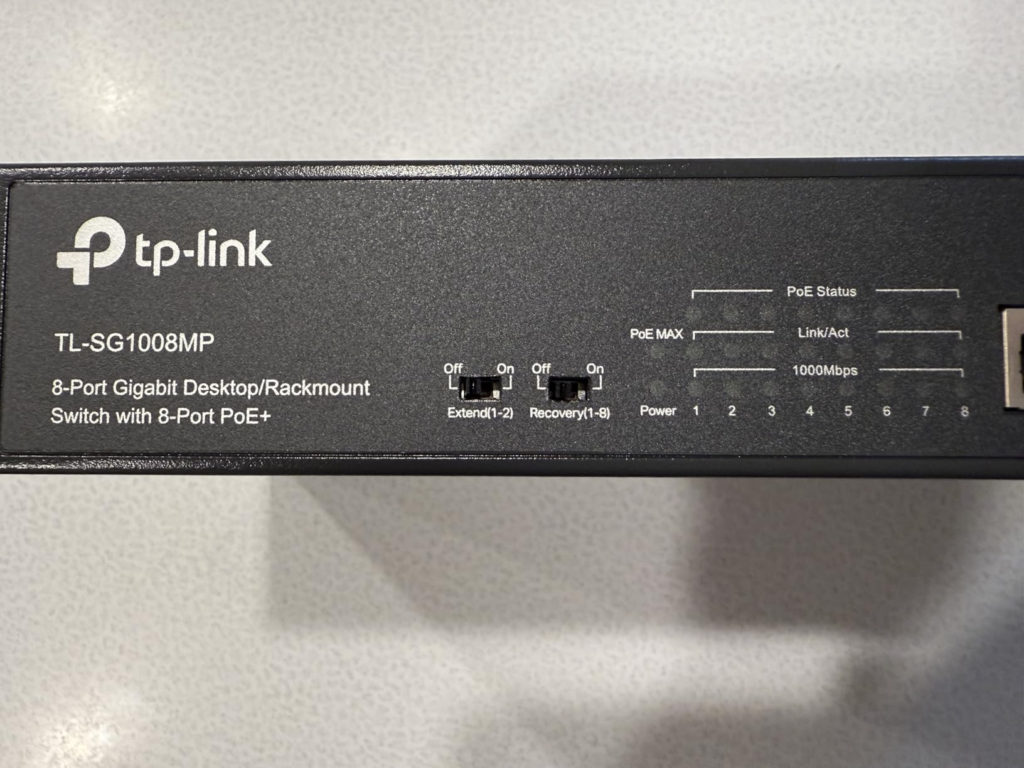
| Management | None — fully unmanaged, plug-and-play |
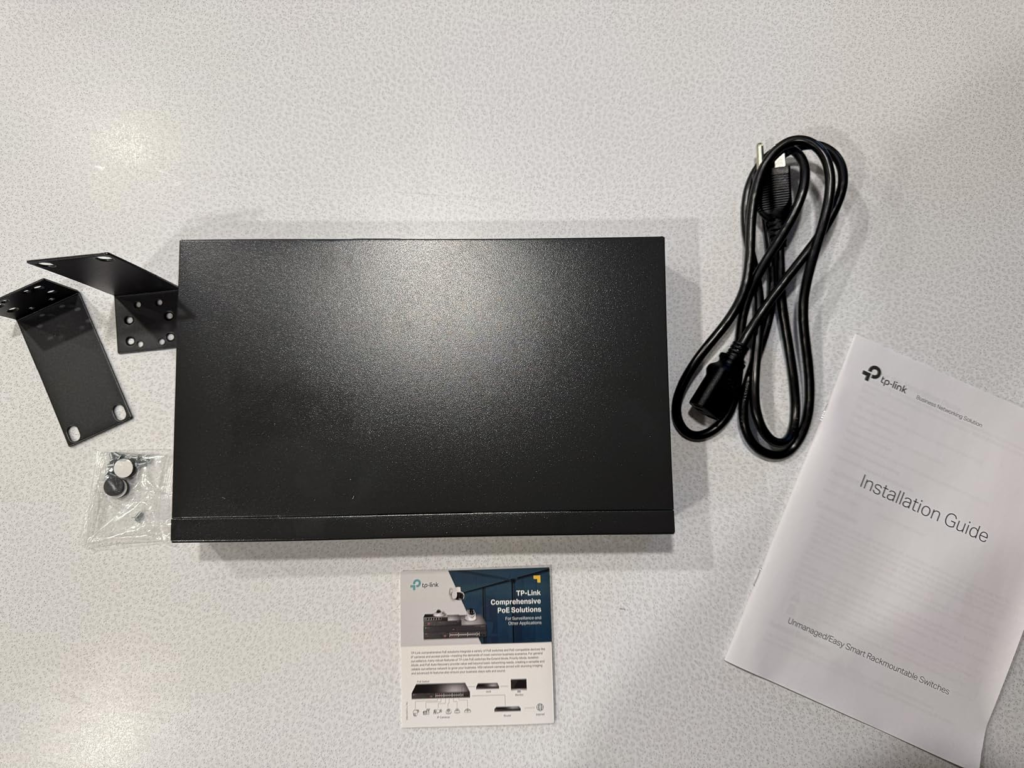
| Mounting | Desktop or 1U rack (13″/19″ kit included) |
| Chassis | Metal, shielded ports |
| Warranty | Limited lifetime (TP-Link’s standard branding for this line) |
What You’re Actually Feeling but Not Naming
If you’ve already got this switch running and something feels off, it usually doesn’t look like a power problem. It looks like a bad camera. A flaky access point. An IP phone that reboots for no reason right after you add a fourth device to the rack.
You swap a cable, you swap the device, the problem follows you around the network rather than staying with the hardware — because the hardware isn’t the issue. The issue is that the running total of everything plugged in just crossed a number you couldn’t see in the first place.
This is a power-budget problem, not a bandwidth problem. The switch has plenty of switching headroom (16Gbps is overkill for eight gigabit ports running normal traffic) — the constraint here is wattage, not data throughput, and those two things get confused constantly when people troubleshoot PoE gear.
The Hidden Mechanism Behind the Miss
Here’s exactly how the protection works, straight from TP-Link’s own documentation: priority is fixed by physical port number. Port 1 outranks Port 2, which outranks Port 3, all the way down to Port 8.
If total demand reaches the budget ceiling, the switch doesn’t ask you anything — it simply cuts power to the lowest-priority port that’s currently drawing it.
TP-Link’s own example makes this concrete: if Ports 1, 2, 4, and 7 are each pulling 30W (120W total), and you then plug a 25W device into Port 3, total demand hits 145W.
If that crosses the budget on your unit, Port 7 — not Port 3, the newest addition — loses power, simply because it’s the lowest-priority port currently active. The device you just installed keeps running. The one already working might not.
There’s no way to reorder this in software, because there’s no software. The only lever you have is which physical port you choose for which device, decided once, at install time.
| Port | Priority rank | Practical takeaway |
|---|---|---|
| Port 1 | Highest | Put your most mission-critical device here (main camera, NVR uplink, core AP) |
| Port 2–3 | High | Secondary critical devices |
| Port 4–5 | Medium | Standard cameras, secondary APs |
| Port 6–7 | Low | Devices you can afford to lose first |
| Port 8 | Lowest | The most expendable device in your setup belongs here |
One feature worth separating out from all this: PoE Auto Recovery, which automatically power-cycles a connected device if it stops responding — different problem entirely (a frozen device, not a budget overflow), and a genuinely useful one, since it saves a physical trip to unplug and replug a stuck camera.
The Threshold Where the Outcome Quietly Breaks
This is the number worth pinning down before you order one: TP-Link’s current official product page and datasheet list the total PoE budget at 153W.
Multiple resellers — and what appears to be documentation tied to an earlier hardware version (this model has at least a V1 through V3 history) — list 126W for the identical model name. Nothing I found resolves that gap with certainty.
The honest position is to plan around the lower number, and confirm the figure printed on the unit or listing you’re actually buying rather than assuming the higher one applies to you.
Using 126W as the conservative planning ceiling, here’s roughly what that buys you in practice, based on typical wattage draw for common PoE+ device categories (these are general, illustrative ranges, not specs for any one named product):
| Device type | Typical draw | Roughly how many fit in 126W |
|---|---|---|
| Basic fixed IP cameras | ~5–12W each | 8+ comfortably |
| PTZ / pan-tilt-zoom cameras | ~20–30W each | 4–5 max |
| Wi-Fi access points | ~12–25W each | 5–6 |
| Mixed small-office setup (cameras + 1–2 APs + a phone or two) | Varies | Usually fits, but worth adding up before you buy |
If your real-world plan leans heavily toward PTZ cameras or multiple high-draw access points, you’re closer to that ceiling than the headline “153W” number suggests.
Why Most Buyers Misread This Too Early
Two comparison traps account for most of the confusion around this switch.
The first is inside TP-Link’s own catalog. The “MP” suffix here looks similar to TP-Link’s “Easy Smart” PE and MPE-series switches — but those are managed, with a web GUI, VLANs, QoS, and link aggregation. The TL-SG1008MP has none of that.
It’s the unmanaged sibling, and the naming similarity is exactly the kind of detail that causes people to assume a feature set this switch doesn’t have.
The second is the comparison most people researching this product are actually running, often without fully realizing the stakes: this switch against the Netgear GS308EP, which shows up in nearly identical searches.
They look alike — 8 ports, 8 of them PoE+, similar size, similar price bracket. The actual gap between them is much larger than the spec sheets suggest at a glance.
| Factor | TP-Link TL-SG1008MP | Netgear GS308EP |
|---|---|---|
| Management | Unmanaged — no interface at all | Easy Smart — web-based GUI |
| Total PoE budget | 153W (current spec); 126W on some listings | 62W |
| Per-port max | 30W | 30W |
| Port priority | Fixed by port number, not adjustable | Adjustable per port through the web interface |
| VLAN / QoS | Not supported | Supported |
| Mounting | Desktop or 1U rack (kit included) | Desktop or wall mount |
| Warranty | Limited lifetime (TP-Link’s standard branding) | 3-year limited hardware warranty |
| List price | Not consistently published; similar general bracket | $99.99 (Netgear’s own listing) |
The short version: the TP-Link gives you roughly double to two-and-a-half times the usable power headroom with zero setup. The Netgear gives you real configuration control — adjustable priority, VLANs, QoS — over a noticeably smaller power pool. Neither one is the “better” switch in the abstract. They’re solving different problems.
Who Is Actually Inside This Problem
This switch fits cleanly if you’re powering several PoE+ devices — cameras, an access point or two, a phone — and you’d rather not buy individual injectors for each one.
It fits home labs and DIY camera setups where you’re comfortable deciding once which device goes in which port and then leaving it alone. It fits small offices and VoIP rollouts that want every port usable for power, not just half of them, and don’t have a reason to touch VLANs or QoS rules.
Where Wrong-Fit Begins
It stops being the right tool the moment you need network segmentation — separating camera traffic from your main LAN, for instance — since there’s no VLAN support to do that with.
It’s also the wrong pick if your device list runs heavy on PTZ cameras or multiple high-draw APs to the point where you’re realistically going to brush against the wattage ceiling; without a dashboard, you won’t see that coming, you’ll just lose a port.
And if you want live visibility — an app or web page telling you what’s drawing what, right now — this switch was never built to give you that. You’d be buying it for the wrong reason.
The One Situation Where This Product Becomes Logical
If every port needs to carry power, you’ve checked that your real device list comfortably clears 126W with room to spare, and you don’t need VLANs, QoS, or a dashboard to feel confident about your setup — this is a logical choice, not a compromise.
It’s a metal box that does one job, does it without configuration, and is backed by TP-Link’s standard limited lifetime warranty branding for this line.
What It Solves, What It Reduces, and What It Still Leaves to You
It solves the injector problem — no separate power bricks scattered across eight devices. It reduces the planning burden compared to switches that only power half their ports, since you’re never stuck deciding which four devices “earn” power.
It still leaves the budget-monitoring job entirely to you: no dashboard, no alert, no VLANs, and a port-priority order you set once with a patch cable and never get to revisit without physically moving it.
Frequently Asked Questions
| Question | Answer |
|---|---|
| Is the TP-Link TL-SG1008MP managed or unmanaged? | Fully unmanaged. There’s no app, no web interface, and no configuration step — it works the moment it’s powered and connected. |
| Can all 8 ports really power PoE+ devices at the same time? | Yes, but they share one total power budget rather than each having an independent allowance, so total simultaneous draw matters more than port count. |
| What happens if I exceed the power budget? | The switch automatically cuts power to the lowest-priority active port — fixed by physical port number, Port 1 highest down to Port 8 lowest — with no on-screen warning beforehand. |
| Can I change which port has priority? | No. The order is hardware-fixed. The only control you have is choosing which device goes into which port number when you install it. |
| Is the total budget 126W or 153W? | TP-Link’s current site and datasheet say 153W. A number of retailer listings and what appears to be earlier hardware-revision documentation say 126W for the same model name. Confirm the figure on the specific unit or listing you’re buying, and plan conservatively. |
| TL-SG1008MP or Netgear GS308EP — which should I buy? | If you want maximum PoE headroom with zero setup, the TP-Link. If you need VLANs, QoS, or adjustable per-port priority over a smaller power pool, the GS308EP. |
Final Compression
If your device list comfortably fits inside a 126W planning ceiling, every port needs to be able to carry power, and you don’t need VLANs or a dashboard to feel in control of your network — this is where the decision stops being vague. You can check current availability and pricing here: If you decide that this system meets your home’s standards, you can view details of the current offer via Amazon.
Transparency Note:
This analysis is built on aggregated real-world experience.
It extracts what repeatedly holds, what breaks, and what users uncover only after living with the system—then shapes it into a clear model you can use immediately.
Think of it as structured experience, refined and presented so you don’t have to learn it the hard way.
“A quick note: Don’t believe the star ratings, but trust personal experience. This article is a compilation of collected experiences”