My Rraycom 4Pack 5G/2.4G Security Camera Review — You Set It Up. You Still Missed the Moment.
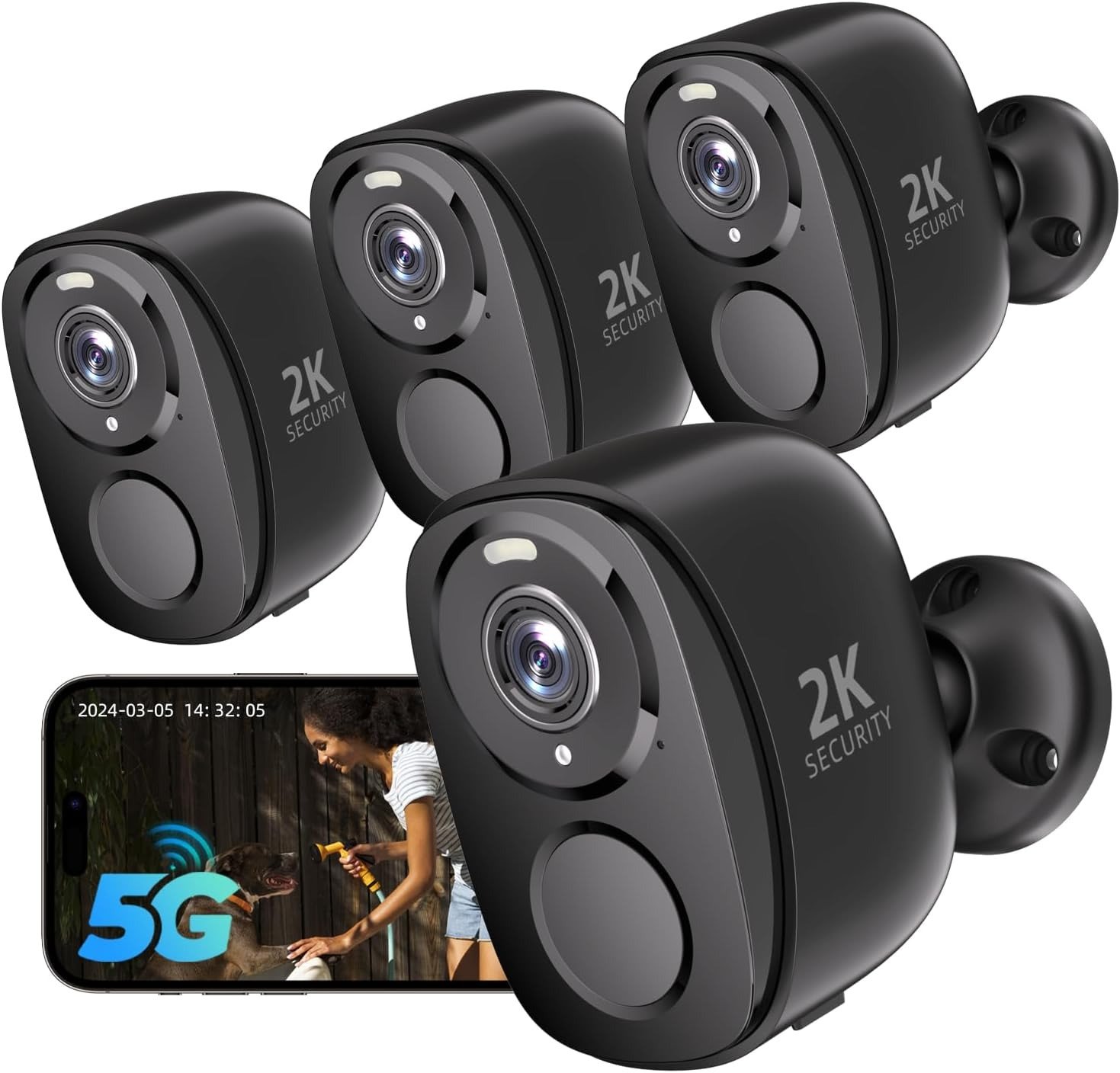
RRYACOM 4PACK
You bought a four-camera system. You mounted them all. You checked the app. You felt covered.
Then, three weeks later, camera two showed 14% battery — and the alert you received at 11:53 p.m. last Tuesday turned out to be a neighborhood cat. The person who walked your driveway five minutes later? No alert. No footage. A 24-hour cloud window that had already rolled over.
That’s not a broken camera. That’s a miscalibrated system.
I’ve analyzed the Rraycom 4Pack 5G/2.4G (B0DNFGC3CD) across its real operational conditions — not the controlled demo the listing implies. What follows is what I actually found, and the only question that matters before you decide: Is your situation the one this camera was built for?
Rraycom 4Pack Dual-Band Review: The Footage Looks Fine — The Problem Isn’t
This camera records. The siren fires. The app notification lands on your phone. Everything performs exactly as described — and that is precisely where the trap is set.
“Works as described” does not mean “works when it matters most.” The Rraycom 4Pack is an event-triggered, battery-powered system. Between detections, it sleeps to conserve energy. Each wake cycle costs power from a fixed battery. Alert latency is a function of signal quality, not just band selection. And the zone where you mount it determines how fast those 4,000 PIR activations disappear — silently, in the background, while you assume everything is fine.
Why does this matter? Because most buyers evaluate a security camera on footage resolution and feature count. Neither tells you the operational truth that determines whether the camera serves you or quietly fails you.
| Spec Sheet Claim | What It Means Under Ideal Conditions | What Changes in Real Conditions |
|---|---|---|
| Alerts 1–2 sec. faster vs. 2.4G-only | True within 25–30 ft. of router at 5GHz | Signal drop reduces the speed advantage |
| Color night vision up to 33 ft. | Accurate in color mode with spotlight active | Spotlight mode costs battery on each trigger |
| Up to 4,000 PIR activations per charge | True in low-traffic, calibrated zones | Busy uncalibrated zones: depletes in 2–4 weeks |
| AI reduces false alarms by ~80% | True when human detection is enabled in app | Default mode: broad, noisy, high drain |
| 110dB siren | Genuinely disruptive at close range | Audibility drops significantly with distance |
| Free 1-day cloud storage | Captures last 24 hours of event clips | A rolling buffer — not a searchable archive |
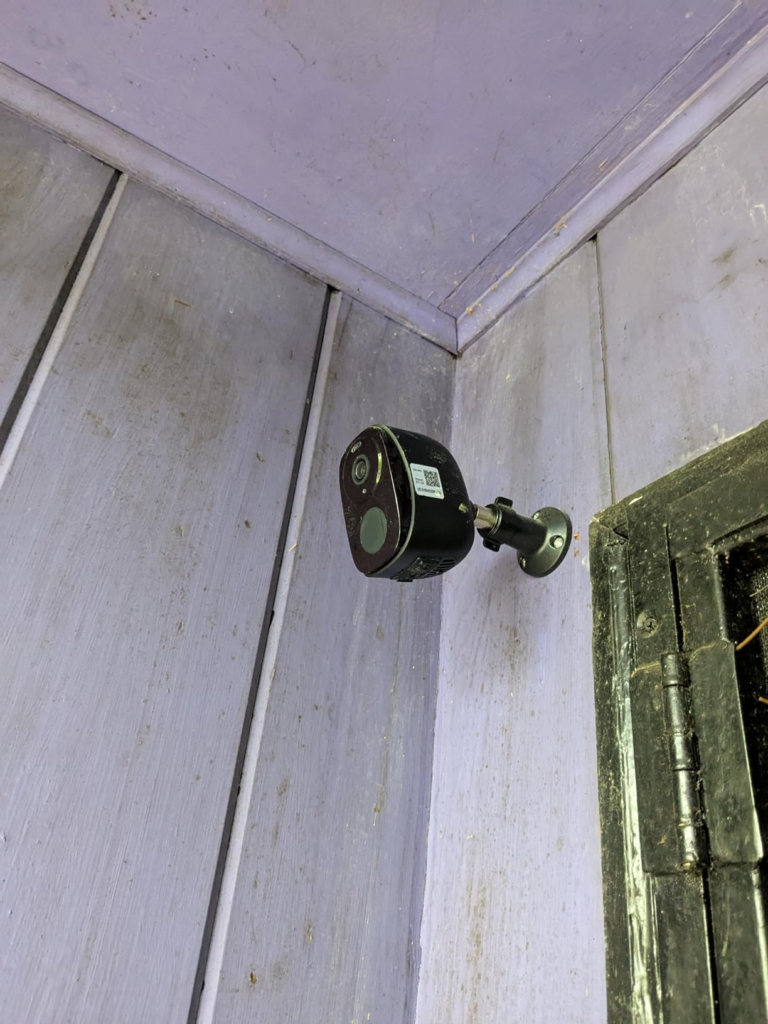
Rraycom 5G Battery Camera Review — What You Feel but Can’t Quite Name
I know this story because I’ve lived it with battery-powered cameras, and I see it documented in user reviews again and again.
You mount the camera at your front door. Alerts start coming. Six weeks later, you glance at the app: 14%. You climb up, unscrew it, charge it, remount it. Four weeks after that: 19%. Why does it feel wrong? Because you were told this lasts months. And technically — it does. In the right zone. Facing the street with no custom detection zone configured, every car headlight, every windblown branch, every passing animal is a legitimate PIR event. Each event is a wake cycle. Each wake cycle burns real energy from a finite battery.
The irritation nobody names accurately before buying: I configured the hardware. I never configured the system.
The hardware is the camera on the wall. The system is the detection zone you draw in the app, the band you select for your specific floor plan, the human-detection toggle you either enable or leave at factory default. These are your operational levers. The camera doesn’t pull them for you. It can’t know that you mounted it facing a public sidewalk with the detection sensitivity at maximum.
This isn’t a complaint about the camera. It’s a diagnosis of where the decision actually lives.
Rraycom 4Pack 5G/2.4G Review: The Hidden Mechanism Behind the Alert Miss
Why do cameras with real specs still occasionally let the moment slip? It’s not the resolution — the 2K image is clean and accurate. It’s not the night vision — color mode to 33 feet is genuinely competitive at this price. The failure mechanism is the interaction of three decisions most buyers make once, quickly, on installation day.
Decision 1 — Band Selection
5GHz is faster. 2.4GHz travels farther through walls and physical obstructions. If you mount a camera 40 feet from your router with two exterior walls in between and select 5GHz, the signal may be unstable — and the camera will hunt for connectivity between detection events, draining battery in the background. The correct band is a function of your specific floor plan and mount distance. Not a setting to choose randomly.
Decision 2 — Detection Zone Design
The O-KAM Pro app allows you to draw a custom zone directly on the camera’s field of view. A full-frame zone facing a public sidewalk triggers every pedestrian, every shadow, every car that passes. Human-only detection reduces this substantially — but only when enabled, and only when the zone is drawn tightly around your actual point of concern. Out of the box, neither is configured.
Decision 3 — Storage Architecture
Free cloud storage captures the last 24 hours of event clips on a rolling cycle. If an incident occurs at 11 p.m. and you check the next morning, you’re within the window. If you check 30 hours later, the clip is gone. An SD card (up to 256GB, sold separately) or a paid cloud plan unlocks persistent access. This is not a hidden fee — it’s a documented feature that people consistently overlook until the footage they needed has already rolled over.
| Setup Decision | Properly Executed | Left at Default |
|---|---|---|
| WiFi Band Selection | Stable connection, full alert speed | Possible background signal drain |
| Detection Zone Drawing | Precise alerts, slower battery depletion | Constant activations, rapid drain |
| Human Detection Enabled | ~80% fewer false triggers | Alert fatigue, real events buried |
| SD Card Installed | Full historical footage access | 24-hour rolling window only |
| Mount Position Signal Test | Consistent 24/7 operation | Reconnections, missed event clips |
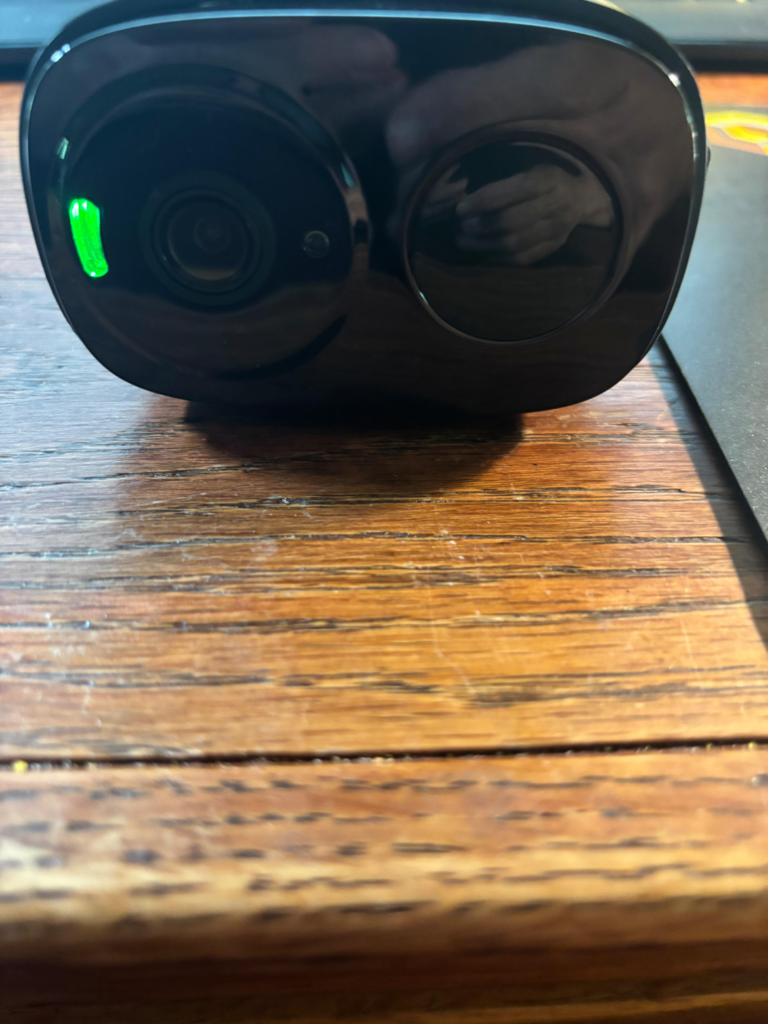
Rraycom 4Pack Battery Life Review: The Activation Threshold That Quietly Breaks
Here is the exact threshold I’m naming, and it’s the single most misunderstood number on the listing.
4,000 PIR activations per full charge.
That number is real. It is not inflated. It is a maximum reached under low-traffic, calibrated conditions — not a universal promise that works regardless of where the camera is mounted.
| Mounting Zone | Estimated Daily Activations | Realistic Battery Life Per Charge |
|---|---|---|
| Quiet rear door or utility entry | 8–15 | 8–16 months |
| Side entrance, low foot traffic | 20–40 | 3–6 months |
| Active front porch, family home | 40–80 | 7–13 weeks |
| Street-facing, uncalibrated zone | 150–300+ | 2–4 weeks |
| Busy intersection or storefront | 300–500+ | Under 2 weeks |
A camera facing a busy sidewalk with no zone calibration depleting in three weeks is not a product failure. It is a deployment mismatch — and it’s the most consistent complaint I find documented across real-world user reviews of this camera and every battery-powered camera in this category.
Why does this threshold go unrecognized before purchase? Because “4,000 activations” sounds like an enormous number. It sounds like months of guaranteed runtime regardless of environment. It is not. It is a ceiling. Your specific zone determines how close you ever get to it.
This is the threshold. It’s not technical. It’s locational.
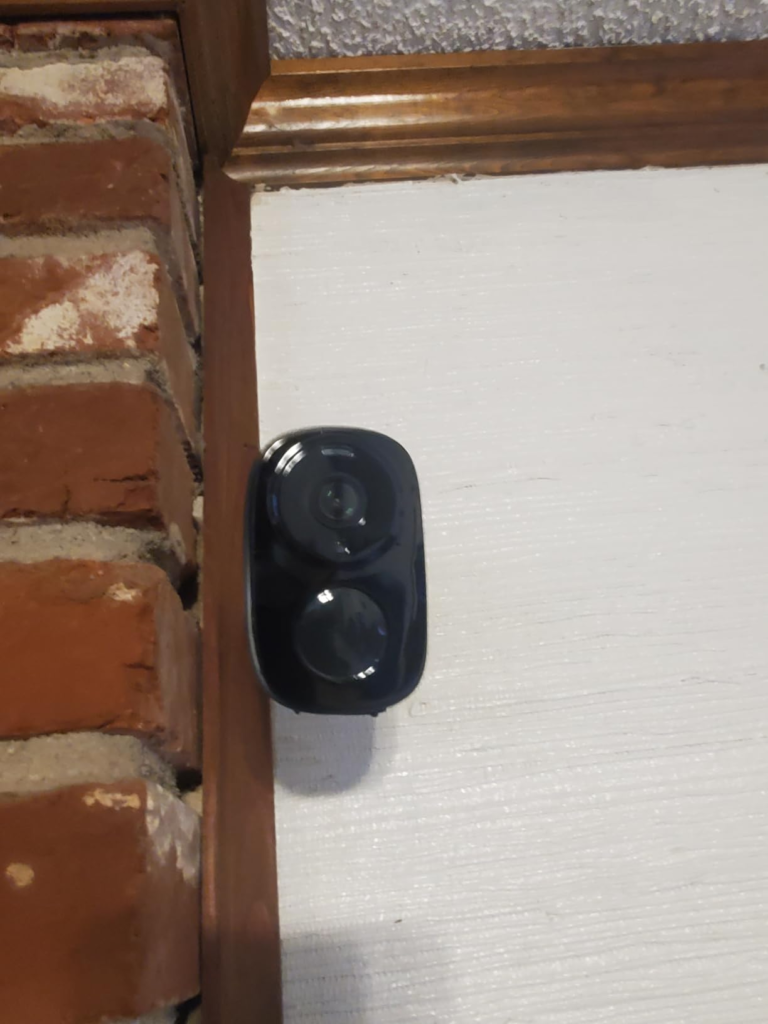
Rraycom 5G 2K Camera Review — Why Most Buyers Judge This Too Early
The premature verdict usually collapses into one of two errors.
Error 1: “It’s a budget brand — the specs must be inflated.”
Error 2: “Four cameras, 5GHz, 2K, siren, Alexa — this covers everything, automatically.”
Both judgments land before the buyer understands what this product actually is: a mature, event-triggered battery camera system with real capabilities inside specific operational thresholds. Rraycom has been building security cameras since 2015. The core system — O-KAM Pro app, Bluetooth pairing, AES encryption, dual-band WiFi — is not a prototype. It’s a refined commercial architecture.
The 2K resolution is real. Night footage at 20–25 feet in color mode produces recognizable facial detail and legible license plates. The Bluetooth pairing setup is genuinely faster than QR-code methods used by competing cameras at this price point. The siren disrupts. Alexa integration works without extra configuration. Multi-user sharing for up to four simultaneous viewers is included at no additional cost.
What’s misjudged: buyers compare feature lists. The correct comparison is zone-to-feature alignment. At this per-unit cost inside a four-camera package, dual-band WiFi, 2K color night vision, AI human detection, and AES-encrypted storage are not common. The value is real — within the operational model.
| Evaluation Method | What It Reveals | What It Misses |
|---|---|---|
| Feature count | Strong spec coverage at this price | Zone-specific operational thresholds |
| Price per camera in 4-pack | Excellent per-unit value | SD card and calibration time not included |
| Overall rating (4.2/5) | Majority user satisfaction | Environment-specific failure profiles |
| Comparison vs. 2.4G-only cameras | Clear speed advantage on 5GHz | Battery cost of 5GHz at weak-signal distances |
| “Up to 4,000 activations” claim | Maximum figure is accurate | Maximum ≠ realistic in high-traffic zones |
Rraycom 4Pack Review — Who Is Actually Living This Problem
I’m not describing every homeowner who browses camera listings. I’m describing a specific person.
They have three or four coverage zones — a front porch, a backyard gate, a driveway, a side entrance. Running electrical wire to each of those spots is either too expensive, structurally invasive, or legally impossible in a rental. They’ve been operating on zero coverage, or on one camera covering one angle, watching the blind spots accumulate.
Their actual requirement is not perfect surveillance footage. It’s: “Tell me something happened. Tell me fast enough that I can do something about it.”
That’s a different specification. And the Rraycom 4Pack meets it — clearly, reliably — when each camera is deployed in the zone that matches its power and connectivity thresholds.
This person exists in suburban homes with sprawling yards, rental apartments with no wire access, rural properties where installation costs are prohibitive, and small commercial spaces where simplicity matters more than broadcast-grade clarity. Rraycom built this system for that person.
Rraycom Battery Camera Review — Where Wrong-Fit Starts
There are four profiles I consistently see end up disappointed with this camera — not because it failed, but because the expectation was misaligned before the purchase.
Profile 1: The Continuous-Recording Buyer
You want uninterrupted footage, 24 hours a day. You want to go back five days and find something you didn’t know to look for. Battery-powered, event-triggered cameras do not support this architecture. The Rraycom 4Pack is not a DVR replacement. Continuous recording requires wired cameras or an NVR system.
Profile 2: The Far-From-Router Installer
You want to mount a camera 70 feet from your router, through two exterior walls, on 5GHz. The signal will likely be unstable. On 2.4GHz it may hold — but with slower alert response. Before committing to a mount position, stand at that exact spot with your phone and test the actual signal. If your phone barely connects there, the camera will struggle continuously.
Profile 3: The Set-and-Forget Expectation
You want to screw it to the wall, open the app once, and never think about configuration again. This camera rewards a deliberate 30-minute setup: zone calibration, band selection, sensitivity tuning. It penalizes the factory-default approach — not catastrophically, but consistently, in the form of unnecessary battery drain and alert fatigue.
Profile 4: The Real-Time Support Requirement
If something goes wrong and you need same-day phone support, this product will disappoint. Support is email-based. The company operates primarily from China. Time-zone delays are real. The O-KAM Pro app includes troubleshooting documentation and receives regular firmware updates — but self-diagnosis is a core part of the ownership model here.
| Wrong-Fit Profile | Why This Camera Disappoints Them |
|---|---|
| Continuous-recording buyer | Event-triggered only — no 24/7 battery recording |
| Far-from-router installer | Signal instability kills alert reliability and battery |
| Set-and-forget expectation | Zone calibration is required for best performance |
| Real-time support requirement | Email-only support, time-zone delays |
| Reference-quality clarity seeker | 2K is strong at this price — not broadcast-grade |
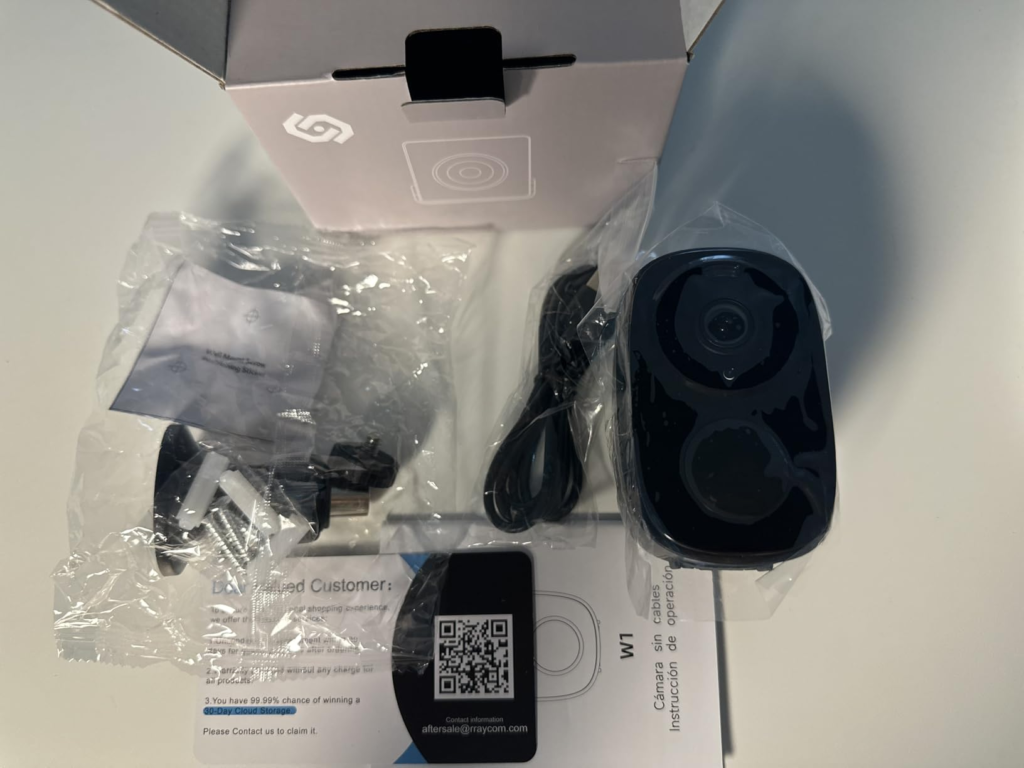
Rraycom 4Pack 5G/2.4G Review — The One Situation Where This Becomes Logical
The decision becomes structurally clear under one specific condition.
You have multiple outdoor zones to cover. You cannot or will not run wire to them. You want real-time alerts with enough speed and clarity to act. You’re willing to spend 30 minutes on initial configuration. And you don’t need a continuous video archive — you need event-triggered intelligence delivered to your phone, fast enough to matter.
Under those conditions, this four-pack is the correct, rational solution.
Four cameras. Dual-band WiFi delivering alerts 1–2 seconds faster than 2.4G-only alternatives. 2K color night vision that identifies faces and plates at practical nighttime distances. A 110dB siren that functions as an active deterrent at close range. Two-way audio that converts your phone into a real-time property intercom. Alexa integration. AES encryption with no forced cloud dependency. SD card storage up to 256GB. Multi-user sharing for up to four simultaneous viewers. All at a per-unit cost that single-brand equivalents cannot match.
This is not a compromise purchase. It is a correct allocation of resources to the problem actually being solved.
Rraycom 4Pack Security Camera Review — What It Solves, Reduces, and Leaves to You
What it solves:
Multi-zone wire-free coverage in a single purchase. The four-camera format closes the gap between “I need to cover my entire property” and “I can realistically run wire to only one location.” Dual-band WiFi delivers measurably faster alerts than 2.4GHz-only alternatives. The combined siren and spotlight activate as a deterrent system — not just a recording device. Two-way audio gives you a real-time voice at each monitored point.
What it reduces:
False-alert fatigue — substantially, once human-only detection is enabled and zones are calibrated. The per-camera cost relative to single-brand equivalents. The anxiety of having one camera covering four risk zones.
What it still leaves to you:
Zone placement is your call. If camera three is mounted facing a leafy tree with no custom zone, the AI will try and partially fail to filter the motion. That is not the camera’s failure. It’s a positioning decision you made. Battery rhythm is your new habit — on active zones, expect to charge each unit roughly every six to ten weeks. Stagger the charges so you never have all four cameras offline simultaneously. The 1-day cloud window is narrow. If you need footage from 36 hours ago, you need an SD card or a paid plan. That’s a documented architecture decision, not a hidden trap.
| Outcome | What Rraycom 4Pack Delivers | What Remains Your Responsibility |
|---|---|---|
| Full property coverage | 4 cameras, fully wire-free | Zone placement strategy per location |
| Alert speed | 5GHz: 1–2 sec. faster vs. 2.4G-only | Signal quality at each mount point |
| Night visibility | Color up to 33 ft., IR as fallback | Spotlight battery cost in dark zones |
| False-alarm control | AI human detection (~80% reduction) | Must be enabled + zones manually drawn |
| Storage flexibility | Free 1-day cloud + SD up to 256GB | SD card purchased separately |
| Data privacy | AES encryption, local + optional cloud | Firmware updates via O-KAM Pro app |
| Active deterrence | 110dB siren + blinding spotlight | Audibility range depends on distance |
Rraycom 4Pack 5G Security Camera Review — Final Compression
The decision is simple once the environment is clear.
If you have multiple outdoor zones to monitor, a wire-free installation constraint, a router within reasonable signal range of your mount points, and the willingness to invest 30 minutes in proper initial setup — this is the most rational system at this price point.
What you receive is real: dual-band WiFi that delivers measurably faster alerts, 2K color night vision that identifies faces and license plates at practical distances after dark, a siren that actively disrupts, and four cameras that close four coverage gaps without running a single wire.
What you give is small: intentional placement decisions, one focused setup session, and an honest look at how busy each zone actually is before you mount anything.
The battery runs as long as your zone allows it to. Calibrate correctly — draw the zone, enable human detection, choose the right band for each position — and months pass without a second thought. Skip the calibration, mount it facing the sidewalk at factory settings, and you’ll be on a ladder every three weeks blaming the camera for something that happened in the first 30 minutes.
That difference lives entirely in the setup. Not in the camera.
If this is the situation you’re actually in, the next step has already been made clear.
Rraycom 4Pack Review — Frequently Asked Questions
| Question | Answer |
|---|---|
| How long does the battery actually last in real daily use? | It depends on how active your zone is. The official figure is up to 4,000 PIR activations per charge. In a low-traffic rear entrance with a calibrated detection zone, that translates to six months or longer. In an uncalibrated, street-facing position, the same battery can deplete in three to four weeks. |
| Does using 5GHz WiFi drain the battery faster than 2.4GHz? | Indirectly, yes — when the signal is weak at the mount point. 5GHz offers faster communication but shorter range. If the camera sits at the edge of your 5GHz coverage, it continuously draws power hunting for connection stability, even between detection events. |
| Can I actually use this with zero subscription fees? | Yes. Install a microSD card up to 256GB — not included in the package — and all event-triggered footage saves locally at no ongoing cost. The free cloud tier stores the last 24 hours of events on a rolling basis. Paid cloud plans begin around $3.99 per 15 days for extended history. |
| Does the AI human detection actually work in practice? | Substantially, when configured correctly. The system combines PIR sensor input with AI image analysis to confirm a human shape before triggering an alert. False triggers drop dramatically when a precise detection zone is drawn and human-only mode is activated. |
| What’s the O-KAM Pro app like to live with every day? | Functional and stable once the initial setup is complete. Live view loads quickly, multi-user sharing works without additional fees, and Bluetooth pairing during setup is faster than QR-code methods used by competing cameras. Occasional offline notifications appear below 15% battery. |
| Who should absolutely not buy this camera? | Anyone who requires continuous 24/7 recorded footage, anyone mounting more than 40 feet from the router on 5GHz through multiple walls, anyone expecting same-day phone support, and anyone who wants to install it without a deliberate setup session. |
Alternative recommendations
| PRODUCT NAME: ARLO WIRED FLOODLIGHT CAMERA FLW2001 | PRODUCT NAME: TZIARP 2K WIRELESS CAMERA |
| PRODUCT NAME: Rraycom 3-Pack 2.4G | PRODUCT NAME: REOLINK DUO 2V POE |
Transparency Note:
This analysis is built on aggregated real-world experience.
It extracts what repeatedly holds, what breaks, and what users uncover only after living with the system—then shapes it into a clear model you can use immediately.
Think of it as structured experience, refined and presented so you don’t have to learn it the hard way.
“A quick note: Don’t believe the star ratings, but trust personal experience. This article is a compilation of collected experiences”