NETGEAR WAX610 Review: The AX1800 Number That Only Holds Up for Some Buyers
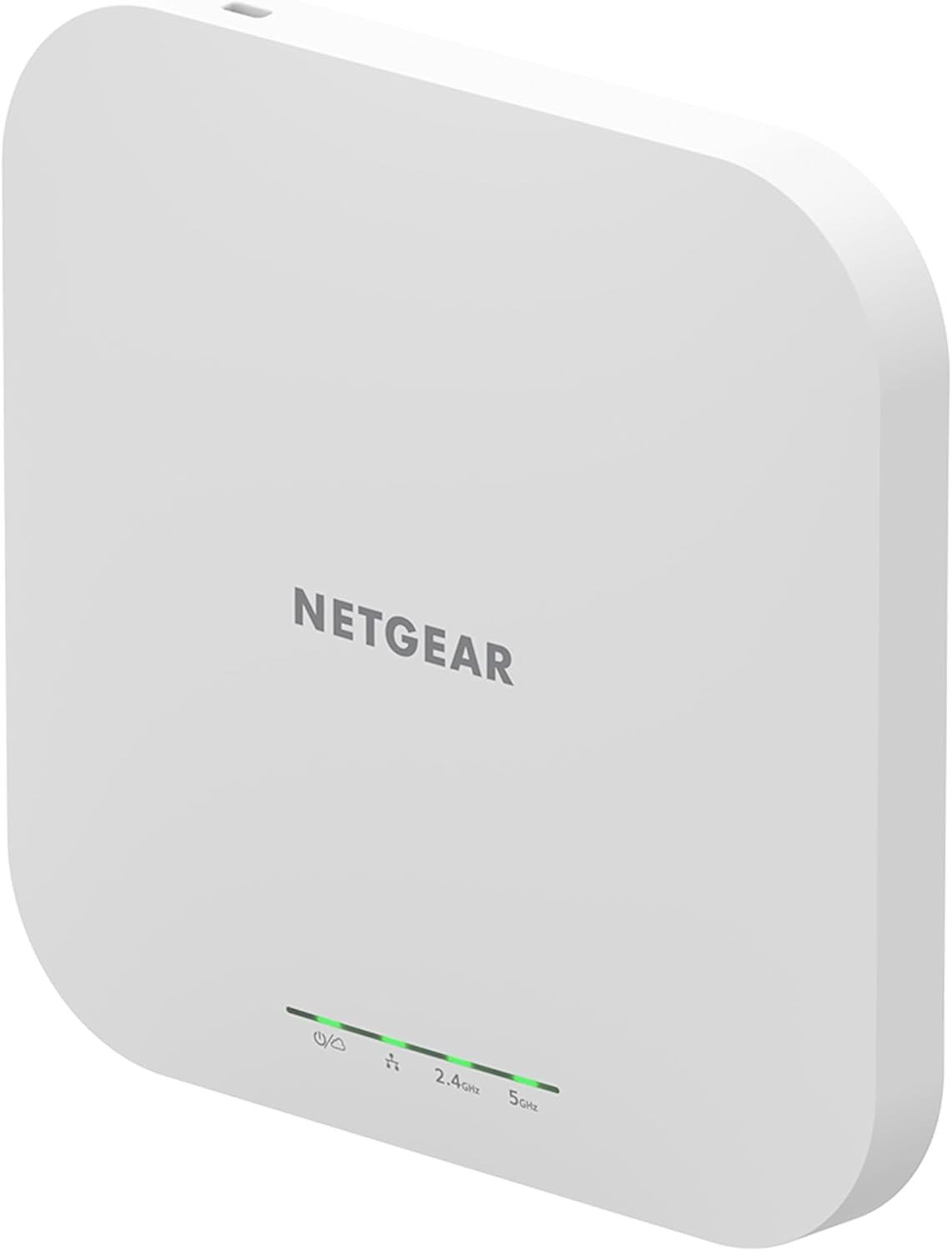
NETGEAR WAX610
You mount it. The light turns green. The app says “connected.” And for the first week, that’s enough — until the back office, the patio seating, or the far classroom starts complaining that “the Wi-Fi is slow” again, on a device that’s supposed to fix exactly that.
That gap between the green light and the actual complaint is where this review lives. I’ve gone through the WAX610’s spec sheets, NETGEAR’s own deployment documentation, independent lab testing, and the buyer reports that never make it into marketing copy — the installs that went smoothly and the ones that didn’t. What follows is where the AX1800 number on the box holds up, and where it quietly stops being the whole story.
The Result Looks Fine. The Problem Isn’t.
On paper, the WAX610 is straightforward: Wi-Fi 6, dual-band, AX1800, a 2.5 Gigabit port, cloud management. Most buyers install it, see full signal bars, and move on.
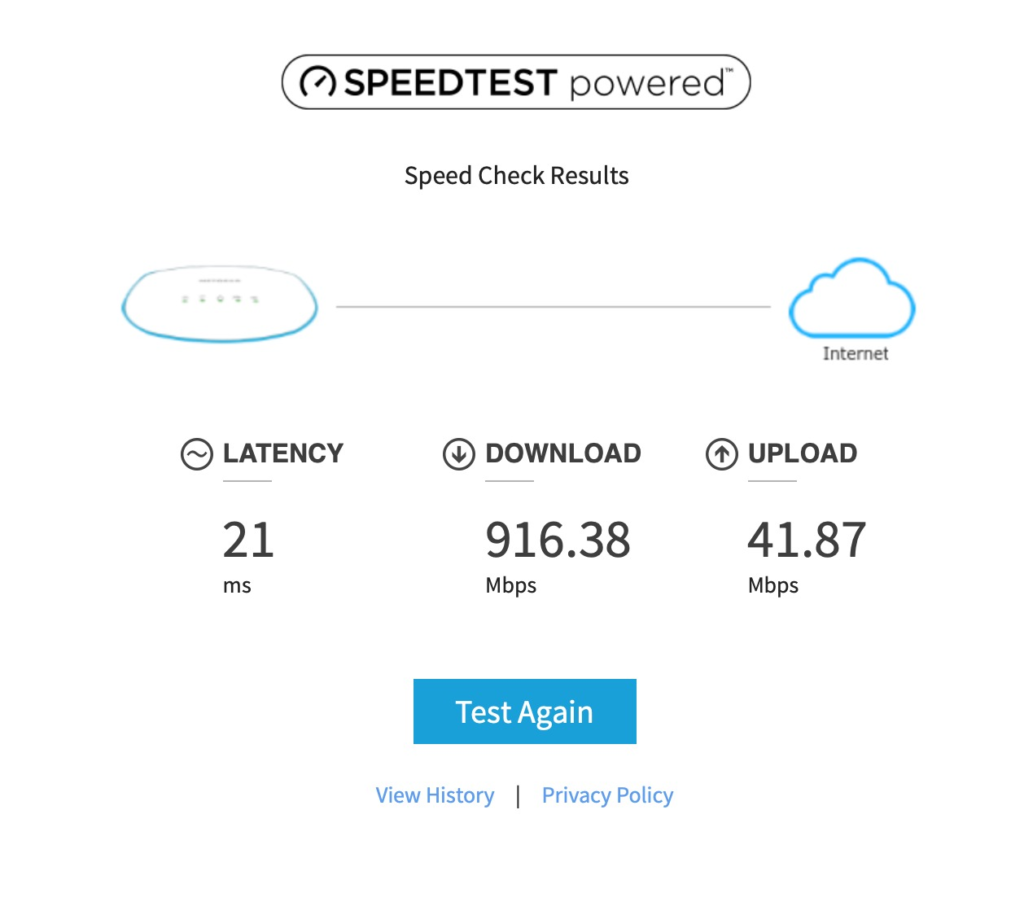
The problem is that “connected” and “performing as advertised” are two different states on this device, and nothing in the setup flow tells you which one you’re actually in. The access point will report success even when it’s running well below its rated ceiling — which means the only way most owners discover the gap is when someone complains.
What You’re Actually Feeling but Not Naming
If you’ve already bought one of these, some of this will sound familiar even if you haven’t put words to it:
- A nagging sense that the “1.8 Gbps” number never shows up anywhere in real use
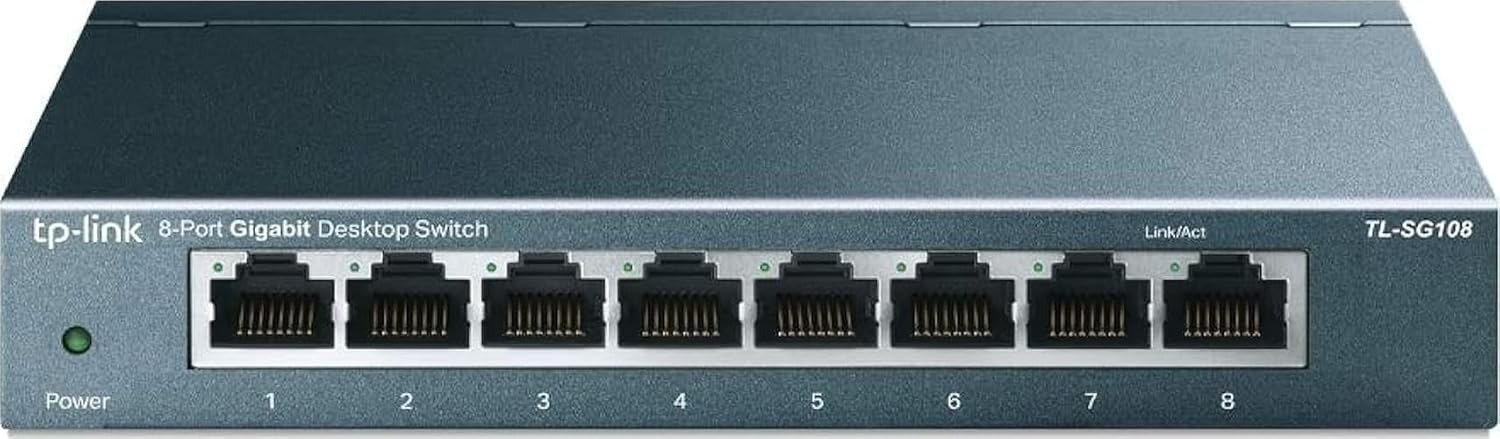
- Mild dread before plugging it in, because you’re not totally sure your switch can power it correctly
- Having to go back and buy a part you assumed was included
- A coverage map that looked generous on the box and feels tight in the actual building
None of that means the unit is broken. It usually means one or two compatibility assumptions were wrong going in — and those assumptions are exactly what NETGEAR’s marketing doesn’t spell out.
The Hidden Mechanism Behind the Miss
Here’s the part that doesn’t show up in the bullet points: the WAX610’s real-world ceiling is set less by its Wi-Fi 6 chip and more by three quieter design decisions.
First, it doesn’t support 160MHz channel bonding on the 5GHz band. Newer siblings in NETGEAR’s own lineup do; this one doesn’t. That single omission caps the realistic per-client speed well below what “AX1800” suggests at distance, even with a Wi-Fi 6 phone or laptop sitting right next to it.
Second, it’s a 2×2 antenna design (internal antennas rated 3.8dBi on 2.4GHz and 4.5dBi on 5GHz) — modest by design, because NETGEAR built this to be deployed in multiples across a floor plan, not as one long-range unit covering an entire building. Independent testing has shown solid local throughput right under the AP, but reviewers who tried to stretch a single unit across a house — through several walls and out to a garden — found the signal didn’t hold the way a mesh router would.
Third, and most overlooked: how it’s powered changes what it can deliver.
The Threshold Where the Outcome Quietly Breaks
This is the line that actually decides whether you got what you paid for: PoE versus PoE+.
The WAX610 is built around the 802.3at (PoE+) standard. Plug it into a switch or injector that only supplies standard 802.3af PoE, and the access point still powers on, still shows green, still connects clients — but independent lab testing found that running it on plain PoE instead of PoE+ can reduce real Wi-Fi performance by as much as 40%.
Nothing in the setup process warns you about this. The failure is silent. You don’t get an error message; you get an access point that simply never reaches the numbers on the box, while everything in the app suggests it’s working fine.
| What’s printed | What actually governs it |
|---|---|
| AX1800 (up to 1.8 Gbps combined) | No 160MHz support — real per-client ceiling is lower at range |
| Up to 2,500 sq. ft. coverage | Measured in open, ceiling-mount conditions — not multi-wall residential layouts |
| PoE or PoE+ compliant | Full performance requires PoE+; standard PoE can cut throughput up to ~40% |
| Up to 200 client devices | Shared across both radios and all active SSIDs, not guaranteed per room |
| Insight cloud management | First year included; continued remote cloud features need a paid Insight plan after that |
Why Most Buyers Misread This Too Early
The most common mistake isn’t about the WAX610 itself — it’s about which category buyers put it in before they’ve read past the headline spec.
A lot of people compare it directly to consumer mesh routers (Orbi, Eero, and similar systems) because the box says “Wi-Fi 6” and the price feels approachable. But this is a business access point, not a home router replacement. It has no built-in internet gateway, no firewall, no DHCP server of its own by default — it’s designed to plug into a network you already have, not to be the network.
The second misread shows up at setup. The WAX610 is configured through the NETGEAR Insight app or its local browser interface — not through Orbi or Genie, which are consumer router apps. A few detailed buyer reports describe failed setups and repeated factory resets, and in most of those cases the friction traces back to using the wrong companion app for a business-class device, not a fault in the hardware itself.
Who Is Actually Inside This Problem
This access point is built for people managing real square footage with real client density, not a single household router replacement. That typically means:
- Small business owners or office managers covering 1,500–2,500 sq. ft. of open-plan space
- Clinics, gyms, cafés, and co-working spaces that need separate guest and staff networks
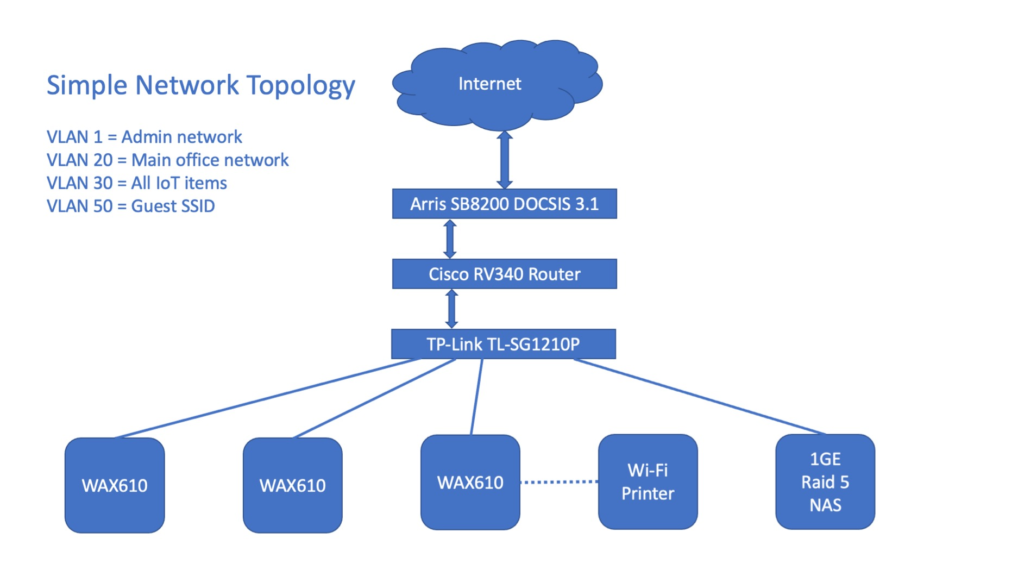
- Property managers deploying several APs across one building under one Insight account
- Anyone who already has, or is willing to install, a PoE+ switch or injector
If that’s your situation, the WAX610’s design choices stop looking like limitations and start looking like the right trade-offs for the price.
Where Wrong-Fit Begins
| You’re likely a wrong fit if… | Because… |
|---|---|
| You want one box to replace your home router | The WAX610 has no router/gateway function — it needs an existing network to plug into |
| You don’t have (or want) a PoE+ switch or injector | Performance silently drops without it |
| You’re trying to cover a multi-story home with one unit | The antenna design favors multiple APs in open commercial space, not one long-range unit through walls |
| You need maximum single-device wireless speed at range | No 160MHz support caps real throughput below the AX1800 headline |
| You’re buying outside the US without checking region settings | At least one documented case shows a unit locked to US region with no alternative — worth confirming before you buy, not after |
The One Situation Where This Product Becomes Logical
Strip away the marketing number and the comparison shopping, and the WAX610 makes sense in exactly one configuration: a small-to-medium business that already has PoE+ infrastructure (or is budgeting for it), needs enterprise-style segmentation — WPA3, guest portals, VLANs, up to eight SSIDs — and wants to manage one or several access points from a single dashboard without paying for a full enterprise controller system.
In that configuration, it’s commonly priced somewhere in the $130–$190 range depending on retailer and whether a power adapter is bundled in — noticeably below dedicated enterprise AP lines that offer similar management depth. That’s not a marketing win, it’s just the correct math for that specific setup.
What It Solves, What It Reduces, and What It Still Leaves to You
What it solves: business-grade Wi-Fi 6 with proper client isolation, WPA3 security, and rogue AP detection — features that used to require much pricier hardware.
What it reduces: deployment time. Onboarding through the Insight app’s QR-code scan is genuinely fast, and settings apply automatically to every AP added to the same site.
What it still leaves to you: confirming you have a PoE+ source before you mount it, budgeting for an Insight subscription if you want remote cloud management past the first free year (local, on-site management stays free indefinitely if you skip the cloud features), and planning for more than one unit if you’re covering more than one open floor.
Frequently Asked Questions
| Question | Answer |
|---|---|
| Does the WAX610 come with a power adapter? | Not on the base model. The standard WAX610 expects PoE+ from a switch or injector; a version with an included adapter (WAX610PA) exists but costs more. |
| Can I use it without an Insight subscription? | Yes. It can run in standalone mode through its local browser interface indefinitely. The included Insight subscription only covers the first year of remote cloud management — after that, continued cloud access requires a paid plan. |
| Will it mesh with other NETGEAR access points I already own? | Only with same-generation Insight devices: WAX610, WAX610Y, WAC540, and WAC564. It does not form a wireless mesh with NETGEAR’s WAX214, WAX218, or WAX620 lines. |
| Why is my real-world speed nowhere near 1.8 Gbps? | Three usual reasons: you’re on standard PoE instead of PoE+, you’re connecting from a distance where the lack of 160MHz support matters most, or your switch port is capped at 1 Gigabit instead of the 2.5 Gigabit port the AP supports. |
| Is one unit enough for a large house? | Generally no. It’s built to be deployed in multiples across open commercial floor plans, not to push range through multiple residential walls from a single point. |
Final Compression
If you already have, or are installing, PoE+ infrastructure and need business-grade Wi-Fi 6 across a real floor plan — not a single-router home fix — this is where the decision stops being vague: the WAX610 fits that job at a price most enterprise alternatives don’t match.
Transparency Note:
This analysis is built on aggregated real-world experience.
It extracts what repeatedly holds, what breaks, and what users uncover only after living with the system—then shapes it into a clear model you can use immediately.
Think of it as structured experience, refined and presented so you don’t have to learn it the hard way.
“A quick note: Don’t believe the star ratings, but trust personal experience. This article is a compilation of collected experiences”