TEEHO TE001 Review: The Auto-Lock You Never Actually Turned On
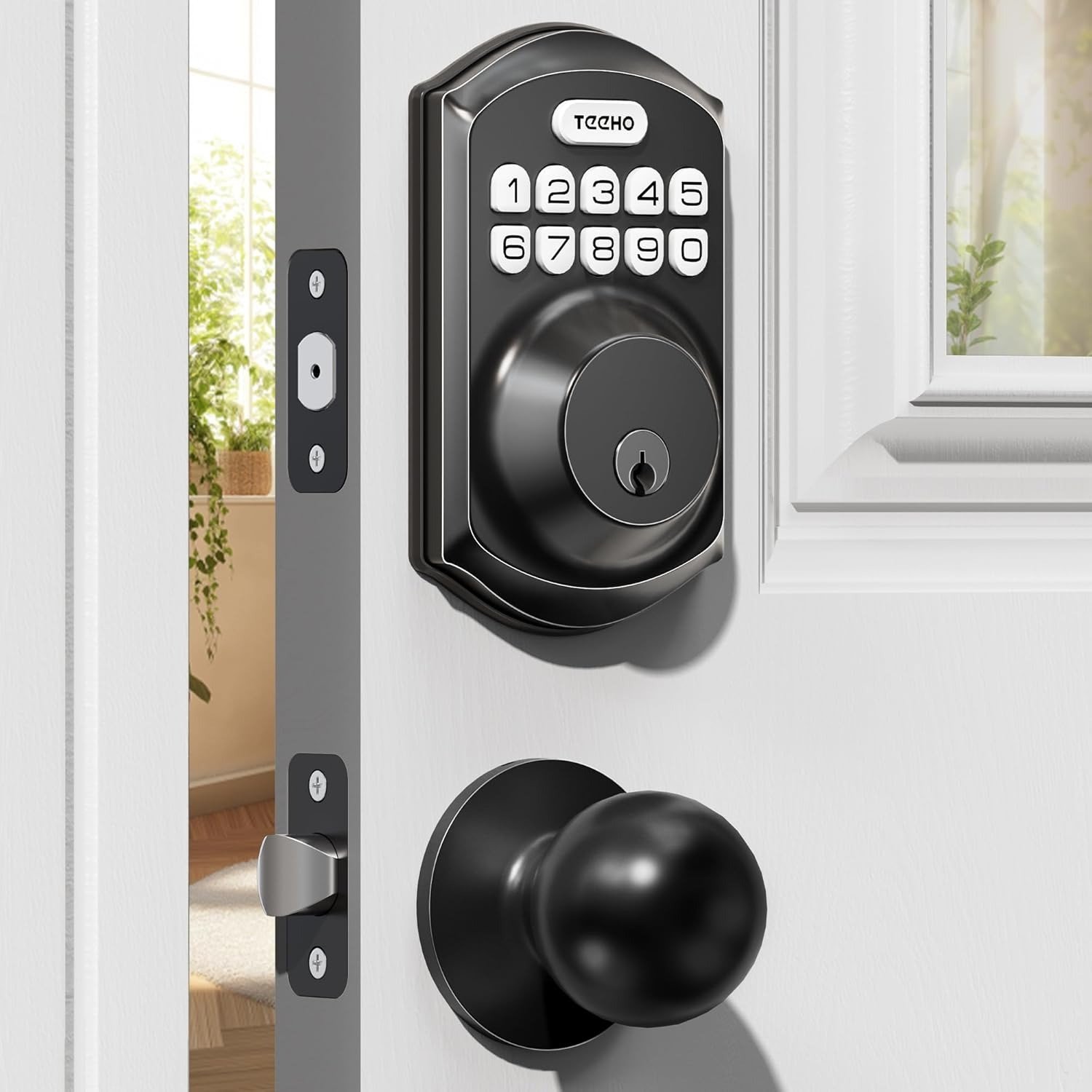
TEEHO TE001
You’re halfway down the driveway, keys already in your pocket, when the thought lands. Did that door actually latch, or did you just push it shut and walk off? So you go back. Everyone who’s ever owned a front door knows that fifteen-second walk of doubt, and it never really proves anything — because a door that sounds locked and a door that is locked are two separate claims.
That gap is exactly what the TEEHO TE001 promises to close. Before writing this, I spent a long stretch going through its manuals, its support tickets, and a genuinely large pile of owner reviews and complaints across Amazon and independent forums — because a lock in the $50-to-90 range is still making a security promise, and that promise deserves the same scrutiny you’d give a $300 one. What I found wasn’t a bad lock. It’s a solidly built keypad deadbolt with one detail buried in setup that almost nobody talks about, and that detail is the actual difference between buying peace of mind and just buying a heavier doorknob.
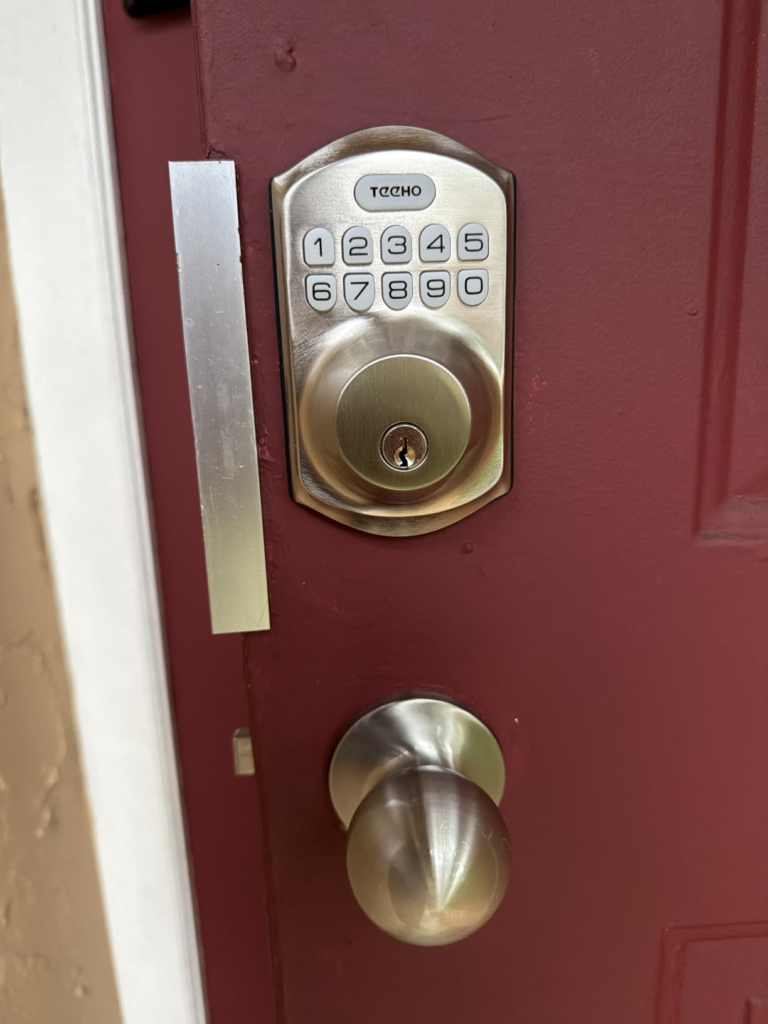
TEEHO TE001 Auto-Lock Feature: The Result Looks Fine, The Problem Isn’t
Every keypad deadbolt in this price bracket sells the same core promise: stop trusting your memory, start trusting the machine. Punch in your code, the bolt throws, you hear the beep, you walk away. It feels finished. That feeling is exactly the problem.
A lock can beep, light up, and throw its bolt perfectly, and still not be doing the one job you bought it for — locking itself back up after you’ve gone. The sound of success and the fact of security just happen to overlap often enough that most people never notice when they don’t.
TEEHO TE001 Keypad Lock Everyday Use: What You’re Feeling but Not Naming
Most people don’t wake up wanting a “smart lock.” They wake up tired of something smaller and more specific. It’s the spare key you gave a neighbor two years ago that you can’t quite remember getting back. It’s your cleaner texting to ask when someone will be home to let her in, again, because she never got her own code. It’s your kid who’s lost two house keys this year, and you’re the one who paid the locksmith both times. It’s standing at the door with both arms full of groceries, patting your own pockets down like a suspect.
None of that is really about the lock itself. It’s about handing out access without handing over control — and that’s the itch a keypad deadbolt is built to scratch, TE001 included.
TEEHO TE001 Battery and Setup Issues: The Hidden Mechanism Behind the Miss
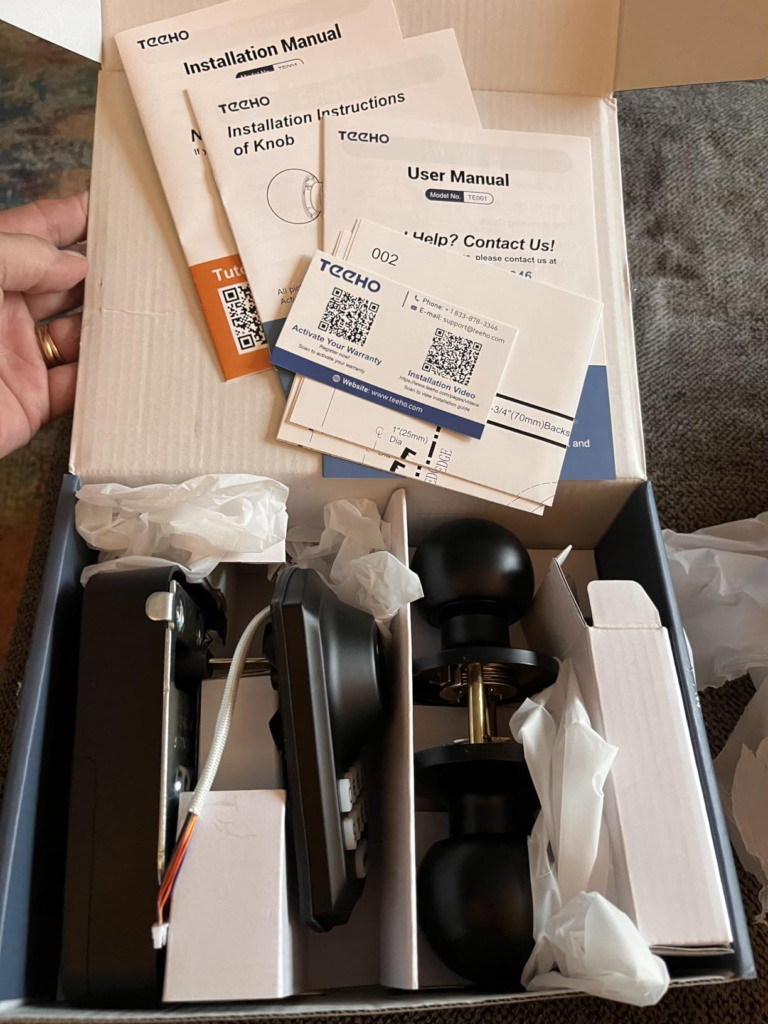
Here’s the detail that explains most of the one-star reviews I read that weren’t really about build quality. Out of the box, the TE001’s auto-lock timer — the entire reason most people choose this style of lock — ships turned off. Not “30 seconds by default.” Off. You go into the settings during setup and switch it on yourself, then pick a delay between 10 and 99 seconds. Skip that step, and you own a keypad deadbolt that behaves exactly like a manual one: it sits there unlocked for as long as you leave it, because nothing was ever told to close it.
The second trip point is the master code. Every unit ships with the same default, 12345678, and it won’t let you add real user codes until that’s changed first. It’s one extra step buried in a manual most people skim once, and more than a few support threads I read trace straight back to it — someone tries to jump ahead to family codes, and the lock simply refuses until that first step is done properly.
The third one is quieter and shows up later. The red low-battery light is tuned to trip around 15% remaining charge. But several owners, plus a locksmith commenting in a public troubleshooting thread, flagged the same real-world gap: in cold weather, or on a lock cycled more than the “normal use” the battery estimate assumes, the electronic side can turn sluggish before that light ever comes on — while the physical key still works fine, because it never needed the battery at all.
| What you notice | What’s actually happening | When it tends to show up |
|---|---|---|
| Door never locks itself | Auto-lock ships off — it was never switched on | Day one, if setup was rushed |
| New code won’t save | Default master code (12345678) hasn’t been changed yet | During first setup |
| Keypad feels slow to respond | Battery voltage dropping under cold or heavy use, ahead of the 15% light | Around month 8–11 |
| Only the physical key works | Electronics lost power or contact; the cylinder runs independently | After battery neglect or contact corrosion |
TEEHO TE001 Auto-Lock Timer and Lockout: Where the Outcome Quietly Breaks
Once auto-lock is actually on, the next decision is the delay itself, and this is where a lot of owners set it once and never touch it again. Ten seconds is barely enough time to close the door behind you if your hands are full — it’ll click shut while you’re still turning around. Ninety-nine seconds, on the other end, means the door stays approachable for a minute and a half after you’ve already reached your car. A lot of “it doesn’t work” complaints at this stage aren’t mechanical at all — they’re a timer parked at one extreme and never revisited.
There’s a second threshold worth knowing before it catches you off guard. Enter the wrong code ten times in a row — easier than you’d think, with kids or a distracted guest at the keypad — and it shuts itself down for three minutes as a tamper defense. During that window, even the correct code does nothing. Genuinely useful feature. Also disorienting the first time it happens to you, on your own doorstep, in the rain, with no warning it was coming.
TEEHO TE001 vs Kwikset Powerbolt 250: Why Most Buyers Misread This Too Early
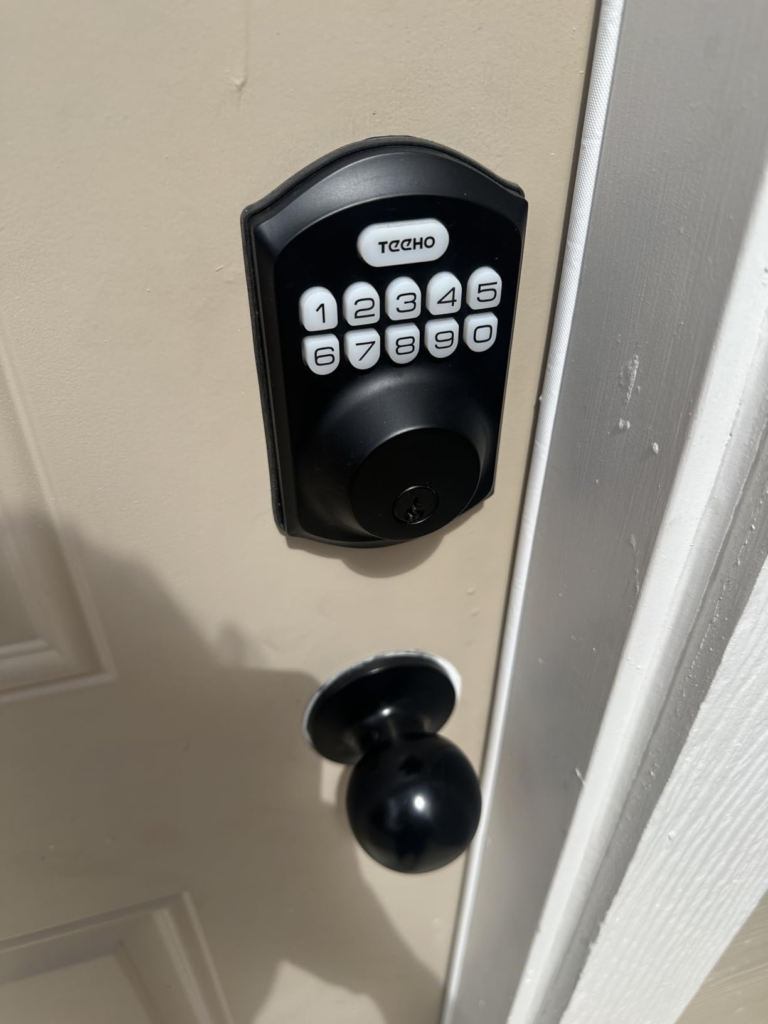
A lot of the harshest reviews I read compare this lock to devices it was never trying to be. “It doesn’t have an app.” “I can’t check it from my phone.” “It’s not as premium as my friend’s Schlage.” None of that is wrong, exactly — it’s just the wrong yardstick. The TE001 skips WiFi and an app by design, not by accident. That’s what keeps the price down, the battery life up, and the install to one screwdriver and about fifteen minutes.
The fairer fight is against other keypad-only deadbolts with no app at all, where Kwikset’s Powerbolt 250 is the closest direct competitor. Lined up side by side, neither lock embarrasses the other.
| TEEHO TE001 | Kwikset Powerbolt 250 | |
|---|---|---|
| Security grade | ANSI/BHMA Grade 3 | BHMA Grade 3 |
| User codes | 20 total | 25 permanent + 5 one-time |
| Battery | 4 AA, ~1 year | 4 AA, ~12 months |
| App / WiFi | None | None |
| Wrong-code lockout | 10 tries, 3-min lockout | 3 tries, alarm + lockout |
| Warranty | 2-year + ongoing support | Lifetime mechanical, 1-year electronics |
TEEHO wins on raw code capacity and up-front price. Kwikset’s warranty structure leans more generous on paper, and the brand name carries more resale trust if you ever sell the house.
Best Keypad Deadbolt for Families and Rentals: Who’s Actually Inside This Problem
Strip away the marketing language and the TE001 is built for a specific kind of household, not everyone. It fits families juggling different people’s access — kids, parents, occasional guests — without cutting more keys. It fits landlords and short-term rental hosts who’d rather hand a cleaner or guest a code that deletes itself after one use than mail out a key and hope it comes back. And it specifically fits anyone with two exterior doors — a front and back, or a house and a detached garage — which is the whole reason the 2-pack exists: matching hardware on both doors, at a lower combined cost than buying two premium single units.
Is the TEEHO TE001 Right for You? Where Wrong-Fit Begins
It’s just as useful to know who ends up disappointed. If you’re picturing yourself checking your door’s lock status from an app at the office, this isn’t that lock — no WiFi, no app, no remote anything, by design. If your door has a non-standard bore hole, common in some older homes and most doors outside the US, it won’t fit without modification. If you’re securing a high-traffic commercial door or a genuinely high-risk property, Grade 3 is the certified residential standard, not a premium one — you’d be better served by a Grade 1 or 2 lock built for that load. And if you’re the type who’ll install it and never open the settings menu, you’ll land right back in the hidden-mechanism trap from earlier.
| You’re likely the right fit if… | Look elsewhere if… |
|---|---|
| You have one or two standard US exterior doors | Your door has a non-standard or international bore hole |
| You want codes for family, guests, or cleaners without rekeying | You want to lock, unlock, or check status from your phone |
| You’re willing to do a real setup, not just mount hardware | You won’t change the default code or turn on auto-lock |
| Budget and simplicity matter more than smart-home features | You’re securing a commercial or high-traffic door |
TEEHO TE001 Keyless Entry Door Lock (2-Pack): The One Situation Where It Becomes Logical
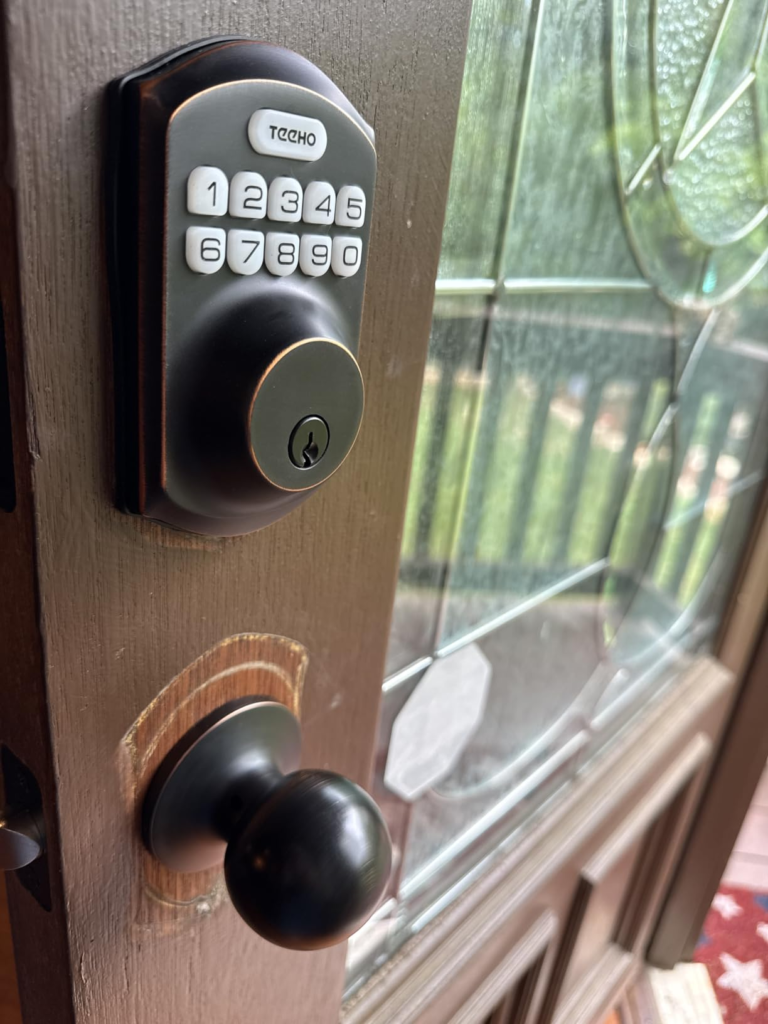
Put all of that together, and the case for the TEEHO TE001 — specifically the 2-pack — comes down to one situation: a household with two exterior doors and no interest in paying for or managing a smart-home app on either one. That’s a front-and-back-door house, a home with an attached garage entry, or a small landlord matching hardware across two units. Buying the pair at once, in one finish, is the whole point — priced to undercut two premium single units, and it means everyone in the house learns one system instead of two.
Here’s the snapshot, pulled from TEEHO’s own documentation and current listings rather than the marketing copy on the box:
| Spec | TEEHO TE001 |
|---|---|
| Entry methods | Keypad code, one-time code, 2 backup keys |
| User codes | Up to 20 (4–10 digits each) |
| Auto-lock | 10–99 sec., adjustable — off by default |
| One-touch lock | Hold any key 1.5–2 seconds |
| Battery | 4 AA alkaline (not included), ~1 year |
| Low-battery alert | Red LED under ~15% |
| Cylinder | ANSI/BHMA Grade 3, aluminum alloy |
| Weather rating | IP54, rated -22°F to 158°F |
| Door bore | Standard US 2-1/8″ (54mm) |
| Connectivity | None — no app, no WiFi |
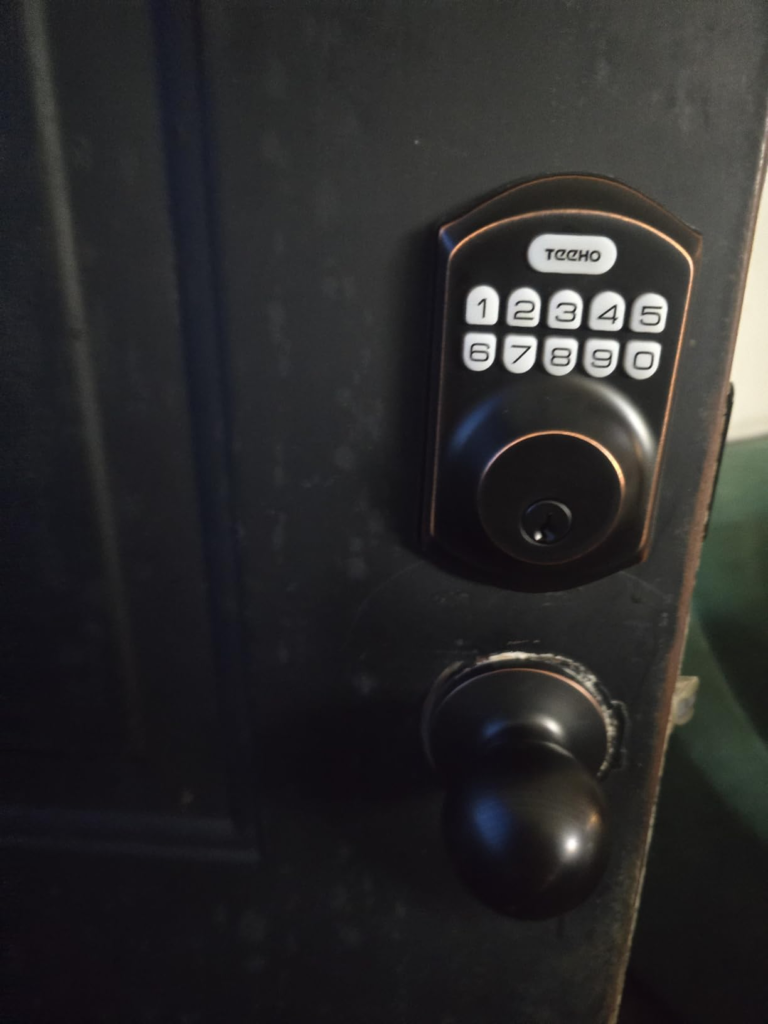
| Finishes | Satin Nickel, Matte Black, Oil-Rubbed Bronze |
| Warranty | 2-year + ongoing phone/email support |
TEEHO TE001 Pros and Cons: What It Solves, What It Reduces, What’s Still on You
No lock in this price range solves everything, and pretending otherwise is how buyers end up disappointed over something they were never actually promised.
| Handles well | Still on you |
|---|---|
| Giving and revoking access without rekeying | Actually turning on auto-lock during setup |
| Guests, cleaners, and one-time visitors | Changing the default master code first |
| Rain, heat, and freezing mornings (IP54) | Swapping batteries around month 10, not waiting for the light |
| Two matching doors at a fair combined price | Remote status — you still have to be at the door |
TEEHO TE001 FAQ: Quick Answers Before You Decide
| Question | Answer |
|---|---|
| Does it lock itself automatically right out of the box? | No. Auto-lock is real, but it ships disabled. You turn it on and choose a delay, 10 to 99 seconds, during setup. |
| What batteries does it use, and how long do they actually last? | Four AA alkaline batteries, rated for about a year of typical use. Cold weather or heavy daily traffic can shorten that. |
| Am I locked out if the batteries die? | No. It ships with two physical backup keys that run the mechanical cylinder independent of battery power. |
| Does it need WiFi or an app? | No. It’s a fully offline keypad deadbolt — a deliberate choice, not a missing feature. That’s why the price and setup stay simple. |
| Is it good for Airbnb or a rental? | Yes, on the code side — one-time codes that self-delete suit guest turnover and cleaners well. Just know there’s no remote management; someone has to be on-site to reprogram it. |
| Is ANSI Grade 3 secure enough for a front door? | Yes, for typical residential use. It’s the certified baseline for consumer deadbolts, shared by most competing keypad locks at this price. Higher grades exist for commercial or high-risk settings. |
| What if I forget the master code after changing it? | TEEHO’s support line (phone plus 24/7 email) walks you through the physical reset, which restores factory defaults and clears user codes. |
TEEHO TE001 Final Verdict: Final Compression
Strip away the spec sheet and the TEEHO TE001 comes down to this: an honest, no-frills keypad deadbolt that does exactly what it says, provided you finish the setup — new master code, auto-lock switched on, a timer that matches your doorway, batteries swapped before they’re begging you to. Skip any of those, and you’ll join the reviewers blaming the lock for something the settings menu was always responsible for. Finish them, and you get what sent you looking for this review in the first place: a door that locks itself, whether or not you remembered to.
If that’s the household you’re running — two doors, several sets of hands, no interest in another app — this is where the decision stops being vague:
Transparency Note:
This analysis is built on aggregated real-world experience.
It extracts what repeatedly holds, what breaks, and what users uncover only after living with the system—then shapes it into a clear model you can use immediately.
Think of it as structured experience, refined and presented so you don’t have to learn it the hard way.
“A quick note: Don’t believe the star ratings, but trust personal experience. This article is a compilation of collected experiences.”