Lorex 4K Add-On Bullet Camera Review: Great Footage, One Detail Most Buyers Miss First
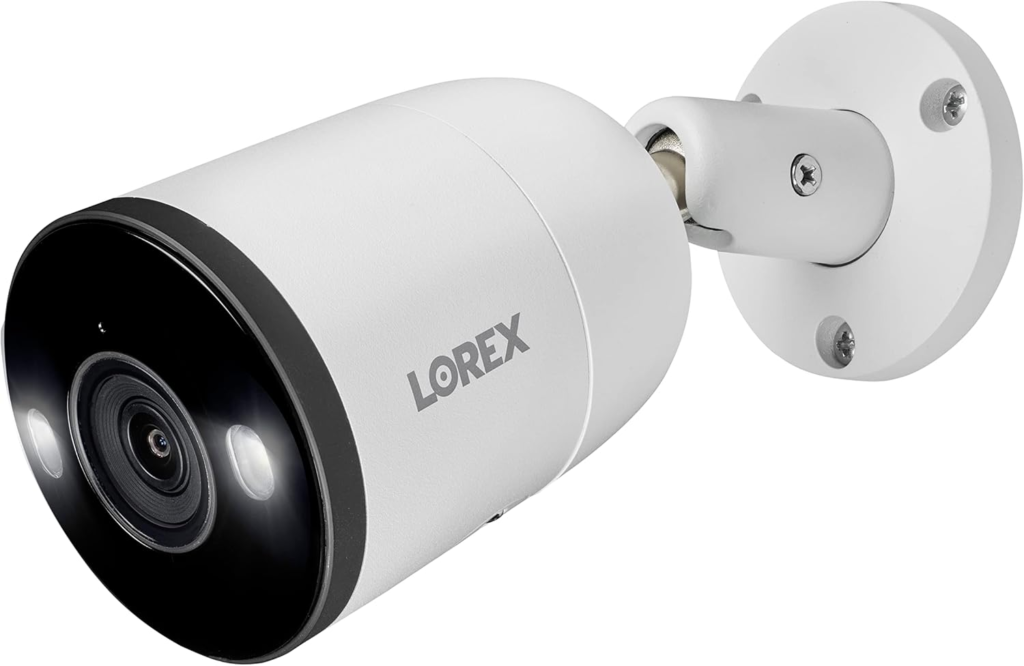
LOREX 4K ADD-ON BULLET CAMERA
Lorex 4K Camera Setup: The Footage Looks Fine, the Problem Isn’t
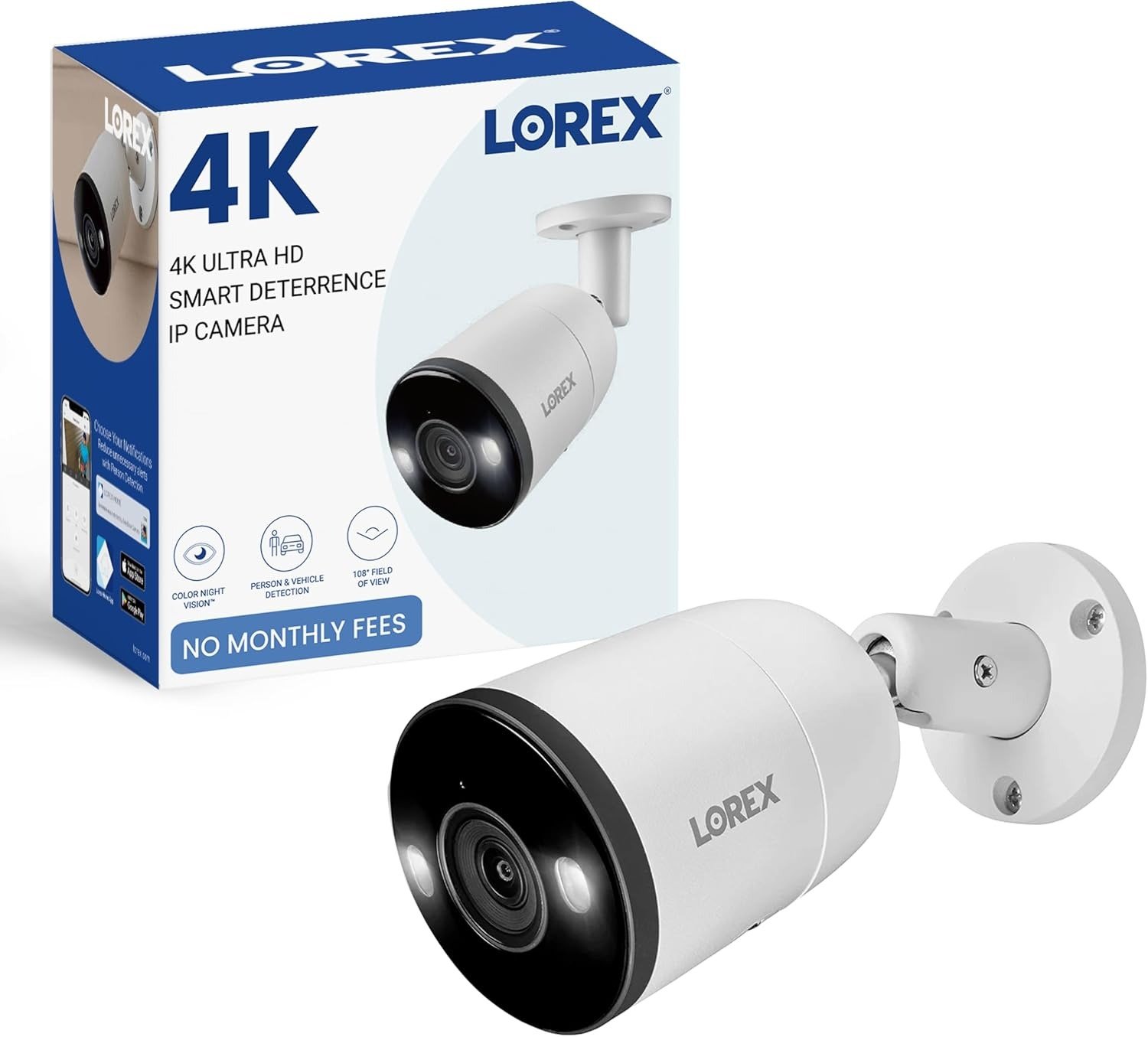
The box has weight to it. Metal, not plastic — you feel that before you even open it. Inside, the camera looks exactly like the photos: matte housing, a lens that catches the light, “4K” printed clean on the side. You mount it above the garage, run the cable, connect the power, and wait for the moment every camera ad promises — the live feed popping up on your phone, sharp and immediate.
For a lot of buyers, that moment never comes. Not because the camera is broken. Not because the lens is cracked or the sensor is faulty — by every account we found, the hardware itself is genuinely good. The problem sits one step earlier, in a decision that was already made, quietly, before the box was even opened.
Lorex Add-On Camera Confusion: What You’re Feeling but Not Naming Yet
Why does a camera that works exactly as designed still feel broken to the person setting it up? Because it never asks for a Wi-Fi password. It doesn’t offer a “pair with app” screen. It doesn’t behave like the camera you might be picturing — the kind you stick to a wall, scan a QR code, and you’re live in ninety seconds.
That’s not a flaw in the unit you received. It’s a mismatch between what the product is and what the search that brought you here was actually asking for. “Outdoor security camera” and “add-on IP camera” sound like the same purchase. They aren’t.
NVR Requirement Explained: The Hidden Mechanism Behind the Miss
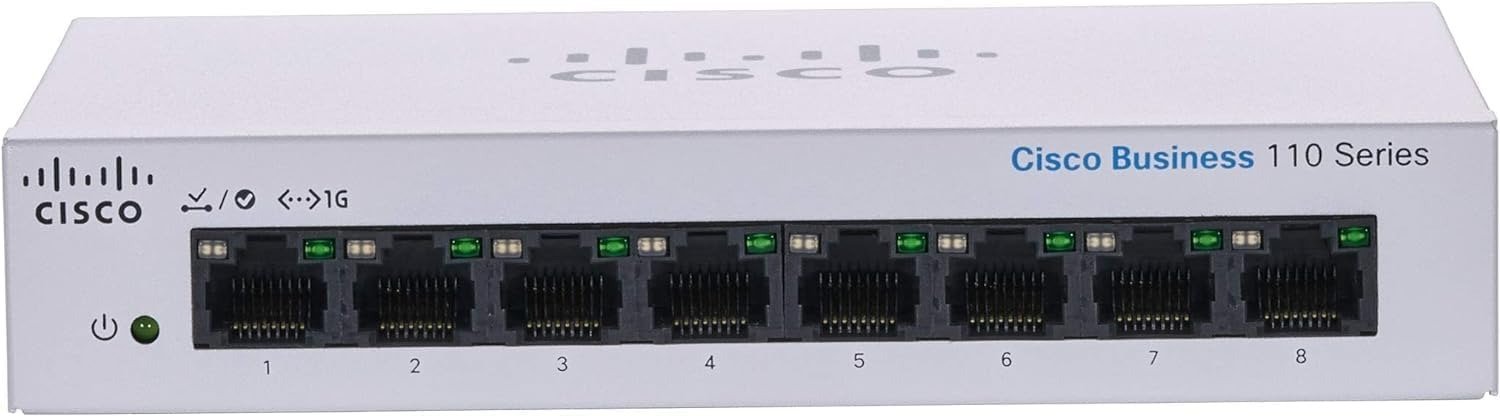
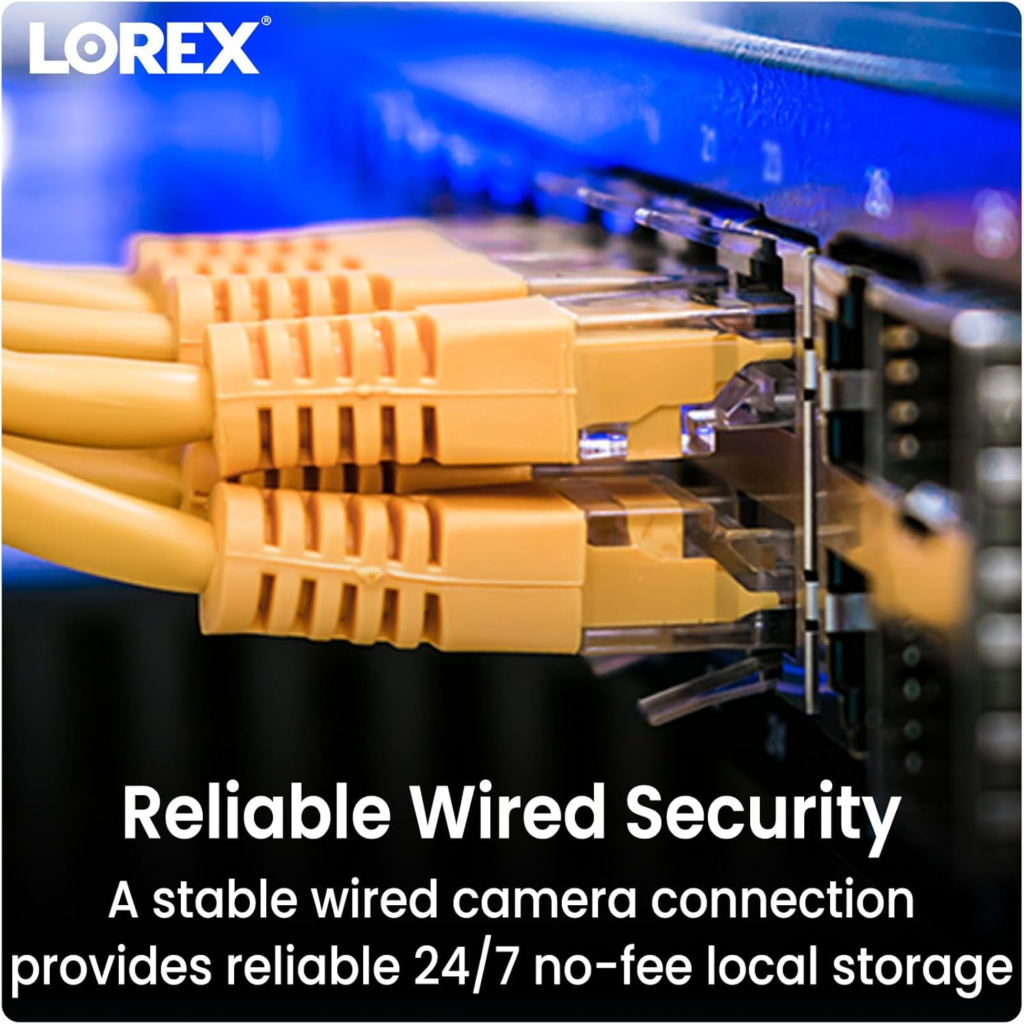
Here’s the mechanism, plainly stated: this is a PoE (Power over Ethernet) camera. One cable — a single Ethernet run — carries power, video, and network data from the camera to a Network Video Recorder. There’s no built-in cloud account, no standalone app pairing, no cellular fallback. The camera is, by design, an extension of a system that already exists, not a system on its own.
That’s exactly what the product title is telling you, if you read past the resolution and the megapixels: “NVR Add-On,” “Requires Recorder.” It’s not fine print — it’s the entire operating premise of the camera. And it’s genuinely common across this class of hardware; most serious wired 4K security cameras, across most brands, work the same way.
| Spec | Details |
|---|---|
| Resolution | 4K Ultra HD, 8MP sensor |
| Field of view | 108° |
| Night vision | Color Night Vision in ambient light; IR night vision in full dark |
| Motion detection | Smart Motion Detection Plus — person, vehicle, and face filtering |
| Audio | Built-in 2-Way Talk with quick-response messages |
| Weatherproofing | IP67-rated, all-metal housing |
| Connection | PoE via one Ethernet cable (power, video, and data together) |
| Smart home | Works with Amazon Alexa and Google Assistant through the Lorex Home app |
| Storage | Local, to a compatible NVR — no mandatory subscription |
| Warranty | 1 year standard, extendable to 3–5 years through LorexCare |
| Requires | A compatible Lorex NVR, sold separately |
Lorex Camera Compatibility: Where the Setup Quietly Breaks
There’s a precise point where this purchase either works or doesn’t, and it happens before checkout, not after installation. If a compatible recorder is already sitting in a closet or on an office shelf, this camera slots in as designed. If one isn’t, the camera is — functionally — a very well-made paperweight until one is added.
Recorder lineups get updated, so we won’t pretend any single model list is permanent. What we can tell you, from the listing and Lorex’s own documentation, is the shape of it: this camera is built around Lorex’s N-series and NR-series NVR lines. Before buying, it’s worth the ninety seconds to check your exact recorder model against the current compatibility list on the product page. That one check is the difference between a camera that earns its price and one that sits in a drawer.
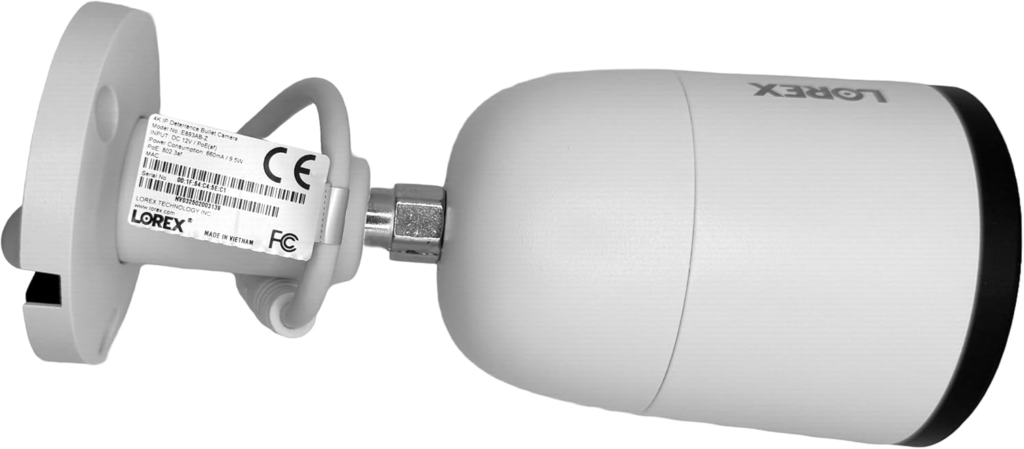
A second, smaller threshold worth planning around: PoE installs in this class are commonly rated for cable runs up to roughly 300 feet from the recorder or switch. Generous for most homes — worth measuring first if your recorder sits in a detached structure.
| Standalone Wi-Fi camera | This Lorex PoE add-on camera | |
|---|---|---|
| Setup | Pairs directly to an app over Wi-Fi | Connects to an existing or new NVR over Ethernet |
| Extra hardware needed | None | Compatible NVR, plus an Ethernet run |
| Ongoing cost | Often a cloud subscription for recording | No monthly fee for local recording |
| Power | Battery or plug-in adapter | Powered through the same cable as the data (PoE) |
| Best for | One camera, fast setup, no other devices | Expanding or building a multi-camera wired system |
Wired vs Wireless Security Cameras: Why Most Buyers Misread This Too Early
Why does a camera with strong, consistent praise for its picture quality still collect confused one-star reviews? Because it’s being judged against the wrong competitor. Buyers cross-shop it against a cheaper Wi-Fi camera on the same search page, line up the star ratings, and treat the lower price as the more reasonable pick.
That comparison skips the part that actually matters: what each camera is quietly built to do. A Wi-Fi camera answers to your router, and usually a subscription. This camera answers to a recorder sitting in your own house, storing footage on your own hardware, with no monthly bill attached to basic recording and viewing. Neither is better in the abstract — they’re built for a different relationship between you, your footage, and your wallet. The comparison only makes sense once that’s on the table.
Who Should Buy a Lorex 4K Add-On Camera: Who’s Actually Inside This Problem
The fit here is narrower than the marketing photos suggest, and that’s actually a good sign — it means the people it’s right for tend to stay genuinely satisfied with it.
| You’re likely a good fit if… | This probably isn’t for you if… |
|---|---|
| You already own, or are buying, a compatible Lorex NVR | You want one camera with zero other hardware |
| You want local storage with no monthly fee | You’re renting and can’t run a permanent cable |
| You’re covering a driveway, porch, or yard as part of a bigger system | You want app-only setup with no recorder involved |
| You want alerts filtered to people and vehicles, not every motion ping | You need the camera live minutes after opening the box |
Lorex Camera Buyer Mistakes: Where the Wrong Fit Begins
The regret, when it shows up, almost always starts the same way: someone wanted one camera, running before dinner, with nothing else to buy. No recorder, no cable planning, no PoE switch to think about. They wanted a phone app and a QR code.
If that’s genuinely what you need, this isn’t a worse camera for you — it’s simply not aimed at your situation. Renters who can’t run permanent cable, anyone hoping to avoid all hardware cost beyond the camera itself, anyone who wants the whole thing solved from a phone with no second device involved: the regret starts the moment the box is open and there’s no pairing screen waiting.

Lorex 4K Add-On Bullet Camera Review: The One Setup Where It Becomes Logical
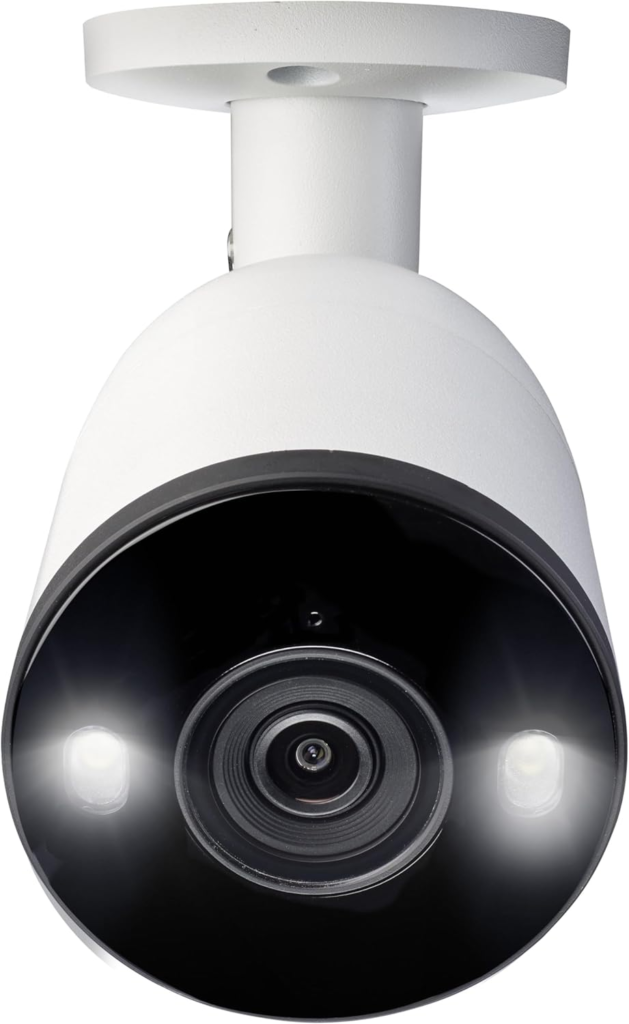
If a compatible recorder is already part of the picture — owned, or budgeted for — the case for this specific camera stops being a matter of opinion and becomes a matter of spec sheet. An 8MP sensor pushing genuine 4K detail. A 108° field of view wide enough to cover a driveway without a second unit. Color Night Vision in ambient light, switching to infrared once it’s fully dark, so the feed doesn’t just go black at 11 p.m. Motion detection filtered for people and vehicles specifically, instead of pinging your phone every time a moth crosses the frame. A metal, IP67-rated housing built for real weather, not showroom conditions.
None of that is unique in isolation — plenty of cameras claim 4K and night vision. What’s harder to find at this position in the lineup is all of it together, on hardware that doesn’t need a subscription to keep working, tied to a recorder you already control.
Lorex 4K Camera Pros and Cons: What It Solves, Reduces, and Still Leaves to You
| Pros | Cons |
|---|---|
| Genuine 4K clarity from an 8MP sensor | Requires a separately purchased NVR if you don’t already have one |
| Color Night Vision plus a usable IR range after dark | No standalone app pairing — by design, not by defect |
| No monthly fee for local recording and viewing | Cable run and camera placement need planning ahead |
| Person and vehicle filtering cuts false alerts | Fewer granular software settings than some Wi-Fi models |
| IP67 metal housing built for real weather extremes | Standard warranty is 1 year unless you extend it |
Solved: a consistent, wired feed that doesn’t depend on your Wi-Fi holding up at 2 a.m., recorded locally with no ongoing fee for the basics. Reduced: the flood of meaningless alerts that quietly gets people to mute their security app within a month. Left to you: the recorder is still yours to manage, the cable still needs to be run and hidden properly, and the camera watches and records — it doesn’t intervene.
Lorex 4K Add-On Camera FAQ: What Buyers Ask Before They Commit
| Question | Answer |
|---|---|
| Does this camera work without an NVR? | No. It’s a PoE add-on camera with no standalone Wi-Fi pairing — it needs a compatible recorder to power it and store footage. |
| Which recorders is it compatible with? | It’s built around Lorex’s N-series and NR-series NVR lines. Confirm your exact recorder model against the current compatibility list on the product page before buying. |
| Is there a monthly fee? | No fee for core local recording and live viewing. Optional cloud backup plans exist if you want off-site copies too. |
| How far can the cable run from the recorder? | PoE installs in this class are commonly rated for runs up to roughly 300 feet. |
| Can I use 2-way talk and audio recording anywhere? | Audio recording without consent isn’t legal in every jurisdiction — worth a quick check of local rules before enabling it. |
| What’s the warranty? | One year standard from Lorex, extendable to 3 or 5 years through LorexCare. |

Lorex 4K Add-On Bullet Camera Review: Final Verdict and the Next Step
Strip away the spec sheet and the reviews, and it comes down to one honest either/or. If a compatible Lorex recorder is already in place, or already in the plan, this camera is a genuinely strong, subscription-free way to add real 4K coverage to that system. If what you actually want is a single standalone camera with nothing else to buy or configure, this product was never built to be that — and no amount of good footage changes what it fundamentally is.
If you already know which side of that line you’re on, here’s the listing — worth a quick check of the current compatible-recorder list on the page before you check out.
Transparency Note:
This analysis is built on aggregated real-world experience. It extracts what repeatedly holds, what breaks, and what users uncover only after living with the system—then shapes it into a clear model you can use immediately. Think of it as structured experience, refined and presented so you don’t have to learn it the hard way. “A quick note: Don’t believe the star ratings, but trust personal experience. This article is a compilation of collected experiences.”