TP-Link TL-SG3210XHP-M2 Review: I Judged This Renewed Switch Like It Was My Own Network
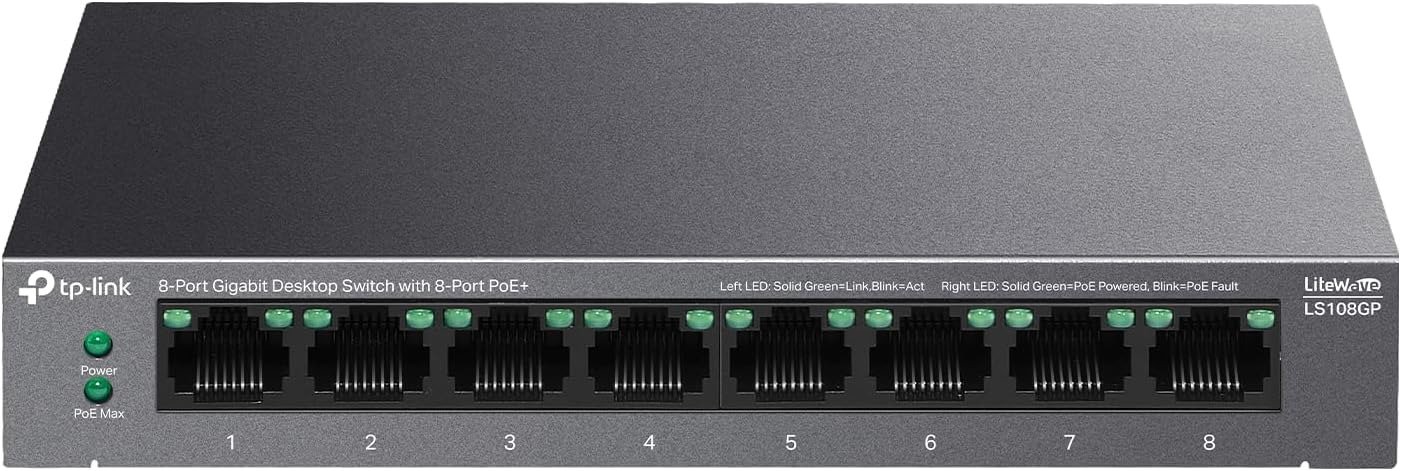
TP-LINK TL-SG3210XHP-M2
The Result Looks Fine. The Problem Isn’t.
You upgraded your access points to Wi-Fi 6 or 6E. Maybe you added a multi-gig NAS, or a small camera setup that finally needed more than a trickle of bandwidth. Everything connects. The lights are green. The dashboard says “online.”
And yet a file transfer still caps out right around 940 Mbps, no matter what you do. The new hardware never feels new.
That’s not a coincidence, and it’s not your access point’s fault. Somewhere between your fast new devices and your fast internet sits an old gigabit switch quietly capping everything that touches it. The switch never reports an error. It just never lets the rest of the network breathe.
This is the exact gap the TL-SG3210XHP-M2 was built to close — eight 2.5GbE PoE+ ports and two 10G SFP+ uplinks, sitting at a price point that’s now even lower because the unit you’re looking at is sold as Amazon Renewed. The question isn’t whether the specs are good. They are. The question is whether a renewed, discontinued, occasionally noisy managed switch is the right object to plug into the center of your network — and that’s a more specific question than most listings ever answer.
What You’re Actually Feeling but Not Naming
There are two separate frictions stacked on top of each other here, and most buyers only notice one of them.
The first is the bottleneck itself — the quiet suspicion that you paid for speed you’re not getting, without a clear way to prove it or fix it.
The second is newer and less talked about: the word “Renewed” sitting next to a switch that’s going to sit at the core of your network, carrying every camera, every access point, every backup job. It’s one thing to buy a renewed phone. It’s another to wonder whether a renewed piece of infrastructure will still be standing in eighteen months, and whether anyone will actually honor a warranty if it isn’t.
Both frictions are real. Both are answerable. Neither is answered by the marketing copy on the listing page.
The Hidden Mechanism Behind the Miss
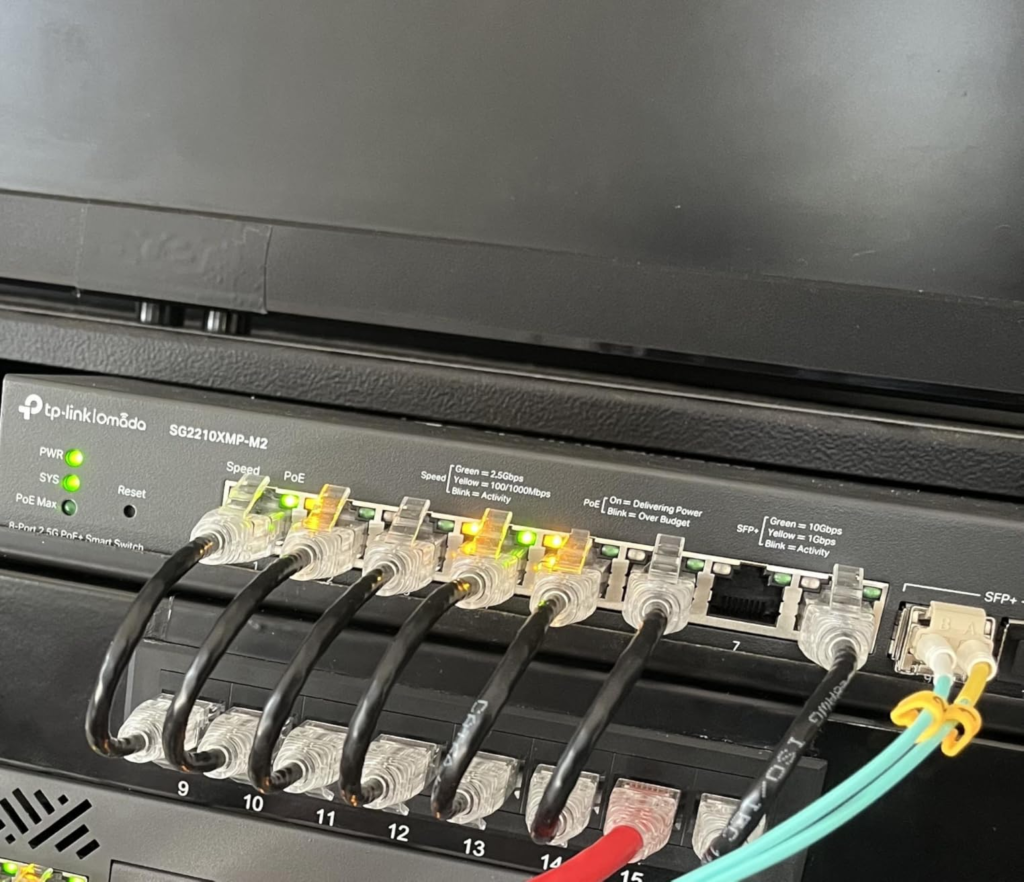
Here’s what the spec sheet actually buys you, stripped of jargon:
| Spec | What it means in practice |
|---|---|
| 8× 2.5GbE (100/1000/2500 Mbps) RJ45, all PoE+ | Every port auto-negotiates up to 2.5 Gbps — 2.5x a standard gigabit port, with no manual switching needed |
| 2× 10G SFP+ uplinks | Connects to a server, NAS, or core switch without that link becoming the new bottleneck |
| 802.3af/at PoE+, 240 W total budget | Up to 30 W per port, shared across all eight — enough for most Wi-Fi 6 APs and PoE cameras |
| 80 Gbps switching capacity / 59.52 Mpps | Non-blocking — the switch’s internal fabric won’t choke even with all ports loaded |
| L2+ with static routing (48 routes, 16 IP interfaces) | VLANs, inter-VLAN routing, and ACLs — but no dynamic routing protocols like OSPF or BGP |
| 16K MAC table, 12 Mbit buffer, 9 KB jumbo frames | Handles a few hundred devices and large file transfers without dropping packets |
| 2× 40mm fans | Active cooling, not fanless — this detail matters more than it looks, covered below |
The one thing worth correcting directly: several reviews list “requires an external controller” as a con. That’s only half true. The switch runs fully through its own local web GUI in standalone mode — VLANs, QoS, port priority, LAG, PoE scheduling, all of it, with no controller purchase required. An Omada hardware or cloud controller only becomes necessary if you want centralized multi-site management or Zero-Touch Provisioning across a fleet of devices. For a single location, you never need to buy one.
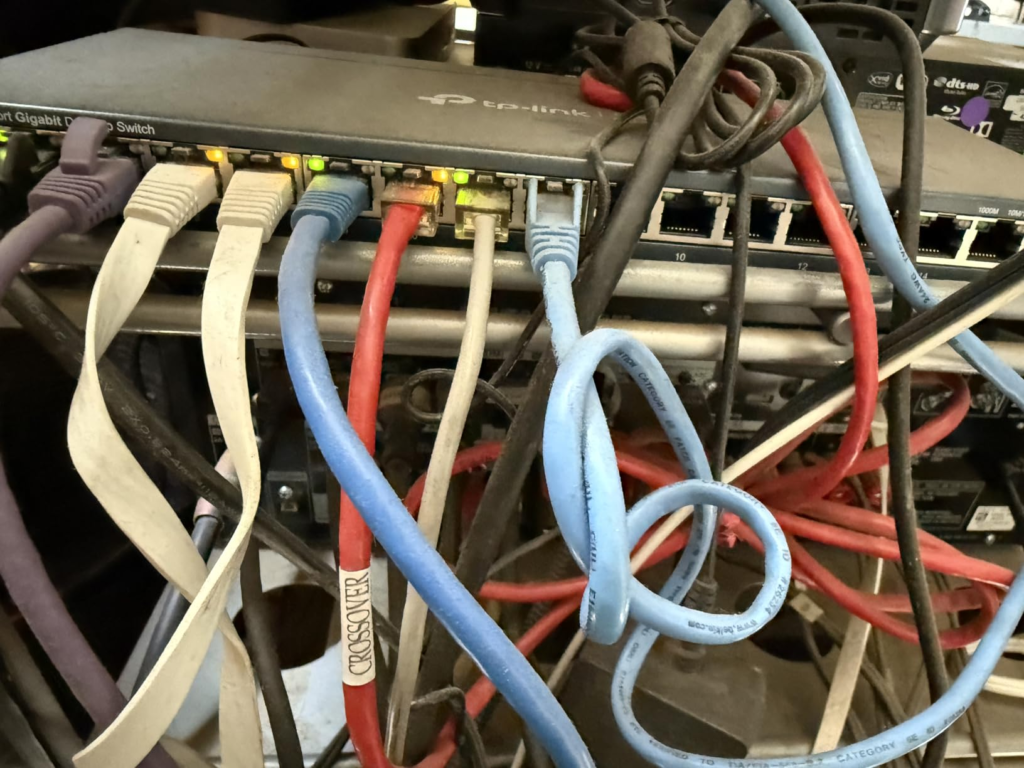
The Threshold Where the Outcome Quietly Breaks
There’s one variable that decides whether this switch feels like a great purchase or an irritating one, and it has nothing to do with throughput: where you physically put it.
Independent lab testing measured roughly 45 dB at one meter with the unit simply idling, and that climbs once the PoE load and internal temperature rise. The two fans run continuously, with speed control but no fully silent mode. This shows up consistently — in professional reviews, in a UK Amazon reviewer’s note that it’s “noisy” and better suited away from a desk, and in homelab forum threads where owners describe it as fine in a closet but not something they’d want next to a keyboard.
| Placement | Real-world experience |
|---|---|
| Network closet, utility room, basement rack | Genuinely a non-issue |
| Equipment rack alongside other fans | Blends into ambient noise |
| Open office, desk, or shared room within a few feet | Noticeable, continuous hum — the most repeated complaint across owners |
| Bedroom or living room as a desktop unit | Likely too loud for comfort without a fan swap |
This isn’t a defect. It’s a design decision — active cooling for a switch pushing 240 W of PoE generates heat that has to go somewhere. The threshold is simple: closet or rack, no problem; open desk, problem. Decide which side of that line your install falls on before the unit arrives, not after.
There’s a second threshold, just as easy to miss: the warranty path. TP-Link’s limited lifetime warranty applies to new units sold through authorized channels. A Renewed listing operates under a different mechanism entirely — Amazon’s own 90-day Renewed Guarantee, which covers a full refund or replacement if the unit doesn’t work as expected. That 90-day window, not TP-Link’s manufacturer policy, is your real safety net here. Treat it that way.
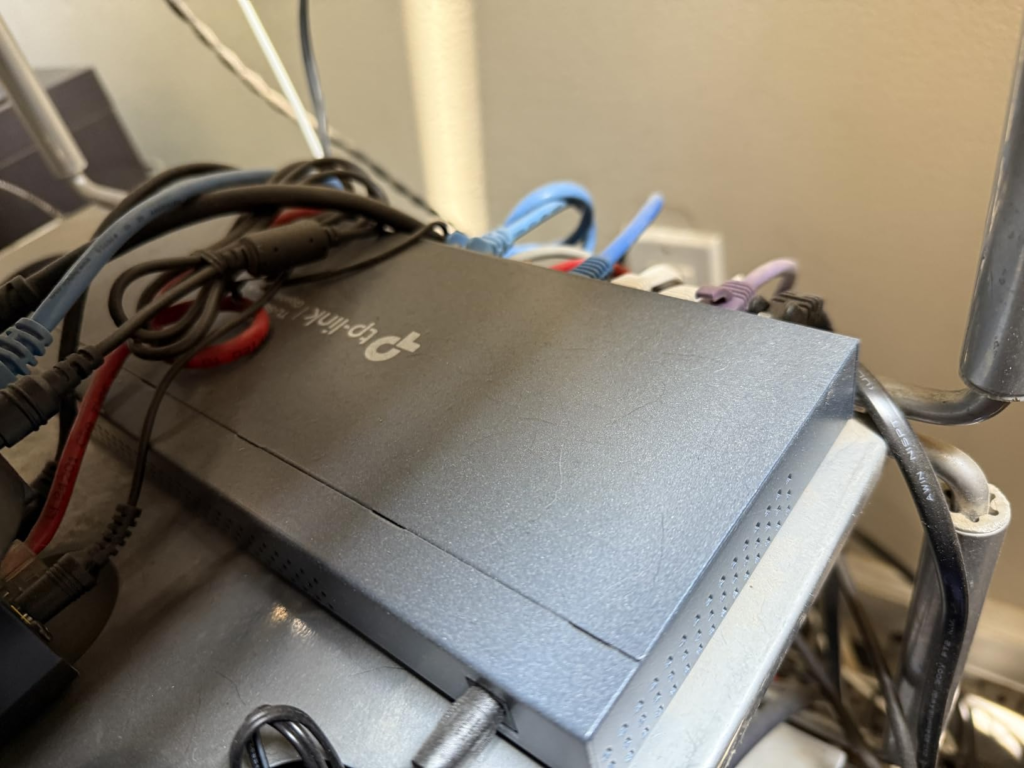
Why Most Buyers Misread This Too Early
Most people judge this purchase on one number — “240 W of PoE” or “10G uplinks” — and stop there. That number alone tells you almost nothing about whether the switch will work for your setup.
The number that actually matters is PoE draw per port under simultaneous full load, compared against what your devices really pull:
| Scenario | Math | Outcome |
|---|---|---|
| 8 ports at the full 30 W ceiling at once | 8 × 30 W = 240 W | Exactly at the budget limit |
| 8 typical Wi-Fi 6 APs (roughly 9–15 W each) | 8 × ~12 W ≈ 96 W | Comfortable headroom, room to add cameras later |
| Mixed APs and PoE cameras nearing the ceiling | Varies | Port-priority settings shut off lowest-priority devices first, gracefully |
The second thing buyers misjudge is reliability. One widely-watched video review reported two units failing within four months and noted hearing similar accounts from others — a real data point that deserves to be named, not buried. Set against that: multiple long-running homelab reports of stable uptime past six months, and broadly positive verdicts from professional test labs. Neither story cancels the other out. The honest read is that this is a generally solid switch with a non-zero early-failure rate — which is exactly the kind of risk a 90-day return window exists to absorb.
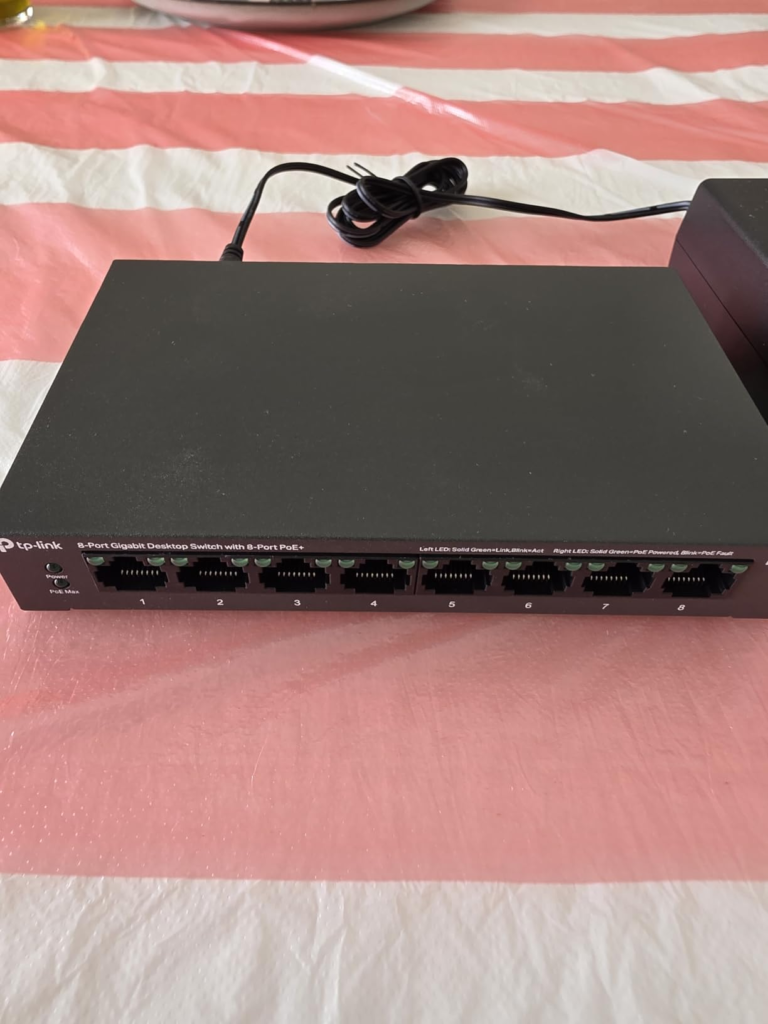
For context on value, here’s where it sits against the obvious alternative:
| Switch | 2.5G PoE+ ports | 10G uplinks | PoE budget | Price tier |
|---|---|---|---|---|
| TP-Link TL-SG3210XHP-M2 | 8 | 2× SFP+ | 240 W | Budget/mid |
| Cisco CBS350-8MGP | 2 (rest 1G) | 2× SFP+ | 124 W | ~50% higher |
| Typical fanless 8-port 2.5G PoE alternative | 8 | Varies | Often lower | Similar or higher, quieter |
Who Is Actually Inside This Problem
This switch is built for a specific situation, not a general one. You’re likely the right buyer if you’re:
- Rolling out Wi-Fi 6 or 6E access points that need 2.5GbE PoE+ backhaul to actually deliver their rated speed
- Running a multi-gig NAS or server and want a 10G uplink without enterprise pricing
- Setting up a PoE camera system that needs more than gigabit per channel
- Comfortable managing VLANs, QoS, and LAG through a local web GUI
- Fine placing the unit in a closet, rack, or separated equipment space
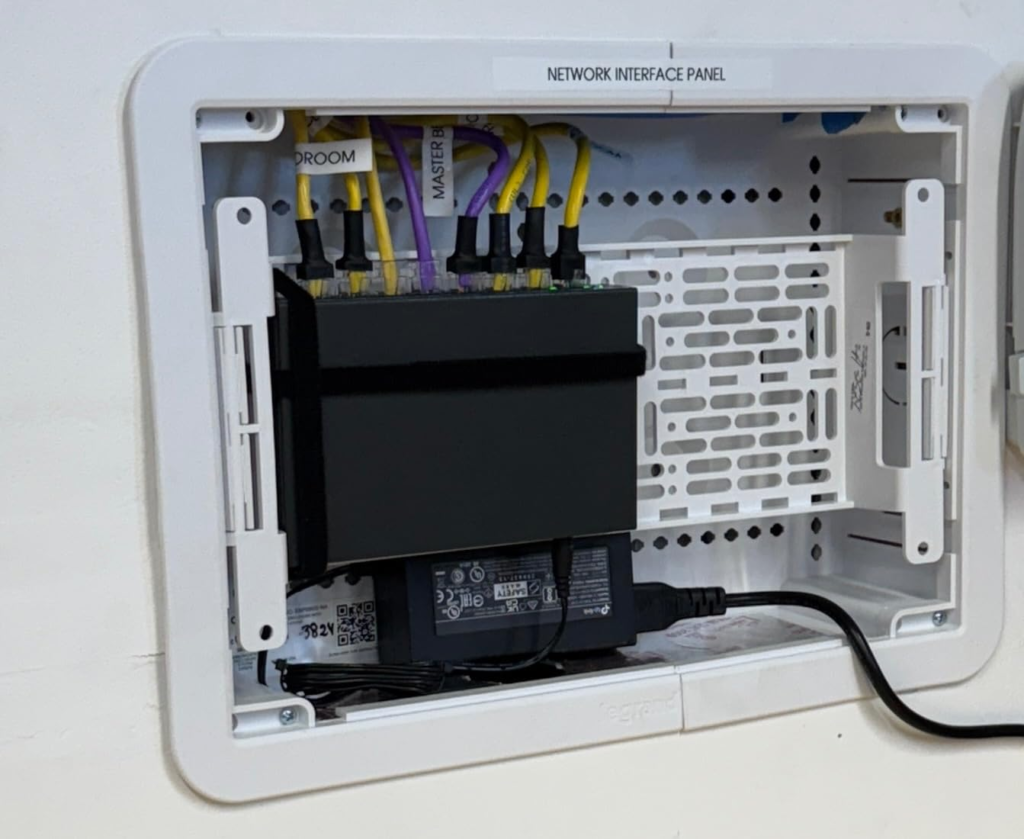
Where Wrong-Fit Begins
The same switch becomes a poor decision for a different kind of buyer:
| You’re likely a fit if… | This probably isn’t for you if… |
|---|---|
| You’re solving a real multi-gig PoE bottleneck | You need it sitting silently next to a desk |
| You’re fine with closet or rack placement | You need dynamic routing — OSPF, BGP, full Layer 3 |
| You manage networking gear through a web GUI already | You’re buying it purely for raw 10G desktop speed with zero PoE devices |
| You’ll test it hard within 90 days of arrival | You can’t commit to testing it within that window |
| You’re comfortable treating Amazon’s guarantee as your real warranty | You specifically need manufacturer-direct lifetime service |
The One Situation Where This Switch Becomes Logical
Strip away the noise, and the decision comes down to one comparison: a new unit costs roughly $400–440 at typical street pricing; the renewed listing runs meaningfully below that, in exchange for a shorter, Amazon-administered guarantee instead of TP-Link’s manufacturer warranty.
| Factor | New, authorized retailer | Amazon Renewed |
|---|---|---|
| Price | Full street price | Lower — check the specific listing for the current figure |
| Warranty mechanism | TP-Link limited lifetime (new units, authorized channels) | Amazon’s 90-day Renewed Guarantee — refund or replacement |
| Condition | Sealed, untouched | Inspected and tested, minor cosmetic wear possible per Amazon’s grading |
| What you should actually do with it | Standard setup | Run it under full PoE + 10G load immediately — that’s your real test window |
If your install is going into a closet or rack, if you don’t need dynamic routing, and if you’re willing to stress-test the unit in the first three months rather than letting it sit in a box, the renewed price gap stops being a gamble and starts being the more rational way to buy the same hardware.
What It Solves, What It Reduces, and What It Still Leaves to You
It solves the actual bottleneck — your Wi-Fi 6 APs, your NAS, your cameras finally get the bandwidth they were bought for. It reduces cost meaningfully against Cisco or enterprise-tier equivalents with comparable PoE budgets. It does not solve placement for you — that decision is yours, and it’s the one most likely to determine your satisfaction. It does not extend TP-Link’s manufacturer warranty to a renewed unit — Amazon’s guarantee is the mechanism you’re actually relying on, and using it early, if you ever need to, is not a failure on your part.
Frequently Asked Questions
| Question | Answer |
|---|---|
| Do I need an Omada controller to use this switch? | No. Standalone mode through the local web GUI gives you full L2+ management — VLANs, QoS, LAG, PoE scheduling. A controller is only needed for centralized, multi-site, or Zero-Touch Provisioning setups. |
| Is the TL-SG3210XHP-M2 still sold new? | TP-Link has listed it as End of Sale, replaced by a newer hardware revision. That status is part of why renewed units are available at a discount now. |
| How loud is it really? | Independent testing measured roughly 45 dB at one meter while idle, rising under load. Fine in a closet or rack; noticeable on an open desk. |
| What warranty actually applies to a Renewed unit? | Amazon’s 90-day Renewed Guarantee — a refund or replacement if it doesn’t work as expected. TP-Link’s manufacturer lifetime warranty applies to new units through authorized channels, not renewed listings. |
| Can it power eight Wi-Fi 6 access points at once? | Yes, with headroom. Most Wi-Fi 6 APs draw far less than the 30 W ceiling per port, so the 240 W budget rarely gets close to maxed out unless every device is power-hungry. |
| Is Layer 2+ enough, or do I need full Layer 3? | L2+ with static routing covers VLANs and inter-VLAN routing for most small business and homelab setups. If you need OSPF or BGP, this isn’t the right switch. |
Final Compression
The decision here isn’t about the spec sheet — the spec sheet is genuinely good for the price. It’s about two things: where the unit will physically sit, and whether you’re willing to test it hard inside the window Amazon actually gives you. If your bottleneck lives in a closet or rack, not on a desk, and you’re comfortable treating the next 90 days as your real proving ground, this is where the decision stops being vague — load it up early, confirm it holds, and let the guarantee do its job if it ever needs to.
Transparency Note:
This analysis is built on aggregated real-world experience.
It extracts what repeatedly holds, what breaks, and what users uncover only after living with the system—then shapes it into a clear model you can use immediately.
Think of it as structured experience, refined and presented so you don’t have to learn it the hard way.
“A quick note: Don’t believe the star ratings, but trust personal experience. This article is a compilation of collected experiences”