SwitchBot Lock Pro Review: What the Full Listing Leaves Out
SWITCHBOT LOCK PRO
Groceries digging into both forearms, phone at six percent, one thumb free to press against a small black pad and make the door just open. That’s the moment being sold to you in every product photo. I went through the spec sheets, the firmware release notes, SwitchBot’s own support tickets, and the field notes of people who’ve lived with this lock through a full winter — not just the unboxing week. What I found changes what I’d actually tell a friend before they click buy.
SwitchBot Lock Pro Auto-Lock: The Result Looks Fine. The Problem Isn’t.
The door clicks. A small light glows. The app says Locked. That’s the signal you’re trained to trust. Here’s what’s actually happening underneath it: Auto-Lock depends on a magnetic sensor stuck to your door frame, positioned less than an inch and a half from the lock, reading whether the door is truly shut. Nudge that magnet’s gap out of range and the app has no idea your door is even closed — it just quietly stops locking, with no alarm, no red flag, nothing.
This isn’t a rare glitch. SwitchBot maintains an entire support article titled, plainly, “What to Do If My Lock Pro’s Auto-Lock Doesn’t Work” — that kind of dedicated troubleshooting page only exists because enough people needed it. And if your door uses a multi-point locking mechanism, Auto-Lock is explicitly unsupported altogether, by SwitchBot’s own documentation. The result can look identical either way. The problem is that “looks locked” and “is locked” are two different claims here, and only one of them is being verified.
SwitchBot Lock Pro Reliability: What You’re Actually Feeling but Not Naming
It’s not that the lock feels broken. It’s that you start checking the door twice. That’s the actual, unnamed friction that shows up a few weeks in — not a complaint, just a new little habit.
Part of it is honest: early units showed an inconsistent “offline” status in the app, sometimes for up to ten seconds after you’d walk away, before an iOS update quietly fixed it. Small thing. But once you’ve seen your smart lock go quiet on you even once, you stop trusting the silence. You start double-checking the handle on your way to the car. That’s not paranoia — that’s what happens when you hand a mechanical task to a battery and a Bluetooth radio instead of a deadbolt you can feel click.
SwitchBot Lock Pro Fingerprint Sensor: The Hidden Mechanism Behind the Miss
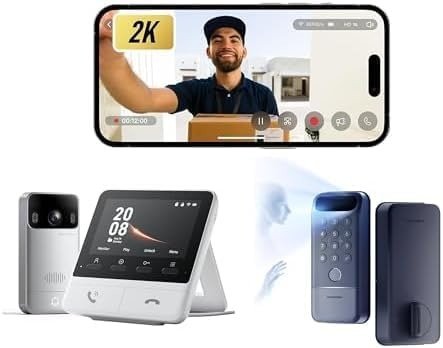
Here’s the part the listing photos blur together: the SwitchBot Lock Pro, by itself, has no fingerprint reader at all. None. Fingerprint access only exists on the separate Keypad Touch accessory, which pairs with the lock but is sold, priced, and shipped as its own product.
That split isn’t an accident — it’s the actual design. The Lock Pro’s motor and brain are built to live indoors, mounted over your existing interior thumb-turn, rated by SwitchBot for a 10°C–45°C indoor environment. The Keypad Touch, meanwhile, is the piece that actually sits outside your door, which is why it’s the one rated IP65 for rain and dust. Why does a lock marketed as a “deadbolt” keep its own brain safely indoors? Because it isn’t a deadbolt. It’s a motorized cap that turns the deadbolt you already own — the weatherproofing only had to cover the small pad your thumb touches, not the whole mechanism.
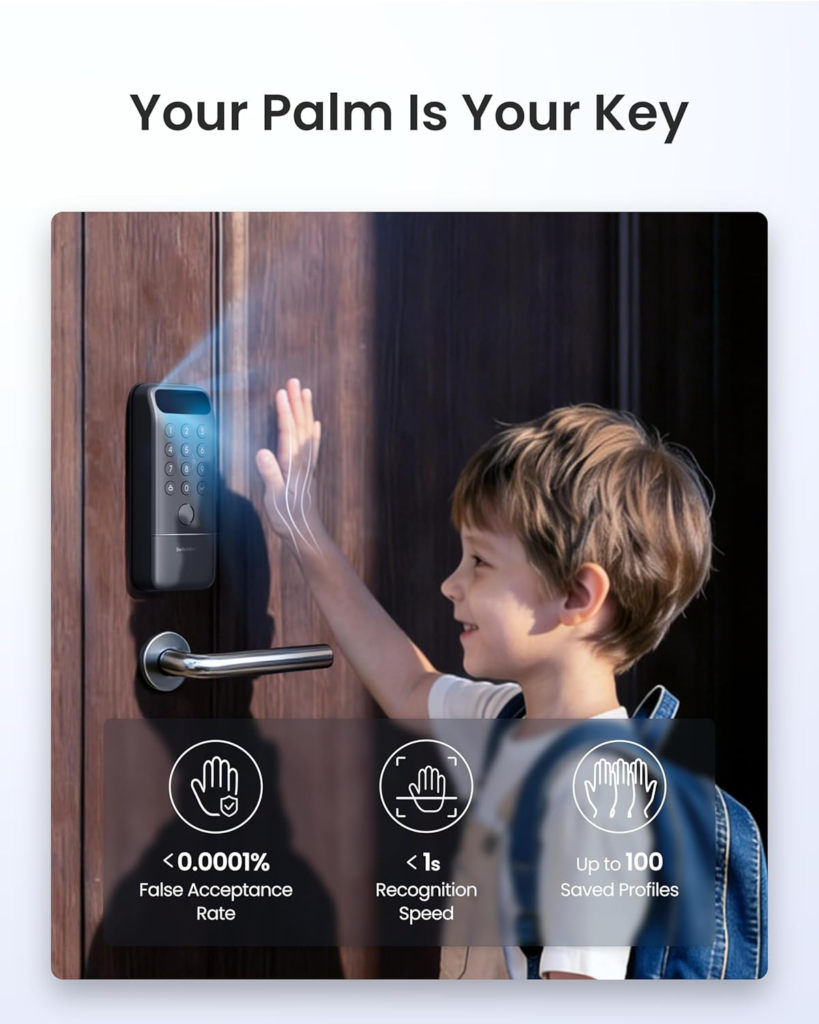
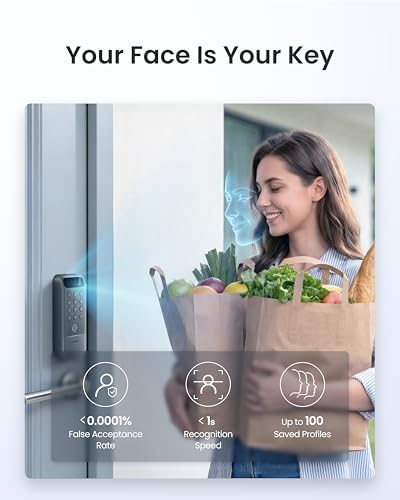
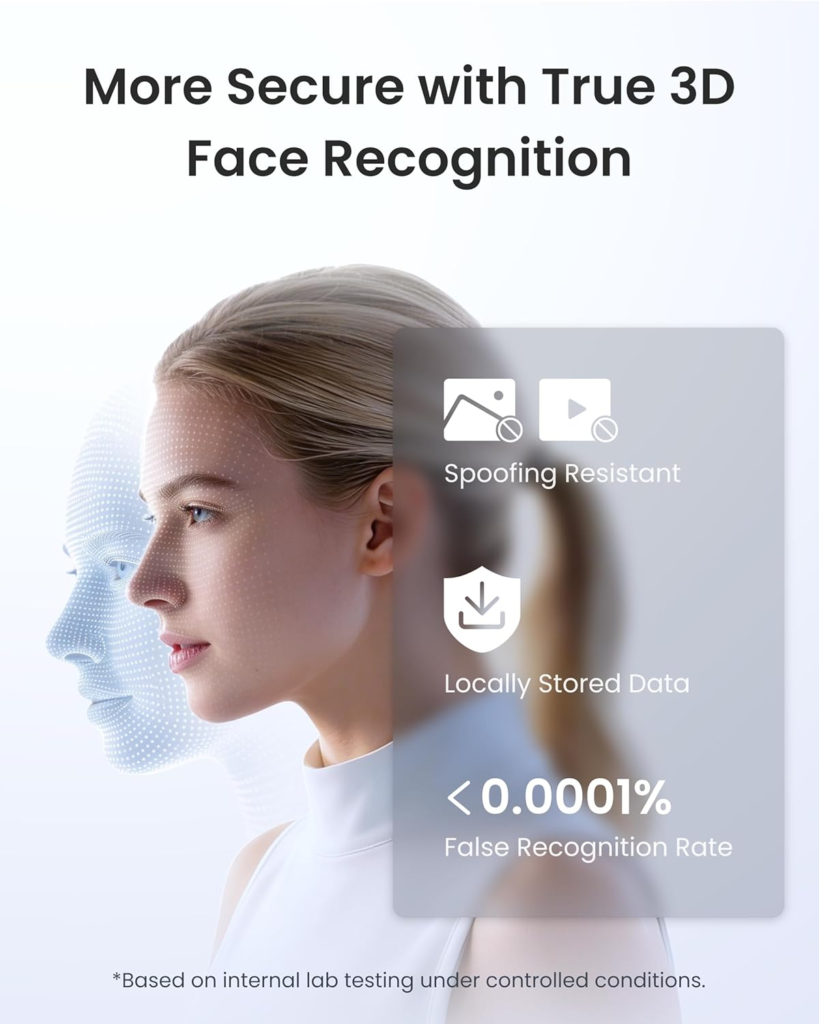
That matters for the fingerprint reading itself, too. Capacitive fingerprint sensors — the kind used across this entire product category, not just this one — read the tiny electrical signature of your skin. Very wet, very dry, very dirty, or very cold fingers all distort that signal. SwitchBot claims under 0.3 seconds and roughly 98% accuracy for the Keypad Touch, and that number is believable indoors, in July. It gets shakier in January, with gloves half-off and a cold thumb pressed against cold metal.
| What it does | Lock Pro alone | + Keypad Touch | + Hub Mini |
|---|---|---|---|
| Fingerprint unlock | No | Yes, up to 100 prints | — |
| Remote unlock via app | No | No | Yes |
| Matter / Siri / Alexa / Google | No | No | Yes |
| Physical key still works | Yes | Yes | Yes |
| Approx. unlock methods | 3 | up to 9 | up to 15 |
SwitchBot Lock Pro Battery Life: The Threshold Where the Outcome Quietly Breaks
Four AA batteries, rated for 6 to 9 months at roughly ten lock cycles a day. That’s the number on the box, and it’s mostly honest. The threshold worth knowing is what happens around it.
SwitchBot’s own support documentation admits that cold environments reduce battery performance, and that a straining or jammed motor — say, from a slightly misaligned install, or an original cylinder that was already stiff — can crash a battery from 80% to 5% almost without warning. Below 20%, you’ll start getting alerts. Most people ignore those the same way they ignore a smoke detector’s low chirp, right up until the morning the lock simply won’t turn. The upside worth holding onto: your physical key never stops being a legitimate way in, battery or no battery.
SwitchBot Lock Pro vs Aqara, August & Yale: Why Most Buyers Misread This Too Early
Most people compare smart locks on two numbers — price and “does it have a fingerprint reader.” That comparison misses the actual fork in the road, which is whether the lock replaces your deadbolt or just rides on top of it.
August’s Wi-Fi Smart Lock is a retrofit like this one, arguably an even easier install, but it ships with no fingerprint and no keypad at all — both are separate purchases, and fingerprint isn’t an option on August at any price. Aqara’s U100, on the other hand, is a full deadbolt replacement: you remove your existing cylinder entirely, which is a very different conversation if you’re renting. In exchange, it’s IP65-rated across the whole unit rather than just the keypad, it’s built to survive temperatures from well below freezing to well above 100°F, and it supports Apple Home Key natively — tap your phone, no fingerprint needed. Yale’s Assure Lock 2 is also a full replacement, with fingerprint only on its pricier Touch trim and Home Key reserved for the Plus trim.
| Lock | Install type | Fingerprint | Apple Home Key | Typical price* |
|---|---|---|---|---|
| SwitchBot Lock Pro (+ Keypad + Hub) | Retrofit, keeps existing cylinder | Yes, add-on pad | No | ~$180–$220 |
| August Wi-Fi Smart Lock | Retrofit, keeps existing cylinder | No | Yes | ~$180–$249 |
| Aqara Smart Lock U100 | Full deadbolt replacement | Yes, built in | Yes | ~$130–$170 |
| Yale Assure Lock 2 (Touch) | Full deadbolt replacement | Yes, on Touch trim | Only on Plus trim | ~$200–$290 |
*Prices move often — treat these as ballpark, not quotes.
The SwitchBot Lock Pro sits in an odd, specific niche: the only one here that’s fully reversible and gets you a real fingerprint reader. The cost of that niche is needing three boxes instead of one, and being, by most reviewers’ account, the bulkiest-looking option on the door.
Best Fit for SwitchBot Lock Pro: Who Is Actually Inside This Problem
This setup earns its keep for a specific person: someone renting, or otherwise unwilling to touch their actual deadbolt, who still wants their whole household unlocking with a fingerprint instead of a shared code everyone half-remembers. It’s also a genuine fit if you were burned by the original 2022 SwitchBot Lock, whose adhesive mount was documented to fail and let the lock slide right off the door — the Pro fixed that specific flaw by switching to screws into your existing hardware, which is a real, meaningful upgrade if that’s the history you’re carrying.
It also suits Airbnb-style hosts who want rotating one-time and time-boxed passcodes for cleaners or guests, and anyone who considers a physical key backup non-negotiable rather than a last resort.
SwitchBot Lock Pro Compatibility: Where Wrong-Fit Begins
Walk away if your door uses a double-cylinder deadbolt — a key needed on both sides — because no retrofit lock in this category can override that. Walk away, or at least call SwitchBot support first, if your lock is Jimmy Proof or Mortise style; SwitchBot’s own listing flags both as needing extra adapters that aren’t guaranteed to fit every model. Walk away if you specifically want Apple Home Key’s tap-to-unlock — it’s simply not here, on this lock, as of this writing.
And walk away if what you actually pictured was one weatherproof unit bolted where your old deadbolt used to be. That’s not this. This is an indoor motor turning your existing cylinder, with only the keypad living outside.
| You’re a good fit if… | You’re not, if… |
|---|---|
| You rent, or won’t touch your existing deadbolt | You have a double-cylinder deadbolt (key both sides) |
| You want your original key to keep working | Your lock is Jimmy Proof or Mortise, unconfirmed |
| You want fingerprint access under $250 total | You need the lock body rated for hard freezes |
| You’re fine buying the Hub and Keypad separately | You specifically want Apple Home Key |
Is SwitchBot Lock Pro Worth It: The One Situation Where This Product Becomes Logical
Strip away the comparisons and one clean case remains: you can’t or won’t swap your actual deadbolt, your existing key needs to keep working as a permanent option and not an emergency fallback, and fingerprint access for the household matters enough to justify a bit of setup — without paying $250 to $300 for a full-replacement, HomeKit-native lock you don’t strictly need. In that specific situation, and really only that one, the Lock Pro paired with the Keypad Touch is the most sensible answer currently on the market, mostly because nothing else combines a fully reversible retrofit install with a real fingerprint reader at this price.
One practical note: bundle contents on listings like this shift over time, so before you buy, confirm you’re actually getting the Keypad Touch included — the base Lock Pro alone, without it, has no fingerprint at all.
SwitchBot Lock Pro Pros and Cons: What It Solves, What It Reduces, and What It Still Leaves to You
| Solves | Reduces | Still on you |
|---|---|---|
| Losing or forgetting keys | Risk of the old adhesive mount failing (Pro uses screws) | Swapping AA batteries every 6–9 months |
| Giving guests or sitters temporary codes | Fumbling at the door one-handed | Buying the Hub and Keypad Touch separately |
| Knowing who unlocked the door, and how | Full dependence on any single unlock method | Checking the door-sensor magnet alignment now and then |
SwitchBot Lock Pro FAQ: Common Questions Before You Buy
Does the SwitchBot Lock Pro replace my existing deadbolt?
No. It clips over your existing interior thumb-turn or cylinder and turns it for you. Your original lock body, cylinder, and outside keyway stay exactly as they are — which is exactly why it comes off clean if you move out.
Do I need the Hub Mini to control it remotely?
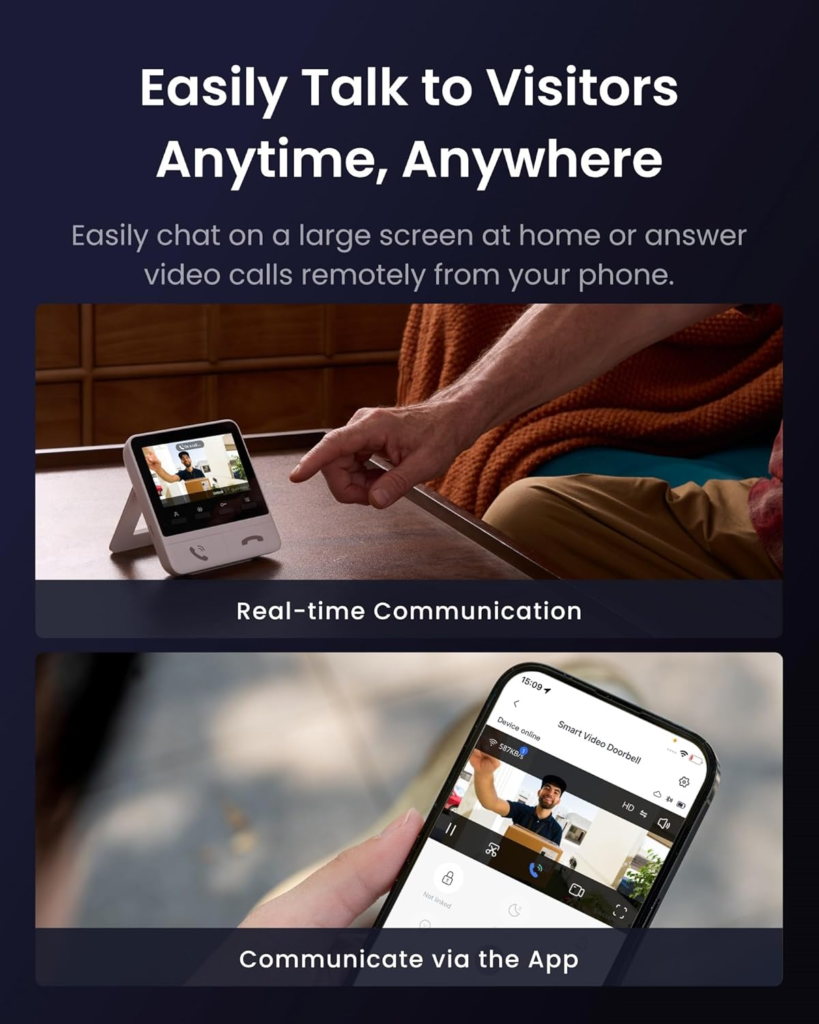
Yes, for anything beyond arm’s-reach Bluetooth. Out of the box it only talks to your phone within about 120 meters, no walls in the way. Remote unlocking, voice control, and Matter all route through a separately sold Hub.
How long does the battery really last?
SwitchBot rates it at 6 to 9 months on four AA batteries at typical use. Real-world reports mostly land in that range, though a jammed motor or a cold entryway can burn through a set faster. The optional Dual Power Pack stretches that closer to a year.
Can I still use my physical key?
Yes — that’s the actual point of the design. Since it turns your existing cylinder rather than replacing it, your original key keeps working exactly as before, dead batteries included.
Does it work with Apple Home Key?
No. A short list of rival locks — Aqara U100, Level Lock+, Schlage Encode Plus — support Home Key’s tap-to-unlock. This one supports Matter through a compatible Hub, which covers Siri and HomeKit at a basic level, just not that specific trick.
Will the fingerprint pad hold up outside in winter?
It’s IP65-rated for rain and dust, and plenty of owners run it year-round. But capacitive fingerprint sensors in general read your skin’s electrical signal, and very cold, wet, or dry fingers are the classic conditions that cause a misread on any brand’s pad. Keep a PIN or NFC card as backup for the coldest mornings.
SwitchBot Lock Pro Final Verdict: Where the Decision Stops Being Vague
None of this makes the Lock Pro a bad idea. It makes it a specific idea, built for a specific person — and most of the frustration people report traces back to buying it expecting a different product than the one actually in the box. If you rent, if your existing key needs to keep working, and if fingerprint access for your household is the actual itch you’re scratching, this is where the decision stops being vague: SwitchBot Lock Pro, Fingerprint Recognition Deadbolt with Auto-Lock. Check the current bundle and price on the listing itself before you decide — both shift more often than the reviews do.
Transparency Note:
This analysis is built on aggregated real-world experience.
It extracts what repeatedly holds, what breaks, and what users uncover only after living with the system—then shapes it into a clear model you can use immediately.
Think of it as structured experience, refined and presented so you don’t have to learn it the hard way.
“A quick note: Don’t believe the star ratings, but trust personal experience. This article is a compilation of collected experiences.”