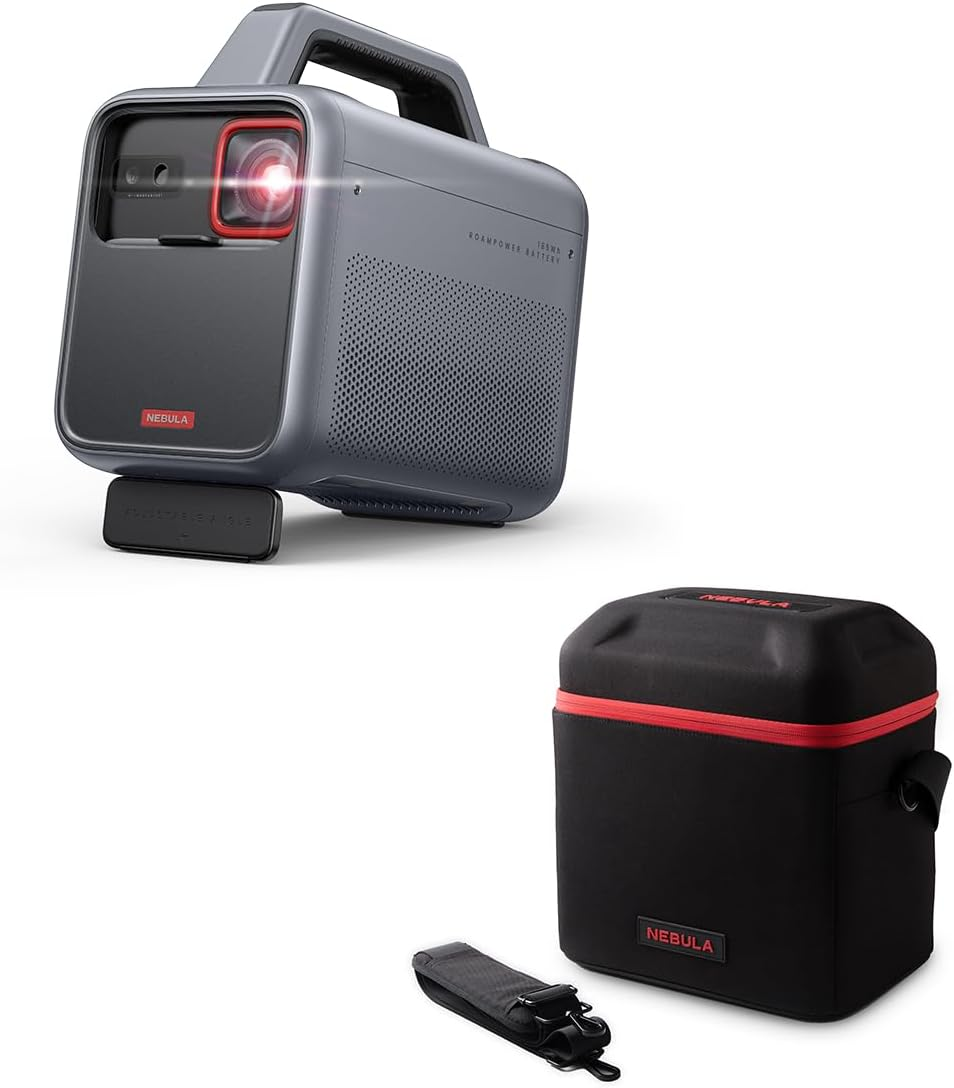
You Do Not Buy the NEBULA COSMOS LASER 4K for the Picture Alone. You Buy It for the Moment a TV Stops Fitting Your Life.
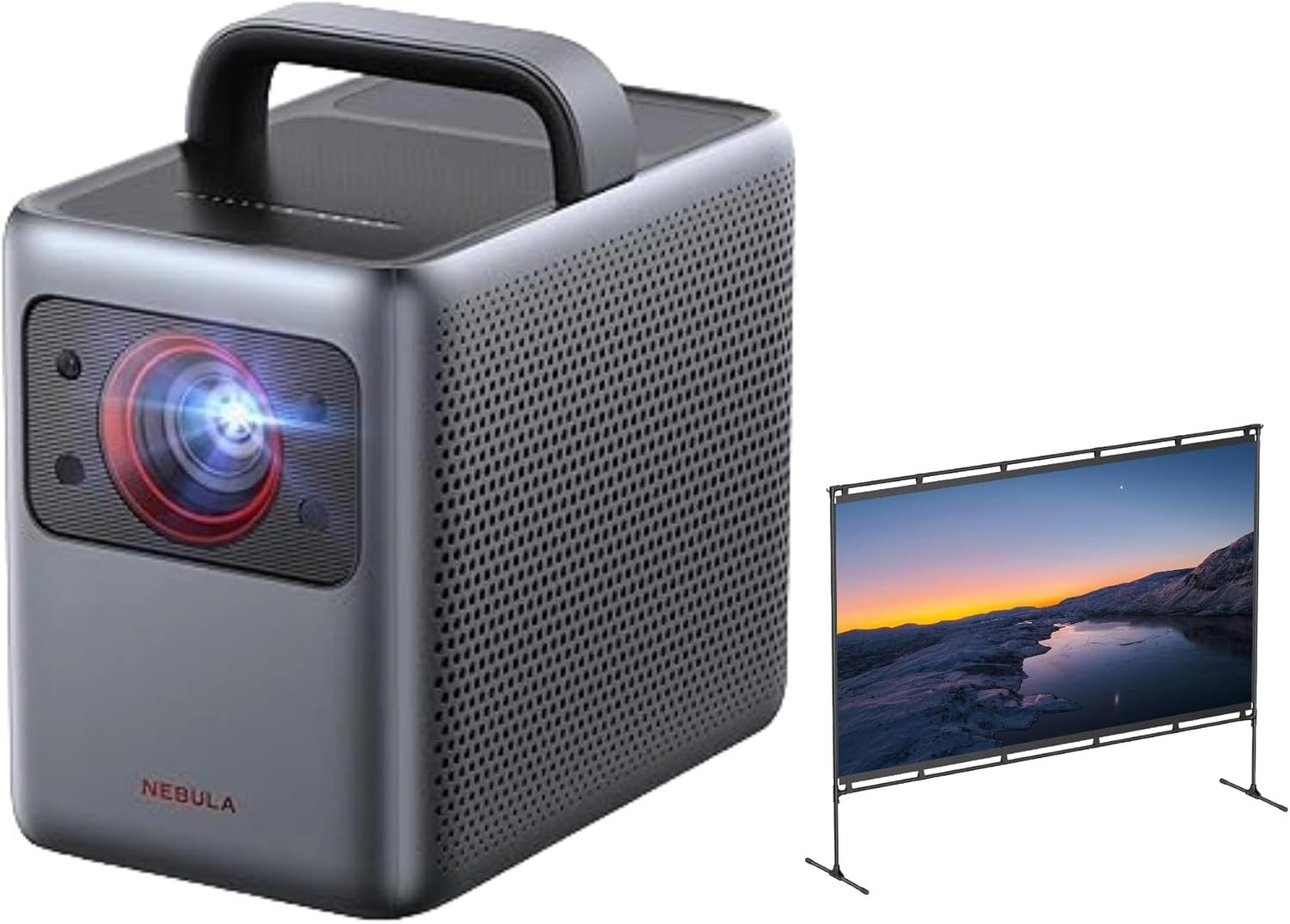
A lot of projector purchases begin with a small lie. You tell yourself you are buying image quality. What you are really buying is escape: the wall that turns into a stadium on Friday night, the backyard that suddenly behaves like a cinema, the spare room that stops feeling wasted.
Then reality walks in. The room is not fully dark. The projector is a little off-center. Someone wants Netflix now, not after ten minutes of menu gymnastics. That is where cheap enthusiasm usually dies. This machine survives longer than most because it attacks the right pain first: friction. Not perfection. Friction.
What kept repeating across measurements, expert reviews, and owner comments was not “best picture ever.” It was something more useful: bright enough to matter, sharp enough to feel expensive, fast enough to set up without turning movie night into a minor household negotiation.
At the same time, the same evidence kept circling three warnings like crows over a field: digital correction costs detail, dark-room black levels are not magic, and gaming remains casual rather than serious. That is the real article. Not hype. Not a brochure. A boundary map.
The Result Looks Fine. The Problem Isn’t.
The first trap is that the Nebula Cosmos Laser 4K can look good quickly, so people assume the hard part is over. It is not. A bright, sharp image can hide the wrong decision for weeks. You see a huge picture on the wall and your brain says, “done.”
Meanwhile the real questions stay quiet: How much ambient light is in your room? How often will you move the unit? Are you sensitive to motion blur? Do you actually need a projector that behaves like an all-in-one appliance instead of a calibrated theater component?
This projector is built around convenience features that are genuinely useful. Nebula’s official page highlights 2200 ANSI lumens and Intelligent Environment Adaptation for rapid setup, while ProjectorCentral confirmed strong automated focus, keystone, and screen-fit behavior and measured 1,702 ANSI lumens in the brightest mode after the model’s brightness spec was revised to 1,840 ANSI lumens.
That means the picture usually appears “alive” faster than with many fussier projectors. But “alive” is not the same thing as “right for you.”
| What you notice first | What actually decides satisfaction |
|---|---|
| Big 4K image | Whether your room is dim enough for blacks to hold |
| Easy auto setup | Whether digital correction is quietly softening detail |
| Portable body with handle | Whether you need true portability or just room-to-room mobility |
| Built-in sound | Whether you are watching casually or building a real cinema habit |
The reason people disagree so sharply about this projector is simple: they are not arguing about the same problem. One person is thrilled because they wanted a bright carryable movie box. Another feels underwhelmed because they expected dark-room theater depth, better interface behavior, or serious gaming responsiveness. Both can be right.
What You’re Actually Feeling but Not Naming
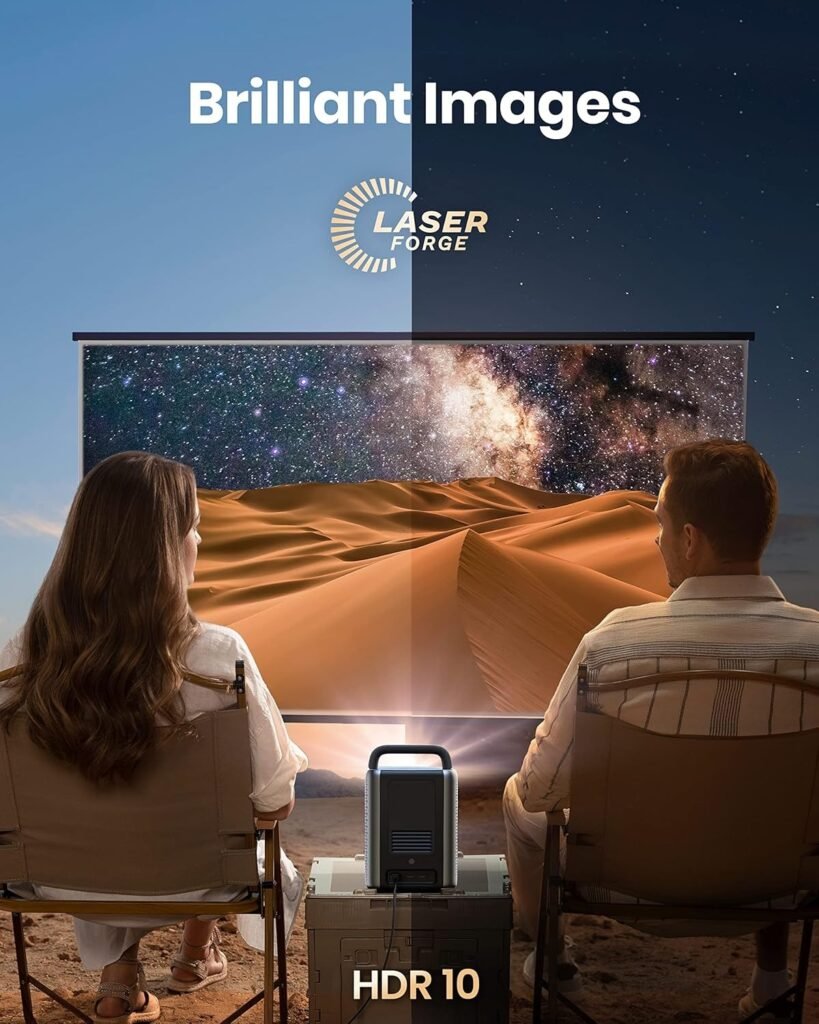
Most buyers do not say, “I need a projector with a better friction-to-scale ratio.” They say things like, “I want something easier than a traditional setup,” or, “I want the big-screen feeling without turning my living room into a permanent project.” That sounds vague, but it is not vague at all. It is a very specific ache. You want scale without ceremony.
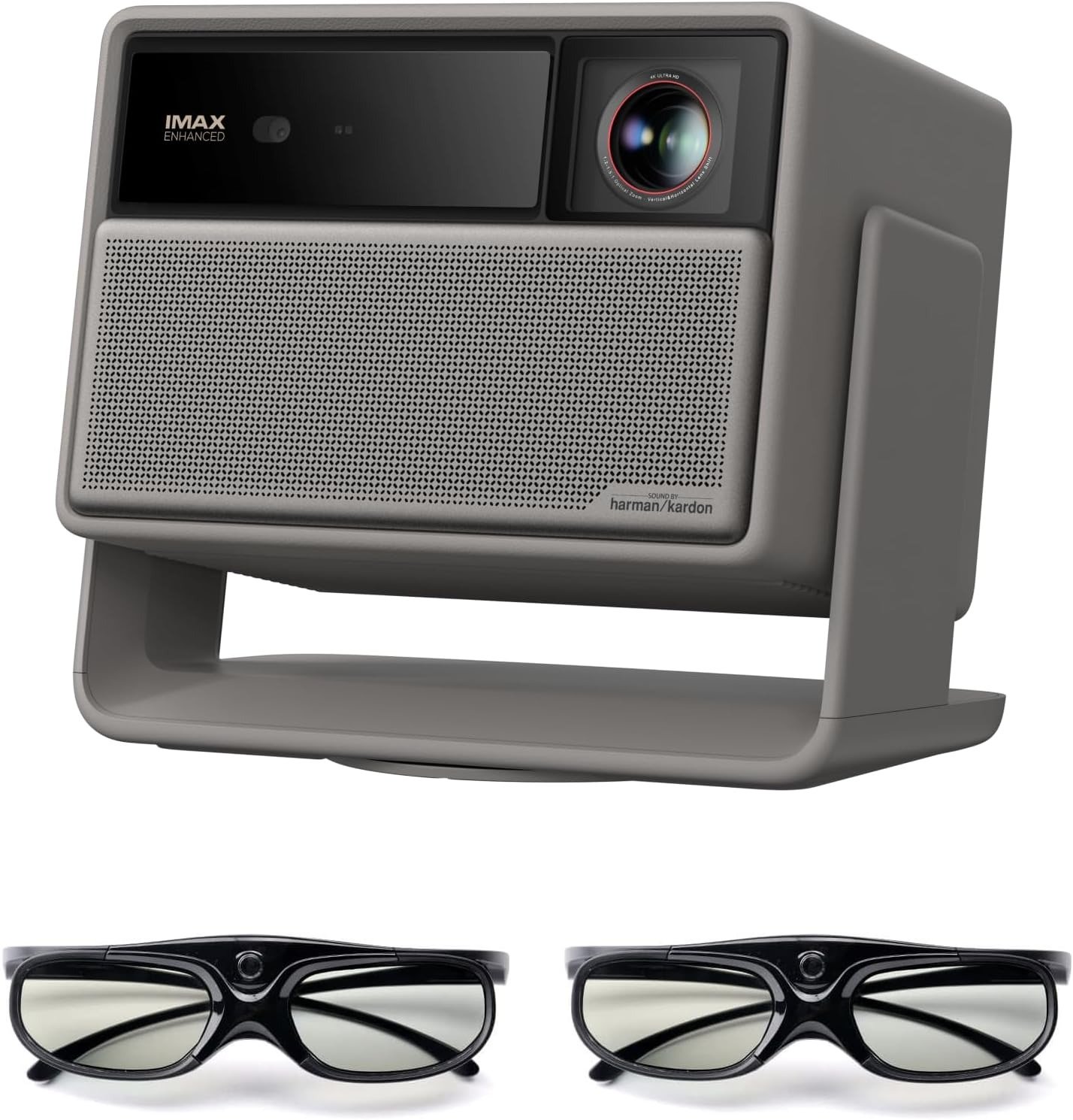
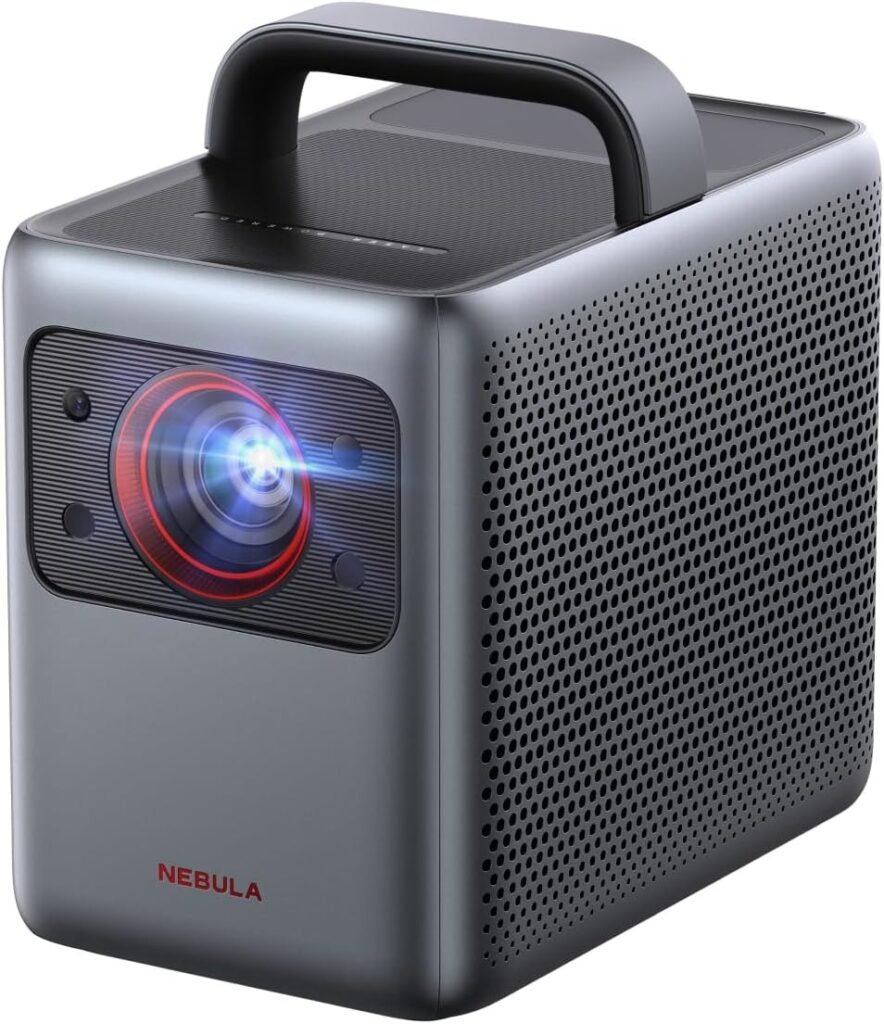
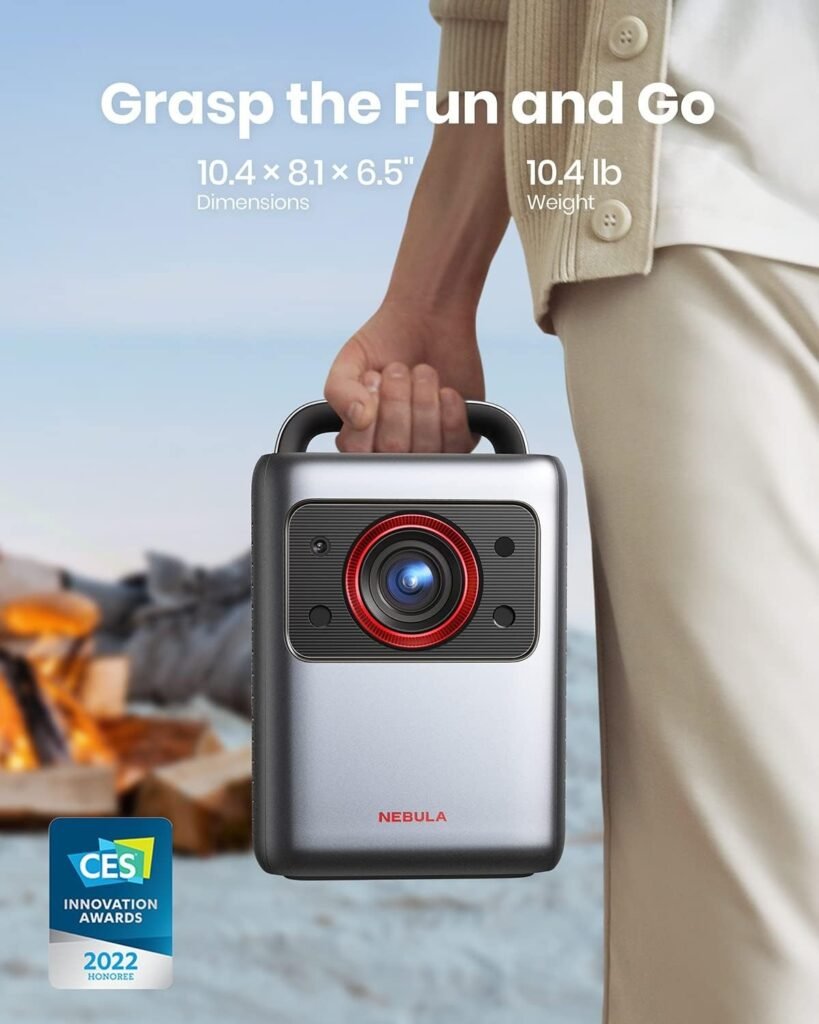
That is why the Nebula Cosmos Laser 4K keeps pulling attention even years after launch. The handle, the quick auto-setup, the built-in speakers, the tucked-away streaming dongle, the laser light source, the one-box personality—together they form a promise that is more emotional than technical: less setup guilt.
You do not need to plan a screening like a ritual. You place it down, square the image, dim the room, and you are already halfway into the film before a traditional projector owner has finished muttering about placement.
But there is another feeling underneath that one, and it matters more: regret risk. Buyers are afraid of ending up with a large image that only impresses in the first week. Owner feedback and third-party reviews split in a revealing way.
People praised brightness, portability, and overall cinematic feel; complaints clustered around software quirks, limited ports, occasional HDMI or app frustrations, fan presence, and the fact that the sound is acceptable rather than a substitute for a proper audio chain if you care deeply about movies.
The Hidden Mechanism Behind the Miss
Here is the hidden variable most people miss: this projector does not live or die by resolution. It lives or dies by correction load.
That is the silent mechanism. The more you depend on digital keystone, digital zoom, and flexible placement to make the image fit your room, the more you spend from the same account you thought you were protecting: clarity. ProjectorCentral explicitly warns that keystone adjustment can affect brightness and resolution quality in extreme positions, and TechRadar makes the same point bluntly, noting that both digital zoom and digital keystone cost picture detail.
Think of it like tailoring a suit with scissors while you are wearing it. At first, it looks clever. Then you realize every quick correction is taking a bite out of the fabric. The Nebula’s automation is good—genuinely good—but automation is still not optics. If you place the projector cleanly and let the image land naturally, it rewards you.
If you force it to rescue bad geometry every night, the convenience starts nibbling at the very sharpness you paid for.
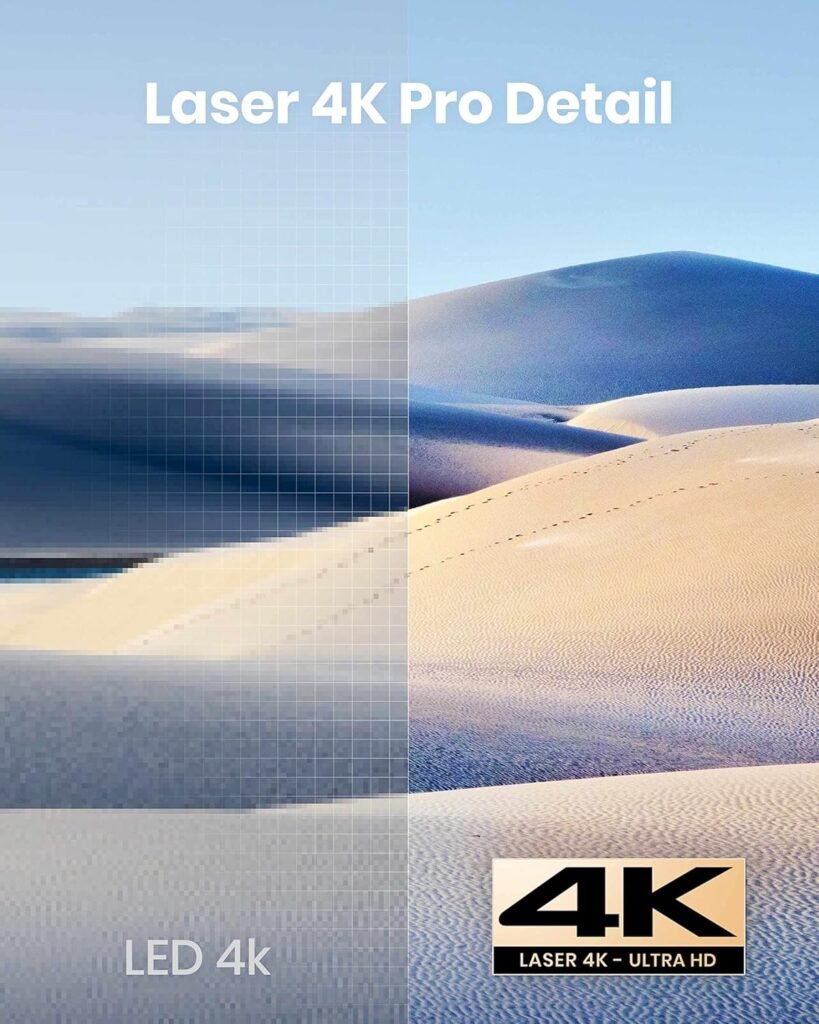
The technical picture underneath the marketing is straightforward. This is a pixel-shifting 4K DLP projector with a laser light source rated for 25,000 hours, one HDMI 2.0 input, USB, 3.5 mm audio out, Bluetooth 5.0 support, and built-in speakers arranged as two 10 W full-range drivers plus two 5 W tweeters.
That architecture explains both the appeal and the limits: strong portability, solid brightness for the class, decent built-in sound for casual use, but not the deep native contrast or installation flexibility of more dedicated, less mobile home-theater machines.
| Technical reality | What it means in plain English |
|---|---|
| 1,840 ANSI lumens rated after spec revision; ~1,702 ANSI lumens measured in brightest mode | Bright enough to stay useful outside a pitch-black room, but not strong enough to defeat daylight physics |
| 25,000-hour laser light source | Long-life convenience; no lamp-replacement anxiety |
| Pixel-shift 4K DLP | Sharp, detailed image, but not native 4K panel mystique |
| Auto focus / auto keystone / auto screen fit | Faster setup, especially room to room |
| Digital correction | A convenience tax on picture purity |
| 65–68 ms input lag in game modes | Fine for casual gaming, poor for competitive reflex play |
Data from ProjectorCentral’s measurements and review notes.
The Threshold Where the Outcome Quietly Breaks
This projector has a break point, and once you see it, the whole decision becomes calmer.
I would name it the Room Honesty Threshold.
Below that threshold, the Nebula Cosmos Laser 4K feels smart. Above it, it starts feeling overrated.
You are below the threshold when three conditions are true:
- your room is dimmed, not blasted with daylight
- your placement is reasonably straight, not heavily corrected
- your use case values convenience and scale more than perfect blacks or gaming speed
You cross above the threshold when one of those turns hostile. A bright room washes dark scenes. Aggressive keystone and digital shrinking eat detail. Fast gaming exposes the lag.
This is exactly why some reviewers described the image as excellent once the room lights were down, while others called out weak motion handling, HDR oddities, or high latency depending on what they prioritized.
This is not a flaw unique to Nebula. RTINGS’ current best-projector guides still emphasize brightness and contrast as the factors that let a 4K projector hold up in mixed lighting, because projection remains brutally dependent on room conditions. The Nebula is good at fighting that battle for its size. It is not exempt from the war.
Why Most Buyers Misread This Too Early
Because they compare projectors the way people compare phone cameras. A brighter number. A 4K badge. A streaming platform built in. A few glorious screenshots.
Then they imagine the product will erase the room. It will not erase the room. The room always wins.
Early buyers also get seduced by the wrong contrast: TV versus projector. That is too broad. The useful contrast is this: fixed-screen discipline versus movable-screen freedom.
If you need a projector to sit in one ideal location forever, more specialized options can outperform this one in dark-scene depth, optics, or theater seriousness. If you want a box you can carry, set down, align quickly, and use across different spaces, the Nebula’s value climbs fast.
TechRadar’s review basically lands there: versatile and portable with trade-offs, especially for motion-heavy content and serious gaming. ProjectorCentral lands nearby from a different angle: place-and-play ease is excellent, but picture modes skew blue and the value depends strongly on price.
There is also a psychological mistake that keeps repeating in owner threads: people hear “portable” and imagine “take it anywhere.” But there is no built-in battery. This is room-to-room portable, not campsite-independent portable, and some owners were annoyed when real-world use exposed app or connectivity expectations they had never examined before buying.
Portable body, yes. Frictionless universality, no.
Who Is Actually Inside This Problem
You are inside the Nebula Cosmos Laser 4K problem if you want the big-screen ritual without the big-screen maintenance burden.
More specifically, I think this machine fits three kinds of buyer:
| Real fit | Why it fits |
|---|---|
| The living-room cinema buyer | You want a genuinely large image in a non-dedicated room and you need brightness plus quick setup |
| The backyard movie host | You care about portability, speed, and image punch more than black-level perfection |
| The “one-box” buyer | You do not want a separate streamer, separate speakers, separate calibration routine, and separate patience |
That fit is supported from multiple directions. The official Nebula page pushes room analysis and fast setup; ProjectorCentral praises the auto-setup and portability; TechRadar calls it a “home theater to-go” option; owner comments repeatedly describe it as cinematic, bright enough after sunset, and especially convenient when used with external audio only if desired rather than required for casual viewing.
There is a quieter fit category too: the buyer who is tired of mentally negotiating every entertainment upgrade. No ceiling mount saga. No bulb anxiety. No external stick dangling like an afterthought. No lecture from the hardware itself.
Just a machine that can be moved, powered, corrected, and used. That sounds ordinary until you have lived with equipment that turns every movie into a setup tax. Then it sounds luxurious.
Where Wrong-Fit Begins
Wrong fit begins where standards harden.
If you are chasing deep black levels in dark films, this is where your disappointment starts. ProjectorCentral explicitly notes that blacks are better than many 4K LED projectors at the price, but still not as good as hoped, while users discussing related Nebula models repeatedly circle around washed dark scenes as the trade-off you notice when the honeymoon fades and your eyes get pickier.
If you are a competitive gamer, stop here. ProjectorCentral measured roughly 65–68 ms of lag in game modes and over 119 ms outside them. That is not a “maybe if you tweak it” problem. That is a category boundary. Casual couch play, yes. Serious reaction-driven gaming, no.
TechRadar reaches the same conclusion in less numerical language: latency is not for serious gamers.
If you are extremely interface-sensitive, be careful. Several reviews and owner comments point to software and menu irritations: separate Android/projector settings, remote limitations in some configurations, app dependencies, and occasional source-handling annoyances. None of these are fatal. Together, they can become sand in the gears for someone who wants polished simplicity rather than merely functional simplicity.
And if you hear “portable” and imagine battery life, tailgate freedom, or truly cable-free operation, this is also wrong fit. This projector still wants AC power. It travels well. It does not emancipate itself from the wall.
The One Situation Where This Product Becomes Logical
It becomes logical in one very specific situation: when you want a large, sharp, bright, low-hassle image in a dim or semi-controlled room, and you care more about setup speed and everyday usability than about reference black levels, perfect motion, or competitive gaming.
That is the moment the Nebula Cosmos Laser 4K stops being a seductive gadget and starts being a rational buy.
Because then its strengths line up instead of fighting each other. The measured brightness is meaningful, not theoretical. The portability matters because you will actually move it. The auto setup matters because you are not mounting it once and forgetting it forever.
The built-in sound matters because many viewing sessions are casual enough that external audio becomes optional instead of mandatory. The Netflix-certified streaming solution matters because people do, in fact, hate workarounds.
I would not call it the only answer. I would call it the cleanest answer for that exact threshold.
Not for the black-level purist. Not for the esports obsessive. Not for the buyer who wants a dedicated theater projector pretending to be portable.
For the person whose real enemy is friction, this is where the decision stops wobbling.
What It Solves, What It Reduces, and What It Still Leaves to You
What it solves is simple to say and surprisingly rare to achieve in one box: it solves the gap between “I want a huge image” and “I do not want a huge process.”
Reviews consistently praise the quick setup, portable build, usable brightness, and competent sound for the class. Owners reinforce the same pattern: when expectations are aligned, it feels cinematic with very little resistance.
What it reduces is the psychological toll of ownership. Less fear about lamp life. Less impulse to fiddle endlessly with placement. Less need to build a stack of accessories on day one.
Less friction between the idea of movie night and the actual start of movie night. That matters more than spec-sheet culture likes to admit.
What it still leaves to you is room discipline. You still need to control light if you care about dark scenes. You still need straighter placement if you want to preserve the crispness you paid for.
You still need external audio if your expectations are closer to a real surround setup than to “surprisingly good built-in speakers.” And you still need emotional honesty: if your taste leans toward intense action, dark cinema, or twitch gaming, this projector is not going to negotiate with that truth forever.
| It solves | It reduces | It still leaves to you |
|---|---|---|
| Fast path to a big 4K-style image | Setup friction | Ambient-light control |
| Room-to-room usability | Lamp-life anxiety | Careful placement for best sharpness |
| All-in-one streaming convenience | Accessory sprawl | External audio for fuller cinema sound |
| Backyard / living-room versatility | Decision fatigue | Accepting casual, not competitive, gaming |
Based on official specs, measured review data, and owner impressions.
Final Compression
The Nebula Cosmos Laser 4K is not the projector for everyone, and that is exactly why it is easier to trust than the usual “fits all lifestyles” nonsense.
It has a clear center of gravity. It is a bright, portable, low-hassle projector for people who want scale without ceremony and who are willing to respect the room, the angle, and the category limits.
So here is the shortest honest version I can give you:
If what you really want is a black-cave theater machine, keep walking.
If what you really want is a gaming weapon, keep walking.
If what you really want is a projector that makes a huge image feel easy in real life, this is where the Nebula starts making uncomfortable sense.
And once you see that threshold clearly, hesitation changes shape. It stops sounding careful. It starts sounding like paying TV-sized limitations to avoid a projector that was built precisely for the moment your room, your habits, and your patience are already asking for something larger.
If that is the condition you are actually inside, this is the logical next step.
Transparency Note:
This analysis is built on aggregated real-world experience.
It extracts what repeatedly holds, what breaks, and what users uncover only after living with the system—then shapes it into a clear model you can use immediately.
Think of it as structured experience, refined and presented so you don’t have to learn it the hard way.
“A quick note: Don’t believe the star ratings, but trust personal experience. This article is a compilation of collected experiences”