Google Nest WiFi Pro and the “Stable Range” Problem Most Homes Run Into
ANALYSIS FRAMEWORK
In my evaluation, the real issue with home mesh Wi-Fi isn’t raw speed—it’s repeatability.
Nest WiFi Pro can feel excellent on day one, then subtly inconsistent later, because your home isn’t a lab : walls, device counts, and “change weeks” force the system to renegotiate its best path.
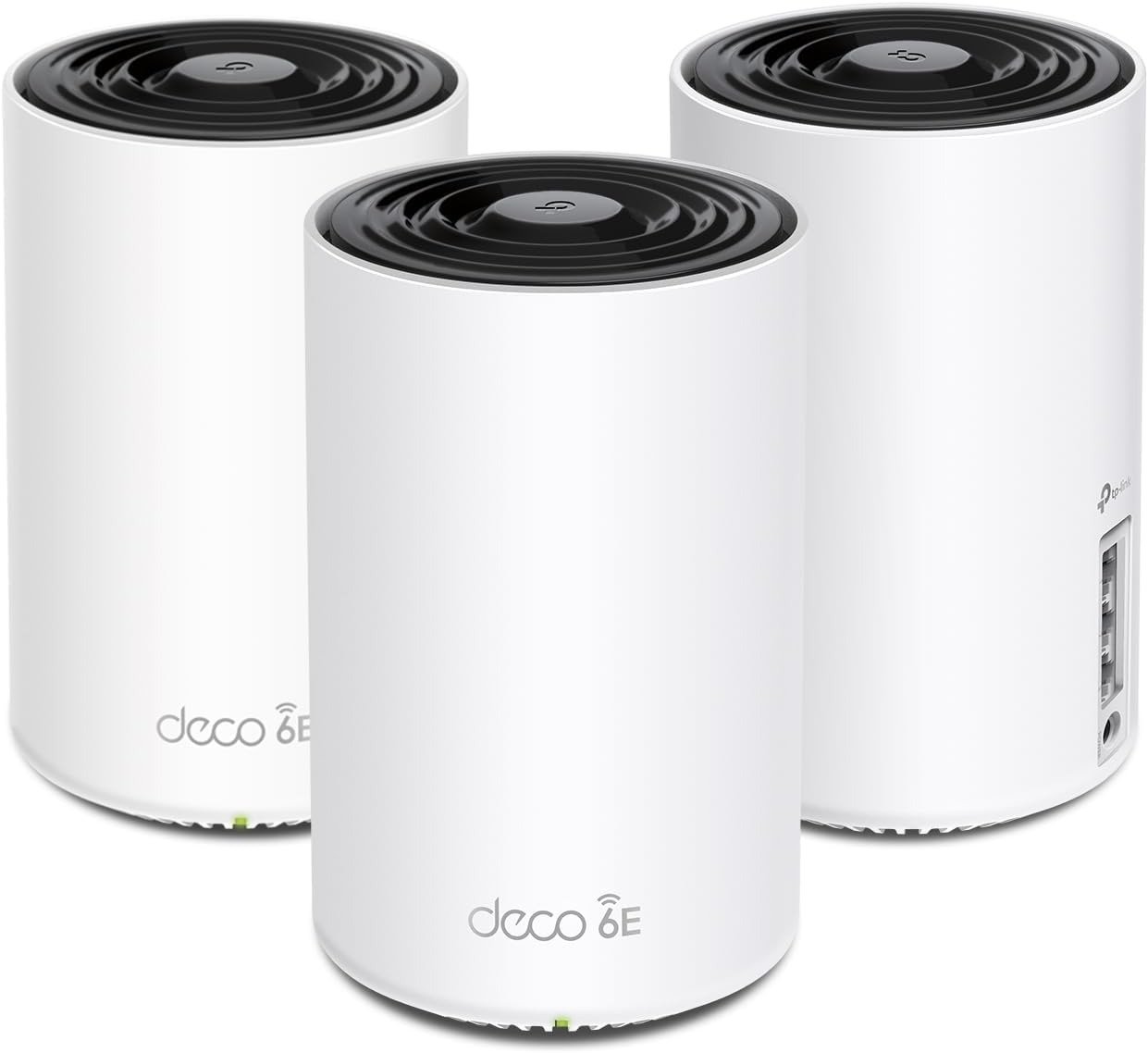
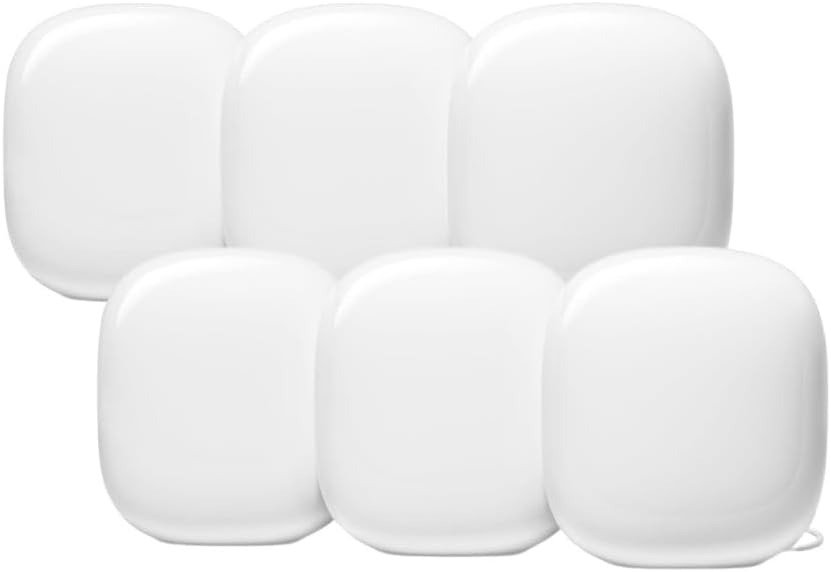
Google positions Nest WiFi Pro as a Wi-Fi 6E tri-band mesh built to keep connections smooth across a whole home.
90-Second Clarity (What I Measure)
I treat your network like a Variance Window: a stable range where performance stays predictable across rooms.
If your home stays inside that range, it feels calm. If you drift outside, you don’t lose Wi-Fi—you lose consistency.
Model Declaration
Model: Variance Window.
Mechanism + Time Anchor (Why Drift Shows Up Later)
Nest WiFi Pro is tri-band (2.4 / 5 / 6 GHz) and can steer devices and routes to keep things smooth.
But the 6 GHz advantage is fragile in real houses—it’s faster, yet more sensitive to layout friction (distance and dense materials).
The “drift” pattern most people describe appears after a behavioral change event: adding devices, moving nodes, or after firmware cycles—because the mesh recalculates band choices and hop paths, and your stable range can narrow.
Indicators (3 Only)
| Indicator Type | What I Watch | What It Usually Means |
|---|---|---|
| Time | After 2–6 weeks or the week you add devices / rearrange nodes | A renegotiation phase: the mesh “settles” into a new stable range |
| Performance | Room-to-room swings (fast in one place, “why is this slow here?” elsewhere) or latency spikes | The window narrowed; backhaul path or band selection is under friction |
| Sensory | The slight voice crack when walking between rooms during a call | Micro-latency spikes, not total outage—classic “outside-the-window” feel |
(Community reports frequently describe Wi-Fi slowing “to a crawl,” then temporarily recovering after a full network restart—suggesting repeatable drift rather than a one-off incident.)
Hard Constraint + Trade-Off (One Ceiling)
The ceiling is backhaul quality through your layout.
If nodes must cross dense walls or long distances, the system’s stable range narrows, and drift becomes structural rather than situational.
You can’t “optimize” your way out of physics—only place and wire your way out of it.
(Also: Nest WiFi Pro can’t mesh with older Google/Nest WiFi generations, which matters if you’re trying to extend coverage using prior hardware.)
Expectation Calibration (What It’s Great At vs. What It Isn’t)
What it’s great at: making a modern home feel quiet—multiple devices, video calls, and daily streaming without constant tinkering.
What it isn’t: a “pro router” experience with deep advanced controls; several reviews note it’s strong value but not feature-heavy in that way.
Compatibility Split 3.0
Path A — Compatible (stable range stays wide):
If your layout allows clean node-to-node paths (or you can wire key points), and your goal is consistent whole-home connectivity rather than obsessive peak throughput, the limitation stays situational—not structural.
Path B — Misaligned (stable range narrows routinely):
If your usage pattern includes thick layout friction (dense walls, long hops) plus frequent “change weeks” (device additions, node moves), the limitation becomes structural rather than situational—and you’ll recognize the pattern: “fine after restart, degraded again later.”
I keep one phrase in mind for this system: Edge-Negotiation Drift—when the mesh is continuously negotiating the edge of your home’s layout, your stable range shrinks, and inconsistency becomes the normal state.
Transparency Note:
This analysis applies a structured performance framework to documented user patterns and technical documentation, focusing on repeatable behavior over time rather than isolated impressions