VIEWZIO 32-INCH DIGITAL PLANNER REVIEW: I THOUGHT A BIGGER SCREEN WOULD FIX OUR SCHEDULE. IT EXPOSED WHO WAS ACTUALLY RUNNING IT.
It’s 7:42 on a Tuesday morning. Someone asks who’s picking up from soccer. Three phones get checked. None of them agree.
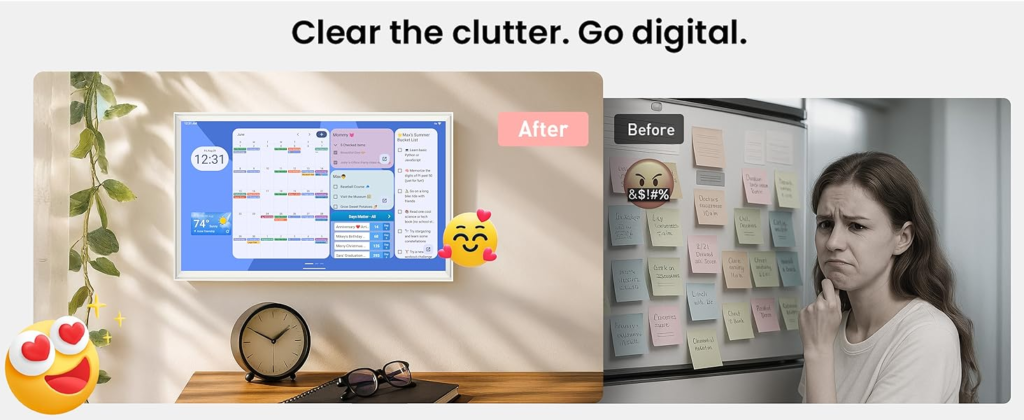
Nobody forgot anything, really. Each phone had the event somewhere. That’s the part that used to confuse me — how a household with three calendar apps and a paper planner on the fridge could still end up standing in the kitchen, guessing. I didn’t have a calendar problem. I had a visibility problem, and I was calling it forgetfulness for years before I named it correctly.
Family Calendar Confusion: The Result Looks Fine. The Problem Isn’t.
On paper, your scheduling is solved. Everyone has a phone. Everyone has Google Calendar or iCloud or Outlook. If anyone asked, you’d say yes, we’re organized.
But the result and the outcome are two different things. The result is that a calendar exists somewhere for every event. The outcome is whether the right person sees it at the moment it matters. Those two things look identical from the outside and behave completely differently in real life. That gap — between “it’s written down” and “everyone actually knows” — is where most family scheduling quietly fails, and it never shows up as a missing feature. It shows up as a missed pickup.Mental Load and Missed Events: What You’re Actually Feeling but Not Naming
Here’s the question worth sitting with: why does it always seem to be the same person who remembers?
It’s not memory. It’s architecture. In most households, one person becomes the single living copy of the schedule — the one who knows about the dentist, the recital, the casserole that needs to come out of the freezer Thursday. Everyone else operates on partial information and assumes someone else has the full picture. That’s not a discipline failure. It’s a structural one. The schedule has exactly one point of failure, and it’s a person, not a device.
Why Digital Calendars Get Ignored: The Hidden Mechanism Behind the Miss
So why doesn’t “everyone has the app” fix this?
Because a calendar app lives in a pocket. It’s private by default, glanced at by one person, in one context. A calendar only does its job when it’s visible to everyone at the moment they need it — which is almost never the moment they’re holding their own phone. This is also why a lot of sync complaints aren’t really sync problems. If you grant a calendar app limited access instead of full account access, entire categories of events silently won’t show up — and it looks like the device is broken when the permission scope is the real culprit. Same with time zone settings: if the wall device and the source calendar disagree on time zone, events shift by hours and nobody notices until they’re already late. The mechanism isn’t mysterious once you see it. The information was never missing. It just never lived anywhere the whole house could see it at once.
When You Actually Need a 32-Inch Wall Planner: The Threshold Where the Outcome Quietly Breaks
Not every household has crossed this line, and that’s a genuinely fair place to land. The threshold I’d watch for is simple: how many overlapping calendars are actually colliding in your house right now, and is one person carrying all of them in their head?
One or two people, light overlap, mostly predictable days — a shared phone calendar is honestly enough. No screen fixes a problem that small. But once you’re past three or more people, recurring chores, rotating pickups, and a kitchen where everyone passes through daily, screen size stops being a luxury and becomes the actual mechanism. A 32-inch display is readable from across an open kitchen in a way a phone or even a 15-inch screen simply isn’t — that’s not marketing, that’s geometry.
What that threshold also costs you, honestly: this thing weighs around 26 pounds. Mounting it is a real project — a stud finder, two people, twenty minutes — not a “hang it like a picture frame” afternoon. That’s the price of crossing into “ambient, room-visible” territory, and it’s worth knowing before the box arrives.
Digital Planner Buying Mistakes: Why Most Buyers Misread This Too Early
The lazy comparison here is feature-counting: does it have AI, does it have voice control, does it have a bigger spec sheet than the next one. That’s the wrong axis entirely.
The real variable that decides whether a device like this earns its wall space isn’t the spec sheet — it’s who in the house is willing to feed it information for the first week. An open, Android-based dashboard with Google Play access is genuinely powerful: you can add widgets, customize layouts, expand it well past a locked-down “calendar appliance.” But that same openness means more setup happens on day one, and more upkeep happens over time, than with a simpler closed device. It rewards a household with one engaged person willing to shape it. It punishes a household that expected it to configure itself.
Who Actually Needs a Family Command Center: Who Is Actually Inside This Problem
You’re inside this problem if three or more people’s schedules genuinely collide on a normal week. If chores get assigned and then forgotten because nobody wrote them somewhere visible. If meal planning is currently happening in someone’s head and falling apart by Wednesday. If you have real, unused wall space in a kitchen or open living area, and you’re willing to spend the first week walking every family member through how to add their own events instead of expecting them to just know.
That last part matters more than people expect. The households that get the most out of a shared screen are the ones that treat the first week like an onboarding period, not a plug-and-play moment.
Who Should Skip a 32-Inch Digital Calendar: Where Wrong-Fit Begins
You’re outside this problem if you’re a household of one or two who already function fine on a shared phone calendar — buying this won’t add much you don’t already have.
You’re also outside it if your kitchen is small. A 32-inch screen on a narrow wall doesn’t read as “command center,” it reads as oversized, and direct sunlight on a glossy touchscreen in a small space tends to wash out the display exactly when you need to glance at it. And if what you actually want is a fully closed, zero-thinking, polished-on-day-one experience, a more curated ecosystem might genuinely feel easier — usually at the cost of an ongoing membership fee layered on top of the hardware price.
Regret on a purchase like this rarely comes from the device underperforming. It comes from buying it for the “wow, that screen” moment instead of an organizing problem you already had.
Viewzio 32-Inch Digital Planner: The One Situation Where It Becomes Logical
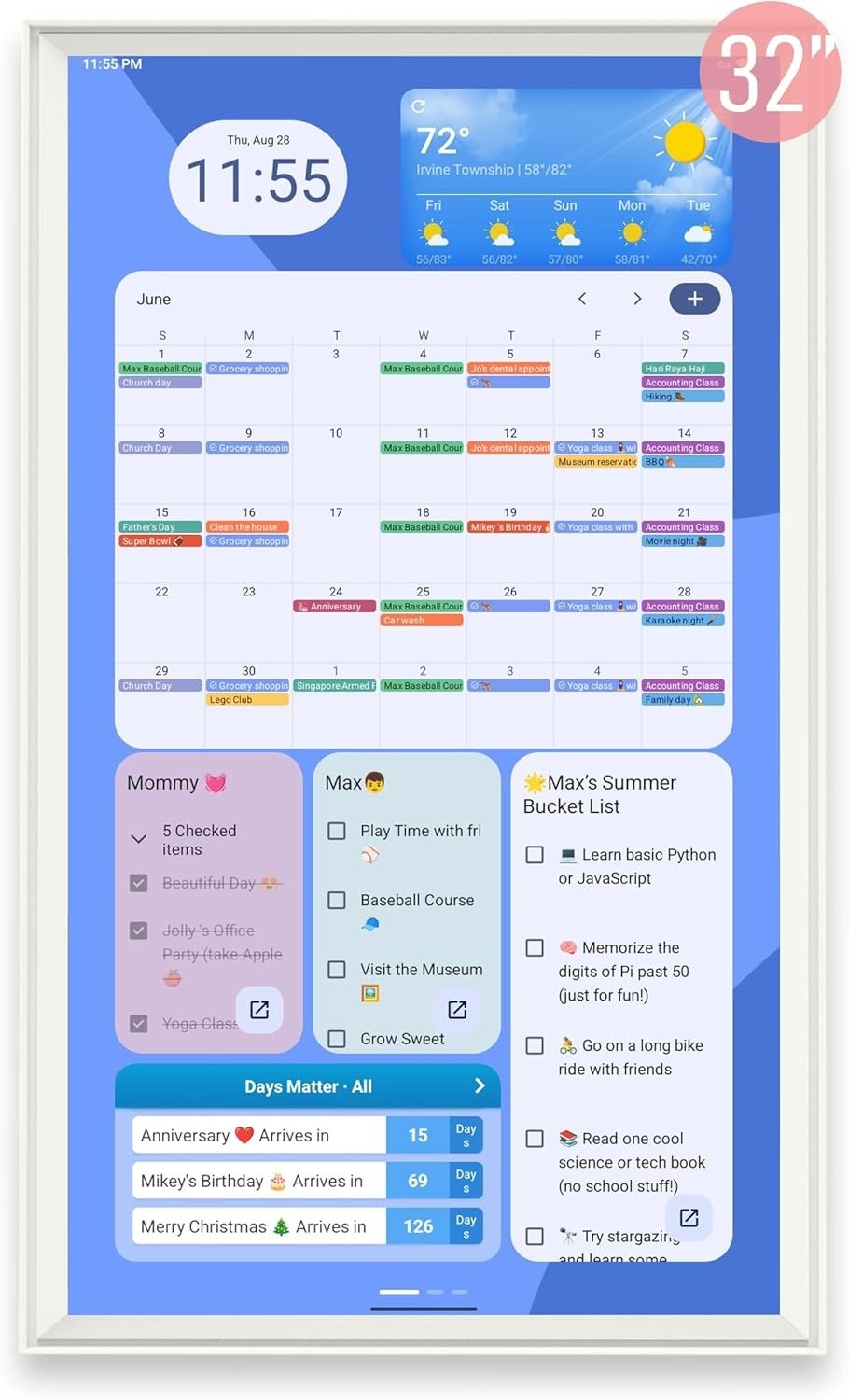
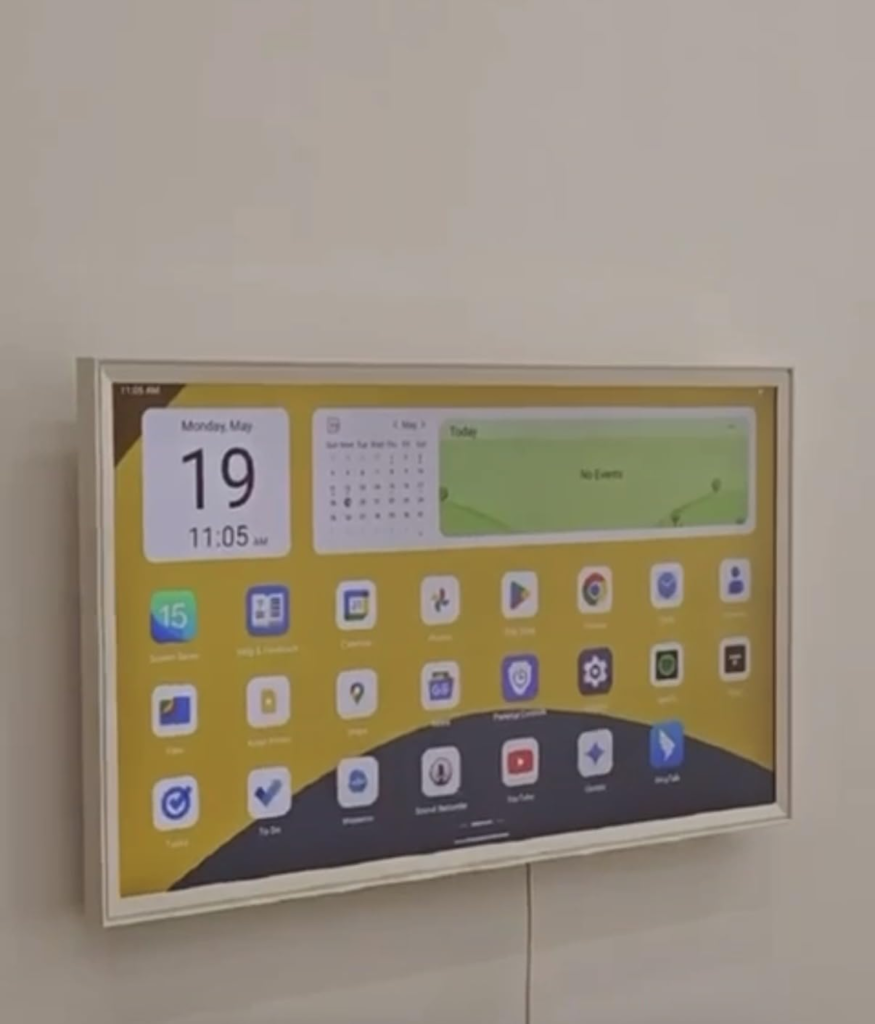
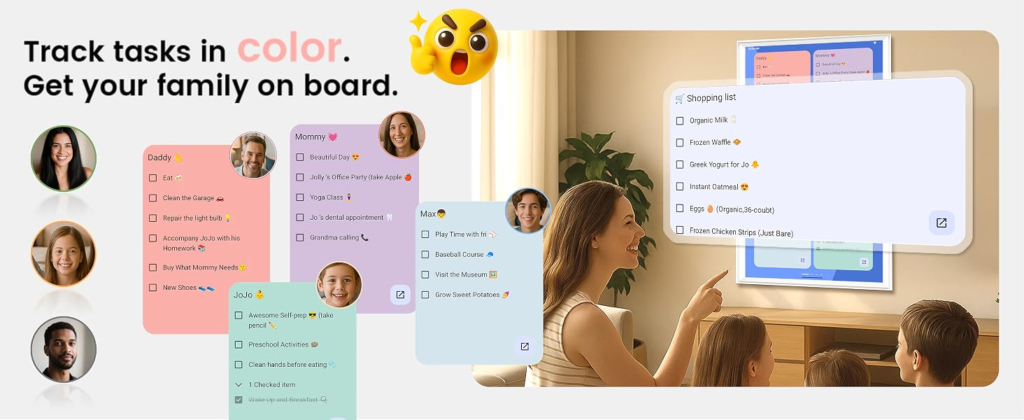
If you recognized your household in the threshold section above, here’s what you’re actually getting. The Viewzio is a 32-inch Full HD touchscreen that mounts horizontally or vertically, depending on your wall. It syncs with Apple, Google, and Outlook calendars at the account level, so mixed iPhone-and-Android households aren’t an issue. The dashboard is drag-and-drop — chore charts, meal planning, weather, music — and because it runs on an open Android base with Google Play access, you’re not locked into one company’s app ecosystem; you can expand it the way you’d customize a tablet.
The detail that actually matters financially: there’s no recurring subscription. A lot of comparable large-screen family hubs layer a yearly membership fee on top of the hardware cost. This one doesn’t. Realistically, expect it to land somewhere in the $500s with the manufacturer coupon applied, closer to $700 without one — budget for it like a small kitchen appliance, not an accessory.
Viewzio Digital Planner Pros and Cons: What It Solves, Reduces, and Still Leaves to You
What it solves: one visible, shared source of truth that doesn’t live in anyone’s pocket. What it reduces: the “nobody told me” moments, the double-booked Saturday, the mental load sitting on one person by default.
What it still leaves to you: granting full calendar permissions properly during setup, an occasional touchscreen recalibration, keeping the screen clean if it’s mounted anywhere near cooking grease, and — the part that actually determines whether this becomes furniture or forgotten — spending that first week onboarding everyone in the house. The device gives the habit somewhere to live. It doesn’t install the habit for you.
Viewzio Digital Planner FAQ: Quick Answers Before You Decide
| Question | Answer |
|---|---|
| Does the Viewzio 32-inch Digital Planner need a monthly subscription? | No. Calendar sync, chore charts, meal planning, and photo display are included with the purchase, with no recurring fee on top. |
| Does it work if some family members use iPhones and others use Android? | Yes. Syncing happens at the calendar-account level — Apple, Google, Outlook — not the phone’s operating system, so a mixed-device household isn’t a problem. |
| How heavy is it, and can one person mount it? | It weighs roughly 26 pounds. Treat the mounting as a two-person job with a stud finder, not a one-person, hang-it-like-a-frame task. |
| Is 32 inches too big for a small kitchen? | For a narrow wall or compact apartment kitchen, yes — it can overwhelm the space and pick up glare. It’s built for rooms where you need to read it from across an open floor plan. |
| What happens if the Wi-Fi drops? | Already-scheduled events stay visible from local cache, but new events won’t sync until the connection returns. If anything looks off after a long outage, check the time zone setting first. |
Should You Buy the Viewzio 32-Inch Digital Planner: Final Compression
Strip away the features and it comes down to one question: has your household’s scheduling problem become spatial — too many people, too much collision, one person quietly carrying it all — or is it still just digital, meaning a phone calendar genuinely covers it?
If it’s the first one, the next step is straightforward.
If this is the condition you’re actually living in, delaying the decision usually costs more than choosing cleanly now.
Alternative recommendations
Transparency Note:
This analysis is built on aggregated real-world experience.
It extracts what repeatedly holds, what breaks, and what users uncover only after living with the system—then shapes it into a clear model you can use immediately.
Think of it as structured experience, refined and presented so you don’t have to learn it the hard way.
“A quick note: Don’t believe the star ratings, but trust personal experience. This article is a compilation of collected experiences.”