GENIE ALADDIN CONNECT
Genie Aladdin Connect Review: The Door Looked Closed. It Wasn’t.
You’re three exits down the highway when it hits you. Did you actually press the button, or did you just glance at the door and assume? It looked closed when you backed out. It probably was. But “probably” is doing a lot of work in that sentence, which is why some people turn the car around — and the ones who don’t just sit with it for the whole drive instead.
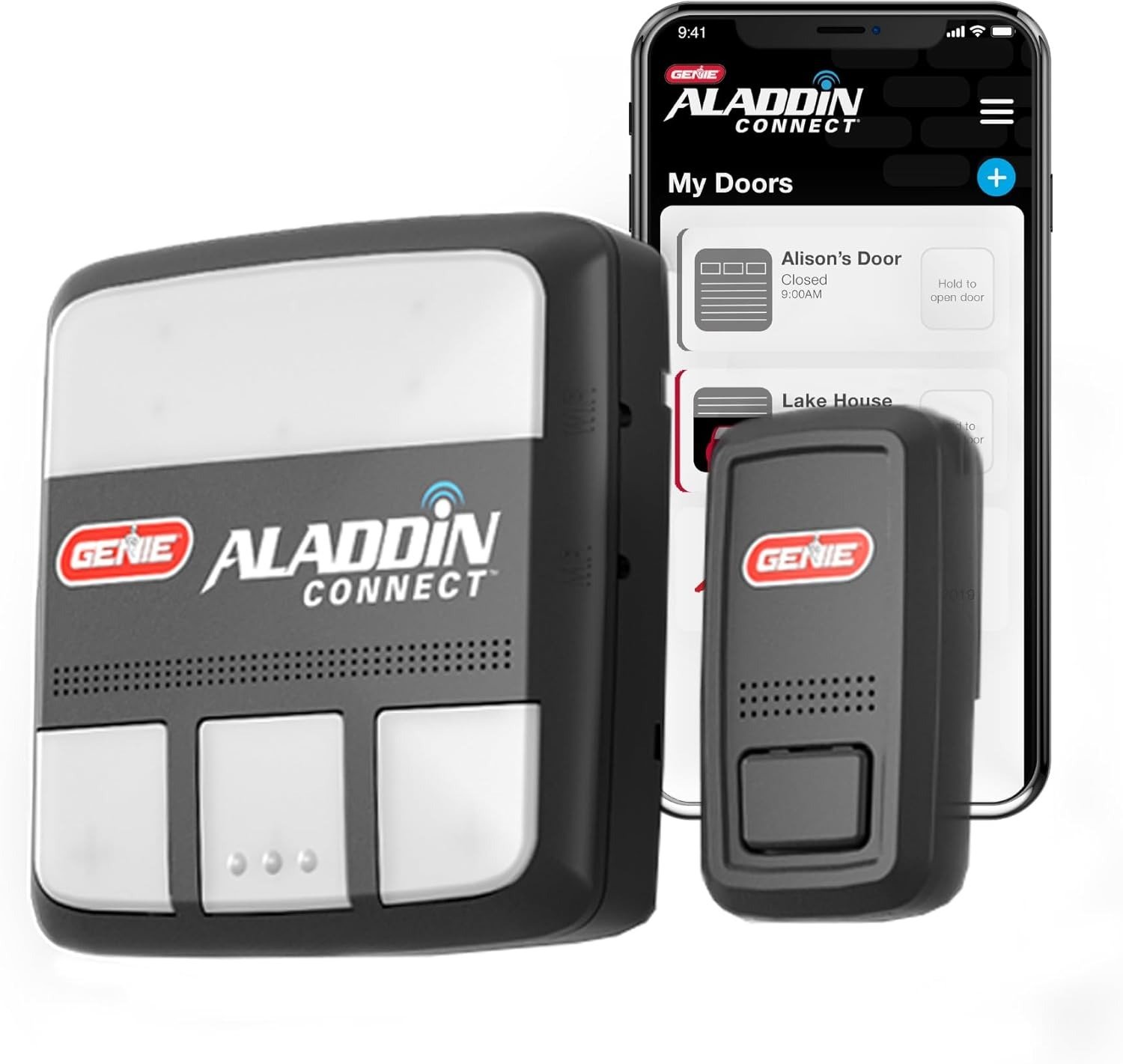
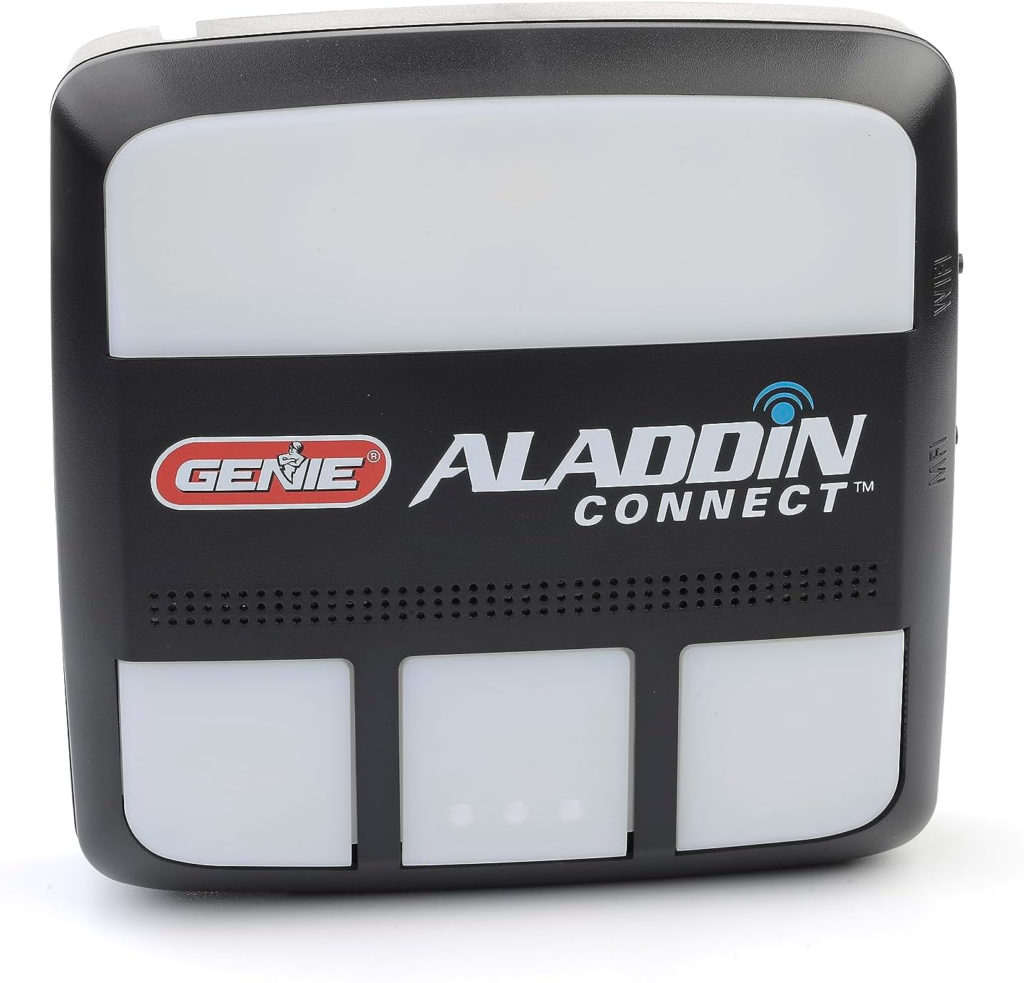
That’s the exact discomfort the Genie Aladdin Connect (model ALKT1-R) is built to remove. Not the door. The not-knowing.
Here’s what almost nobody tells you before you buy one of these kits: a “smart” garage controller and a garage controller that tells you the truth about your door aren’t automatically the same product. Some systems watch the motor. This one watches the door. That distinction sounds small on a spec sheet and turns out to be the entire point once you understand what it’s actually protecting you from.
Garage Door Anxiety: The Result Looks Fine, The Problem Isn’t
Nobody says “I have opener-state anxiety.” What people actually say is smaller and more specific than that:
- The mental replay on the drive to work, trying to reconstruct whether you pressed the button or just imagined pressing it
- A new driver in the house who treats the garage door like a coin flip — closed maybe two times out of three
- The awkward choreography of a delivery, repair visit, or dog walker: hand over a key, hide a code under a rock, or burn a half-day off work to let them in yourself
- The vacation-week version of the same worry, where “probably fine” has to hold for eight days instead of eight hours
None of that is dramatic. It’s friction, repeated often enough to become background noise — and background noise is exactly the kind of problem people underrate when comparing products, because it never shows up as one bad day. It shows up as a thousand small ones.
How Smart Garage Sensors Work: The Hidden Mechanism Behind the Miss
This is where most buyers get their first real surprise, and it’s worth slowing down for — it explains almost everything else in this review.
There are two different ways a “smart” garage device can know whether your door is open or closed. The first watches the opener: it tracks how long the motor ran, assumes the door traveled its usual distance, and reports a guess. Usually right. Occasionally, dangerously wrong — if someone manually pulls the release cord and lifts the door by hand, the motor never turns, so the system never notices.
The second way watches the door itself. That’s what Aladdin Connect does. The kit includes a door position sensor that mounts directly onto the top panel of your garage door — not the opener, not the wall, the door. Because it physically moves with the door, it reports the real position no matter how that position changed, motor or manual override. If someone disengages your opener and lifts the door by hand, Aladdin Connect still knows and still tells you.
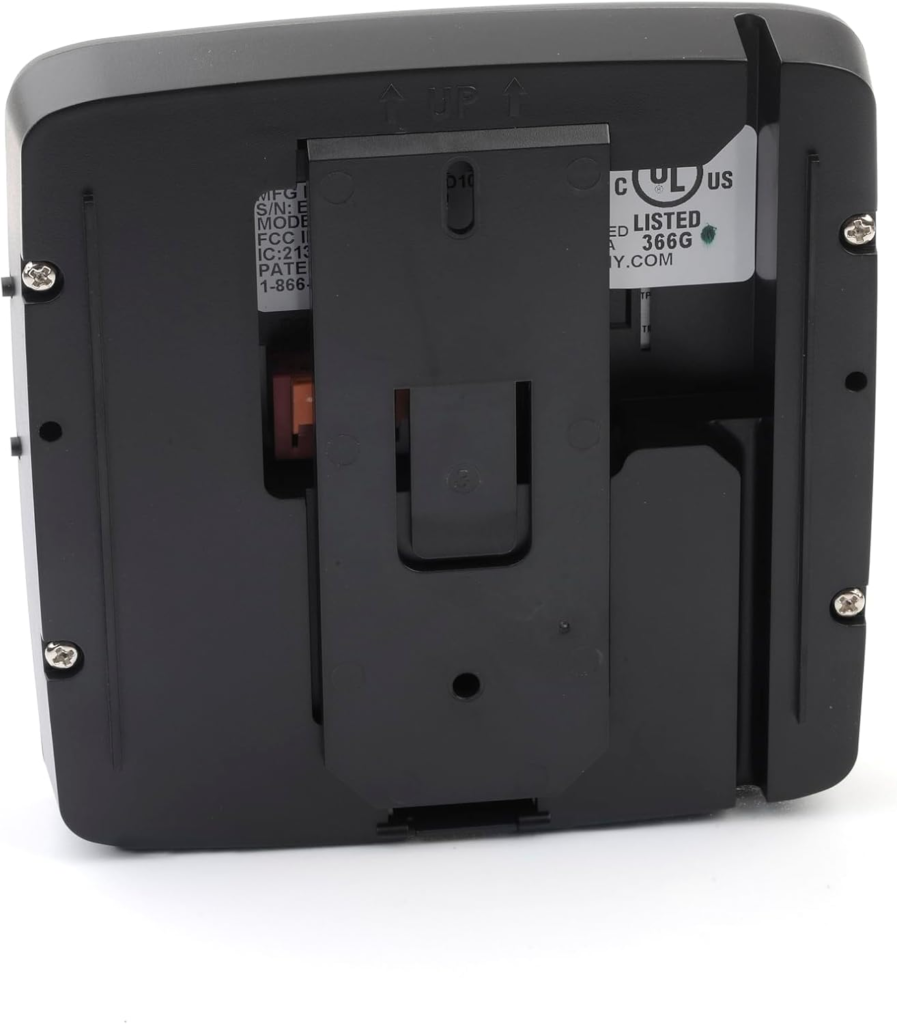
That’s also why setup isn’t purely plug-and-play. You’re wiring a control module into your existing wall-button terminals and physically mounting a sensor on the door — a twenty-to-thirty-minute job for most people, not a five-minute one. Knowing that going in saves you from thinking something’s wrong when it’s just taking a little longer than the box photo implies.
Quick specs — the parts people actually search for:
| Spec | What it actually is |
|---|---|
| Compatibility | Most openers made after 1993 with photo-eye safety sensors — Genie, LiftMaster, Chamberlain, Craftsman, Wayne Dalton, Overhead Door, Linear, and others |
| Doors controlled | 1 out of the box; up to 3 with additional door position sensors (sold separately) |
| Wi-Fi requirement | 2.4 GHz only (802.11 b/g/n, WPA/WPA2) — 5 GHz is not supported |
| Sensor battery | CR2450 coin cell, user-reported to last roughly 1–2 years |
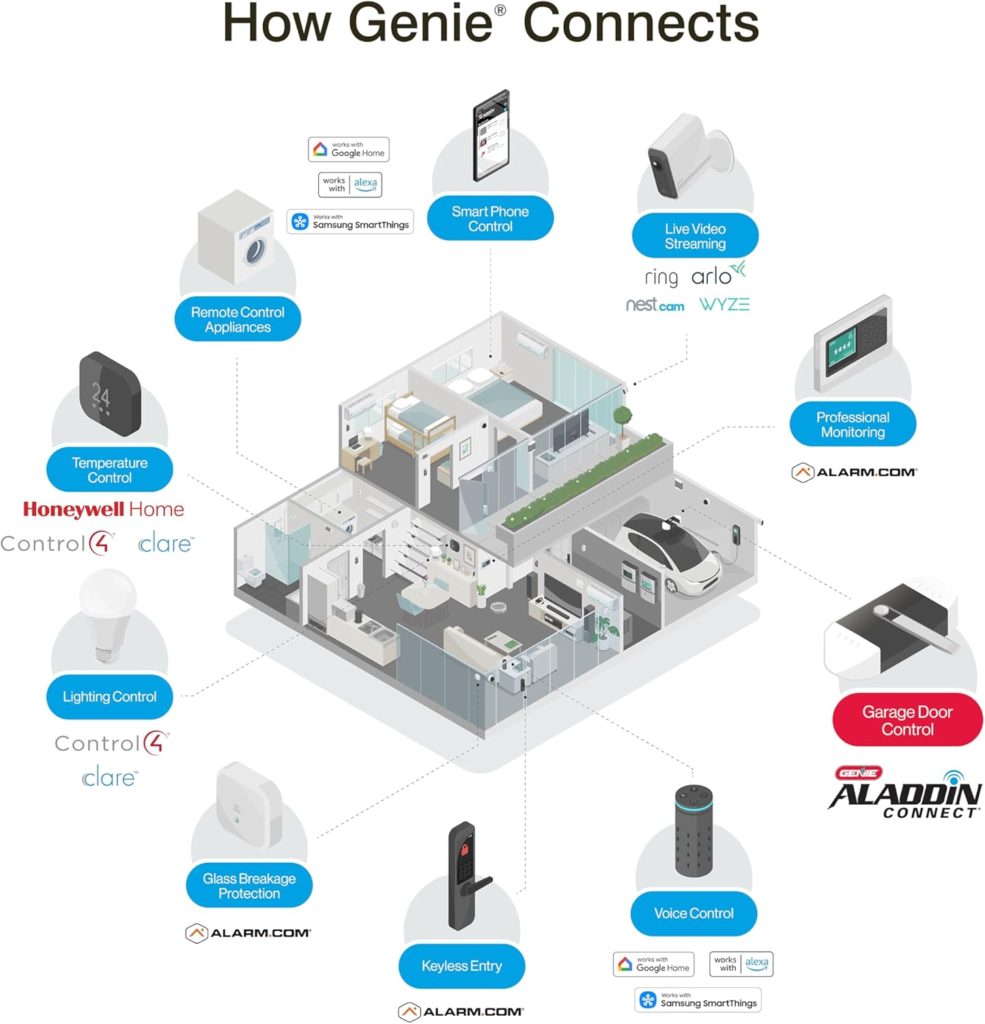
| Voice control | Amazon Alexa, Google Assistant, Samsung SmartThings |
| Monthly fee | None for core features — remote control, history, notifications, multi-user access |
| History log | Last 100 open/close events |
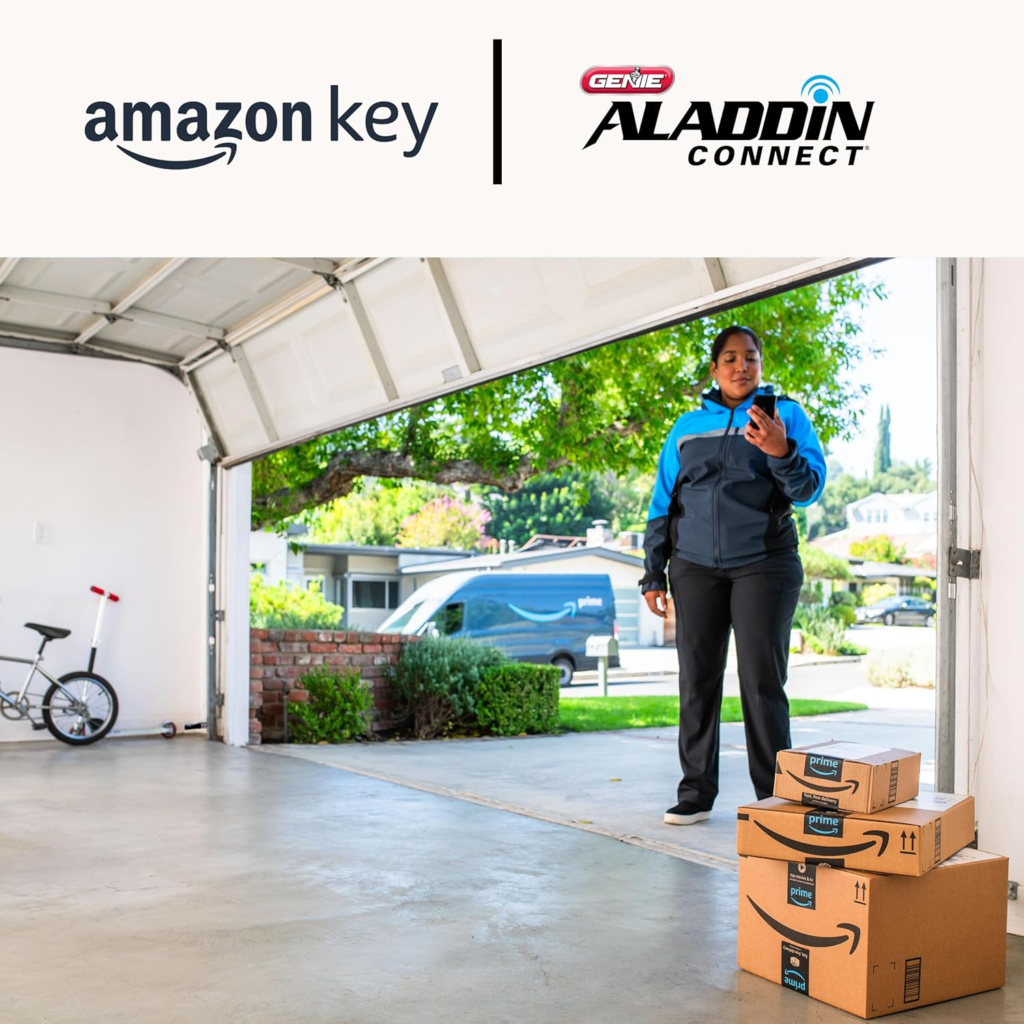
| Delivery integration | Works with Amazon Key in-garage delivery for Prime members |
| Installation | DIY, wired to existing wall-button terminals, sensor mounted on door’s top panel |
Why does compatibility land specifically on 1993? That’s not Genie’s call — it’s federal law. The Consumer Product Safety Improvement Act of 1990 required every garage opener made from January 1993 onward to include an entrapment-protection sensor, after a string of children being trapped under closing doors. Openers built before that date usually can’t be safely retrofitted for remote closing at all, by any brand’s kit. It’s one of the only spec lines in this entire category that exists because of a safety rule, not a marketing choice.
Aladdin Connect Wi-Fi Setup: The Threshold Where It Quietly Breaks
If this kit is ever going to fail you, it will almost certainly fail you here — before you’ve opened the door once from your phone.
The control module only speaks 2.4 GHz Wi-Fi. Most modern routers, especially mesh systems, broadcast one network name that silently blends 2.4 GHz and 5 GHz together — convenient for your laptop, invisible poison for this kind of device. The module tries to join, gets pushed onto the 5 GHz band it can’t use, and the app sits on “connecting to Wi-Fi” forever. It’s the single most repeated complaint across setup threads and support forums, and it has nothing to do with the hardware being defective. It’s a mismatch, not a malfunction — and the fix, once you know to look for it, is a five-minute one: create a separate 2.4 GHz-only network name in your router settings, or disable band-steering during setup and turn it back on after pairing.
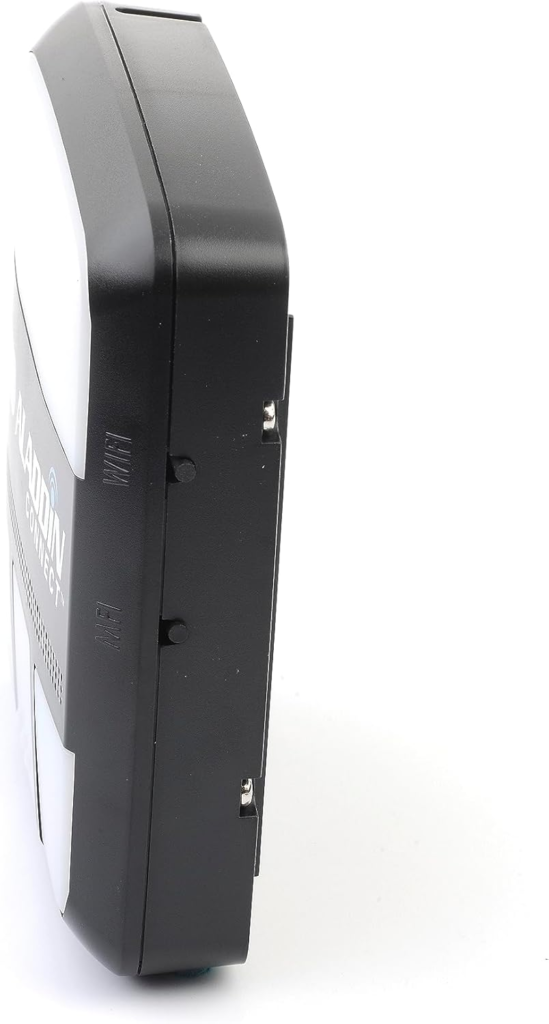
Once it’s actually connected, the LEDs tell you almost everything you need to know without opening the app:
| Light pattern | What it means |
|---|---|
| Solid blue on the door sensor | Battery is fine |
| Solid red on the door sensor | Battery is low — replace it soon |
| No light at all on the door sensor | Battery is dead |
| Flashing yellow on the control module | Ready for Wi-Fi setup |
| Solid red Wi-Fi light on the control module | Not connected — check your band settings |
| Slow blue blink on the door button | Sensor is trying to pair |
| Fast blue blink on the door button | Paired but not communicating — check position/obstruction |
Keep that table. It solves more support calls than the troubleshooting script does.
Genie Aladdin Connect vs Chamberlain myQ: Why Most Buyers Misread This Too Early
Most people shopping this category compare on price and brand recognition, then stop. That’s the shallow read, and it’s not really their fault — the real difference between these two ecosystems doesn’t show up on the box. It shows up months or years later, in what you’re still allowed to do with the thing you already paid for. Why does that matter more than the number on the price tag?
In late 2023, Chamberlain — the company behind myQ, LiftMaster, and Craftsman openers — shut off all “unauthorized” third-party API access to its own system, breaking integrations people had already built into Home Assistant, Homebridge, and similar platforms. By Chamberlain’s own account, the users affected were a small slice of the base — about 0.2% — but that sliver had reportedly been generating more than half of the system’s total traffic. Whatever the server logic behind it, the practical result was the same: people who’d bought myQ hardware lost functionality they were already relying on, through no action of their own. Chamberlain had already dropped official Apple HomeKit support the year before that, and by late 2025 it closed down most of the third-party workarounds that had sprung up to replace it. If you’re an Apple-first household hoping for native Siri and Home app control, myQ doesn’t currently offer a clean path there, official or unofficial.
Aladdin Connect hasn’t had that history. It supports Alexa, Google Assistant, and Samsung SmartThings natively, and its core features have stayed free without a subscription tier appearing over time. That’s not a guarantee it always will — no company can promise that — but it’s a meaningfully different track record, and track record is exactly what a spec-sheet comparison won’t show you.
| Genie Aladdin Connect | Chamberlain myQ | |
|---|---|---|
| Works with existing openers, any brand | Yes — universal retrofit, most brands post-1993 | Yes — via the separate myQ Hub |
| Google Assistant | Yes | Discontinued |
| Apple HomeKit / Siri | Not offered | Discontinued 2022; later workarounds also closed |
| Third-party smart-home platforms | Open | Blocked since late 2023 |
| Subscription for core features | None | None for basic control |
| Door-position vs. opener-tracking | Tracks the door itself | Depends on model/hub |
| Built-in camera option | Not on this kit | Available on some Chamberlain hardware |
Neither system is “bad.” Chamberlain still has the bigger installed base, official delivery-partner integrations, and camera-equipped hardware Genie doesn’t currently match. But if open smart-home compatibility and not getting locked out of your own device matter to you, this is the variable that actually decides it — not the price tag.
Best Smart Garage Controller for Existing Openers: Who Is Actually Inside This Problem
Strip away the marketing language and this product is built for a fairly specific person, not everyone with a garage. You’re likely the target user if:
- You already have a working opener you like and have zero interest in replacing the whole motor just to get an app
- More than one person uses your garage — a spouse, a new driver, a dog walker, a cleaner every other week — and you’re tired of managing spare keys or shared codes
- You’ve already got Alexa, Google Assistant, or SmartThings running your house and want the garage folded into that instead of living in its own separate app
- You want to know when the door moved, not just whether it’s currently open — especially if “who opened the garage at 2 p.m. while everyone was at work” is a question you’d actually want answered
- You’re a frequent Amazon Prime shopper who likes the idea of packages going inside the garage instead of sitting on the porch
- You travel enough, or work far enough from home, that “I’ll just check when I get back” stopped being good enough a while ago
Aladdin Connect Compatibility: Where Wrong-Fit Begins
And here’s who should keep looking:
- Anyone with a pre-1993 opener without photo-eye sensors. This isn’t a preference issue — it’s a safety-code one, and no retrofit kit from any brand should be closing that door remotely.
- Anyone whose router can’t separate 2.4 GHz from 5 GHz and isn’t willing to spend ten minutes in the settings menu. You’ll end up fighting the setup, not the product.
- Anyone picturing a battery-powered, stick-it-anywhere, zero-tools gadget. This is a wired retrofit — low-voltage wiring into your existing wall-button terminals, plus a sensor mounted on the door. Not hard, but not wireless either.
- Apple households that live inside HomeKit and want native Siri control. It isn’t there, and there’s no clean workaround right now.
- Anyone who specifically wants built-in video of the garage as part of the same unit. That’s not what this kit does — you’d be pairing it with a separate camera if that matters to you.
None of these are flaws in the product. They’re the edges of what it’s for, and buying past those edges is exactly how a good product ends up as a one-star review that’s really a mismatch review.
Genie ALKT1-R Buying Guide: The One Situation Where This Becomes Logical
If you already own a functioning, post-1993 opener with safety sensors, and the actual problem you’re solving is “I want to know and control my garage door’s real position from anywhere, without a subscription, without losing smart-home flexibility, and without redoing my whole motor” — the ALKT1-R retrofit kit is the logical answer to that specific problem, not a hyped-up one.
Pricing moves around by retailer and season, but real listings currently cluster in the roughly $60–$90 range for the base single-door kit, with additional door position sensors (needed for extra doors) sold separately. Check the current listing before buying — prices on kits like this shift often.
Aladdin Connect Pros and Cons: What It Solves, What It Reduces, and What’s Still on You
Be honest with yourself about this part, because the reviews that oversell peace of mind are the ones that create the most regret later.
| It solves | It reduces, but doesn’t erase | Still on you |
|---|---|---|
| Not knowing your door’s real, current position | The number of times you physically turn the car around | Setting your router to a proper 2.4 GHz connection |
| Sharing access without spare keys or shared codes | The odds of an unnoticed manual entry | Swapping the CR2450 sensor battery roughly once a year |
| Getting notified the moment the door moves | General uncertainty — Wi-Fi and power outages still happen | An occasional manual app refresh if status looks stale |
| Auto-closing a door someone forgot | The awkward choreography around deliveries and service visits | The 20–30 minute wired install, not a plug-and-forget setup |
It won’t watch your car pull in. It won’t show you live video. It won’t survive an internet outage — the app goes quiet until the connection returns, though your existing wall button and RF remote keep operating the door mechanically either way. It’s a monitoring and control layer on top of the door you already have, not a replacement for it — and reviews that promise more than that are the ones setting people up to feel let down.
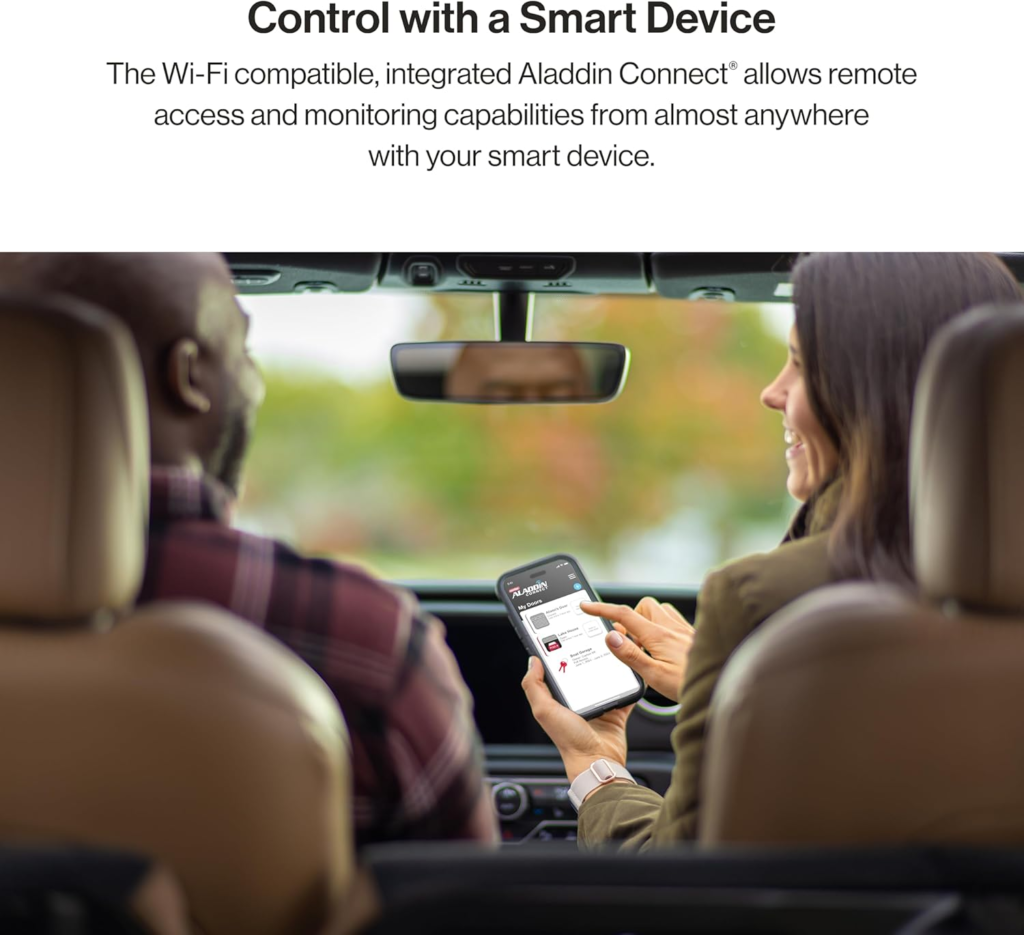
Genie Aladdin Connect FAQ: What Buyers Ask Before They Install
| Question | Answer |
|---|---|
| Does the garage door still work if my Wi-Fi goes down? | Yes — the wall button and your existing RF remote keep working mechanically; you only lose app and voice control until the connection returns. |
| Is there a monthly subscription? | No. Remote control, history, notifications, and multi-user access are included at no ongoing cost. |
| Will it work with my opener if it’s older than 1993? | Almost certainly not — pre-1993 openers typically lack the entrapment-protection sensors federal law requires for safe remote closing, regardless of brand. |
| How long does the door sensor battery last? | Real-world reports put it around 1–2 years on the included CR2450 coin cell, with escalating low-battery alerts before it dies. |
| Can I control more than one garage door? | Yes, up to three, but only one door position sensor is included — extras are sold separately. |
| Does it work with Apple HomeKit or Siri? | No. It’s built around Alexa, Google Assistant, and Samsung SmartThings, not Apple’s ecosystem. |
| My app is stuck on “connecting to Wi-Fi” — what’s wrong? | Almost always a 2.4/5 GHz mix-up. Separate your router’s bands into different network names, or disable band-steering during setup. |
| I finished setup but the door won’t respond at all — what am I missing? | Check whether “vacation lock” is switched on at your wall console. Aladdin Connect can’t override it — you’ll need to disable it manually at the wall first. |
Is the Genie Aladdin Connect Worth It: Final Compression
Take away every feature list and it comes down to one honest question: do you already have a garage door opener that works fine, and are you simply tired of not being sure? If that’s the situation you’re actually in, this retrofit kit answers exactly that, without asking you to replace hardware that was never the problem.
If your break point is a mixed Wi-Fi band, ten minutes in your router settings fixes it before it’s ever the product’s fault. If your break point is a pre-1993 opener, no kit from any brand solves that safely, and this isn’t the exception. Everywhere in between is where this kit quietly does its job.
[Genie ALKT1-R Aladdin Connect Smartphone Garage Door Opener]
Transparency Note:
This analysis is built on aggregated real-world experience. It extracts what repeatedly holds, what breaks, and what users uncover only after living with the system—then shapes it into a clear model you can use immediately. Think of it as structured experience, refined and presented so you don’t have to learn it the hard way.
“A quick note: Don’t believe the star ratings, but trust personal experience. This article is a compilation of collected experiences.”