AOSU 4-Cam Kit Review: The 166° Blind Spot Nobody Warns You About
AOSU 4-CAM KIT
Why does a system with a 166° lens and “no blind spots” printed right on the box still leave you replaying a grainy twelve-second clip, trying to figure out what you actually just watched?
You bought four cameras so you’d stop checking your phone at 2 a.m. Then the alert came anyway, and by the time you opened it, the driveway was already empty.
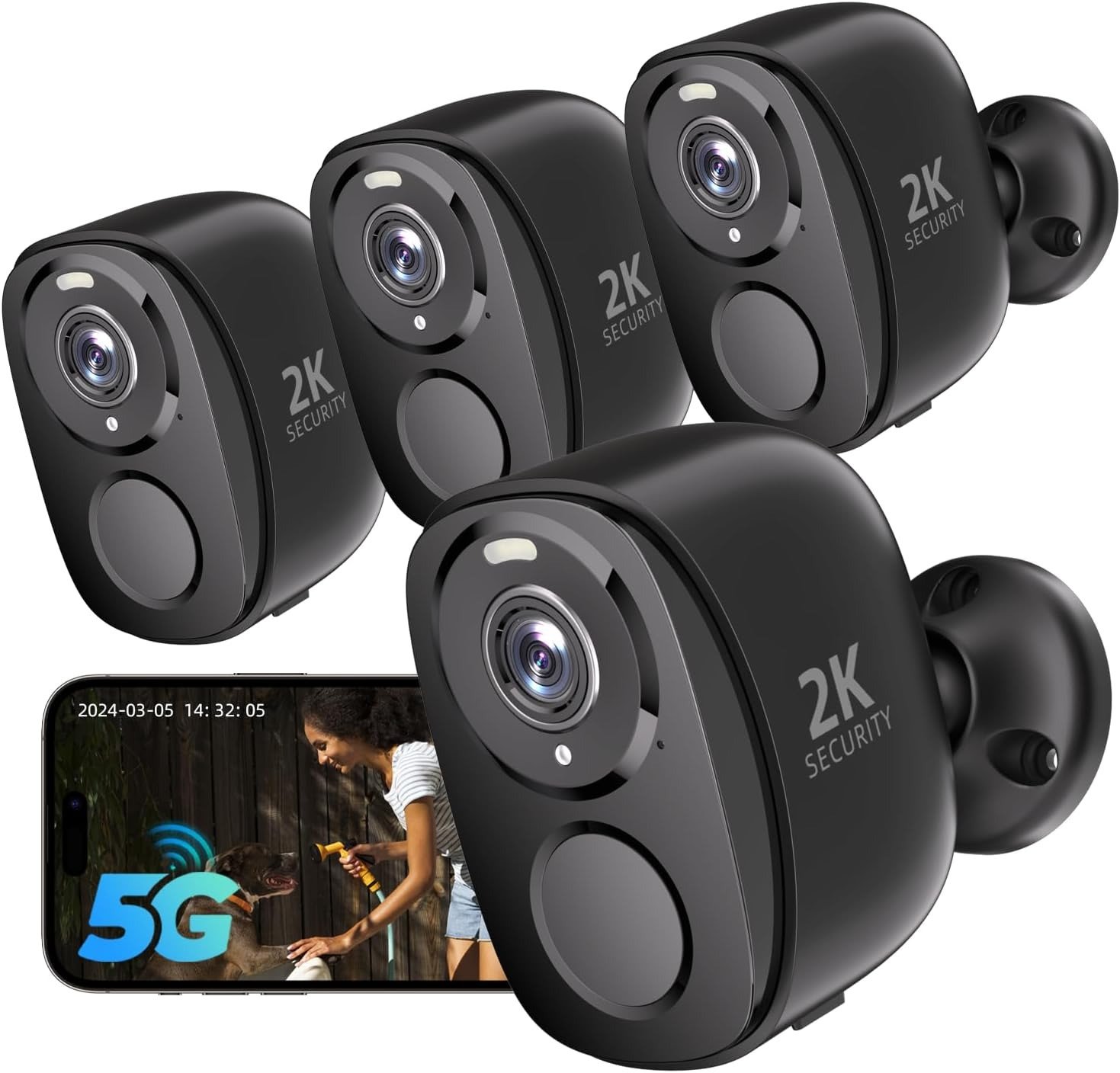
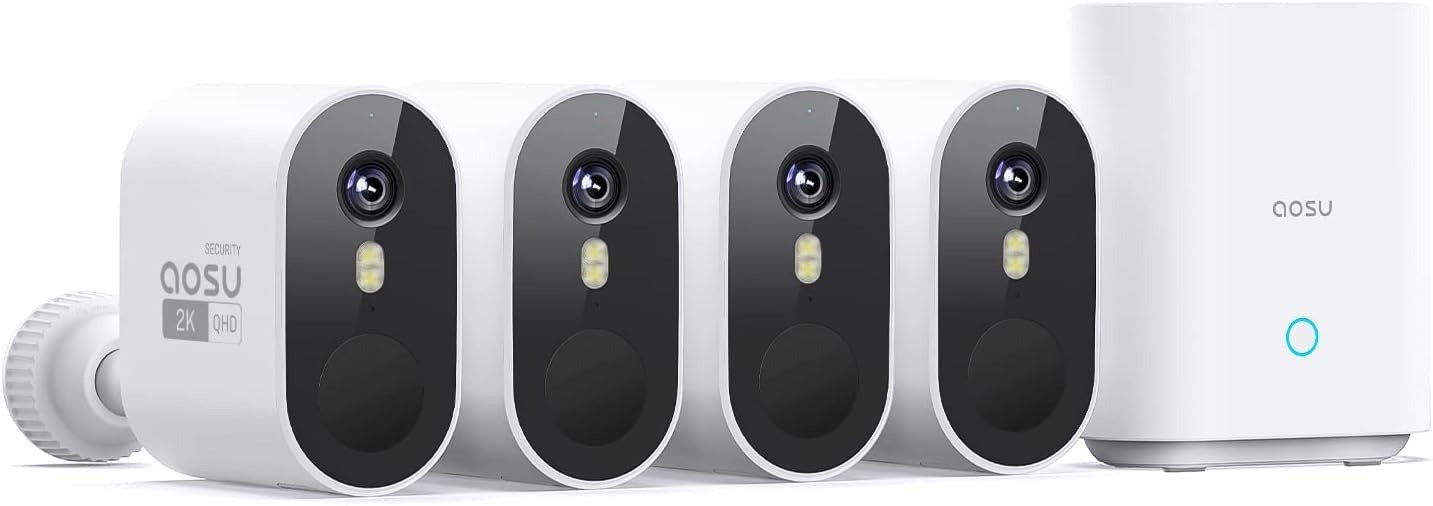
That gap — between what the packaging promises and what a motion-triggered camera actually does in the three seconds after something moves — is the real subject of this review. I went through owner forums, app-store complaints, independent teardown tests, and AOSU’s own fine print for the exact kit in question: the AOSU Security Cameras Outdoor Wireless, 4-Cam-Kit, 166° Ultra-Wide-Angle, Battery Powered, No Subscription Required, with 2K Color Night Vision, Spotlight, and Motion Alert. Some listings also call this the WirelessCam Pro System — same hub, same cameras, different name on the box. This is the battery-only version, not the solar one, which matters more than you’d think.
AOSU 4-Cam Kit Coverage: The Footage Looks Fine — The Problem Isn’t
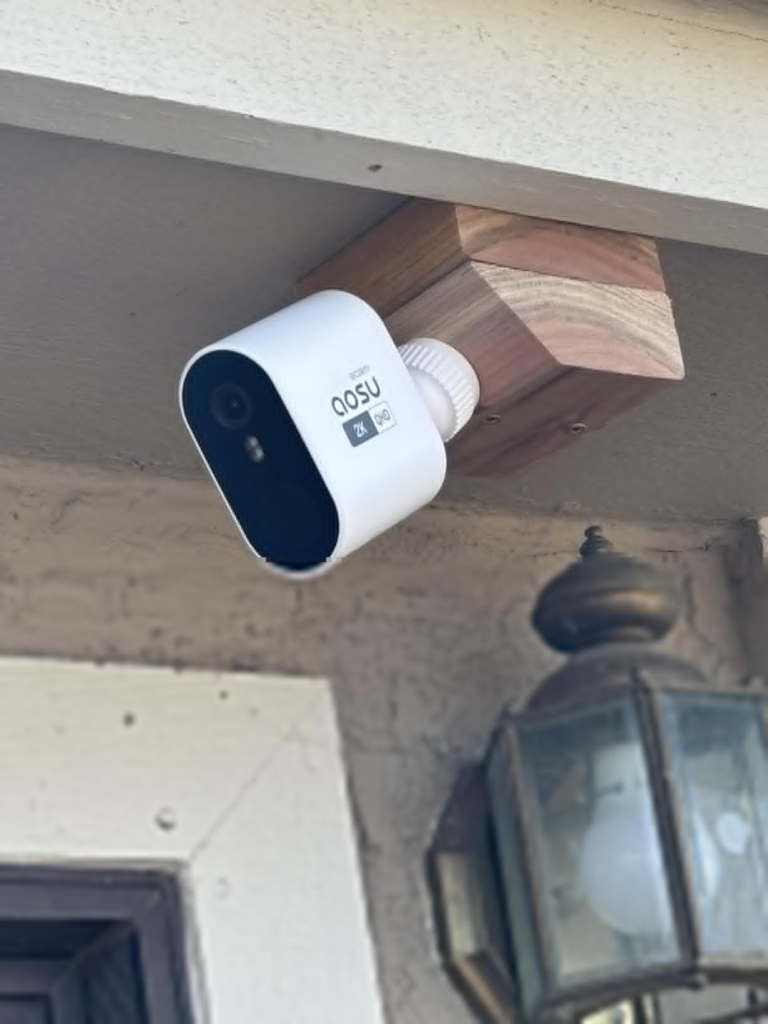
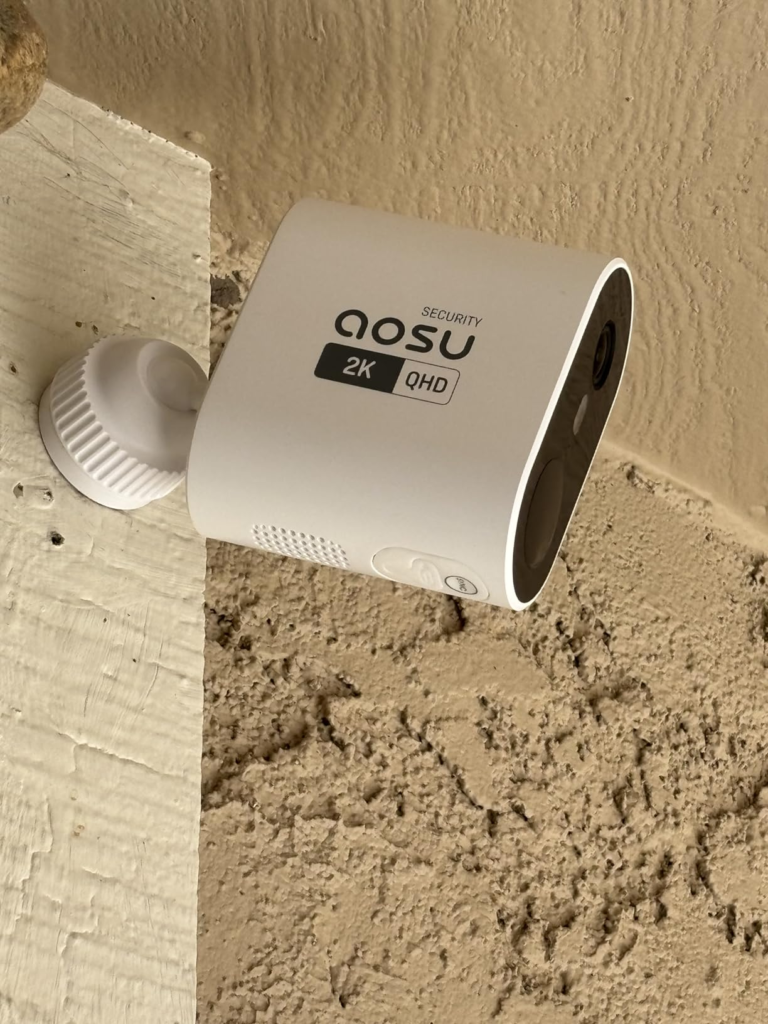
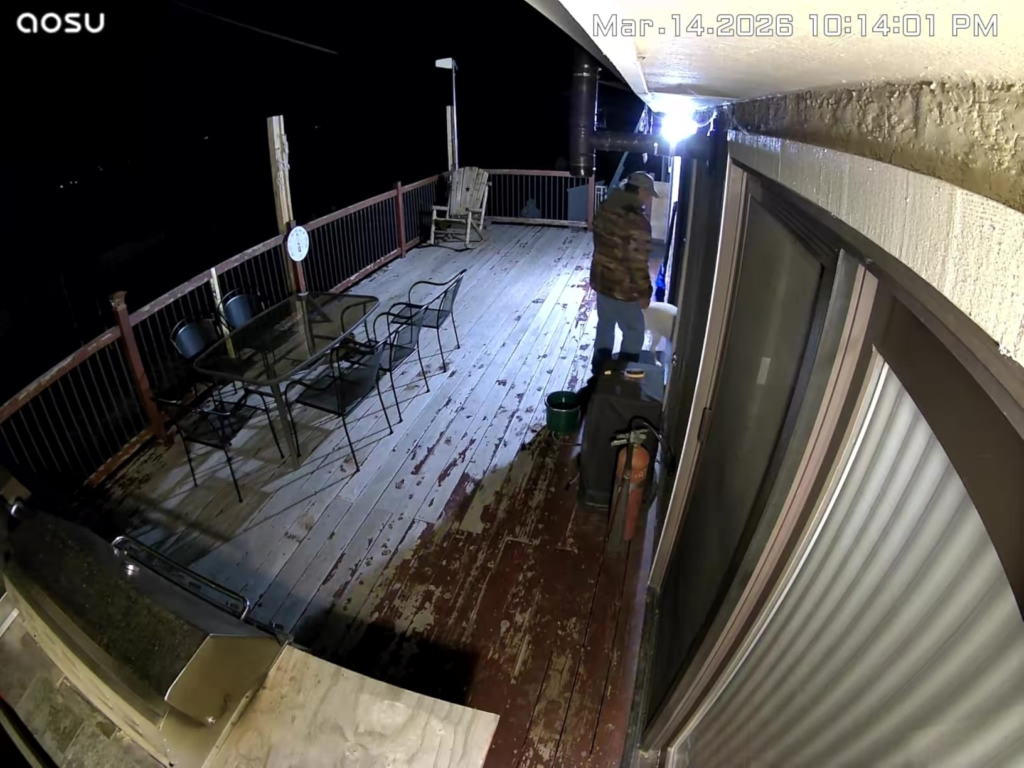
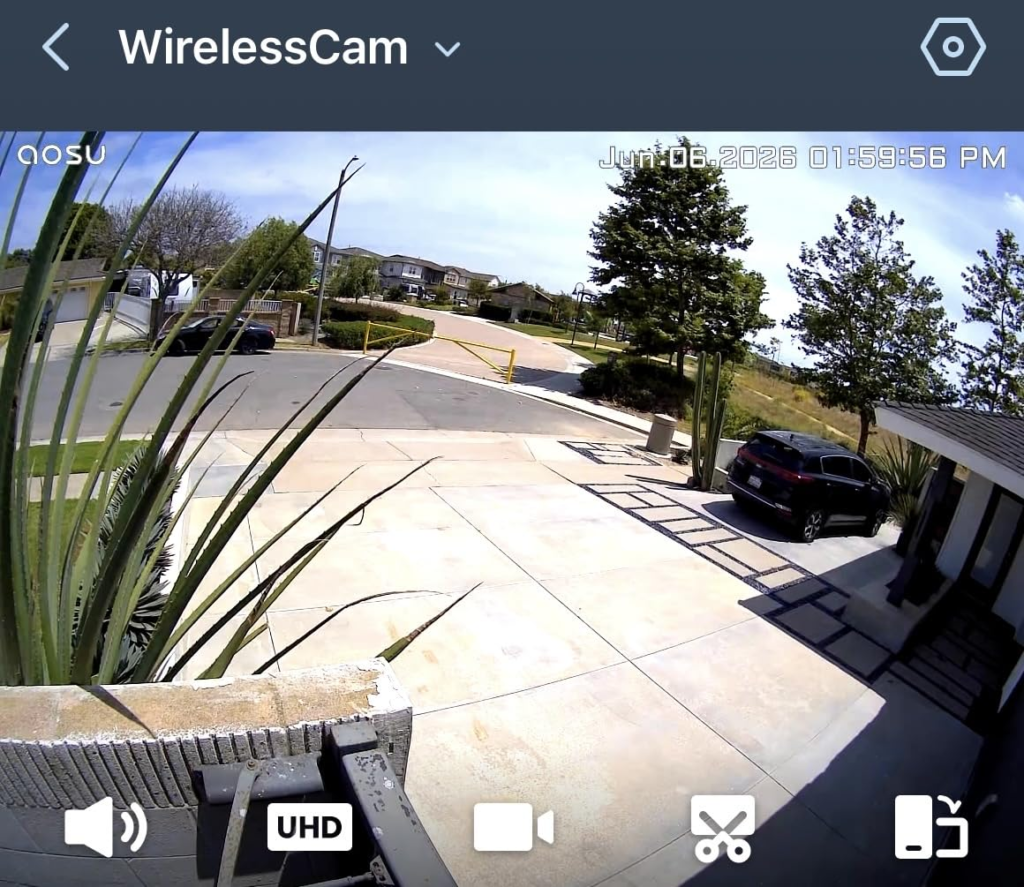
On paper, the spec sheet reads clean: 166° per camera, true 2K resolution, color night vision, four angles live on one screen. Owners largely agree the picture itself holds up — daylight footage is crisp, and the color night vision, powered by an actual spotlight rather than plain infrared, shows real detail instead of the grainy black-and-white blob most budget cameras produce after dark.
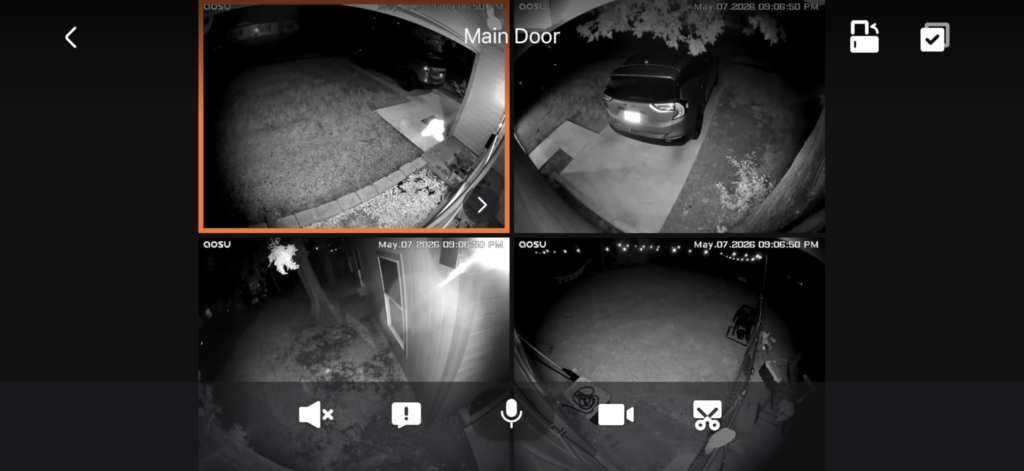
Where it gets shaky isn’t the picture. It’s the pipeline that gets the picture to you. Across app-store reviews, the loudest complaint isn’t blur or bad framing — it’s timing. Multiple users describe alerts arriving well after the actual event, sometimes an hour or more late, especially following an app update. Others mention the live feed loading slowly even when the camera sits within a few feet of the router. The lens does its job. The alert doesn’t always keep pace with it.
AOSU Security Camera Reliability: What You’re Actually Feeling but Not Naming
If you already own a cheaper camera and you’re eyeing this as the upgrade, there’s a specific itch driving that, and it isn’t really about video quality. You’ve had a system tell you “all clear” while a package walked off the porch. You’ve deleted forty near-identical clips of a moving shadow one at a time because there was no faster way. You’ve opened an app during a genuine scare and watched a loading wheel spin.
None of that is really a hardware complaint. It’s about whether the system tells you the truth fast enough to be useful, and whether using it feels like a chore. That’s the real question a four-camera kit needs to answer — not “is the lens wide enough,” but “will I actually trust what it tells me at 11 p.m. on a random Tuesday.”
AOSU aosuBase Hub Setup: The Hidden Mechanism Behind the Miss
Why do so many “unreliable WiFi” complaints about hub-based camera systems turn out to have nothing to do with WiFi at all?
Here’s the detail almost nobody reads past the word “wireless”: the cameras are wireless. The hub isn’t. The aosuBase — the box that actually stores your footage and talks to the app — needs a physical ethernet cable running to your router. Owners on AOSU’s own support forum have asked, more than once, whether the base can skip the cable and join WiFi instead. It can’t. If your router sits in a closet with no free ethernet port nearby, that’s a wiring problem before you’ve mounted a single camera.
The second half of this mechanism matters just as much: your four cameras don’t connect to your home WiFi network at all. They connect to the aosuBase directly, over its own short-range link. A camera on the far side of a detached garage isn’t limited by your router’s WiFi strength — it’s limited by the hub’s range, and adding a WiFi extender elsewhere in the house won’t fix it. You fix a weak fourth camera by relocating the hub, not the router.
My advice, plainly: measure the ethernet run before you buy the mounting screws, not after.
| What’s Marketed | What AOSU Claims | What Actually Plays Out |
|---|---|---|
| Coverage | 166° field of view per camera | Fewer cameras needed per side of the house, though wide lenses stretch detail at the very edge of frame |
| Video quality | True 2K resolution | Noticeably sharper than 1080p rivals, especially once color night vision kicks in |
| Night vision | Full color, via built-in spotlight | Better for identifying faces or plates than plain infrared, but shorter range and visibly announces itself |
| Battery | “Up to 240 days” per charge | Based on 40 motion events a day at 10 seconds each — busy driveways and food-motivated pets fall short of that |
| Storage | 32GB hub, “up to 4 months” of loop recording | Assumes light, event-only footage across all 4 cameras; heavy daily motion can shrink this to under two weeks |
| Connectivity | Marketed as “wireless” | The 4 cameras are wireless; the hub itself needs a wired ethernet connection to your router |
| Subscription | “No subscription required” | True for core recording and alerts; bulk-deleting clips and extended cloud backup sit behind an optional paid plan |
| Smart home | Works with Alexa and Google Assistant | Apple HomeKit isn’t supported yet, with no confirmed release date |
AOSU Battery Life and Storage: Where the Numbers Quietly Break
Why does a 240-day battery claim survive on some porches and die in six weeks on others?
The number isn’t fiction, but it’s a lab number: forty motion events a day, ten seconds of recording each. Do the math and that’s roughly six and a half minutes of total footage per camera, per day. A quiet backyard camera clears that easily. A camera aimed at a shared driveway, a busy sidewalk, or a treat-motivated dog will blow past forty events before lunch.
To AOSU’s credit, this specific kit isn’t running its standard battery. The listing states it carries roughly three and a half times the capacity of AOSU’s other camera lines, which is almost certainly why this “battery powered” version exists as its own product next to the solar one. It’s built for exactly the households that can’t guarantee two hours of direct daily sun: north-facing walls, covered porches, apartments with a shared balcony. One owner in Michigan, working with short winter daylight, added the optional solar panel anyway even though this version doesn’t strictly need it — by their account, it turned “watching the battery percentage” into a non-issue entirely.
Storage runs into the same gap between lab and lived reality. The 32GB hub is rated for up to four months of loop recording, a figure that assumes short, infrequent, motion-only clips across all four cameras. Independent testing that pushed the system harder came away with closer to a week and a half before the loop started overwriting itself. Your real number lands somewhere between those two extremes, set almost entirely by how much your property actually sees.
AOSU vs Ring, Blink, and Eufy: Why Most Buyers Misread This Comparison
Every “no subscription” claim in this category means something slightly different, and that’s exactly where comparison shopping goes wrong. Ring and Blink both offer a free live feed, but cloud video history and real person-detection — versus a vague “something moved” — sit behind a monthly plan on both. Eufy built its reputation on local storage baked into its own hub, which is closer to what AOSU is doing here than to Ring’s cloud-first model. Wyze undercuts everyone on price but comes with a rockier security-disclosure history than the others.
| Brand | Free Without a Plan | Usually Needs a Subscription | Where Footage Lives |
|---|---|---|---|
| AOSU (this kit) | Recording, alerts, live view, playback | Bulk clip deletion, extended cloud backup | Local hub, 32GB |
| Ring | Live view, basic activity zones | Cloud video history, smart person alerts | Cloud (paid) |
| Blink | Live view, local storage (needs Sync Module) | Cloud video history, person detection | Local (extra hardware) or cloud |
| Eufy | Recording, on-device AI alerts | Extended cloud backup | Local hub |
| Wyze | Live view, basic person detection | Extended cloud video history | microSD (local) or cloud |
AOSU’s actual position sits closer to Eufy than to Ring. The trade-off isn’t a hidden fee — it’s brand maturity. Ring, Eufy, and even Wyze have years more field-testing and a larger support organization behind them. AOSU is a newer company, only a few years old, pricing aggressively to compete with brands that have been at this for a decade. That’s not a reason to rule it out. It’s a reason to know exactly what you’re trading a lower price and no subscription for.
AOSU No-Subscription Camera Kit: Who Actually Needs One
This kit earns its price on a specific kind of property: enough outdoor perimeter that one or two cameras leave gaps — a driveway, a side gate, and a backyard, or a rental with detached parking. It also fits anyone actively trying to get off a recurring camera bill, whether that’s a Ring plan they resent renewing or a first system they don’t want tied to a monthly charge from day one.
It’s a good match if you’re comfortable doing your own mounting — there’s no professional install option — and if you have, or can create, a spot near your router with an open ethernet port for the hub. Renters can use it too, with the usual caveat: check the lease before drilling into siding or trim.
AOSU 4-Cam Kit Limitations: Where This Becomes the Wrong Fit
It’s the wrong fit if you need true 24/7 continuous recording rather than motion-triggered clips — that isn’t how this system, or most battery cameras at this price, are built to run. It’s also not the move if your home runs entirely on Apple HomeKit; AOSU hasn’t shipped that integration yet, and “in development” carries no committed date. If your router sits somewhere with zero realistic path to an ethernet cable, budget for that problem before you budget for cameras.
And if what you actually want is a five-minute, download-the-app, zero-maintenance system backed by a decade-old company, that’s a fair preference. AOSU is younger, leaner, and occasionally slower on support tickets than Ring or Eufy. Some owners get a replacement unit in two days. Others wait over a week for a real answer. That inconsistency is the real cost of the lower price and the subscription-free model — more than anything printed on the spec sheet.
AOSU 4-Cam Kit Fit Check: The One Situation Where It’s the Logical Buy
Put plainly: this kit makes sense the moment you’ve said, out loud or in your head, “I don’t want to keep paying monthly for something this basic.” If you already know where the hub is going, you have an ethernet run — even fifteen feet of cable along a baseboard — that reaches it, and your property has real corners to cover, four cameras at 166° apiece is a genuinely efficient way to close those gaps without buying eight narrower cameras from a pricier brand.
It stops making sense the moment any of those conditions aren’t true. No firmware update turns event-triggered recording into continuous surveillance, and no accessory fixes a hub with no ethernet path.
AOSU Camera System: What It Solves, Reduces, and Still Leaves to You
| What It Solves | What It Reduces | What’s Still On You |
|---|---|---|
| Monthly subscription cost for core recording and alerts | False alarms, once you tune sensitivity zones | Placing the hub where an ethernet cable can reach |
| Blind spots across wide outdoor areas | Wiring hassle — the cameras themselves are cordless | Clearing clips manually if you skip the paid plan |
| Colorless, grainy night footage | Guesswork about who’s actually there | Realistic expectations on battery life if traffic is heavy |
| Losing footage when the internet drops | Notification lag, once firmware stays current | Checking for app updates when alerts start feeling slow |
AOSU 4-Cam Kit Review: Frequently Asked Questions
| Question | Answer |
|---|---|
| Does the AOSU 4-Cam Kit really require no monthly fee? | For the essentials — recording, motion alerts, live view, and local playback — yes. The 32GB hub handles storage on-site. A paid cloud plan exists for extended backup and faster bulk-clip management, but it’s optional, not a gate on core function. |
| Can the aosuBase hub connect over WiFi instead of ethernet? | No. The hub needs a wired ethernet connection to your router. The four cameras connect to the hub wirelessly, but the hub-to-router link is wired by design. |
| How long does the battery actually last? | AOSU’s “up to 240 days” figure assumes roughly 40 short motion events a day. Busier properties — more foot traffic, pets, passing cars — will see shorter real-world stretches between charges. This kit’s battery runs at roughly 3.5 times the capacity of AOSU’s standard cameras, giving it more headroom than the brand’s solar-first models. |
| Can I add more than four cameras? | Not to this hub. The aosuBase supports up to four cameras of the same model. Covering a larger property means a second hub and a second kit. |
| Does it work with Apple HomeKit? | Not yet. Alexa and Google Assistant are supported now; HomeKit is listed as in development with no confirmed release date. |
| What happens if my WiFi or power goes out? | Local recording keeps working through an internet outage since footage saves to the hub first. A home power outage affects the hub itself, though the cameras keep running on their own battery regardless. |
| How much does the AOSU 4-Cam Kit cost? | Pricing typically sits in the low-to-mid $200s for the four-camera kit with hub, though Amazon runs frequent coupons and lightning deals on AOSU’s lineup, so the live listing is worth checking rather than assuming. |
AOSU 4-Cam Kit Review: Final Verdict and Next Step
Strip away the marketing language and here’s what’s actually true: a four-camera, 166°, 2K color-night-vision kit that skips the monthly bill, runs on a battery with real headroom, and asks you to accept one wired ethernet connection and a younger support team in exchange. For a driveway-and-backyard property and a buyer done with subscriptions, that trade works in your favor. For someone who wants zero wiring anywhere and Apple HomeKit support today, it doesn’t.
If the condition described here is the one you’re actually dealing with — subscription fatigue, real outdoor corners to cover, a spot near the router the hub can reach — this is the point where deciding gets simple instead of staying vague.
Transparency Note:
This analysis is built on aggregated real-world experience.
It extracts what repeatedly holds, what breaks, and what users uncover only after living with the system—then shapes it into a clear model you can use immediately.
Think of it as structured experience, refined and presented so you don’t have to learn it the hard way.
“A quick note: Don’t believe the star ratings, but trust personal experience. This article is a compilation of collected experiences.”