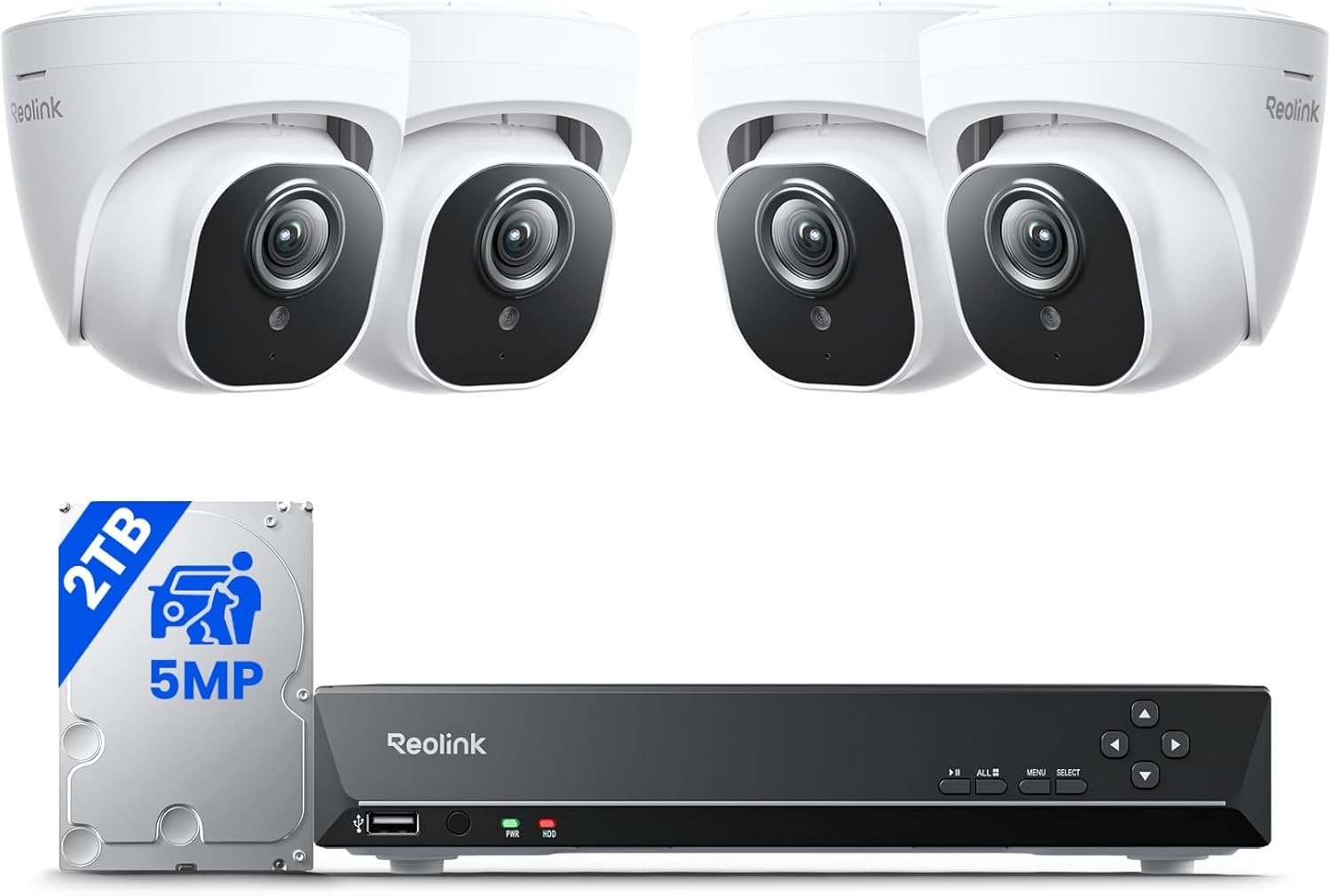
NETGEAR GS110TP Review: My Honest Verdict on the 55W PoE Budget That Looks Fine Until It Isn’t
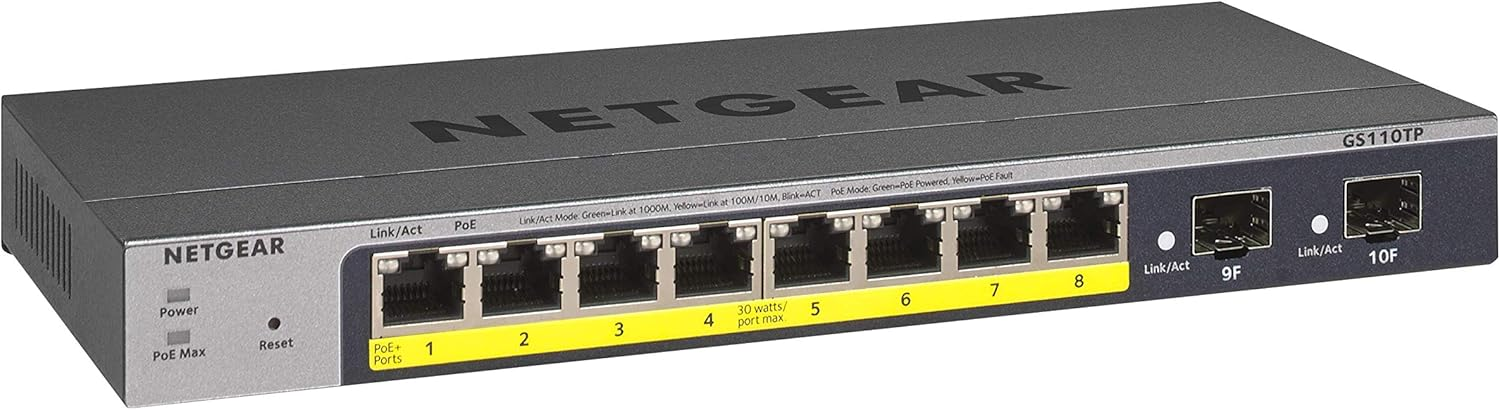
NETGEAR GS110TP
The Result Looks Fine. The Problem Isn’t.
You power up the switch. All eight ports show green. Your cameras are live, your access point is broadcasting, your VoIP phone is dialing. Everything appears to be working.
It is working — right now, at this moment, under this exact load.
That’s the deceptive comfort of the GS110TP. The result looks fine when you’re under threshold. The problem only surfaces when your second access point negotiates full PoE+, or when your NVR camera reboots and requests its peak draw simultaneously with two other devices. The port goes dark. The LED on the front panel glows amber. You power cycle the switch and it comes back, and you assume it was a glitch.
It wasn’t a glitch. It was arithmetic.
The GS110TP ships with a total PoE budget of 55W distributed across 8 ports, each capable of up to 30W individually. That is not a flaw in the design — it is a deliberate architectural boundary. The problem is that this boundary is invisible until you cross it, and most buyers don’t calculate it before purchase. They count the ports, match the port count to the number of devices, and call it done.
Port count and power budget are two completely different metrics. Conflating them is how you end up with a switch that technically has 8 PoE+ ports and practically powers 3 of them at full capacity before the budget collapses.
What You’re Actually Feeling but Not Naming
The annoyance rarely arrives loudly. It arrives as:
A camera that periodically goes offline without explanation. A port that stays dark after a brief power interruption and only recovers after a switch reboot. A mesh node that takes longer than expected to come back up after a network event. An access point that connects at reduced negotiated power instead of its rated 22W.
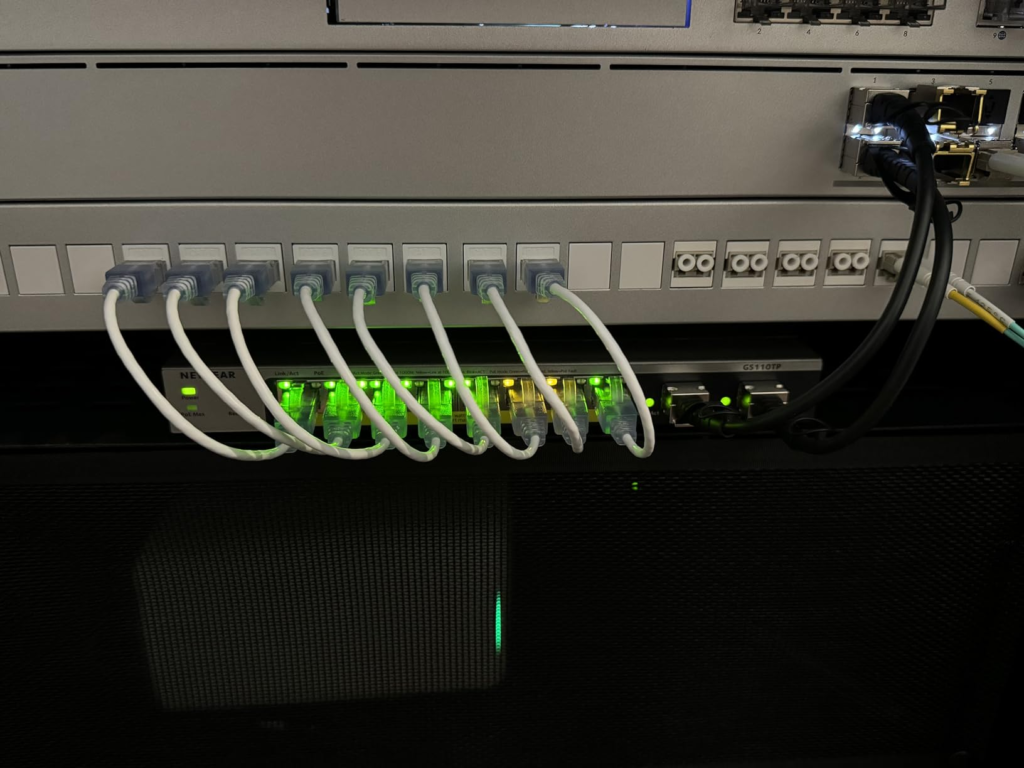
These are not random failures. They are the symptom of a switch prioritizing PoE delivery by port number when budget is constrained — which is exactly what the GS110TP does by default. When total power required exceeds the total power budget, the switch assigns power to ports dynamically based on priority, and the PoE LED on the front panel illuminates when insufficient PoE resource remains for additional ports.
The devices you plugged in last — or the devices on ports with lower priority — lose power quietly while others hold.
Most users interpret this as hardware instability. It is actually policy execution. The switch is doing exactly what it was designed to do. The mismatch is between the buyer’s mental model and the actual power architecture.
The Hidden Mechanism Behind the Miss
Here is the mechanism most buyers never see before purchase:
Each PoE port on the GS110TPv3 can provide up to 30 watts to power connected devices, with a total PoE power budget of 55W across all 8 ports. That means if you’re running three devices drawing 18W each — a common figure for modern Wi-Fi 6 access points under load — you’ve already consumed 54W of your 55W budget. Port 4 through 8 get nothing.
The confusion deepens because PoE+ devices negotiate power, they don’t simply consume it. A device that is rated at 25W peak may negotiate 12W at startup and ramp up during operation. This means your switch dashboard can show all ports active while the actual delivered power is being quietly rationed below what your devices are designed to receive.
Additionally, there is a default behavior in the switch where if a loop packet is ever detected on a port, that port will be shut down permanently until the switch is power cycled — with no automatic recovery. In environments with mesh networking devices or setups that involve temporary topology negotiation, this behavior can cause ports to shut down in ways that appear completely unrelated to loop detection.
This is not a corner case. Any network with a mesh Wi-Fi system, a Sonos setup, or redundant uplinks runs a real probability of triggering this default behavior.
The Threshold Where the Outcome Quietly Breaks
The 55W threshold is the governing number for this switch. Everything else is secondary.
| PoE Device Type | Typical Draw | Ports Before Budget Collapse |
|---|---|---|
| IP Camera (basic, 802.3af) | 6–8W | 6–7 devices |
| IP Camera (PTZ or high-res) | 12–15W | 3–4 devices |
| VoIP Phone | 4–6W | 8 devices (budget is fine) |
| Wi-Fi 6 Access Point | 18–25W | 2–3 devices max |
| Wi-Fi 6E Access Point | 22–30W | 1–2 devices max |
| Mixed (2 APs + 3 cameras) | ~70W+ | Budget exceeded at 55W |
The threshold breaks silently. There is no alert that says “your deployment exceeds capacity.” There is only a port that stops delivering power, a device that goes offline, and a troubleshooting spiral that leads you nowhere unless you know exactly what to measure.
Why Most Buyers Misread This Too Early
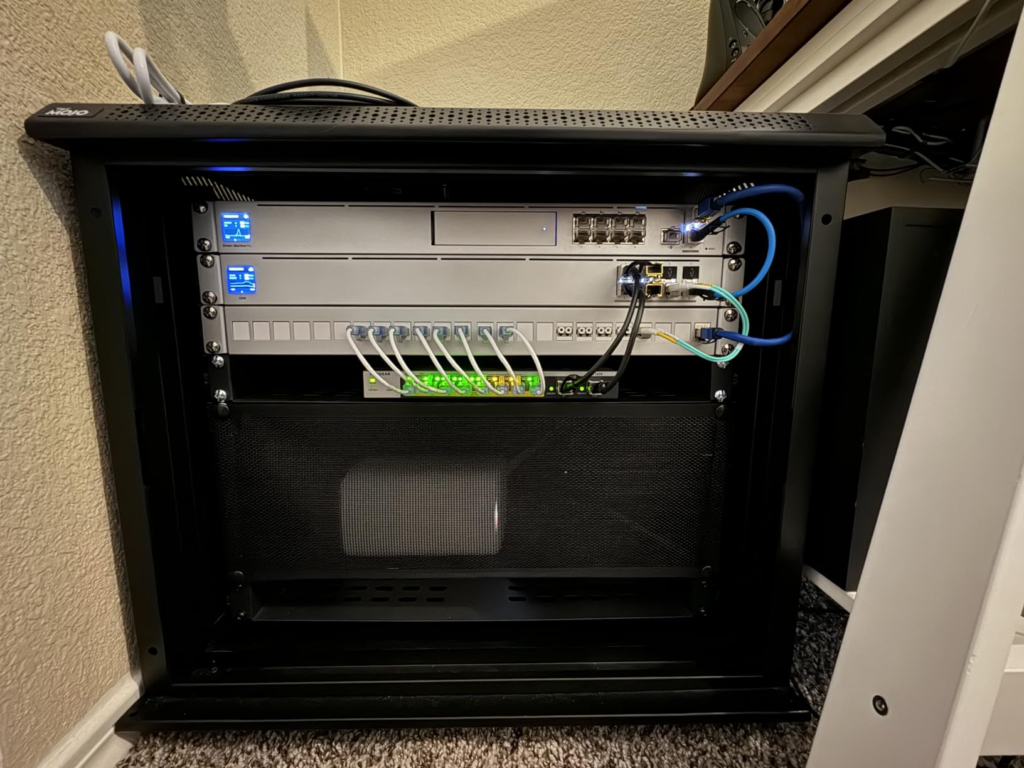
The GS110TP is positioned and priced in the small business segment, which creates a reasonable assumption that it handles small business PoE loads. It handles small business data switching cleanly. Its PoE budget, however, is calibrated for light-density PoE deployments — not for the mixed-device environments that define modern small offices and advanced home networks.
NETGEAR’s own product language describes the GS110TP as suitable for “cautious spender organizations” deploying PoE devices at a “reasonable PoE power budget of 55W.” That language is technically accurate and strategically vague. “Reasonable” is doing significant work in that sentence. Reasonable for VoIP phones. Reasonable for a single access point plus a few cameras. Not reasonable for a multi-AP deployment or any environment with two or more PoE+ class devices running simultaneously at load.
The second misread involves the management feature set. The switch carries Layer 3 static routing, VLAN support, ACL, LACP, QoS, and optional NETGEAR Insight cloud management. These are legitimate enterprise-adjacent capabilities. Buyers see the feature list and assume the infrastructure beneath those features matches their ambition. The infrastructure is solid. The PoE budget is the ceiling.
Feature richness and power capacity are independent variables. The GS110TP proves that clearly.
Who Is Actually Inside This Problem
| User Profile | Fit with GS110TP | Reasoning |
|---|---|---|
| VoIP-heavy small office (6–8 phones) | Strong fit | Phones draw 4–6W each, budget holds comfortably |
| 2–3 IP cameras + 1 AP | Acceptable fit | Budget covers ~40–50W, stays within range |
| 4+ IP cameras of any type | Marginal fit | Total draw 48–60W+ pushes or exceeds budget |
| 2+ Wi-Fi 6/6E APs | Poor fit | Two APs alone can consume 44–50W, leaving nothing |
| Mixed surveillance + APs | Poor fit | Budget exhausted before full deployment |
| Pure data switching, no PoE | Excellent fit | PoE budget irrelevant, L2 features are strong |
| Mesh networking environments | Risky fit | Default loop detection behavior creates instability |
The buyer who fits this switch well is running a port-count-limited, power-light PoE deployment — specifically one where most devices are 802.3af (15.4W max) rather than 802.3at (30W max).
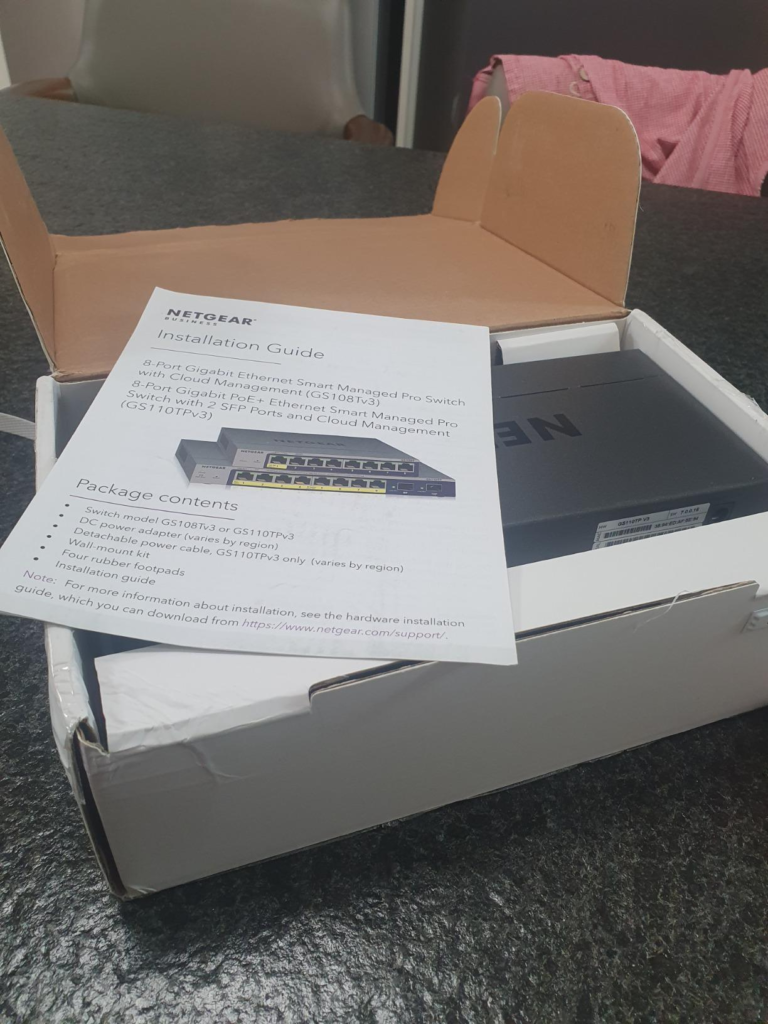
Where Wrong-Fit Begins
Wrong fit begins the moment your PoE device list includes any of the following:
Wi-Fi 6E access points. PTZ surveillance cameras. High-resolution NVR cameras with IR illumination. PoE-powered displays or industrial IoT devices. Any combination of more than three devices that each draw above 12W.
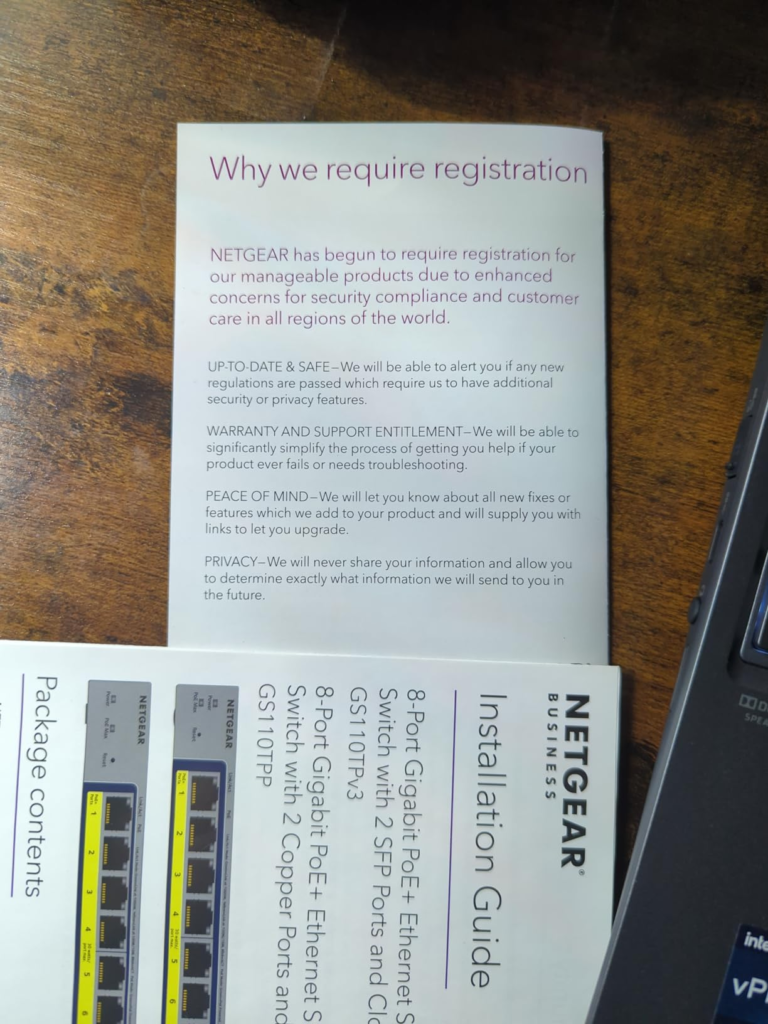
The mandatory device registration to unlock certain features is an additional friction layer that doesn’t appear in most pre-purchase research, and it creates an access barrier precisely when you’re trying to troubleshoot a new deployment.
Wrong fit also begins in mesh networking environments. The default loop protection behavior shuts ports permanently on loop packet detection, with no self-recovery path. If your network topology involves any device that temporarily sends what looks like a loop packet — including mesh nodes during topology negotiation — you’ll face port shutdowns that require manual intervention or a power cycle to resolve.
The regret signature for this switch is specific: it arrives approximately two to four weeks post-deployment, after you’ve added your second or third PoE device and started seeing intermittent outages that feel random but follow an exact pattern.
The One Situation Where This Switch Becomes Logical
A small, managed network requiring VLAN segmentation, QoS, and 802.1x authentication — where PoE devices are predominantly low-draw (VoIP phones, basic cameras, environmental sensors) and total PoE load stays reliably below 45W.
The GS110TPv3 supports advanced features including VLAN, QoS, and IGMP Snooping, with a switching capacity of up to 20 Gbps, a durable metal chassis, fanless design for silent operation, and flexible desktop or wall-mounting options. For that profile, these features — delivered at this price point, in a fanless compact chassis — represent genuine value.
The optional NETGEAR Insight cloud management adds remote monitoring and configuration capabilities without requiring a separate management server, which is a meaningful operational benefit for small IT teams or managed service providers handling multiple sites.
The Layer 3 static routing with 32 IPv4 routes enables inter-VLAN routing without offloading that function to an upstream router, which simplifies network architecture for environments that need segmentation but don’t need a full routing layer.
The switch is solid for what it is. The problem is never what it is — it’s what it’s assumed to be.
What It Solves, What It Reduces, and What It Still Leaves to You
| Category | What the GS110TP Delivers |
|---|---|
| Solves | Clean VLAN segmentation for small networks |
| Solves | Managed PoE delivery for low-draw device pools |
| Solves | Quiet, fanless operation in noise-sensitive spaces |
| Solves | SFP fiber uplinks without sacrificing copper ports |
| Reduces | Management overhead via Insight cloud (subscription) |
| Reduces | Cabling complexity for VoIP and basic surveillance |
| Still on you | Calculating actual PoE load before deployment |
| Still on you | Adjusting loop detection defaults for mesh environments |
| Still on you | Upgrading when PoE demands scale beyond 55W |
| Still on you | Verifying DHCP reliability on the management interface |
The switch does not manage your expectations. That part is yours. If you run a pre-deployment power audit and your total PoE draw lands below 45W with headroom, the GS110TP handles that network with precision and stability. If your audit shows 60W or higher, this switch will create problems that look like hardware failures but are actually budget exhaustion.
Final Compression
The NETGEAR GS110TP review question most buyers are actually asking is: can this switch handle my small office PoE deployment?
The answer is conditional on one number: your total PoE draw in watts, not your device count.
If your total PoE load — calculated at realistic operating draw, not idle draw — stays below 45W, this switch handles the job cleanly, with a management feature set that exceeds its price category and a chassis that will run silently for years.
If your load exceeds 55W, or if it will exceed that figure within 12 months as you add devices, this switch will reach its ceiling before your deployment reaches its goal. The honest next step in that scenario is a switch with a higher PoE budget — NETGEAR’s own GS310TPP at 190W, or alternatives in the 120–180W range depending on port count needs.
If you’ve already calculated your draw and it fits, the GS110TP is not a compromise. It is a precise instrument for a defined class of problem. That class just has sharper edges than the spec sheet implies.
Frequently Asked Questions
| Question | Answer |
|---|---|
| How many Wi-Fi access points can the GS110TP actually power? | In practice, two modern Wi-Fi 6 access points drawing 18–22W each will consume 36–44W of the 55W budget, leaving only 11–19W for all remaining ports. One high-end Wi-Fi 6E AP drawing 28W leaves only 27W for seven ports. For multi-AP deployments, the 55W budget becomes a real constraint within the first two devices. |
| Does the GS110TP work as an unmanaged switch out of the box? | Yes. It functions as a standard Gigabit switch with no configuration required. Management features including VLAN, QoS, and PoE scheduling require access to the web GUI, initially reachable at the default IP 192.168.0.239 if DHCP assignment fails. |
| What happens when the PoE budget is exceeded? | The switch applies port-based power priority. Lower-priority ports lose power delivery while higher-priority ports maintain it. There is no automatic load-balancing across the full budget. The front-panel PoE LED illuminates to signal budget exhaustion, but no alert is sent to the administrator unless Insight cloud monitoring is active. |
| Is the loop detection behavior configurable? | Yes, but it is not prominently documented. By default, the switch will permanently shut down a port upon detecting a loop packet, with no automatic recovery. In environments with mesh networking devices, this default can cause unexpected port shutdowns. The behavior can be adjusted through the security and port configuration settings in the web GUI, but it requires deliberate manual configuration after initial setup. |
| Can the GS110TP handle SFP fiber uplinks to a core switch? | Yes. The two dedicated SFP ports support both fiber and copper modules and do not share bandwidth with the eight copper PoE ports. This makes them well-suited for uplink connections to a core or distribution switch without sacrificing any PoE capacity. |
| Who should not buy the GS110TP? | Anyone whose PoE deployment includes more than two Wi-Fi 6/6E access points, four or more high-resolution IP cameras, or any combination of PoE+ class devices totaling above 50W in real operating draw. Also, anyone whose network uses mesh Wi-Fi topology and is unwilling to manually configure loop detection behavior before deployment. |
Transparency Note:
This analysis is built on aggregated real-world experience. It extracts what repeatedly holds, what breaks, and what users uncover only after living with the system—then shapes it into a clear model you can use immediately. Think of it as structured experience, refined and presented so you don’t have to learn it the hard way.
“A quick note: Don’t believe the star ratings, but trust personal experience. This article is a compilation of collected experiences”