Your Wi-Fi Is Not Failing in the Dead Zone. It Starts Failing Much Earlier — and That Is Exactly Why the TP-Link Deco XE75 Feels So Different
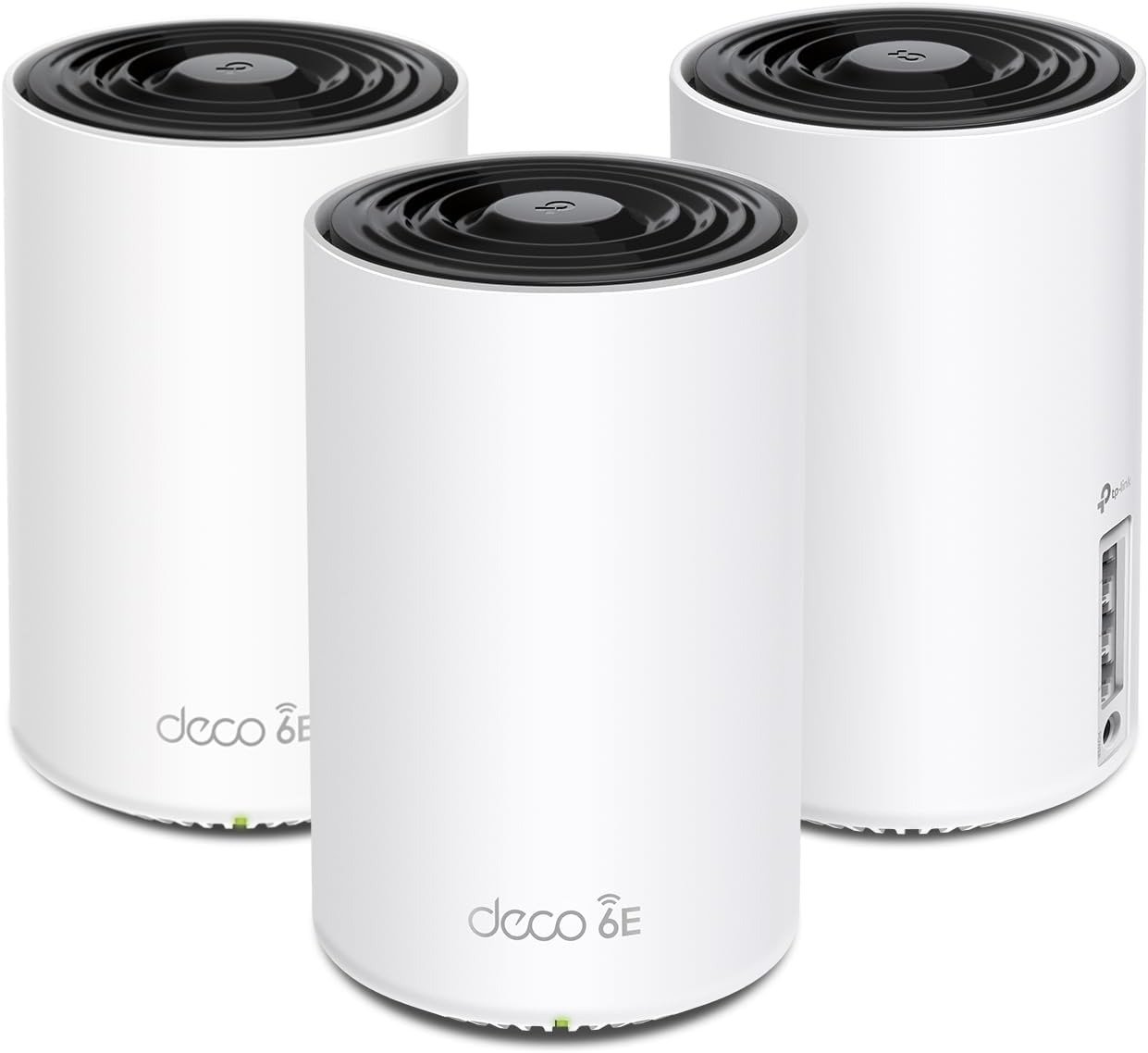
TP-LINK DECO XE75
The ugly part of bad Wi-Fi is not the blackout. It is the slow decay before the blackout. The video that slips from sharp to soft. The camera feed that stutters for one second too long. The hallway where your phone still shows bars, yet the page hangs like wet fabric. That is where most people misread the problem. They think coverage ended. In reality, the connection had already thinned, fractured, and started borrowing time. That is the wound the TP-Link Deco XE75 is built to treat: not just the room with no signal, but the larger house where signal exists and performance still feels strangely unreliable. Its official proposition is straightforward—tri-band Wi-Fi 6E, up to 5,400Mbps, up to 7,200 square feet in a three-pack, support for up to 200 devices, three gigabit ports per unit, AI-driven mesh, and optional Ethernet backhaul. Independent testing and buyer feedback line up with the same theme: strong range for the money, easy setup, discreet hardware, but clear limits around multi-gig ports and deeper control.
The Result Looks Fine. The Problem Isn’t.
I have seen this pattern too many times: the house looks “covered,” the ISP speed test looks respectable, and the owner still walks around irritated. Not furious. Irritated. That quieter emotion matters more, because it lingers. It is what turns a home network into background friction. The XE75 works because it attacks that exact kind of friction with a tri-band mesh design and a 6GHz lane that can be used for faster, cleaner traffic when conditions allow it. TP-Link positions it as a whole-home system rather than a single-room speed toy, and that distinction is everything. RTINGS’ closely related XE5300 testing—important here because the XE5300 is the Costco variant of the XE75—describes it as delivering impressive range and speed for multi-story homes, with access points small enough to place discreetly in normal living spaces. Tom’s Guide reached a similar conclusion from another angle: fast throughput, strong performance through walls and at middle distances, and unusually aggressive value for a Wi-Fi 6E mesh kit.
What makes this feel different in a room is not theater.
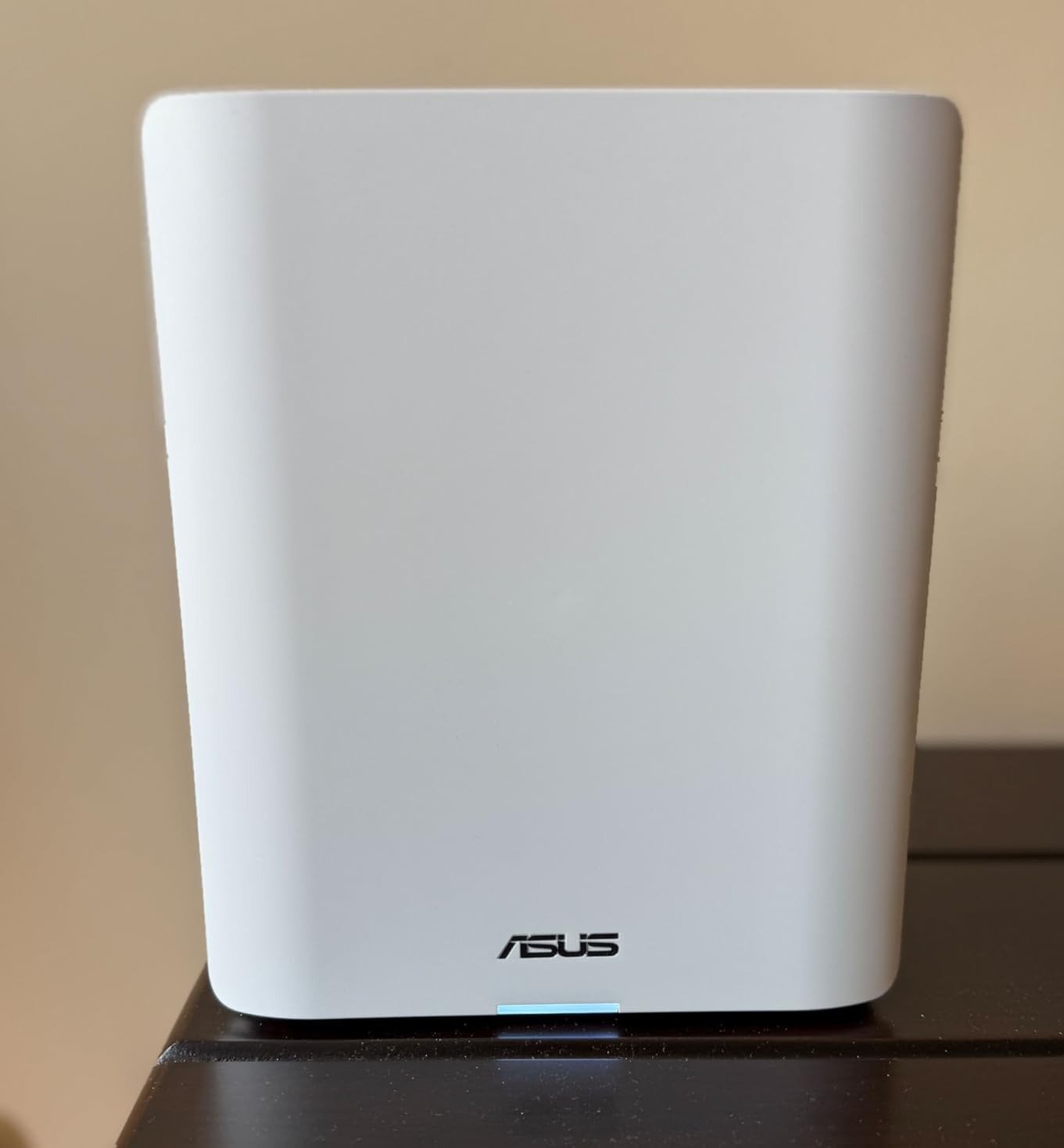
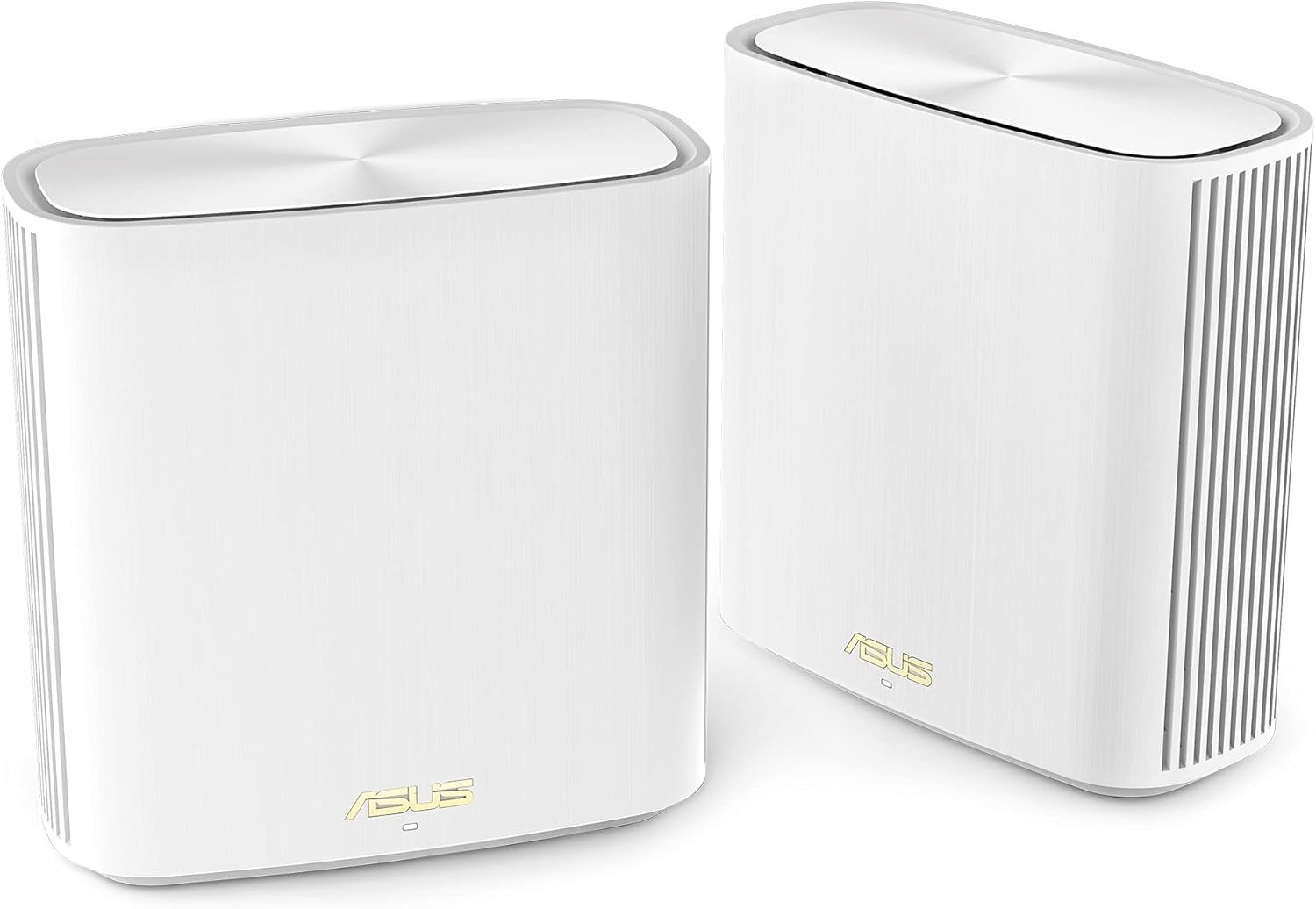
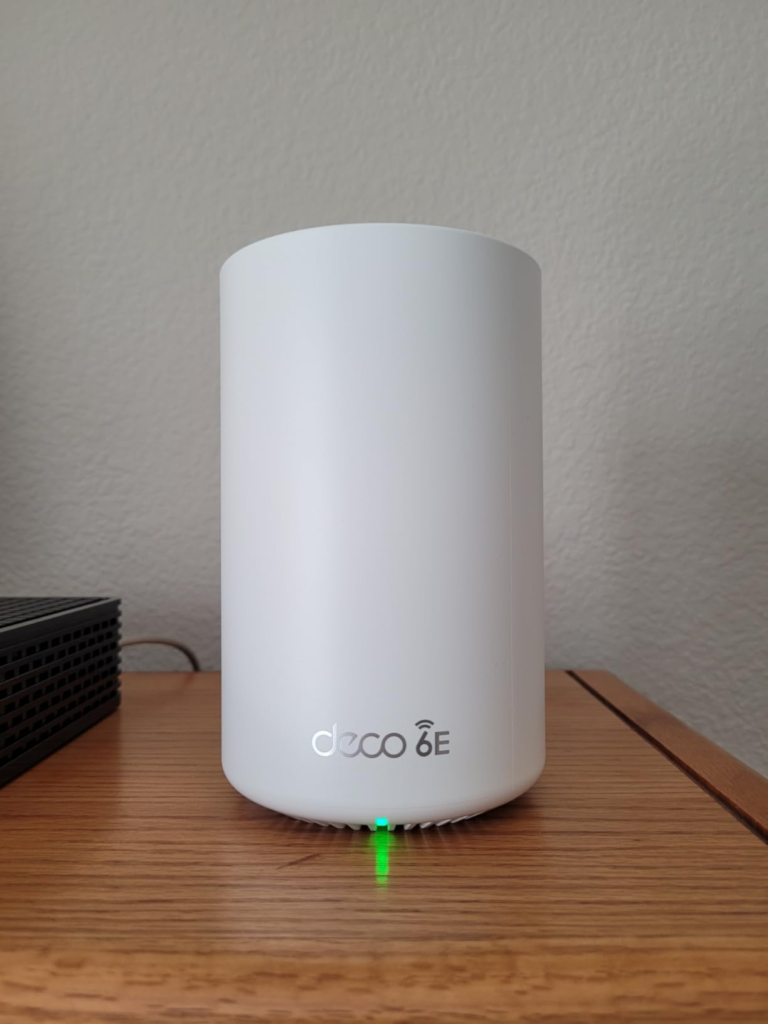
It is absence. Less buffering. Less walking back toward the router. Less ritual troubleshooting. The white towers are small—roughly 6.7 to 6.8 inches tall and about 4.1 inches wide—so they disappear more easily than the bulky mesh monuments that try to dominate a shelf. One can sit on a low console near the modem, another on an open bookshelf halfway through the house, a third near the stair landing or back side of the home. Done well, they do not make the room look technical. They make it look calm.
What You’re Actually Feeling but Not Naming
Most buyers call it “bad coverage.” I would not. I would call it pre-failure drag.
That is the stage where:
- pages open, but not cleanly,
- streaming works, but not confidently,
- calls hold, but with enough instability that you never quite trust them.
Amazon’s aggregated customer feedback exposes this better than polished marketing ever could. Large numbers of buyers specifically mention ease of setup, functionality, speed, coverage, and signal strength, with strong positive skew in those categories. More revealing than the star rating itself is the language: “easy to set up,” “excellent range,” “rock solid connection,” “good coverage,” “fast internet,” “works beautifully.” The emotional pattern is not awe. It is relief. That tells me the product is not winning by spectacle. It is winning by ending a low-grade domestic annoyance people had normalized.
The Hidden Mechanism Behind the Miss
Here is the hidden variable most shoppers never name: backhaul quality.
A mesh system is only as convincing as the conversation between its own nodes. That conversation happens behind the scenes, and if it weakens, your visible device experience weakens with it. The XE75’s architecture matters because it is tri-band, with 2.4GHz, 5GHz, and 6GHz radios rated at 574Mbps, 2402Mbps, and 2402Mbps respectively. That extra 6GHz band is the difference between a mesh system that merely repeats Wi-Fi and one that has room to breathe. TP-Link also supports wired backhaul, which is the cleaner option when available.
But here is the part many pages soften and I will not: 6GHz is fast, not magical. Dong Knows notes that when the XE75 uses 6GHz as backhaul, the placement has to be relatively close—about 65 feet with line of sight—to make that advantage hold. Put a node behind a wall, and the system may fall back to another band. That does not make the XE75 bad. It makes it real. Tom’s Guide also notes that the kit dynamically shifts traffic across bands and uses 6GHz for backhaul when it can. The phrase that matters there is when it can. This is not a fairy tale about signal. It is a threshold story about environment.
What the numbers say before the marketing gloss kicks in:
| Element | What the XE75 gives you | What that means in a real house |
|---|---|---|
| Bands | 2.4GHz + 5GHz + 6GHz | More room for traffic, less crowding than dual-band mesh |
| Rated wireless split | 574 + 2402 + 2402 Mbps | Strong theoretical ceiling, especially for dense device homes |
| Ports | 3× Gigabit per unit | Fine for gigabit-class homes, not ideal for multi-gig ambitions |
| Wired backhaul | Yes | Best route if your walls or floor plan punish wireless mesh |
| Size | About 6.7–6.8 in tall, 4.1 in wide | Easy to place on shelves, consoles, counters |
| Independent observed speed | Up to ~900Mbps in RTINGS’ related XE5300 testing; ~1.22Gbps peak at 15 feet in Tom’s Guide’s setup | Strong real-world performance, but context matters |
The Threshold Where the Outcome Quietly Breaks
This article lives under one governing model: Threshold.
The XE75 becomes either smart or disappointing at one line only: the backhaul break point. That is the moment when the node placement, wall density, and your internet tier stop matching the hardware’s strengths. Before that line, this system feels clean, fast, almost unfairly easy for the price. After that line, the fantasy of “Wi-Fi 6E everywhere” starts thinning.
I would name the threshold like this:
- If your internet plan is gigabit or below, the XE75 still makes structural sense.
- If your home is medium to large and needs multiple discreet nodes rather than one powerful router, it makes even more sense.
- If you can wire the nodes, or place them with decent openness, it gets stronger.
- If you expect multi-gig wired performance, deep enthusiast controls, or guaranteed 6GHz magic through difficult walls, the spell breaks here.
Why Most Buyers Misread This Too Early
Because they shop by headline numbers, not by house behavior.
They compare “AXE5400” to another label. They compare price to price. They compare a single-router fantasy to a mesh reality. That is how people end up buying the wrong thing with great confidence. RTINGS makes the practical distinction plain: the XE75 family is especially suitable when you need more consistent speeds over longer range in larger or multi-floor homes, whereas a standalone router is a different use case. Tom’s Guide praises the XE75 for data flow and value, but also points directly at the compromise: only gigabit-class networking ports. Dong Knows pushes the knife in deeper by showing that the local management is basic and the system is app-led, with poor fine-grained settings compared with more advanced standalone routers.
So the early mistake is simple. People ask, “Is this powerful?” The better question is, “Is this the kind of power my house can actually use?”
Who Is Actually Inside This Problem
You are inside this problem if your house has one or more of these traits:
| True-Fit Signal | Why it matters |
|---|---|
| Multi-room or multi-floor layout | Mesh matters more than router ego |
| Dozens of connected devices | Tri-band breathing room helps under congestion |
| Streaming, video calls, cameras, smart home gear all happening at once | Stability matters more than peak brag numbers |
| You want discreet hardware, simple setup, and expansion later | The XE75 family is easy to place and easy to grow |
| Your internet tops out around gigabit | You are not paying for speed tiers the ports cannot exploit |
This is also where the product’s visual logic matters. These nodes do not demand a “tech corner.” One on a media console in the living room, one on an open stair shelf, one toward the back of the house or near the kitchen edge can solve coverage while keeping the home visually soft. RTINGS and Tom’s Guide both emphasize that the units are small and easy to place. That is not decoration. Good mesh dies when you hide nodes badly. Small hardware gives you more honest placement options.
Where Wrong-Fit Begins
Wrong-fit begins the second you expect this to be something it is not.
Do not buy the XE75 if:
- your internet service is multi-gig and you want ports to match it,
- you obsess over advanced local controls and deep router tinkering,
- you want the 6GHz band to behave like a miracle through walls,
- you need USB, link aggregation, or richer wired connectivity,
- you are buying one pack for a difficult, sprawling layout and hoping belief will replace physics.
That is where regret starts. Not because the XE75 underdelivers on its promise, but because the buyer overreaches beyond its threshold.
The One Situation Where This Product Becomes Logical
Here it is.
The TP-Link Deco XE75 becomes logical when your real enemy is not absolute lack of internet, but house-wide inconsistency. When the signal reaches, yet the experience still frays. When you need mesh more than ego. When you want a system that is strong enough to feel premium, simple enough to live with, and priced like it still remembers money is real. RTINGS calls the XE5300 variant the best mid-range mesh system they tested and explicitly points to the two-pack XE75 for homes that do not need the three-pack sprawl. Tom’s Guide calls the XE75 one of the fastest mesh systems around and one of the cheapest in its class, while buyers consistently highlight setup ease, coverage, speed, and day-to-day reliability. That convergence matters. It is not hype from one corner. It is alignment from three different angles.
What It Solves, What It Reduces, and What It Still Leaves to You
What it solves is obvious: broader, cleaner, calmer Wi-Fi across spaces where one router starts to feel like wishful thinking. What it reduces is subtler: the psychological tax of mistrusting your own network. The little check-ins. The repeat tests. The silent bargaining with a loading icon. It also brings WPA3 support, guest networks on all three bands, VPN server/client support, HomeShield basic features, and compatibility with other Deco units if you need to expand later.
What it still leaves to you is placement discipline. You still need to think. You still need to avoid choking a node inside a cabinet. You still need to respect walls, distance, and backhaul reality. And you still need to accept that three gigabit ports per unit are enough for many homes, not all ambitions. That honesty is exactly why the XE75 is easier to trust. It asks for sensible expectations, not blind devotion.
Final Compression
If your home network is already inside the backhaul break point—that miserable zone where the bars remain, the speed looks fine on paper, and daily use still feels thin—the TP-Link Deco XE75 is not a flashy upgrade. It is a correction. A quiet one. The kind that changes the feel of a house more than the look of a product page. It is not for everyone. It is not the right buy for multi-gig purists or control-obsessed tinkerers. But if your problem is whole-home inconsistency, gigabit-class reality, and the slow leak of trust that bad Wi-Fi creates, this is where the decision stops being vague.
Transparency Note:
This analysis is built on aggregated real-world experience.
It extracts what repeatedly holds, what breaks, and what users uncover only after living with the system—then shapes it into a clear model you can use immediately.
Think of it as structured experience, refined and presented so you don’t have to learn it the hard way.
“A quick note: Don’t believe the star ratings, but trust personal experience. This article is a compilation of collected experiences”