Your WiFi Can Look Fast and Still Feel Broken — Why the Alta Labs AP6 Starts Making Sense Right There
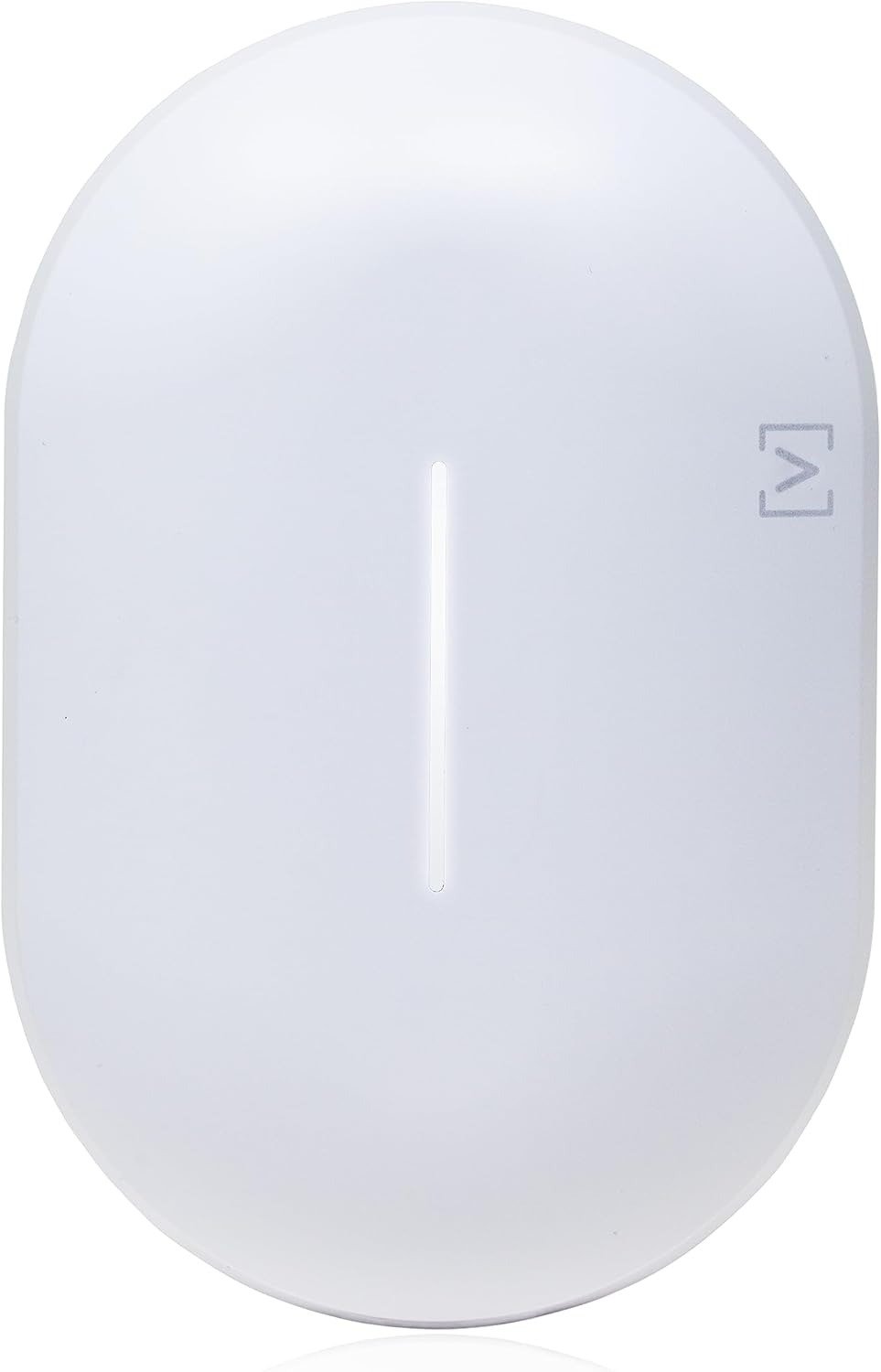
ALTA LABS AP6
The Result Looks Fine. The Problem Isn’t.
A lot of bad WiFi hides behind good numbers.
A speed test flashes something flattering. A movie starts. Your phone shows full bars. And yet the house still feels tense. The kitchen speaker drops for a second. The camera near the garage hesitates. A call survives, but only in that thin, brittle way that makes you stop walking while you talk. What looks like “internet” trouble is often a placement-and-behavior problem that the usual router language never names cleanly.
That is exactly why the Alta Labs AP6 caught my attention. Not because it screams with spec-sheet theater, but because it is built like a deliberate correction tool: Wi-Fi 6, dual-band, 4-stream design, PoE+ power, ceiling/wall/drop-ceiling mounting, roaming support, mesh capability, 300+ concurrent clients, and a management layer that was clearly designed for people who want order instead of daily fiddling. On paper, it reaches up to 573 Mbps on 2.4 GHz and up to 2.4 Gbps on 5 GHz, with a combined rated capacity of 3.0 Gbps.
The contradiction is simple: most people do not buy an access point because WiFi is absent. They buy one because WiFi is present, but unreliable in the exact moments they care about.
What You’re Actually Feeling but Not Naming
It usually arrives as a quiet irritation, not a dramatic outage.
You notice that some rooms feel “sticky.” Pages load, then stall. Smart-home devices reconnect just often enough to poison trust. A laptop behaves perfectly at the desk and strangely on the couch ten feet away. You stop blaming the network out loud, but you start changing your behavior around it. That is the real tax. Not downtime. Adaptation.
I kept seeing the same emotional pattern in owner feedback around Alta gear and competing setups: when people were happy, they were not celebrating abstract throughput, they were describing relief. Easier setup. Cleaner roaming. Better coverage consistency. Fewer weird handoff moments. In one discussion comparing Alta APs with UniFi, the poster said the Alta units delivered more bandwidth, better coverage, and more seamless roaming, including when one AP was meshed. In another thread, a user said Alta’s APs felt mature, stable, and strong enough in range to replace more complex gear, while still calling out missing router features elsewhere in the ecosystem. That split matters: the access points tend to earn praise for experience, while the broader platform may still depend on your tolerance for ecosystem maturity.
What you are feeling is not just “weak signal.” It is decision fatigue caused by uneven network behavior.
The Hidden Mechanism Behind the Miss
The mistake most people make is judging WiFi by peak speed instead of movement, density, and recovery.
The AP6 is a 2×2 design on both 2.4 GHz and 5 GHz. That immediately tells me what kind of machine this is. It is not trying to win a chest-thumping contest with larger 4×4 enterprise units. It is trying to be a cleaner, more elegant answer for environments where stability, roaming, segmentation, and management matter more than brute-force bragging. Alta’s own documentation leans into seamless roaming, advanced traffic management, on-the-fly changes without rebooting the network, and built-in filtering through a DPI engine. Its AltaPass system also lets one SSID behave like several networks through different passwords, with different access levels, VLAN behavior, rate limits, or filtering exceptions. That is not cosmetic. That is operational design.
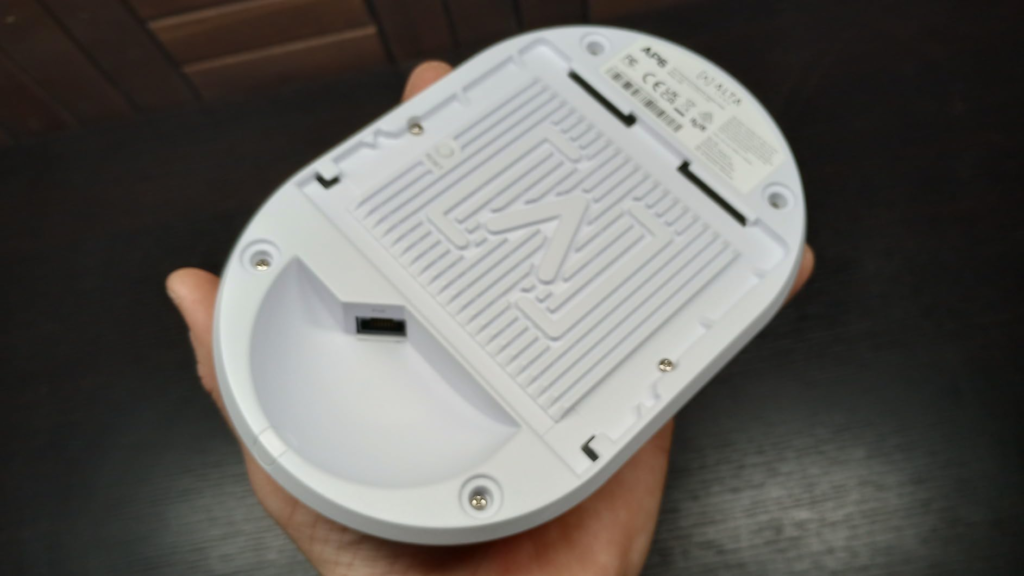
And there is a second mechanism people miss: backhaul reality. The AP6 uses a single 1 GbE RJ45 port. That means even if wireless conditions look generous, your wired uplink places a hard ceiling on how much real-world traffic can come back into the rest of the network. I have seen this misunderstanding show up repeatedly in Alta discussions, especially from buyers who expected multi-gig behavior from a product class that does not offer it. The product can still feel excellent in daily use, but the architectural limit is real.
That is why a network can feel broken even when nothing is technically “down.” The visible symptom is speed. The hidden mechanism is mismatch between expectation, placement, roaming behavior, and uplink ceiling.
The Threshold Where the Outcome Quietly Breaks
Here is the threshold I would use:
The AP6 becomes interesting the moment your network problem stops being “I need more bars” and starts being “I need cleaner behavior across rooms, devices, and routines.”
That threshold is not poetic. It is mechanical.
Below is the practical snapshot that matters most.
| Spec area | What the AP6 actually gives you |
|---|---|
| WiFi class | Dual-band Wi-Fi 6 |
| Radio design | 2×2 on 2.4 GHz, 2×2 on 5 GHz |
| Rated throughput | Up to 573 Mbps on 2.4 GHz, up to 2.4 Gbps on 5 GHz |
| Combined capacity | 3.0 Gbps |
| Ethernet uplink | 1 x GbE RJ45 |
| Power | PoE+ |
| Power draw | 20W max, 5–12W typical |
| Client scale | 300+ concurrent clients |
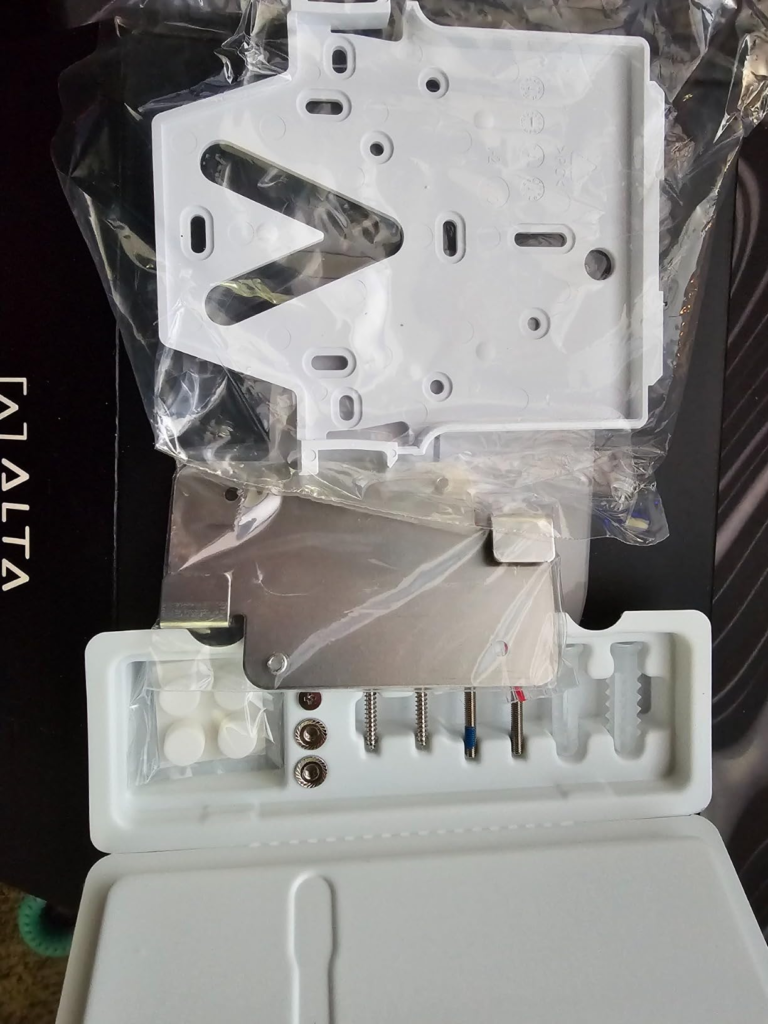
| Mounting | Wall, ceiling, drop ceiling, table top |
| Physical size | 190 x 125 x 32 mm |
| Roaming | 802.11r/k/v |
| Extras | Mesh, hotspot, DPI filtering, AltaPass, VLANs, guest isolation |
Now the uncomfortable part.
If your private fantasy is “one premium-looking AP will magically behave like a multi-gig, high-density, 4×4 monster,” this is the wrong threshold. The AP6 is not a cheat code. It is a disciplined middle-tier access point with unusually polished control logic and a far more expensive look than its raw radio class would suggest.
Why Most Buyers Misread This Too Early
Because they compare categories badly.
They see “3 Gbps.” They see sleek industrial design. They see enterprise language. Then they mentally place it in a ring with products that solve a different problem. That is where the judgment goes crooked.
A useful comparison is not “Can this beat every louder AP on the market?” The useful comparison is:
- Does it clean up everyday friction better than a consumer router left to suffer alone?
- Does it give you access-point discipline without pushing you into licensing fatigue or bloated complexity?
- Does it solve the kind of WiFi annoyance you actually live with?
That is why the no-license angle matters more than it first appears. Alta’s cloud management has no recurring license fee, and the platform also supports cloud, hardware, and self-hosted controller options. That shifts the ownership feel of the product. It is not just a hardware purchase. It is a way to avoid the slow drip of management friction later.
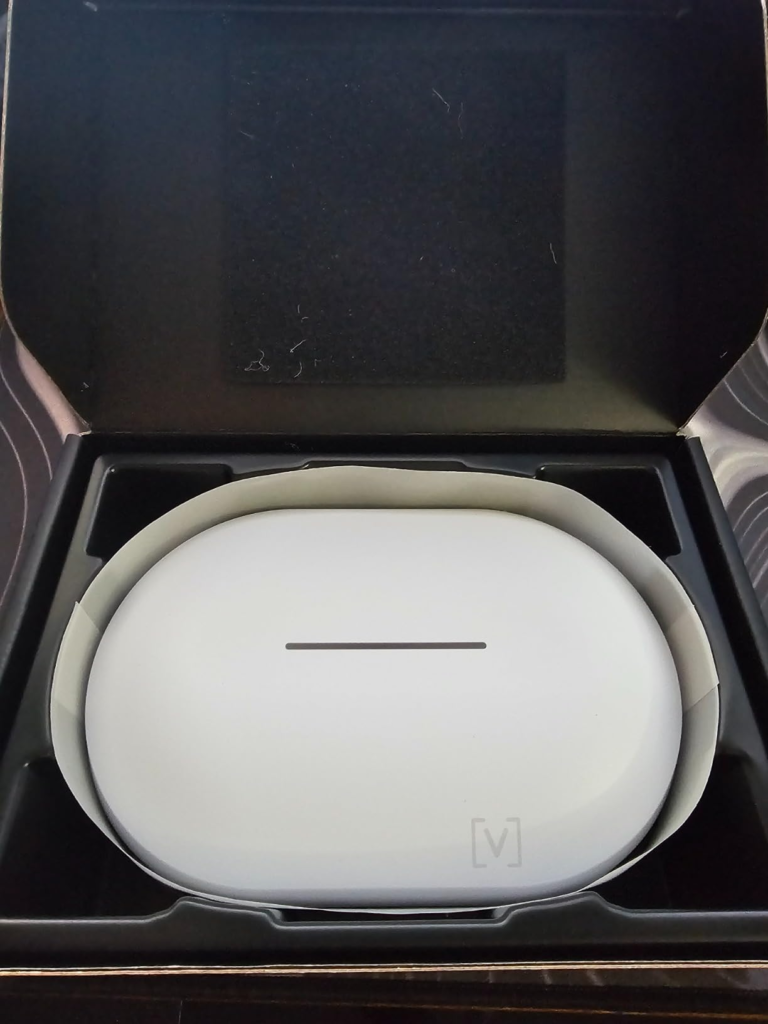
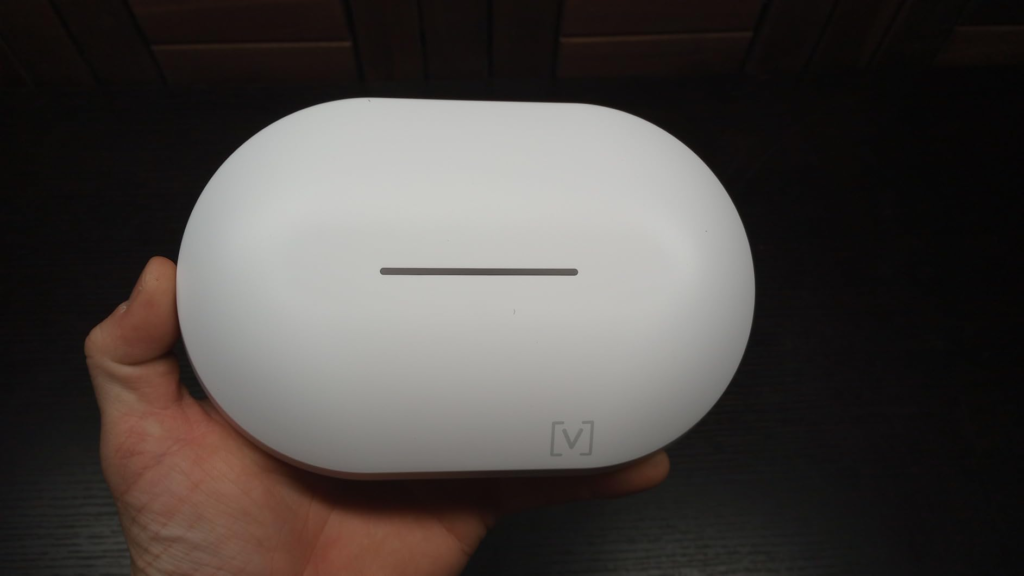
There is also a design trap here. The AP6 looks clean enough that some buyers may treat it like décor first and infrastructure second. I understand the impulse. At 7.5 by 4.9 by 1.25 inches, in white, with a compact low-profile shell, it can disappear far more gracefully than the bulky flying-saucer look many access points still drag around. Mounted flat on a white ceiling or high on a wall, it changes the room in a subtle way: less gadget, more built-in system. It makes the space look intentional. But pretty hardware does not repeal radio physics. Placement still decides whether elegance becomes performance or just expensive wallpaper.
Who Is Actually Inside This Problem
I would place you inside the real fit for the AP6 if three things are true.
First, your pain is behavioral. You are tired of the weird little interruptions that never look catastrophic enough to justify a full network rethink, but happen often enough to poison trust.
Second, your space is not asking for absurd RF muscle. It is asking for a cleaner layout: one or more properly placed APs, PoE power, better roaming, better segmentation, and a dashboard that does not make every change feel like surgery.
Third, you care about how the hardware lives in the room. This sounds superficial until you install enough networking gear to learn the opposite. The AP6 is one of those products that can sit in a visible interior without making the ceiling look like a utility closet. Review coverage and official materials alike repeatedly emphasize the compact form factor, the cleaner aesthetic, and the fast onboarding/management experience.
This is especially logical for:
| Good fit profile | Why it fits |
|---|---|
| Smart-home heavy homes | Many low-drama devices benefit more from consistency than from showy peak speeds |
| Renovated homes with Ethernet runs | PoE+ and proper ceiling/wall placement let the AP6 act like infrastructure, not a compromise |
| Small offices / studios / retail | Segmentation, guest isolation, and easier multi-site style management matter |
| Buyers tired of subscription creep | Alta’s no-license cloud model reduces long-term annoyance |
| People upgrading from “good enough” router WiFi | The jump is often less about raw speed and more about behavioral stability |
The emotional signature of this buyer is not greed for specs. It is boredom with workaround living.
Where Wrong-Fit Begins
Wrong fit starts where expectation becomes theatrical.
If you want maximum wireless bragging rights, multi-gig uplink headroom, or the broadest possible performance reserve for dense, high-throughput client loads, the AP6 is not the cleanest answer. Alta itself positions the AP6 Pro above it with 6.3 Gbps combined throughput, 4×4 on 5 GHz, 4096 QAM, and stronger 5 GHz hardware. Independent review coverage of the AP6/AP6 Pro split echoes that difference clearly. So if your actual requirement is closer to “I want more ceiling, not more order,” then the AP6 is the near-fit that can become future regret.
Wrong fit also starts if you are secretly solving for router features, firewall depth, or next-level edge controls and hoping the AP purchase will soothe that frustration. Some user feedback has been positive about Alta access points while being notably cooler about the Route10 router’s maturity and feature completeness. That separation is useful. It keeps the AP6 from wearing promises it did not make.
And one more thing: if you believe a single AP should dominate a difficult layout from a lazy placement position, you are buying fantasy, not networking. One well-placed AP beats one badly placed “stronger” AP more often than shoppers like to admit.
The One Situation Where This Product Becomes Logical
Here it is.
The Alta Labs AP6 becomes a logical buy when your home or small business no longer needs “more WiFi” in the abstract, but needs a calm, mounted, managed access point that cleans up roaming, segmentation, and day-to-day trust without dragging you into license fees or oversized hardware.
That is the one situation.
Not everyone is inside it. But if you are, the AP6 reads differently. The 2×2 radio design stops looking like a weakness and starts looking like discipline. The 1 GbE uplink stops looking like an insult and starts looking like a clue about the intended deployment. The polished management layer, AltaPass behavior, DPI filtering, guest controls, and no-reboot config changes stop being “nice extras” and become the reason the product exists.
This is also where the room itself changes.
Mounted on a central hallway ceiling, just outside the visual centerline of the home, the AP6 looks less like an appliance and more like part of the architecture. In a studio, office, reception area, or clean residential ceiling plane, it adds a quiet kind of seriousness. Not flashy. Not industrial. Just resolved. And that matters more than people admit, because infrastructure you are proud to mount properly is infrastructure you are less likely to compromise.
If this is the condition you are actually dealing with, this is the logical next step: [Link to the Alta Labs AP6 product page].
What It Solves, What It Reduces, and What It Still Leaves to You
What it solves:
It gives you a proper Wi-Fi 6 access point with PoE+, roaming support, mesh, VLANs, guest isolation, hotspot options, and a management stack designed to be used, not feared.
What it reduces:
- Random daily friction.
- SSID clutter, thanks to AltaPass-style password-based separation.
- Controller cost anxiety, thanks to the no-license cloud model.
- The visual ugliness that makes many access points feel like temporary compromises.
What it still leaves to you:
- Proper placement.
- Honest expectations about 2×2 radio behavior and 1 GbE uplink limits.
- A decision about whether your environment needs AP6 discipline or AP6 Pro headroom.
- The maturity tradeoff of the wider Alta ecosystem, which several users have praised in the AP layer while scrutinizing more heavily elsewhere.
And because buyer sentiment matters, I would not ignore the split visible on Amazon either. The AP6 sits at 4.3/5 from 39 ratings, with a heavily positive distribution but not universal praise. That profile usually signals something specific: a product that genuinely works for the right buyer, yet irritates the wrong one when expectations were mis-set before purchase.
Final Compression
If your network is merely slow, the AP6 is not automatically the answer.
If your network is unstable in a quiet, hard-to-name way — room drift, sticky roaming, smart-home hesitation, ugly workarounds, SSID clutter, too much dependence on a single all-in-one router — the Alta Labs AP6 starts to make a great deal of sense.
That is the whole decision compressed.
Buy it because you have crossed the threshold where behavior matters more than spectacle. Skip it if you are still shopping by headline speeds alone. And do not delay the correction once you know which side you are on, because the real cost of bad WiFi is not one big failure. It is the hundred small concessions that slowly train you to live around it.
Transparency Note:
This analysis is built on aggregated real-world experience.
It extracts what repeatedly holds, what breaks, and what users uncover only after living with the system—then shapes it into a clear model you can use immediately.
Think of it as structured experience, refined and presented so you don’t have to learn it the hard way.
“A quick note: Don’t believe the star ratings, but trust personal experience. This article is a compilation of collected experiences”