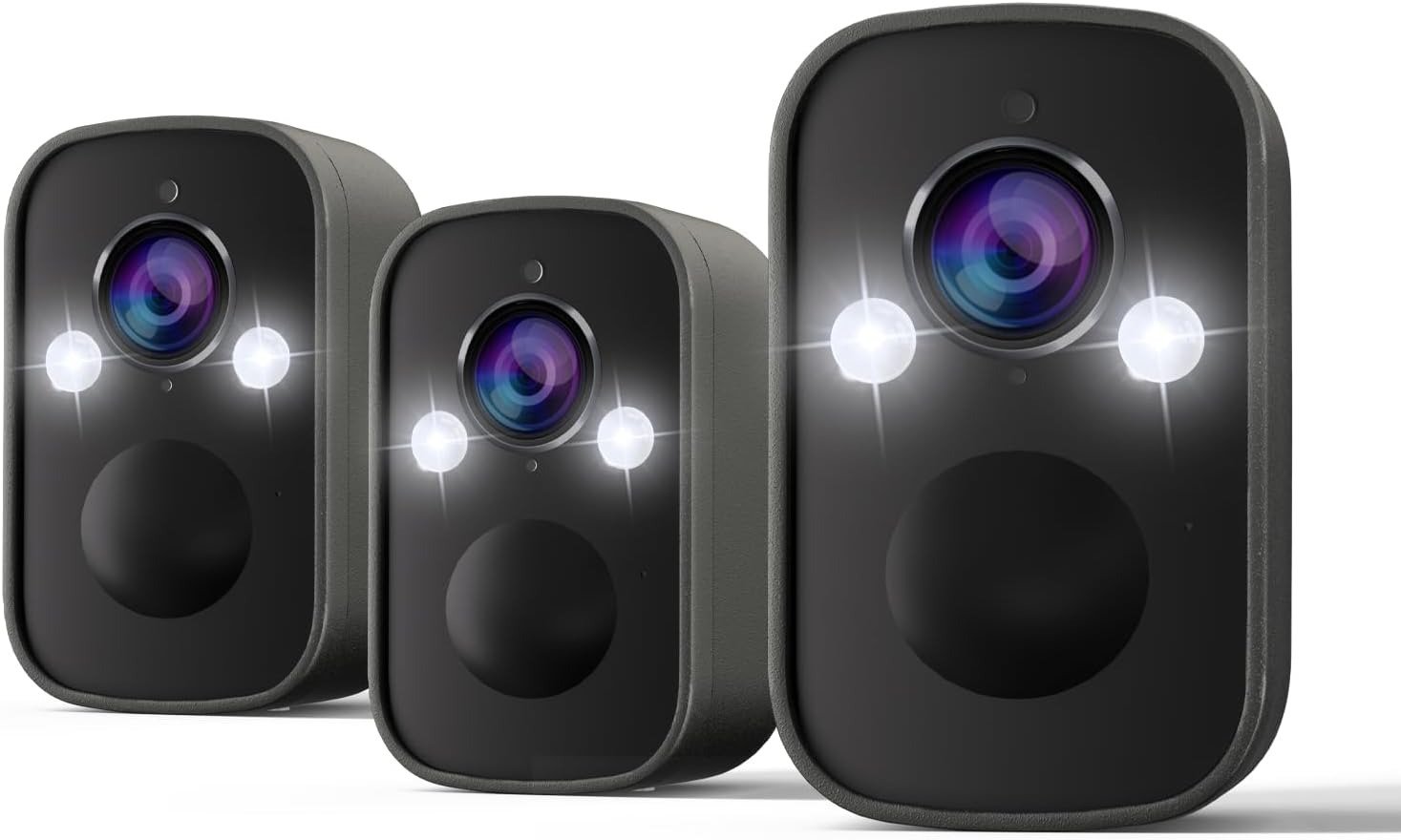
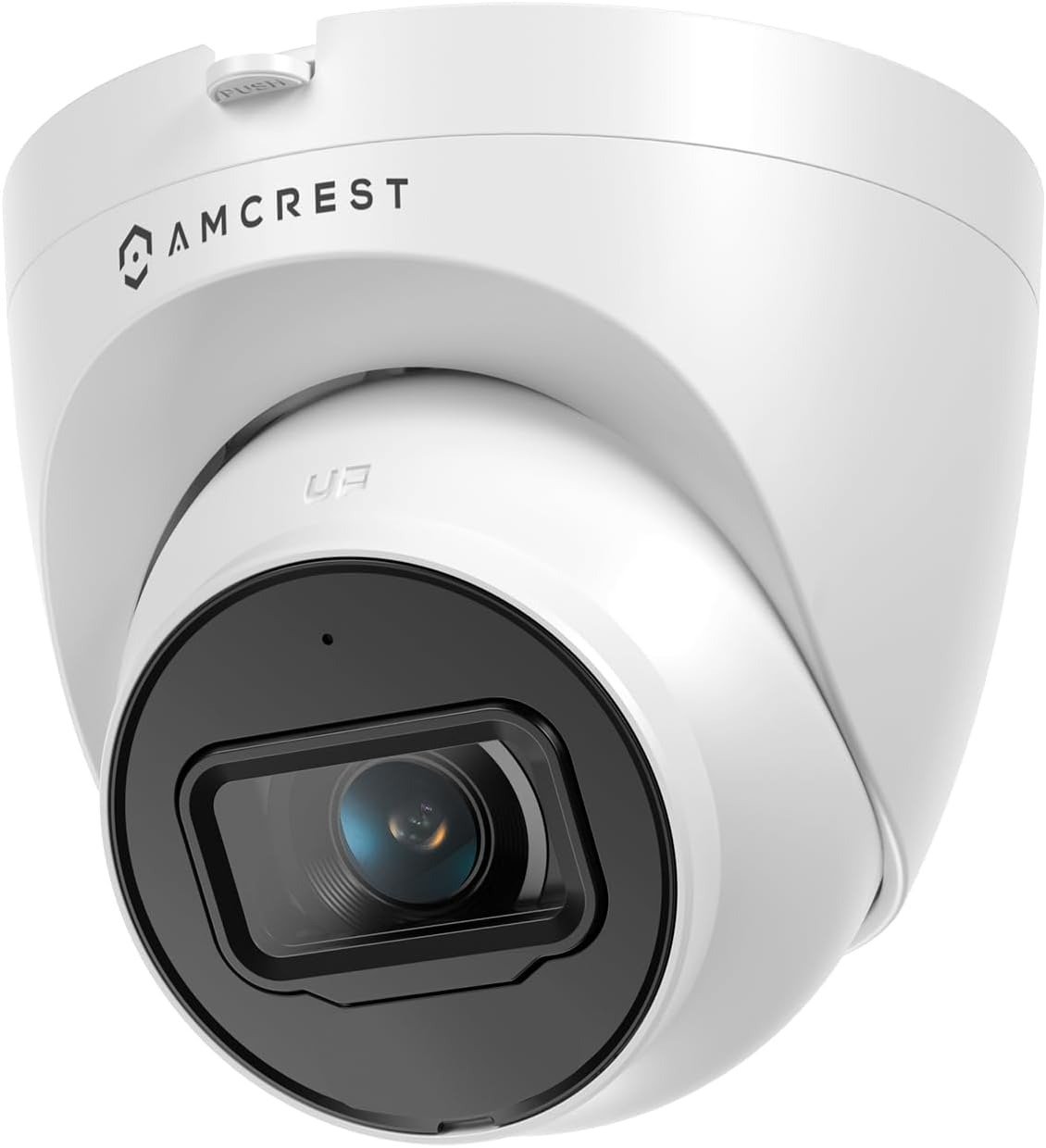
TAPO MAGCAM 2K+ REVIEW: WHY A 300-DAY BATTERY STILL RUNS OUT EARLY

TAPO MAGCAM 2K+
Tapo MagCam 2K+ Footage Quality: The Result Looks Fine. The Problem Isn’t.
You open the app. The thumbnail is sharp. Colors look right, the porch is lit, nothing seems off. Then you go looking for the one clip that actually mattered — the one from 6:40 this morning — and it’s either not there, or it starts a beat too late to show you anything useful.
That’s not a fluke. This camera, like most battery-powered outdoor cameras in its price range, doesn’t record continuously. It only saves a clip once it detects motion. The picture quality was never the problem. The gap between “something happened” and “the camera decided to start caring” is the part nobody puts in the product photos.
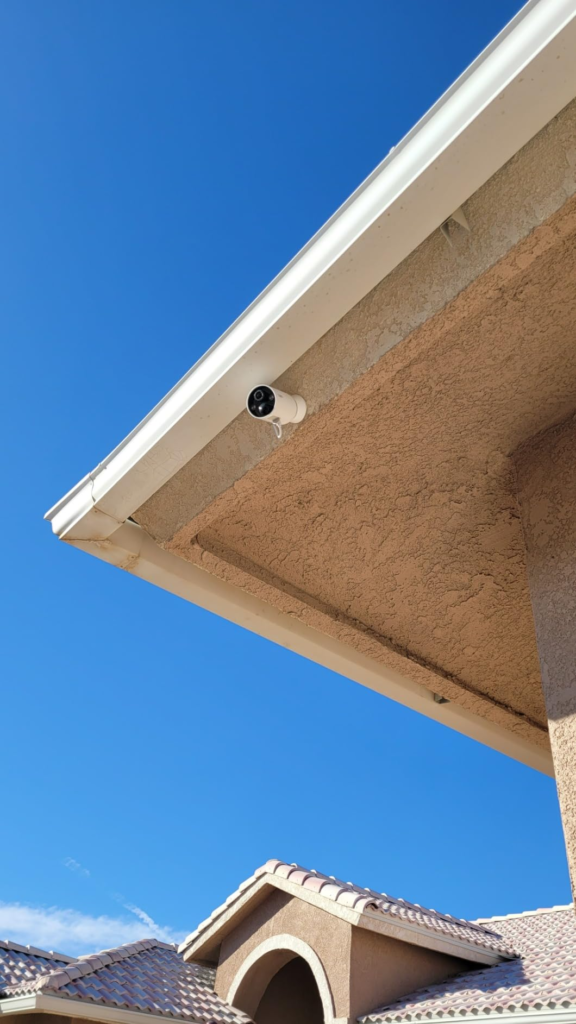
Tapo MagCam 2K+ Notifications: What You’re Actually Feeling but Not Naming
It’s not that the alerts are wrong, exactly. It’s that you’ve started ignoring your own phone. A ping used to mean something. Now it’s just noise you’ve learned to swipe away, which means the one night it’s not noise, you swipe away that too.
Reviewers who’ve spent real time with this camera describe the same friction in different words — the app can lag, and there isn’t always enough control over which alerts actually reach you, with some owners noting the app “needs some work, slow to react at times” and wanting “more granularity over what alerts” they receive. That’s not a dealbreaker. It’s the actual, specific thing worth naming before you assume the hardware is at fault.
Tapo MagCam Battery Life: The Hidden Mechanism Behind the Miss
Here’s the part that explains almost everything else: the “up to 300 days” figure is based on Tapo’s own lab testing at roughly 250 seconds of use per day — recording plus live viewing combined. That’s a quiet camera in a quiet spot.
Point it at a kitchen window, a windy porch, or a driveway with a tree branch that won’t sit still, and the math changes fast. On TP-Link’s own community forum, one owner reported the battery lasting “just under 2 weeks” in a high-traffic kitchen area, and another logged a 12% drop in three days with 10–15 notifications a day — a pace that burns through a full charge in under a month, not ten.
The 300-day number isn’t false. It’s a lab number, not a location number. Where you put this camera decides which one you get.
At a Glance: Tapo MagCam 2K+ Specs
| Spec | What It Actually Means |
|---|---|
| 2K QHD resolution | 1.7x the pixels of 1080p — enough to make out faces and plates in good light |
| 142° field of view | Wide, but this specific 2K+ configuration is spec’d narrower than the standard C425’s 150° |
| 10,000mAh battery | Up to 300 days rated; real-world range is closer to 2 weeks–several months depending on motion volume |
| Storage | MicroSD up to 512GB (sold separately), or optional Tapo Care cloud |
| Cloud subscription | Starts at $3.49/month or $34.99/year, with tiers going up for extended history and AI search |
| Weatherproofing | IP66 — rain, dust, and temperature swings |
| Wi-Fi | 2.4GHz only — this model isn’t on the short list of 5GHz-capable Tapo cameras |
| Voice control | Works with Alexa and Google Assistant (Google limited to Chromecast/Nest display) |
| Typical price | Roughly $70–$90 for a single unit, depending on sales |
Tapo MagCam Placement and Wi-Fi: The Threshold Where Coverage Quietly Breaks
A wide lens doesn’t mean no blind spots — it means fewer of them, positioned differently than you’d guess. 142° covers a lot of a driveway from one post; it does not cover a driveway and a side gate from that same post.
The other threshold is quieter and catches more people off guard: most Tapo cameras, this one included, connect on 2.4GHz only. If your router broadcasts one merged “smart connect” network across both bands, setup can stall entirely, and the symptom often gets misread as a defective unit rather than a band mismatch. That’s likely what’s behind the not-uncommon complaint of a camera that “goes offline at least once a day” until someone manually power-cycles it — the fix usually lives in the router, not the camera.
Tapo MagCam vs Wired Cameras: Why Most Buyers Misread This Too Early
The comparison most people make is a spec sheet next to a spec sheet — resolution number here, field-of-view number there, battery-day number on top. On that sheet, a 4K wired camera always wins.
But a spec sheet doesn’t ask what your install site is actually like. Wired means drilling, a nearby outlet, and a fixed spot forever. Magnetic and battery-powered means you can move it, take it in for winter, or bring it when you move out. The real question was never “which number is bigger.” It’s “which set of trade-offs matches the wall you’re actually mounting this on.”
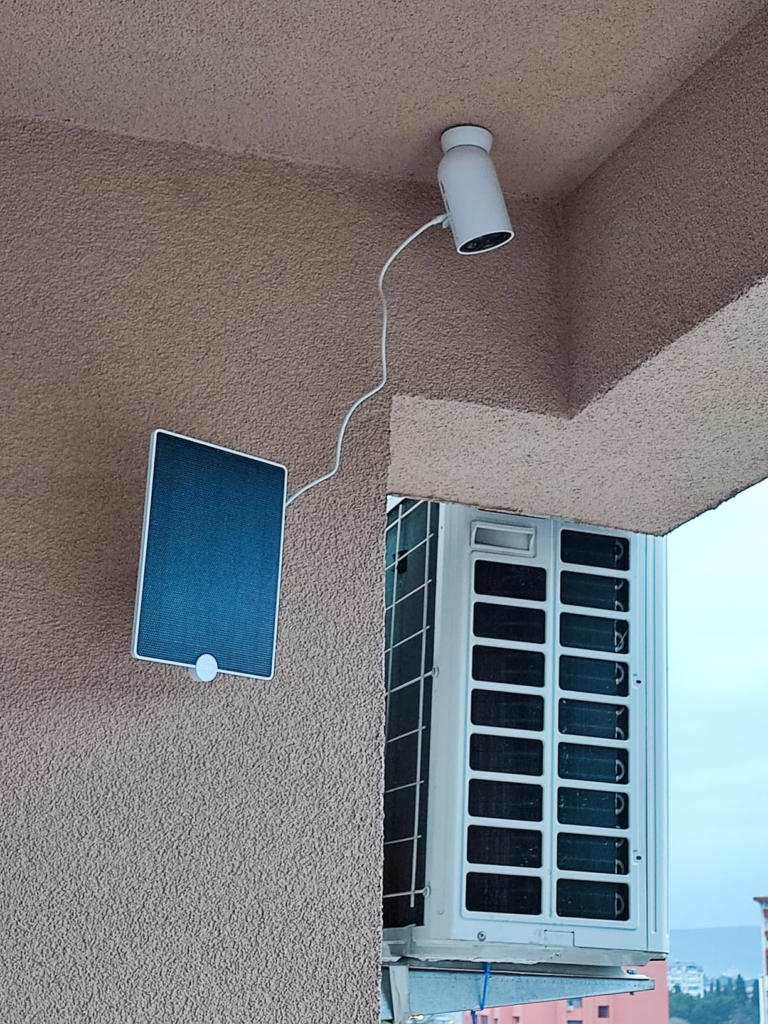
Who Actually Needs the Tapo MagCam 2K+
This tends to make sense for renters who can’t drill into siding, for anyone without an outdoor outlet near the spot they want covered, and for people who’d rather reposition a camera by hand than call an installer. It also fits anyone who’s decided a subscription-free local setup matters more than a live 24/7 feed of everything.
Tapo MagCam 2K+ Drawbacks: Where Wrong-Fit Begins
Is This Camera Right for You?
| A Good Fit If You… | Reconsider If You… |
|---|---|
| Have no easy access to outdoor power | Need true 24/7 continuous recording (this is event-triggered only) |
| Want to avoid drilling beyond a small mounting plate | Have a router that’s 5GHz-only or merged-band and don’t want to adjust settings |
| Mount it somewhere only you can reach | Mount it somewhere strangers can reach — the same magnet that makes install easy also lets anyone simply lift the camera off its base |
| Monitor a low-to-moderate traffic area | Point it at constant motion (busy kitchen, main road, wind-heavy porch) and expect the 300-day number literally |
| Don’t want a mandatory subscription | Want facial recognition and long cloud history without paying for the higher Tapo Care tier |
The One Situation Where the Tapo MagCam 2K+ Becomes the Logical Pick
If the spot you’re covering is exposed to weather but not to strangers, has no outlet within reach, and you’re fine trading a live 24/7 feed for triggered clips you can store yourself — this is where the trade-offs stop working against you and start working for you. Not because it’s the only camera that exists, but because the exact things that would bother someone else are the things you’ve already decided don’t matter to you.
Tapo MagCam 2K+: What It Solves, What It Reduces, and What Still Depends on You
| It Solves | It Reduces | It’s Still On You |
|---|---|---|
| No outlet, no wiring, no drilling for the camera itself | False alerts, since AI detection tells people, pets, and vehicles apart for free | Where you mount it — motion volume decides your real battery life |
| Ongoing fees, if you stick with local SD storage | Setup friction for anyone without electrical experience | Your router’s band settings, before first pairing |
| Fixed camera placement — it moves when your needs do | Nighttime blindness, via color night vision | Physical accessibility, if theft of the unit itself is a concern |
Tapo MagCam 2K+ Review FAQ: Quick Answers Before You Decide
| Question | Answer |
|---|---|
| Does it really last 300 days on one charge? | Only under Tapo’s lab conditions (~250 seconds of use per day). Busier locations can drop that to weeks, not months. |
| Do I need a subscription for AI detection? | No — person, pet, and vehicle detection is free. Tapo Care (from $3.49/month) only adds cloud storage and extras like facial search. |
| Can it record 24/7? | No. It only records when it detects activity — plan for that if you need continuous footage. |
| Will it work with any Wi-Fi router? | It needs a 2.4GHz network. Mesh or single-SSID routers may need a quick settings change first. |
| Is the magnetic mount secure? | It’s secure against wind and weather, not against someone reaching up and pulling the camera off — mount accordingly. |
| How much SD card do I need? | A 32GB card has been reported to hold several weeks of footage for a single average-traffic camera. |
| Does it work with smart home systems? | Yes, Alexa and Google Assistant, though Google-side viewing is limited to Chromecast and Nest displays. |
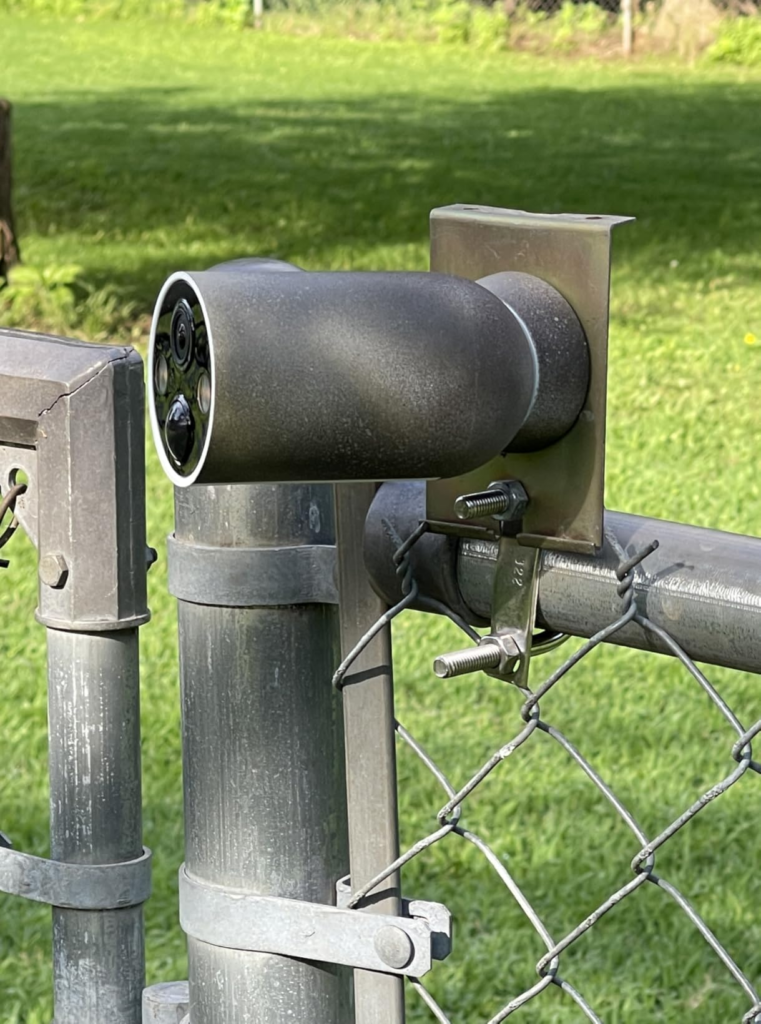
Tapo MagCam 2K+ Review: Final Compression
Strip away the marketing number and what’s left is a camera that’s honest about its trade-offs once you know where to look: wire-free and subscription-free by design, with a battery life that depends entirely on where you point it, and a mount that trades physical security for the fastest install on the market.
If your spot is quiet enough for that battery math to hold, and out of reach of anyone but you, the decision isn’t really vague anymore.
Transparency Note:
This analysis is built on aggregated real-world experience. It extracts what repeatedly holds, what breaks, and what users uncover only after living with the system—then shapes it into a clear model you can use immediately. Think of it as structured experience, refined and presented so you don’t have to learn it the hard way.
“A quick note: Don’t believe the star ratings, but trust personal experience. This article is a compilation of collected experiences.”