Ember Smart Mug 2 Review: Why a $150 Mug Still Lets Coffee Go Cold
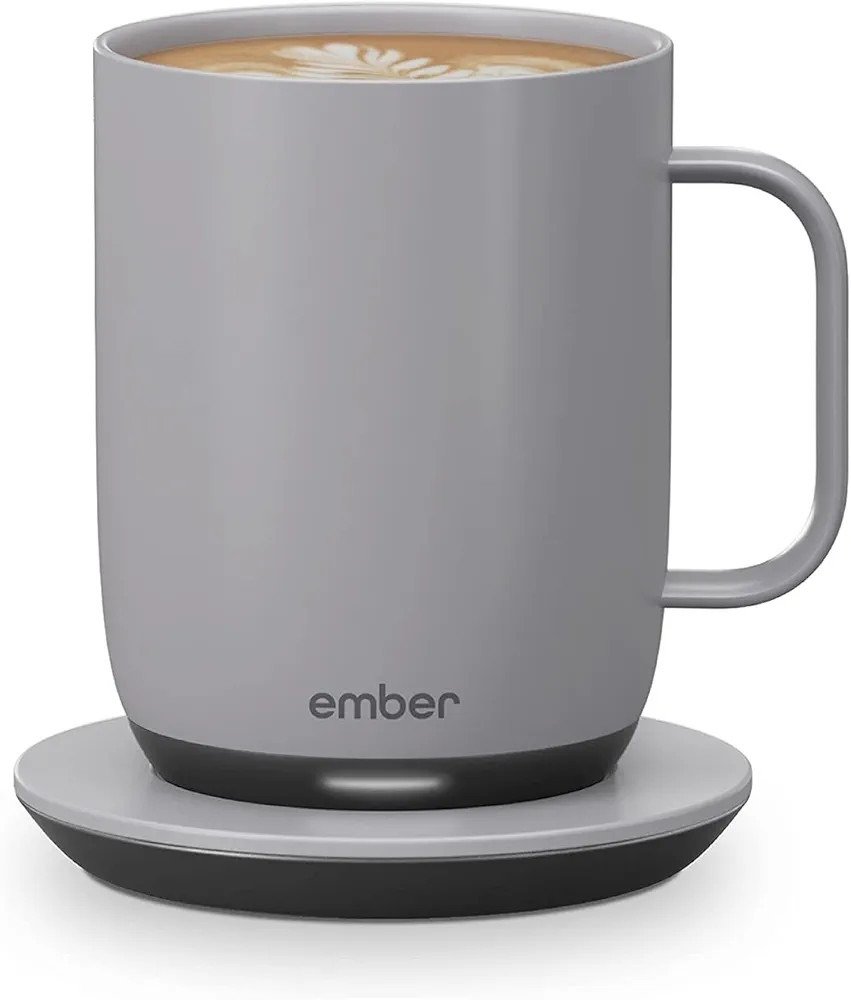
EMBERT SMART MUG 2
I poured my coffee at 6:40, set the mug down next to my laptop, and didn’t think about it again until 8:10 — one call ran long, then another started. When I finally picked it up, it was cold. Not “Ember hasn’t kicked in yet” cold. Actually cold, the way a $9 mug from the cabinet goes cold. For something that cost more than my first phone plan, that shouldn’t have felt like a surprise. But it did, because nothing in the marketing prepares you for the moment the battery actually runs out.
That gap — between what people assume this mug does and what it’s actually built to do — is the whole story of owning one. Here’s what nobody puts on the box, and exactly who should still buy it anyway.
The “Perfect Temperature” Promise: Where the Ember Mug 2 Actually Falls Short
The Ember Smart Mug 2 doesn’t fail loudly. No crack, no leak, no error message. It fails quietly, by running out of stored heat while you’re not looking at it. The promise — an exact temperature, every sip — is real. What most reviews leave out is the fine print: that promise only holds while there’s charge left in it, and off the coaster, that charge is finite.
The number is 80 minutes, measured from full, at the common 135°F setting. Not “all day.” Not “as long as you need.” Eighty minutes. After that, it’s just a mug — a nice-looking one, but a mug.
So why do so many buyers get blindsided by something that’s right there in the spec sheet? Because they’re not misreading the number. They’re misreading their own day.
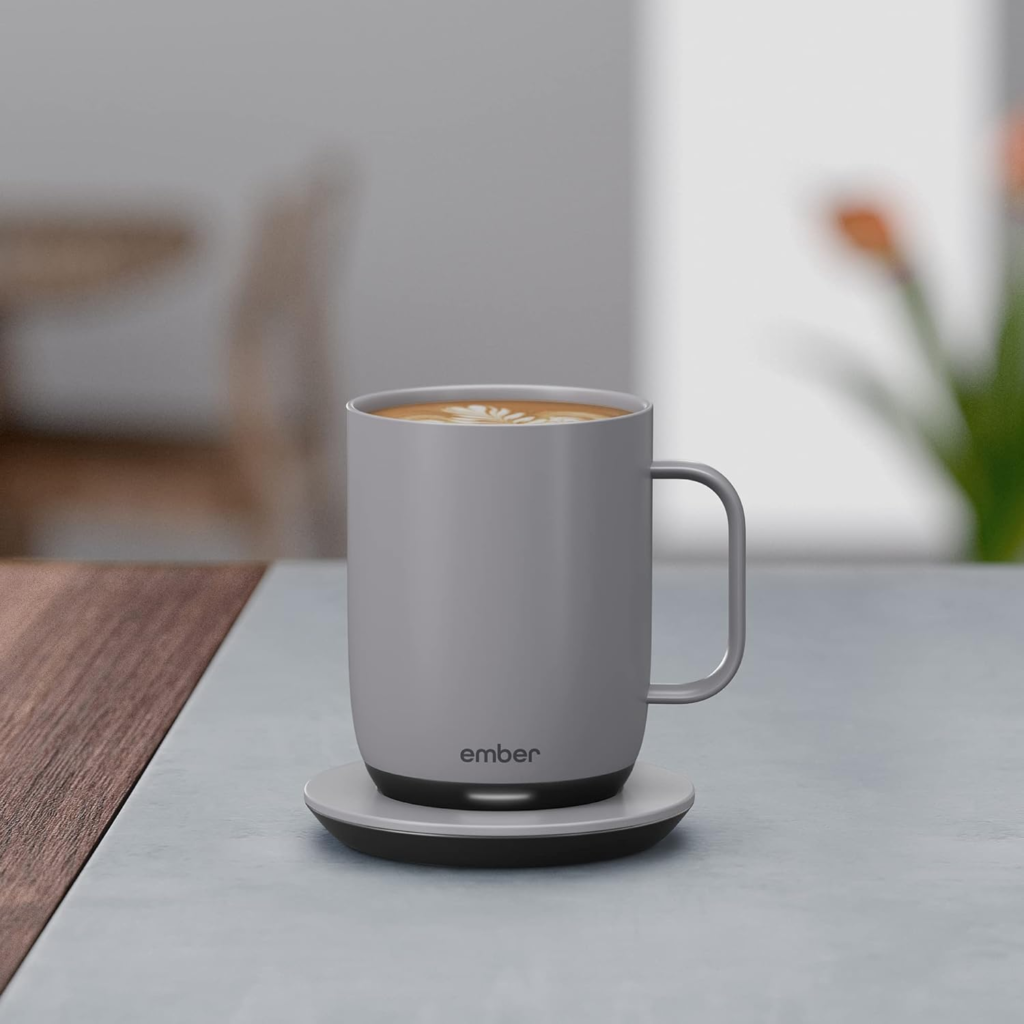
Ember Mug 2 Battery Life: What You’re Actually Feeling but Not Naming
If you’ve owned one a few weeks, you probably already know a feeling you haven’t put into words yet: a low-grade math you now do without meaning to. How far am I walking? How long is this meeting? Do I bring the mug or leave it behind? That’s not you being fussy — that’s the mug quietly asking you to manage it, the way you’d manage a phone battery, except a phone at least warns you loudly when it’s dying. The Ember mostly doesn’t. You find out by drinking it.
Here’s what the mug is actually working with:
| Spec | Ember Smart Mug 2 (14 oz) |
|---|---|
| Battery life off the coaster | Up to 80 minutes at 135°F |
| Temperature range | 120°F–145°F, adjustable in 1° steps |
| On the charging coaster | Holds heat all day; auto-sleeps after 2 hrs idle |
| Connectivity | Bluetooth + free iOS/Android app |
| Without the app | Defaults to 135°F, remembers your last setting |
| Water resistance | IPX7 — fully submersible to 1 meter |
| Cleaning | Hand wash only, not dishwasher safe |
| Microwave safe | No — never |
| List price | ~$150, frequently discounted to $97–$130 |
Because the mug auto-wakes when it senses hot liquid and auto-sleeps after two hours of stillness, there’s no button-press moment reminding you the clock has started. It just starts counting the second you pour.
The Charging Coaster Mechanism: The Hidden Reason Behind the Miss
Why does a $130+ gadget only get 80 minutes untethered? Because that’s the actual trade-off baked into the design. To stay hand-washable and fully submersible, the battery has to be small and sealed — there’s no room for a bigger cell without making the mug bulkier, and no way to make it swappable without breaking the waterproofing. The coaster isn’t really an accessory. It’s the battery. Off it, you’re spending a small, fixed budget of stored power.
That explains a habit that trips people up: pour in lukewarm coffee to “top it off,” and the sensor can read that as an empty mug rather than a low one, so it won’t fire the heater. It isn’t broken — it’s deciding based on temperature, not intention. A number of long-term owners in repair and owner forums also report standby drain running faster than expected, though this seems to vary meaningfully unit to unit rather than being universal.
One practical fix that long-term owners consistently mention: pour your coffee hotter to begin with. Since the mug spends less battery pulling a hot pour up to your set point than a lukewarm one, starting hot can genuinely stretch your real-world runtime past the advertised 80 minutes.
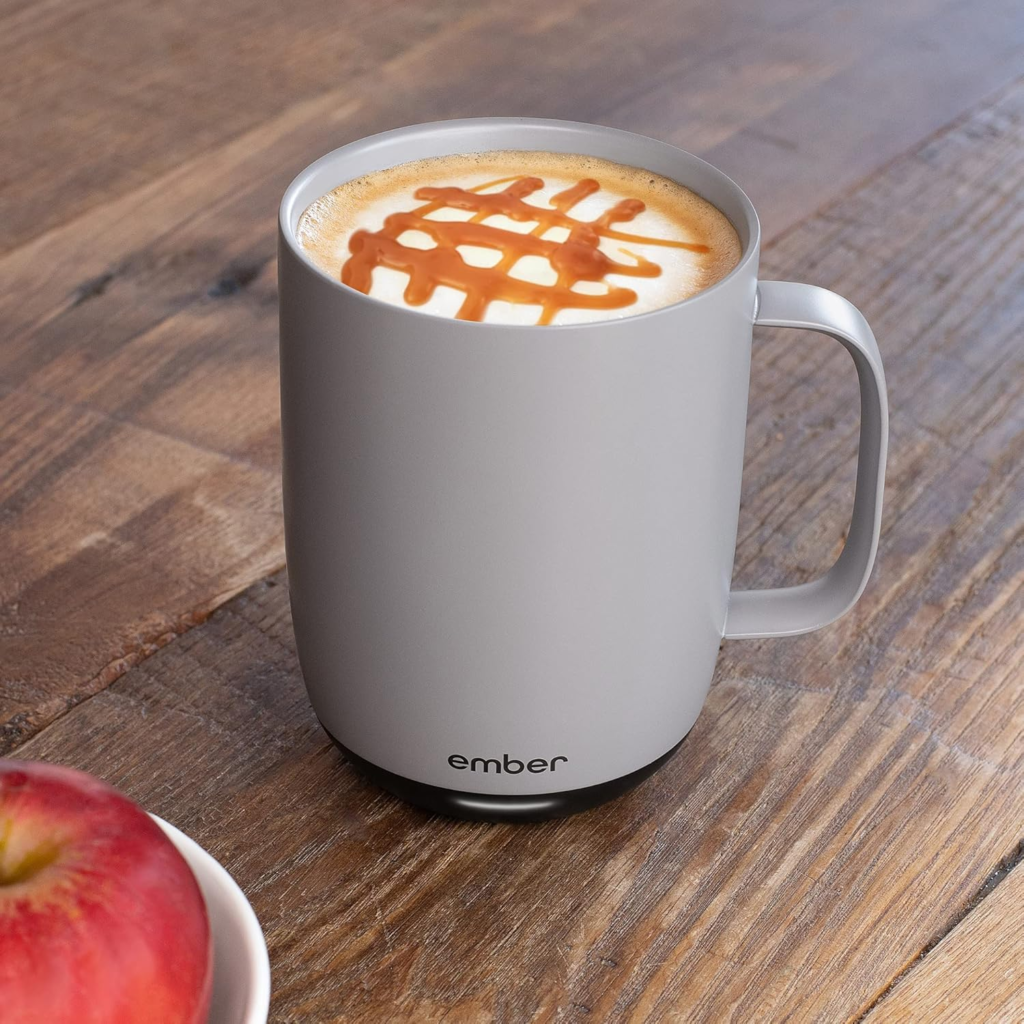
The 80-Minute Threshold: Where the “All-Day” Promise Runs Out
Eighty minutes sounds abstract until you put it next to an actual morning:
| Your Morning Scenario | Time Away From the Coaster | Inside the 80-Minute Window? |
|---|---|---|
| Coffee at your desk, sipped slowly | 20–40 min | Yes, comfortably |
| Back-to-back meetings, mug left behind | 60–90 min | Borderline to no |
| WFH day, mug stays on the coaster | All day | Yes — the coaster does the work |
| Commute + office, mug in a bag | 90+ min | No |
| Chasing kids around the house | Variable, often 90+ min | Usually no |
Notice the pattern — the mug isn’t inconsistent. Your day is. The 10 oz version pushes closer to 90 minutes, mostly because it’s heating less liquid off a similarly sized cell. The optional sipping lid stretches the 14 oz version closer to 160 minutes by cutting heat loss — worth knowing if your real problem is time away from your desk, not precision.

Ember Mug 2 vs. Cheaper Warmers: Why Most Buyers Compare This Wrong
The comparison most people make — “why pay $150 when a $15 warming plate does the same thing” — is comparing two different problems. A warming plate only holds temperature while the mug never leaves it; walk away and it’s exactly as useless as no mug at all. An insulated tumbler slows cooling but can’t hold a fixed number — your coffee is still drifting down the whole time, just more slowly, with no way to dial in a specific degree.
The comparison that actually matters is against Ember’s real rival, the NextMug: roughly two-thirds the price, no app, and three fixed presets instead of 26 possible degrees.
| Ember Smart Mug 2 | NextMug (closest rival) | Basic Warming Plate | |
|---|---|---|---|
| Temperature control | Precise, 120–145°F via app | 3 fixed presets, physical button | No real set point — just “warm” |
| Works away from the base | Yes, up to 80 min | Yes, roughly 40–84 min by setting | No — must stay on the plate |
| App required | Yes, for full control | No | No |
| Typical price | ~$130–150 | ~$100 | ~$15–25 |
| Long-term repairability | Sealed battery, not user-replaceable | Similar limitation | No battery to fail |
If what you want is “warm enough, easily,” the NextMug is the more rational buy. If what you want is a specific number held precisely, that’s the one thing the cheaper options don’t do.
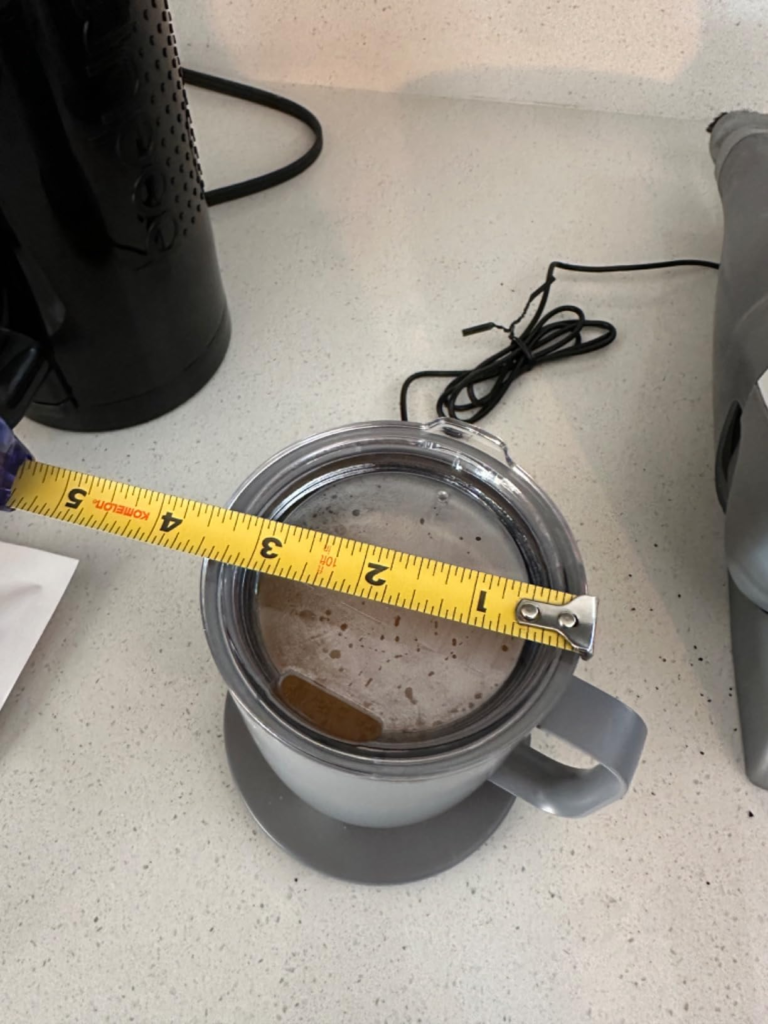
Who the Ember Mug 2 Is Actually Built For
The person this earns its price with is specific — and it isn’t “coffee lover” in general; plenty of coffee lovers would find this pointless. It’s the slow sipper: the one still working through the same cup 40 minutes later, at a desk that’s basically the mug’s permanent address. It’s the person who already reheats the same cup in the microwave two or three times some mornings and resents it a little every time. It’s the gift for the relative who has genuinely already bought themselves everything else. If your relationship with coffee is “drink it in ten minutes, refill,” none of this is for you — you were never the customer.
Ember Mug 2 Complaints and Who Should Skip It
| You’re a Good Fit If… | You’re Not a Good Fit If… |
|---|---|
| You sip one drink slowly over 30–90 minutes | You finish a drink in under 15 minutes |
| Your mug rarely leaves your desk | You’re moving around most of the day |
| You care about an exact degree, not just “warm” | “Warm enough” already works fine for you |
| You’re buying it as a gift for a coffee obsessive | You want zero-maintenance, dishwasher-safe gear |
| You accept a roughly 2-year battery lifespan as a fair trade | You expect a decade of use with no maintenance |
A few things worth being direct about. Skip it if you’re away from a charging base most of your day — a warehouse floor, a hospital unit, a long commute, a house where you’re chasing kids room to room. Eighty minutes evaporates fast under that kind of movement.
Skip it if you want zero-maintenance kitchenware. It’s hand wash only, and while it’s IPX7-rated and fine to fully submerge, it is never going in a dishwasher — and never, under any circumstance, in a microwave. That last one isn’t a style preference; the electronics inside make it a genuine safety issue, and there are documented cases of people destroying the mug this way out of habit.
Be realistic if you’re on Android. Multiple long-term owners describe Bluetooth reconnection as the app’s weakest point — clean on first setup, fussier after. In practice this matters less than it sounds, since most owners set their temperature once and rarely reopen the app again, but it’s better to know going in than to discover it annoyed.
And be honest with yourself about the multi-year picture. The battery is sealed and not user-replaceable by design, and a consistent pattern shows up across long-term owners in repair communities and owner forums: strong runtime for the first year or two, then a noticeable drop, sometimes down to 10–20 minutes by year two or three. Ember’s own fix is a discounted replacement mug, not a battery swap. That’s not a defect in your specific unit — it’s a known cost of this category, and it belongs in your decision now, not as a surprise later.
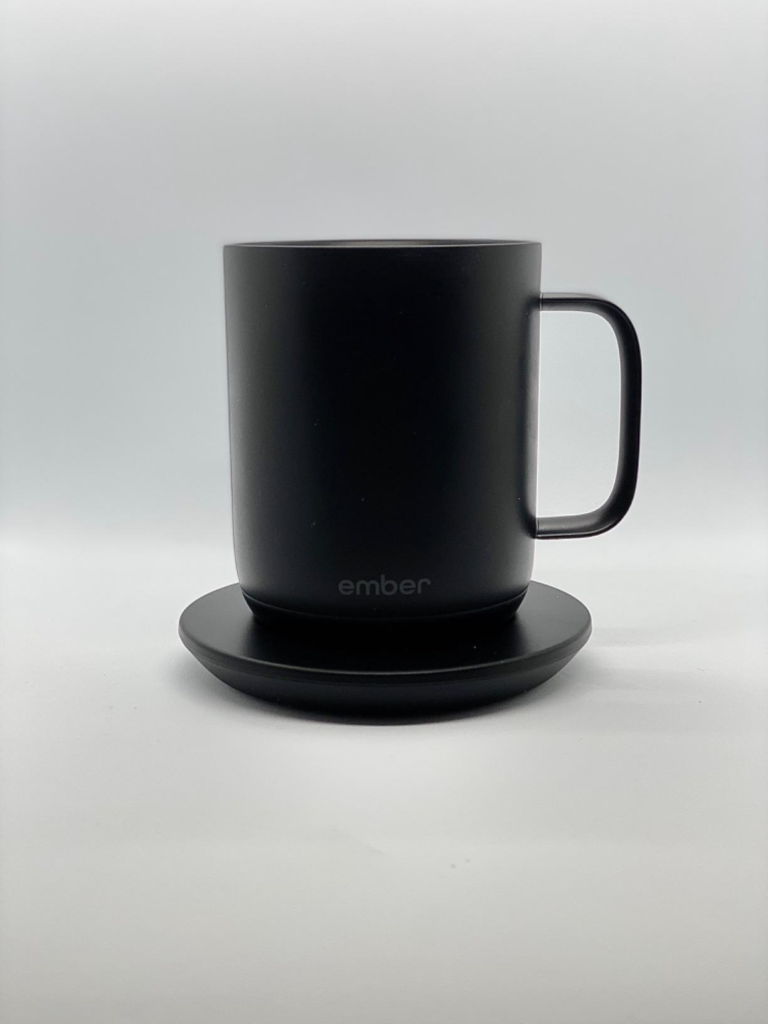
When the Ember Mug 2 Becomes the Logical Buy
Put those pieces together and the decision gets simpler than it looks. If your coffee genuinely spends most of its life within a few feet of a desk, if $97–150 (it rarely stays at full price long) is a comfortable “why not” rather than a stretch, and if you’re going in with the real 80-minute, roughly-two-year picture instead of the “magic all-day mug” version — this stops being an impulse buy and starts being a correctly matched one.
What It Solves, What It Reduces, and What’s Still Left to You
What it actually solves: for a desk-bound slow sipper, it removes the entire lukewarm-then-microwave cycle, for as long as the battery holds up. What it reduces, rather than solves: exposure when you’re away from your desk — it buys you roughly an hour and a half, not immunity. What’s still left to you: the hand-washing, remembering to set it back on the coaster, and accepting, calmly, that the battery you have today won’t be the one you have in three years.
Ember Mug 2 FAQ: The Questions People Actually Ask
| Question | Answer |
|---|---|
| Is the Ember Smart Mug 2 dishwasher safe? | No. Hand wash only — though it’s IPX7-rated and safe to fully submerge in water up to one meter. |
| Can I microwave the Ember Mug 2? | No, never. It has electronics and a battery built into the base. Microwaving it can destroy the mug and is a genuine safety risk. |
| Does it work without the app? | Yes. Unpaired, it defaults to 135°F and remembers your last used setting. You only need the app to change the temperature or customize presets. |
| How long does the battery actually last? | Up to 80 minutes off the coaster at 135°F for the 14 oz version, less at hotter settings — and indefinitely while it’s sitting on its charging coaster. |
| Can the battery be replaced when it wears down? | Not officially. Ember doesn’t offer a battery replacement service; their fix is a discounted replacement mug. A small repair community has documented DIY options, but Ember doesn’t support or design for this. |
| Ember Mug 2 or NextMug — which is the better buy? | Ember if you want precise, app-set temperature control. NextMug if you’d rather pay less, skip the app, and use simple presets. |
| Is the Ember Smart Mug 2 actually worth the price? | If you’re a slow sipper who stays near a desk most of the day, yes — it fixes a real daily annoyance. If you finish drinks quickly or move around a lot, you’re paying for precision you won’t use. |
Final Verdict: Is the Ember Smart Mug 2 Worth It?
Strip away the marketing and the complaints, and what’s left is fairly simple: a mug that does one thing extremely well — hold an exact temperature — for exactly as long as its battery allows, and for about as many years as a sealed lithium cell tends to last. That’s not a flaw hiding in fine print. It’s just the actual shape of the product, and it fits some mornings far better than others.
If your mornings are the desk-bound, slow-sip kind, this is where the decision stops being vague:
Transparency Note:
This analysis is built on aggregated real-world experience. It extracts what repeatedly holds, what breaks, and what users uncover only after living with the system—then shapes it into a clear model you can use immediately. Think of it as structured experience, refined and presented so you don’t have to learn it the hard way. “A quick note: Don’t believe the star ratings, but trust personal experience. This article is a compilation of collected experiences”