TCL D2 Pro Review: The Palm-Scan Lock’s One Quiet Catch
TCL D2 PRO
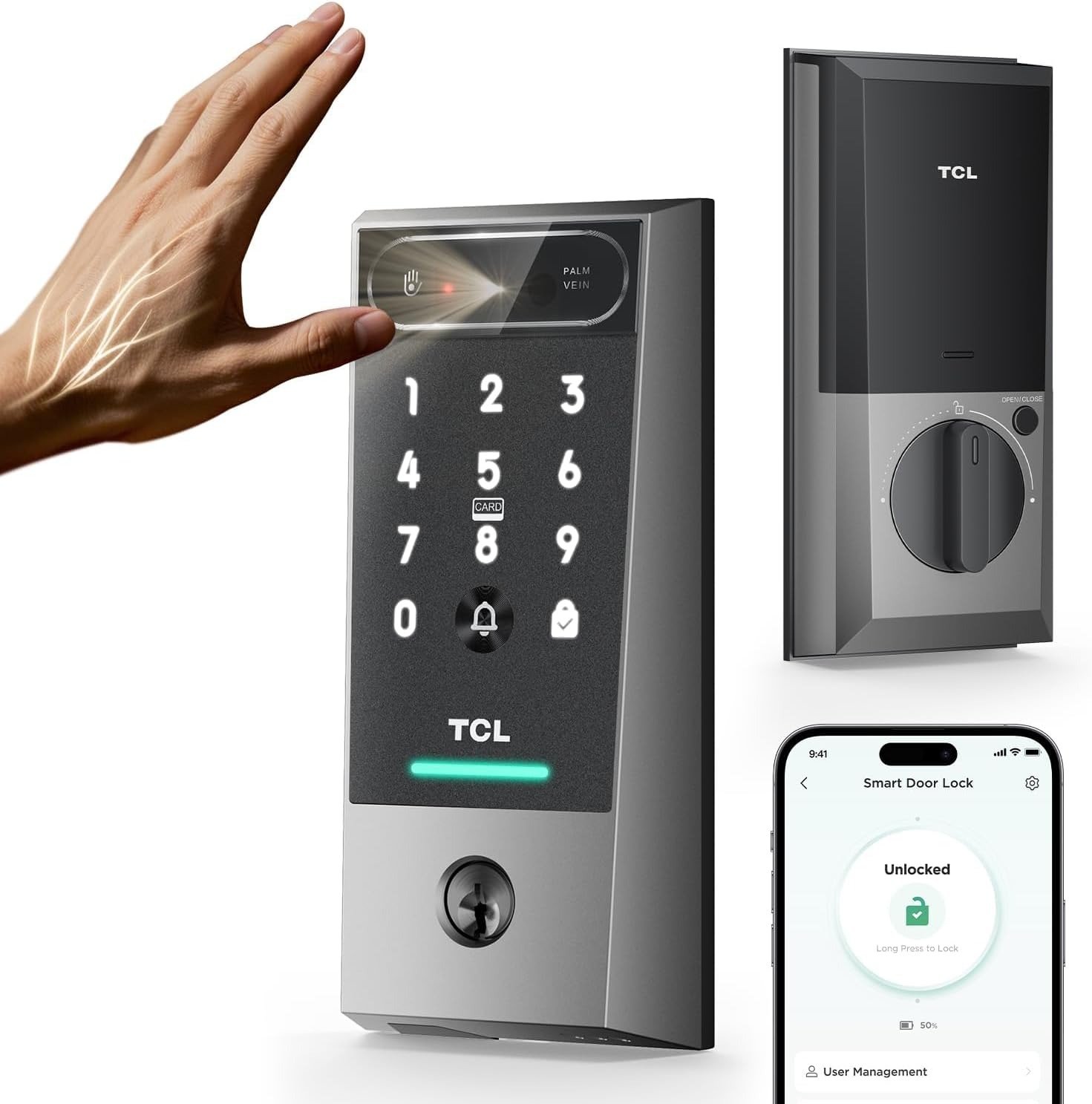
Rain on your neck, a bag of groceries cutting into one wrist, a kid tugging the other, and somewhere at the bottom of everything, keys you can feel but can’t quite grab. That’s the entire reason a lock like this exists. Raise your palm, and the door opens before you’ve finished shifting your weight — TCL’s own spec sheet says roughly a third of a second, and every independent tester who’s actually stood at a door with this thing came back with the same number. TCL’s top of-the-line smart lock promises 99.9% accuracy and an incredibly fast 0.3 second unlock time.
On that narrow claim, the TCL D2 Pro isn’t exaggerating. But “the door opens fast” was never the real question. The real questions are the ones a five-star photo carousel doesn’t answer: what that “built-in doorbell” actually does; the built-in doorbell is loud enough to hear inside and sends phone notifications, but there’s no video or two-way communication like a dedicated smart doorbell provides; whose lab produced that accuracy number; TCL’s 99.9999% accuracy figure is based on TCL’s own laboratory data following its palm vein operation protocols; and which exact hardware generation you’re being shipped, since TCL quietly started selling two different versions of this lock within the same year. TCL had not published ANSI or BHMA certification for the original D2 Pro, while the newer CES 2026 model is certified BHMA Grade 3.
None of that makes it a bad lock. It makes it a lock worth reading past the bullet points for.
| At a Glance | TCL D2 Pro |
|---|---|
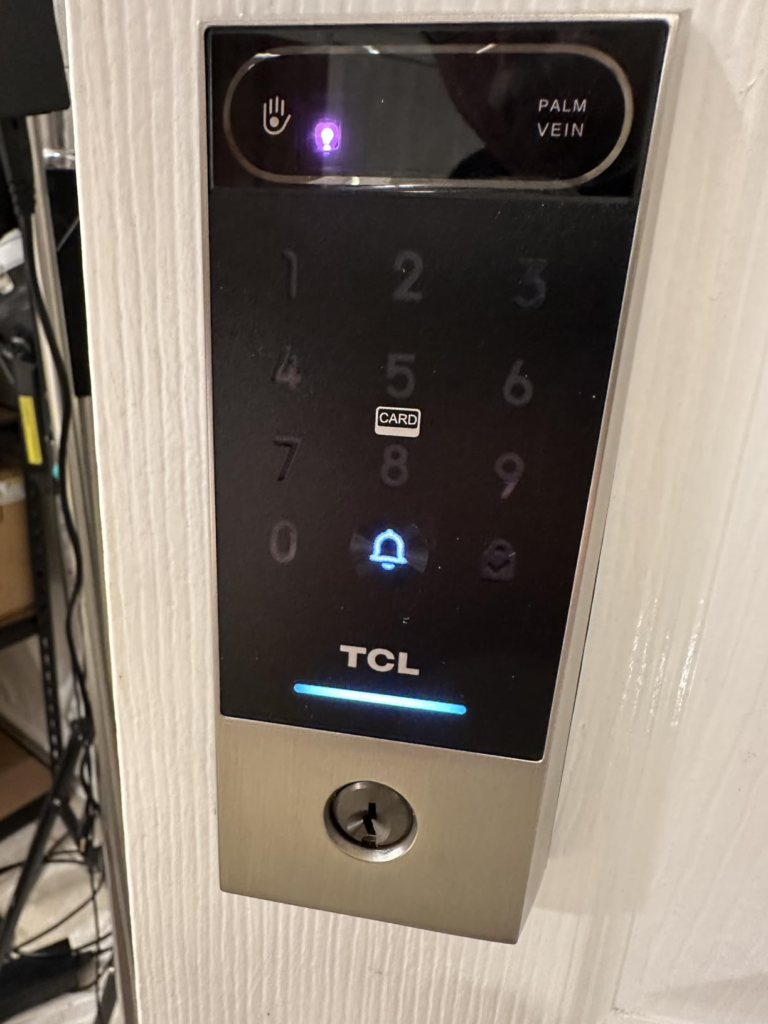
| Unlock methods | Palm vein, PIN keypad, app, NFC fob, physical key, voice (Alexa/Google) |
| Unlock speed | ~0.3 seconds |
| Battery | 10,000mAh, removable, USB-C rechargeable, rated up to 8 months |
| Build | Aluminum alloy, IP55, -13°F to 158°F |
| Doorbell | Chime + push alert only — no camera |
| Wi-Fi | 2.4GHz only |
| Price | ~$169.99 on Amazon; $189 list on TCL’s own site |
| Warranty | 1-year limited, defects only |
TCL D2 Pro Problems: The Result Looks Fine. The Problem Isn’t.
Watch a demo video and the story writes itself: wave, click, done. And in daily use, that part genuinely holds up — testers have unlocked it soaking wet, hand shoved inside a sandwich bag, one even holding a to-go coffee, and it still read them. The D2 Pro had no problem identifying a hand dunked in water or covered with a clear plastic sandwich bag.
So where’s the actual friction? Not in the palm scan. It’s in the three things the listing photo can’t show you: a doorbell that isn’t a camera, a security number graded by the company that sells it, and a lock that comes in two meaningfully different versions depending on when it left the warehouse. That last one matters more than it sounds — the newer version carries Matter support and an actual published security grade that the original doesn’t. TCL had not published ANSI or BHMA certifications for its earlier lock, but its new model is certified BHMA Grade 3. Nothing about the outside of the box tells you which one is in it.
TCL Smart Lock Setup Frustration: What You’re Actually Feeling but Not Naming
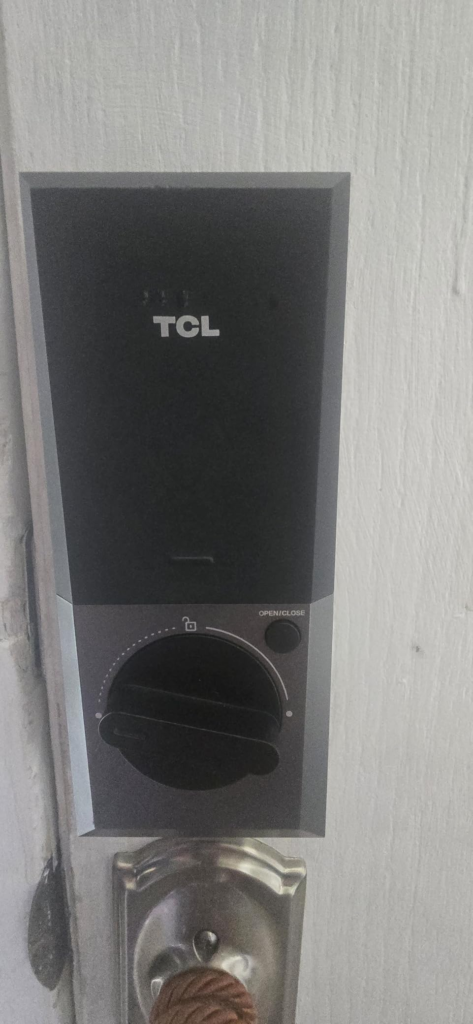
Why do so many first-week reviews of this lock mention the app before they mention the palm scanner? Because that’s where the friction actually lives. Two separate outlets, testing separate units, months apart, hit the identical wall: the app kept demanding firmware updates before palm registration would reliably stick. The app prompted repeatedly to update the smart lock’s firmware, and palm registration appeared to fail during that window. The lock required four incremental firmware upgrades before it was ready to use. Neither reviewer’s lock was actually broken. The app just made them think it was, for a good twenty minutes.
Then there’s the daily annoyance nobody photographs for a listing: opening the app to change a setting means typing your PIN again, every single time, with no Face ID shortcut offered. The app requires typing in a PIN code every time you want to access lock settings, with no Face ID or Touch ID support. And the privacy pitch — “your data never leaves the lock” — is one you’re asked to take on faith, since there’s no independent way to confirm it. TCL says palm data stays on the lock and isn’t uploaded, though there’s no way to verify that independently. None of this is a scandal. It’s just the gap between the pitch and the paperwork.
TCL D2 Pro Palm Vein Recognition: The Hidden Mechanism Behind the Miss
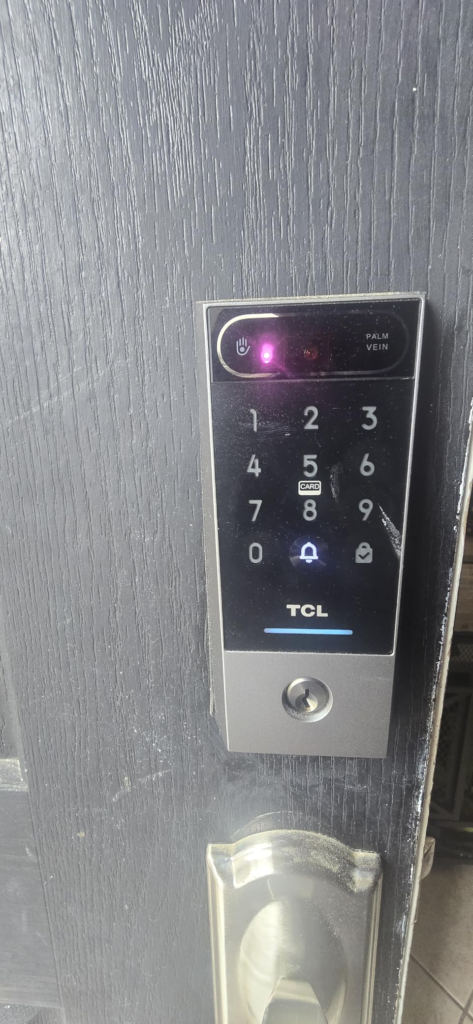
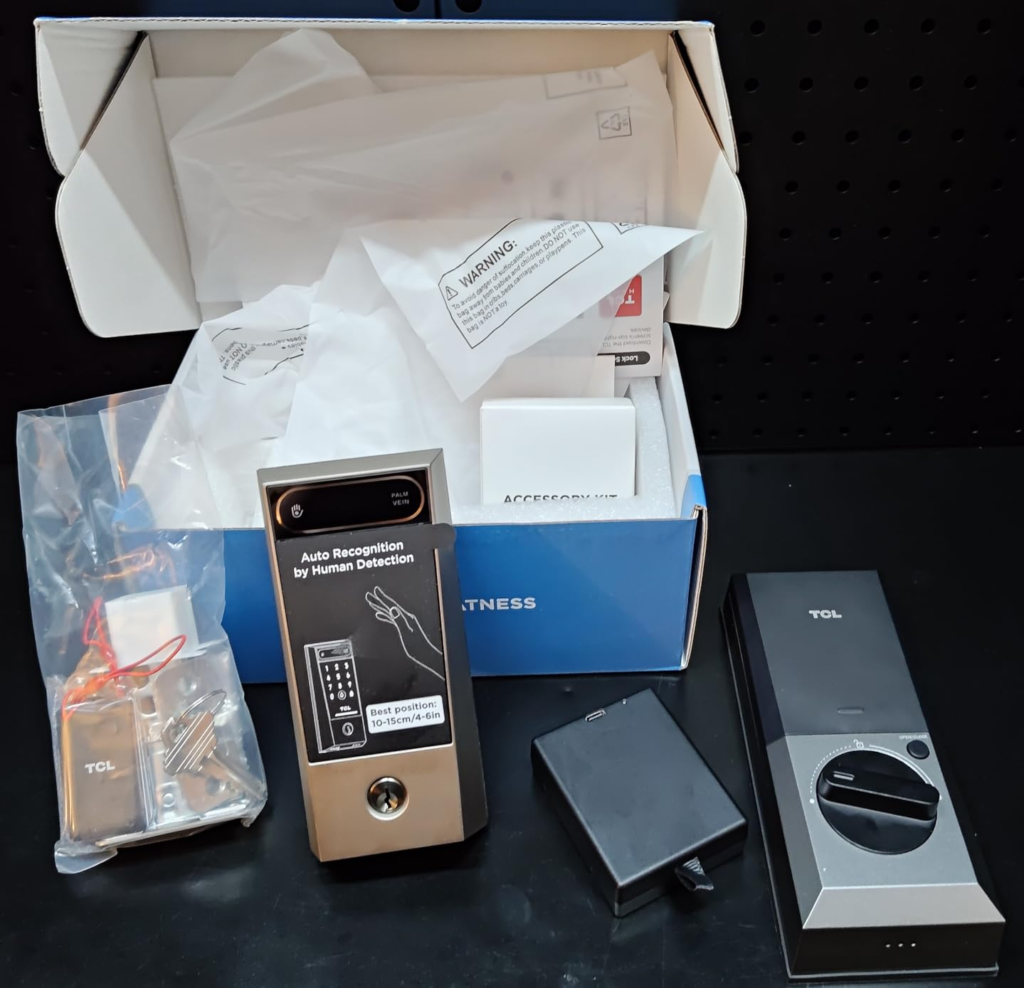
Here’s the part worth actually understanding, because it explains almost every “it didn’t work” story you’ll find. The scanner fires near-infrared light into your palm at roughly the 760–820 nanometer range; that light passes a few millimeters into your skin, and the deoxygenated blood in your veins absorbs it while everything around it reflects back. The scanner emits near-infrared rays in the 760-820 nm range that penetrate the skin up to about 5mm and are selectively absorbed by deoxygenated hemoglobin in the veins. A camera captures that shadow-map of veins, and software checks it against what’s stored — and only against a living hand, since blood has to actually be moving through it. The lock features liveness detection, meaning it only works with living hands, so a stored pattern can’t be used against a photo, mask, or a hand that isn’t alive.
This isn’t a gimmick TCL invented. Banks in Japan have trusted the same underlying principle since 2004, when Bank of Tokyo-Mitsubishi became the first major institution to put palm-vein authentication on its ATMs. Japanese financial institutions, starting with the Bank of Tokyo-Mitsubishi, adopted palm vein technology for confirming customer identity beginning in 2004, built on research Fujitsu had been refining since 2000. Twenty years of hospitals, banks, and government buildings running on this exact idea. PalmSecure has been implemented across banks, corporations, condominiums, universities, schools, municipalities, and libraries worldwide — TCL’s real achievement is fitting it into a $170 deadbolt, not inventing it.
So why do misreads happen at all? Almost always positioning, not technology. The sweet spot is 4 to 6 inches from the sensor, held for close to a full second — a wave is too fast. There’s a slight learning curve to positioning your hand, which needs to be between 4 and 6 inches in front of the scanner, and the one tester who logged actual misreads over a month traced every one back to distance or a too-quick wave, not the sensor itself. A misread happened only a couple of times in a month of use, primarily due to hand distance or holding the hand up for too short a period. The real limits are the ones any biometric shares: a glove or a genuinely dirty palm still blocks it.
TCL D2 Pro Battery Life: The Threshold Where the Outcome Quietly Breaks
Everything above works because the lock has power. Here’s the moment nobody puts in the headline: that 10,000mAh battery is removable and charges over USB-C. The lock runs on a rechargeable 10,000mAh battery that charges over USB-C, and while it’s out getting topped up, the smart side of your door goes quiet. TCL rates it for up to 8 months per charge. The rechargeable battery keeps you secure for up to 8 months — though a couple of outlets were told to expect closer to 10. The rechargeable 10,000mAh battery is replaceable and can last around 10 months between charges — but recharging itself takes a couple of hours, and during that window your door runs on backups only. Recharging takes time, which means the door will be offline for a while; in an emergency you can power the lock temporarily with a USB-C power bank or use the physical key.
That’s the actual threshold this lock lives or dies by — not whether the palm scanner works, but whether you’ve planned for the few hours a year it can’t. The backups exist: a 20%-charge warning before it happens. The app sends low-battery alerts at 20%, an emergency USB-C port for a portable charger, and two physical keys in the box. One reviewer who’s tested a lot of these pointed out the irony directly — the physical key, the one backup everyone assumes is the safe fallback, is also the least secure way into your own house. A pair of physical keys are included, though a reviewer noted they’d have preferred no physical key option since it’s the least secure part of the system. TCL has also said it’ll sell spare battery packs separately, so charging never has to mean waiting.
TCL D2 Pro vs Other Smart Locks: Why Most Buyers Misread This Too Early
Why do so many people compare this lock on price alone and call it a day? Because the spec sheet makes it look like a straight upgrade over anything without palm recognition — cheaper than a Yale, cheaper than a Schlage, biometric where they aren’t. That comparison isn’t wrong, exactly. It’s just incomplete, and the missing piece is timing.
In January 2026, TCL announced an upgraded D2 Pro at CES: same palm-scanning core, but now with Matter support and an actual published BHMA Grade 3 certification. The upgraded TCL D2 Pro features improved palm vein recognition and, with Matter over Thread support, integrates seamlessly across Apple Home, Google Home, and Amazon Alexa, targeted for store shelves in Q2 2026. If the listing you’re looking at doesn’t mention Matter, Apple Home, or a BHMA grade, you’re very likely looking at the earlier version — the one this review is built around. That’s not a dealbreaker. It’s just a fact worth confirming with the seller before you buy, especially if Apple Home is part of your household.
| How It Stacks Up | Unlock Method | Camera/Doorbell | Security Grade | Smart Home | Approx. Price |
|---|---|---|---|---|---|
| TCL D2 Pro (this listing) | Palm vein, PIN, app, fob, key, voice | Chime only | Not independently published | Alexa, Google Home | ~$170 |
| TCL D2 Pro (Matter, 2026) | Same, refined | Chime only | BHMA Grade 3 | + Apple Home | TBD |
| eufy FamiLock S3 Max | Palm vein, PIN, app, key | 2K camera + video doorbell | BHMA Grade 1 | Matter, Apple Home, Alexa, Google | ~$280–400 |
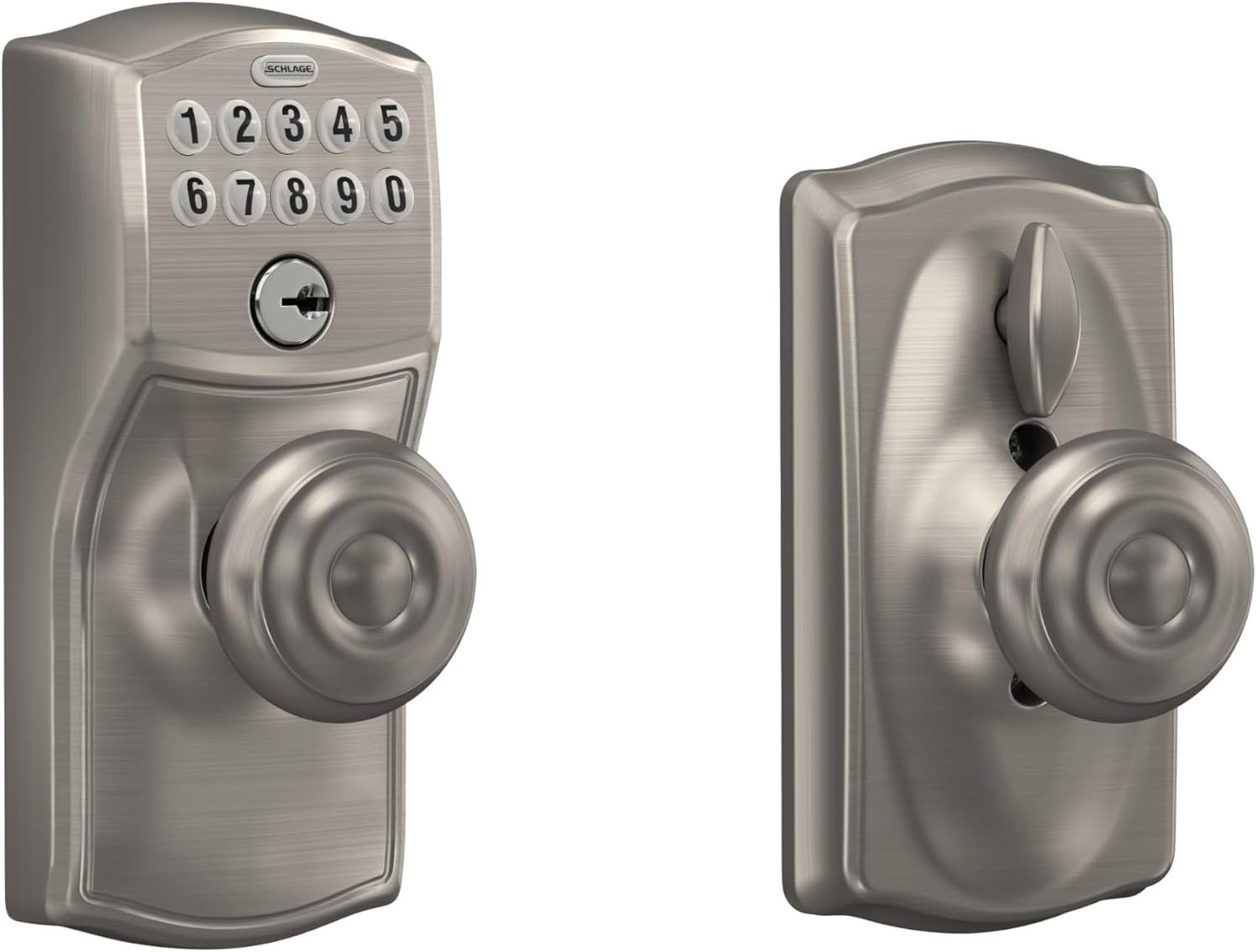
| Schlage Encode | Keypad, app, key | None | ANSI Grade 1 | Alexa, Google | ~$250 |
| August Wi-Fi Smart Lock | App, keypad add-on, key | None | Not graded | Alexa, Google, HomeKit | ~$250 |
| TCL D2 Plus (sibling) | Fingerprint, PIN, app, key | Chime only | Not published | Alexa, Google | ~$110–120 |
If palm scanning specifically isn’t the point for you and budget is, TCL’s own cheaper D2 Plus swaps in a fingerprint reader and disposable AA batteries for meaningfully less. The TCL D2 Plus swaps the palm vein scanner for AI-enhanced fingerprint recognition and relies on 8 disposable AA batteries with a 6-month lifespan — worth knowing before you pay extra for a feature you might not need.
Who Should Buy the TCL D2 Pro Smart Lock
This lock earns its keep in a specific kind of household. Families with young kids or older parents, whose fingerprints are either too small or too worn for a standard sensor to read reliably, are exactly who palm-vein tech was built for. The technology reads beneath the skin for a reliable match regardless of age, unlike fingerprints which can fade or be too small to register. So are parents who like the idea of a curfew alert if a teenager hasn’t come through the door by a set time. A Homecoming Reminder feature alerts the administrator if a user has not unlocked the door by a certain time.
It also suits anyone who’s decided, on principle, that their biometric data shouldn’t live on someone else’s server. There’s no cloud account required to make the core lock function work, and no monthly fee attached to any of it. All palm vein data is stored directly on the device, never uploaded to the cloud, with no subscription fees. If your hands are full more often than not — bags, a stroller, a leash — and you own your front door outright, this is a genuinely reasonable $170 solution to a problem you deal with every single day.
Who Should Skip the TCL D2 Pro: Where Wrong-Fit Begins
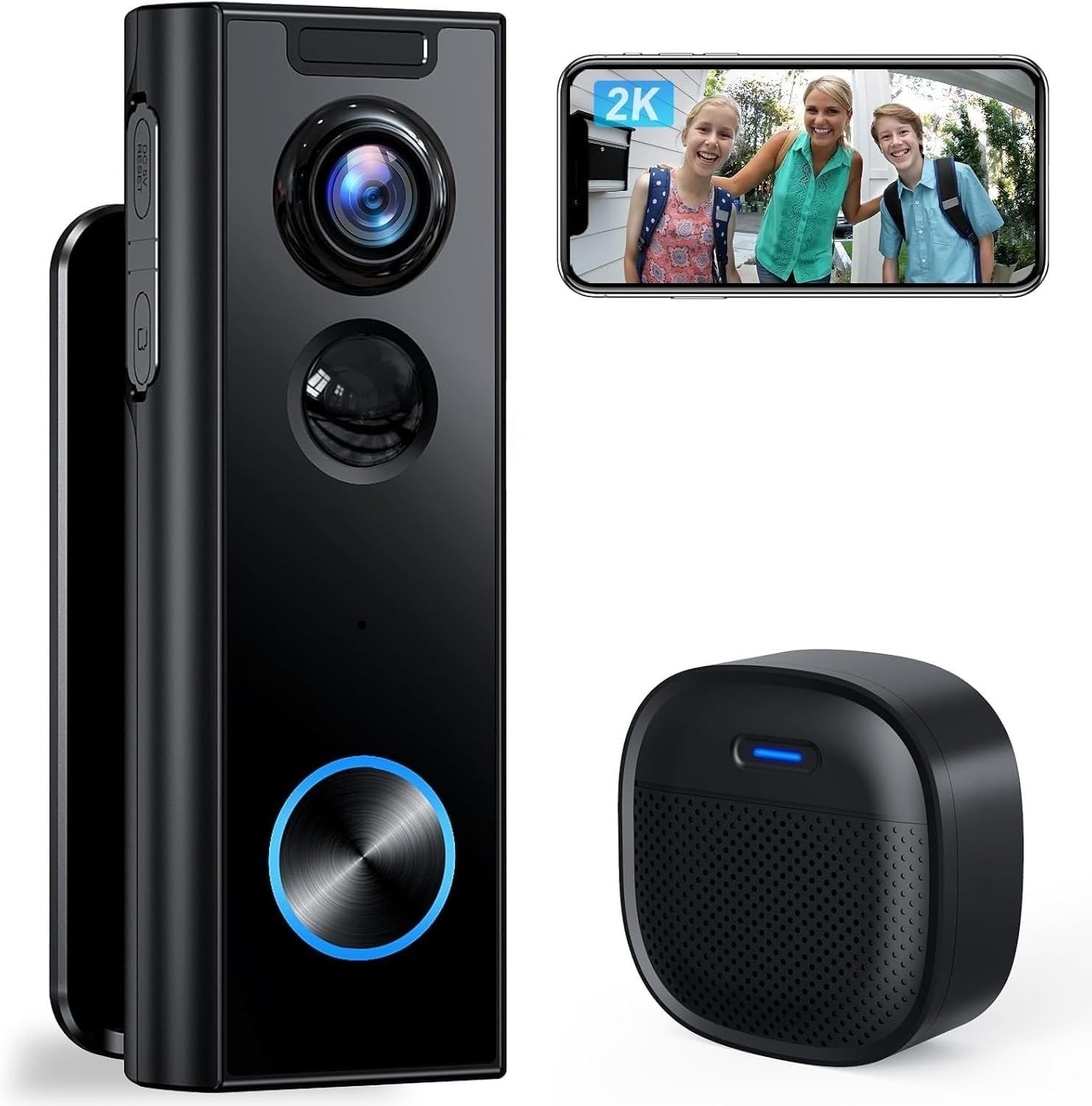
An Apple Home household is the clearest mismatch. This exact listing doesn’t speak HomeKit, and won’t until you specifically buy the newer Matter-certified version once it ships. Anyone picturing a video doorbell should also pump the brakes — “built-in doorbell” here means a chime and a phone buzz, nothing more. There’s no video or two-way communication like a dedicated smart doorbell provides.
Tradespeople, gardeners, anyone whose hands are gloved or genuinely grimy for most of the day will lean on the keypad more than the palm scanner. If your hand is dirty or covered by a glove, it won’t work. Landlords running short-term rentals will feel the absence of time-window scheduling — you can hand out a temporary code, but you can’t restrict it to, say, 3 to 6 p.m. only. The lock doesn’t offer scheduling access for specific times of day, something some competing products do offer. And renters who can’t swap out hardware permanently should look at something like August instead, since this is a full deadbolt replacement, inside and out.
| Good Fit If… | Skip It If… |
|---|---|
| You want biometric entry that works for kids and seniors | You need Apple Home / HomeKit integration right now |
| Your hands are usually full | You want an actual video doorbell, not a chime |
| You want zero cloud dependency, no subscription | You wear gloves or work with dirty hands most of the day |
| You own your door and can swap the full deadbolt | You’re a renter who can’t permanently replace hardware |
| $170 fits your budget for genuine biometric access | You need hour-by-hour scheduled guest access |
TCL D2 Pro Smart Lock: The One Situation Where It Actually Makes Sense
Strip away the sci-fi framing and this is what’s left: a household that wants to stop dealing with keys and fingerprints, doesn’t care about Apple’s ecosystem, doesn’t need a camera bolted to the front door, and is fine recharging a battery a handful of times a year. For that specific person, the D2 Pro isn’t a compromise — it’s arguably the most direct answer available under $200 right now. It’s not the most certified lock on the market, and it’s not the most connected one. It’s the one that solves the exact problem it was built for, without charging you for problems you don’t have.
TCL D2 Pro Pros and Cons: What It Solves, What It Reduces, What’s Still on You
| Pros | Cons |
|---|---|
| Unlocks in about a third of a second, hands full or not | No Apple HomeKit or Matter on this version |
| Reads wet, dirty, young, or aging hands better than fingerprint sensors | “Doorbell” is chime-only — no camera, no video |
| 100% local biometric storage, no subscription ever | Firmware updates during setup can loop and confuse |
| Rechargeable, swappable battery — no more AA hunting | No hour-by-hour scheduled guest access |
| Six ways in, so one failure point rarely locks you out | Security grade isn’t clearly published for this version |
| $80–130 cheaper than rival biometric/premium locks | Only a 1-year limited warranty |
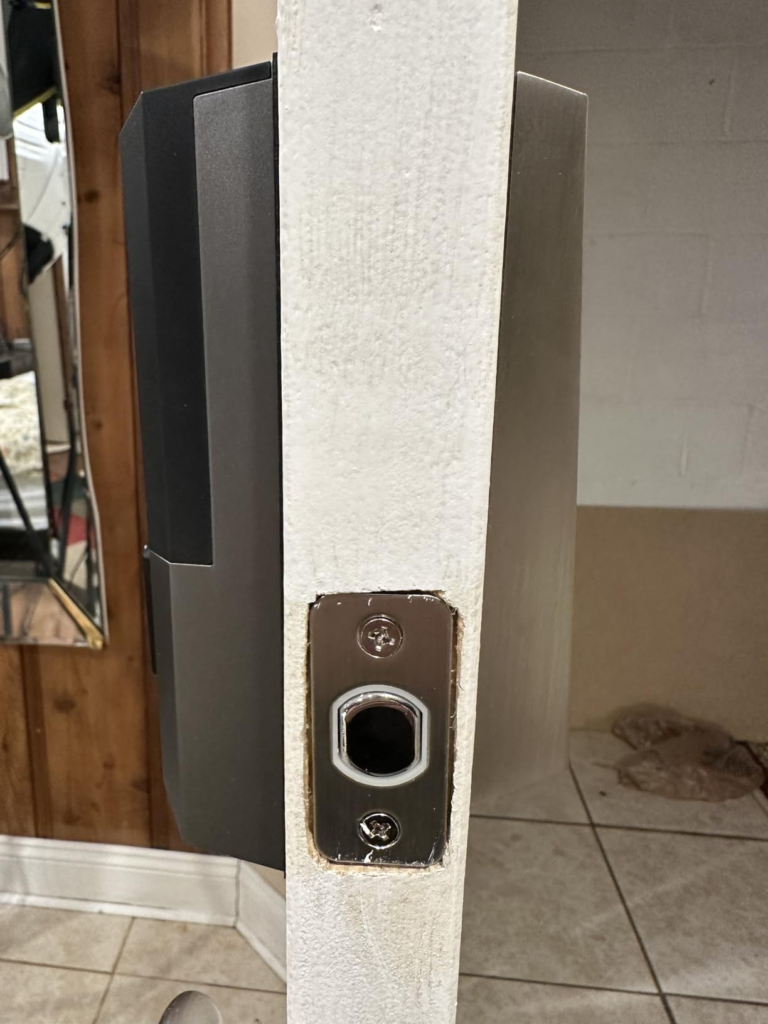
| Installs in under 30 minutes on most standard doors | 2.4GHz Wi-Fi only, and the app re-asks your PIN often |
TCL D2 Pro Smart Lock: Frequently Asked Questions
| Question | Answer |
|---|---|
| Does it need Wi-Fi to unlock with your palm? | No. Palm and keypad unlocking run locally on the lock itself — Wi-Fi is only needed for remote app control, alerts, and voice assistants. |
| What happens if the battery dies while you’re out? | You’ll get a warning at 20% charge low-battery alerts at 20%, and if it does die, the included physical key still opens the door, or a USB-C power bank plugged into the exterior port gets you back in. |
| Is the 99.9999% accuracy number independently verified? | No — it’s TCL’s own lab figure based on TCL laboratory data following its own operation protocols. |
| Does this lock work with Apple HomeKit? | Not this version. TCL added Matter and Apple Home support to an upgraded D2 Pro announced at CES 2026. |
| Is the built-in doorbell a camera? | No, it’s audio-only: a chime plus a phone notification when pressed. |
| How is this different from the cheaper TCL D2 and D2 Plus? | The base D2 skips biometrics entirely; the D2 Plus uses a fingerprint reader on disposable AA batteries; only the Pro adds palm-vein scanning and a rechargeable battery. |
| Will it read gloved or heavily dirty hands? | It handles wet or lightly dirty palms fine, but a glove or heavy grime blocks it the same way it would a fingerprint sensor. |
| Is it safe to buy from any Amazon listing? | TCL has publicly warned that scammers have impersonated its brand and staff. |
TCL D2 Pro Review: Final Verdict
If your actual daily problem is fumbling for keys with your hands full, and Apple Home isn’t part of your setup, and you don’t need a camera on your front door, the D2 Pro solves exactly that for around $170 — no more, no less. If you read the comparison table above and saw yourself in the “skip it” column, the smarter move is waiting for the Matter-certified version or looking at the Schlage or eufy options instead. Either way, know which hardware generation you’re actually buying before you check out.
Transparency Note:
This analysis is built on aggregated real-world experience.
It extracts what repeatedly holds, what breaks, and what users uncover only after living with the system—then shapes it into a clear model you can use immediately.
Think of it as structured experience, refined and presented so you don’t have to learn it the hard way.
“A quick note: Don’t believe the star ratings, but trust personal experience. This article is a compilation of collected experiences.”