YALE ASSURE LOCK 2 REVIEW: IT WORKS PERFECTLY, UNTIL YOU ACTUALLY LEAVE
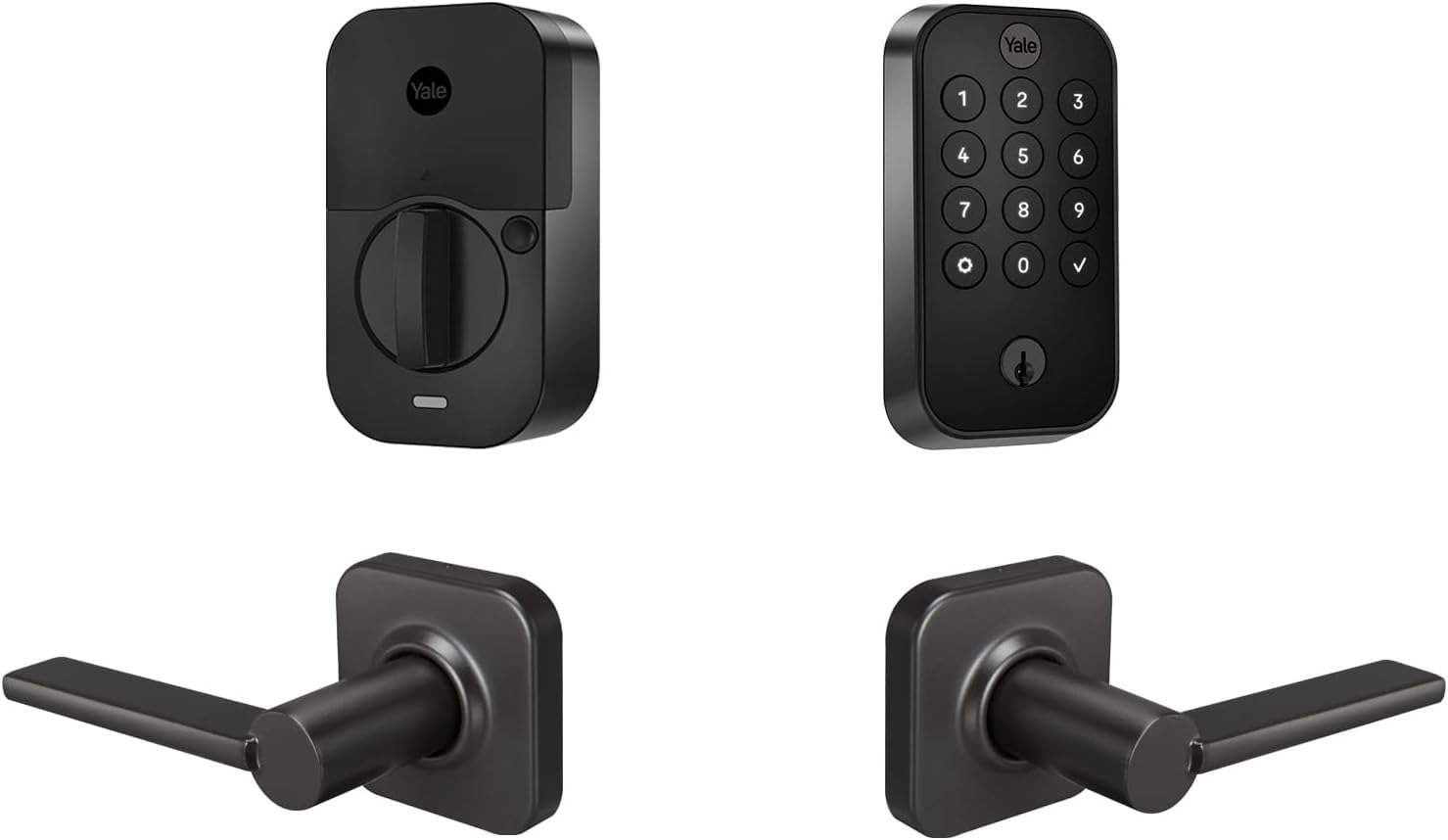
YALE ASSURE LOCK 2
Why do the first three weeks with this lock feel so different from month three? Going through owner reviews, forum threads, and retailer Q&As on this exact model, we kept running into the same arc: total enthusiasm at the door, then a quieter kind of disappointment that shows up the first time the owner isn’t standing in front of it. That gap — not the lock itself — is what this review is actually about.
Yale Assure Lock 2 Bluetooth Review: The Result Looks Fine, The Problem Isn’t
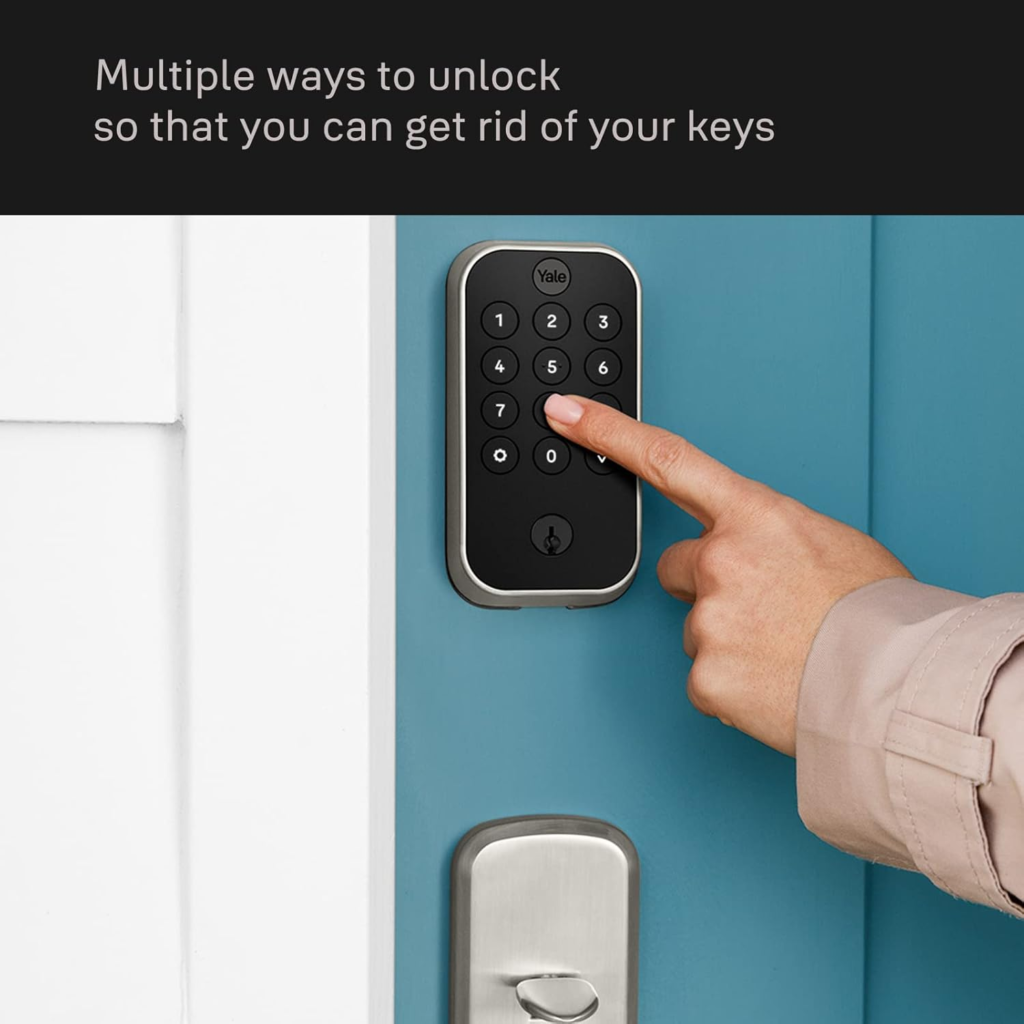
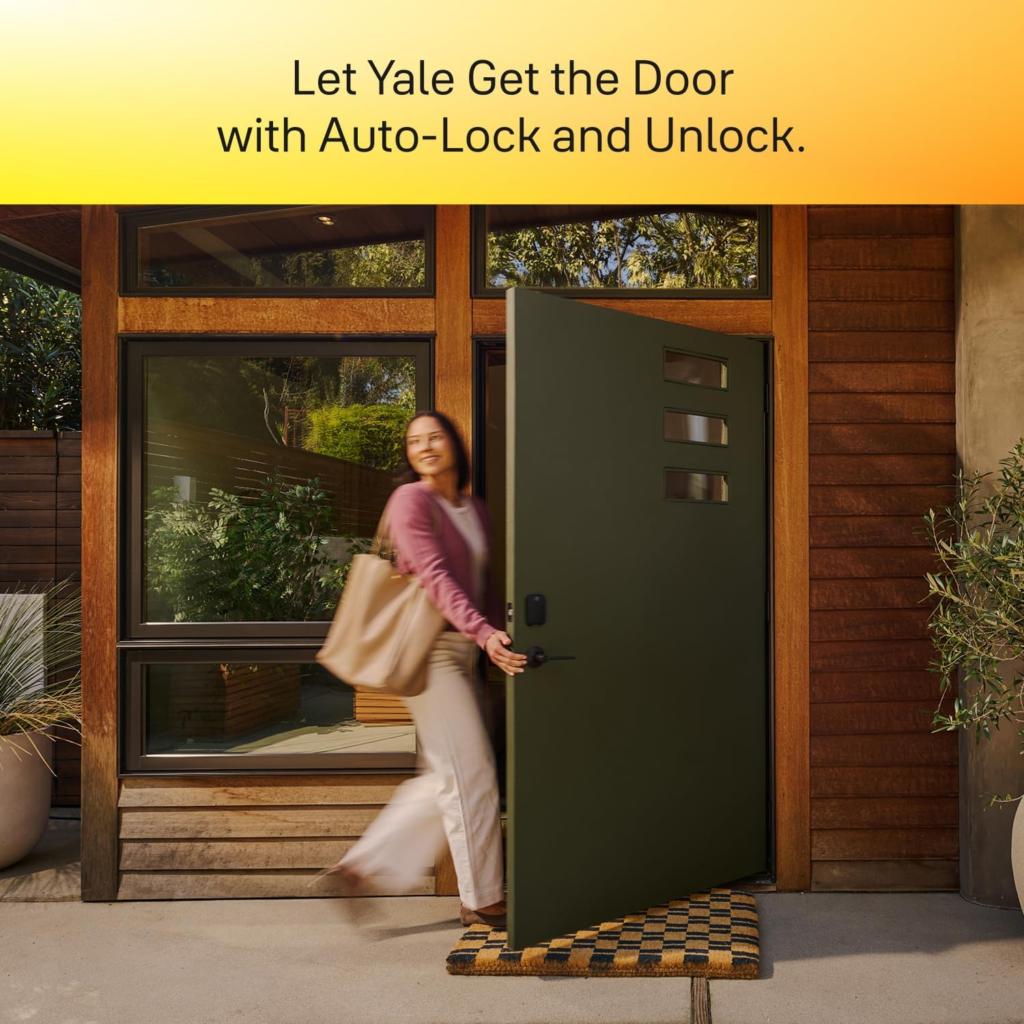
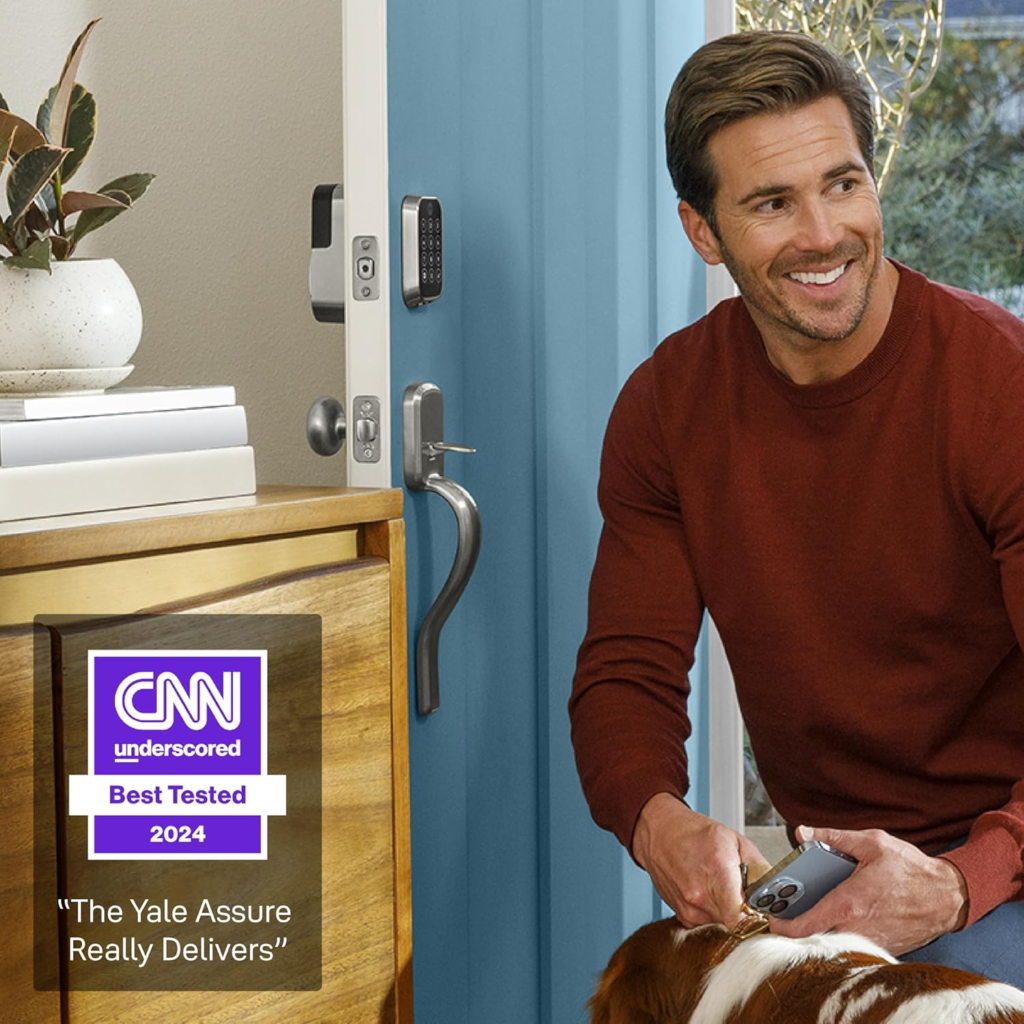
At the door, this thing does exactly what it says. The push button keypad has real, raised buttons under your thumb, not glass — useful the second your hands are wet or gloved. The Valdosta lever bundled in matches the deadbolt on a second door, so your hardware doesn’t look mismatched. No spare key hidden under a rock that anyone on the street could learn about. Codes for your kid, your cleaner, your parents, each one trackable and revocable. Auto-Lock means you stop doing that halfway-down-the-driveway U-turn to check the door.
Here’s the snapshot, stripped of marketing language:
| Spec | Yale Assure Lock 2 — Key-Free Keypad, Bluetooth, Valdosta Lever |
|---|---|
| Lock type | Deadbolt, key-free (no cylinder at all) |
| Keypad style | Pushbutton — physical raised buttons |
| Connectivity included | Bluetooth only |
| Optional add-ons | Wi-Fi, Z-Wave, or Matter module, sold separately |
| Batteries | 4x AA, included |
| Typical battery life | ~9–12 months on Bluetooth alone |
| Backup power | 9V battery held to exterior contacts |
| Security rating | ANSI/BHMA Grade 2 |
| Door thickness fit | 1-3/8″ to 2-1/4″ |
| Included hardware | Matching Valdosta passage lever |
| Finish options | Satin Nickel, Black Suede, Oil-Rubbed Bronze |
| Warranty | Lifetime limited (finish/mechanical), 1 year (electronics) |
| Typical price | Roughly $150–$190 depending on finish and retailer |
None of that is wrong. It’s just incomplete — and the missing piece never shows up until you’re not home.
Yale Assure Lock 2 Away Access: What You’re Actually Feeling but Not Naming
You don’t distrust the lock. You distrust your own knowledge of what’s happening at your door right now. Did the dog walker actually come at noon? Did your kid lock up after school? Is that scraping sound you heard through the baby monitor nothing, or something? With a normal deadbolt you never expected an answer to any of that. With this one, some part of you assumed you’d finally get one.
That assumption is the whole problem. It isn’t that the lock lied to you. It’s that “Bluetooth” and “smart lock” sit so close together on a spec sheet that most people never register the line between them until they’re standing in a parking lot, phone in hand, getting nothing back.
Yale Assure Lock 2 Battery Life: The Hidden Mechanism Behind the Miss
Here’s the actual mechanism, plainly: Bluetooth only talks to a phone that’s physically near it — real-world testing by outlets that measured the auto-unlock trigger put it at roughly 10 to 15 feet. Past that radius, whether you’re at your desk or in another state, the lock has nothing to say to you. No push alert, no remote lock, no Alexa, no Google Assistant. That layer only exists once you buy the separate Wi-Fi module.
And that module isn’t free in more ways than one. Yale’s own support answers, echoed by independent testing, put Bluetooth-only battery life at roughly 9 to 12 months on four AA batteries. Add the Wi-Fi module, and that number drops to somewhere around 3 to 6 months. You’re not just paying for the module — you’re paying for it every few months in batteries, indefinitely.
| Setup | Real-World Battery Life | What You Gain | What It Costs You |
|---|---|---|---|
| Bluetooth only (this listing) | ~9–12 months | Longest runtime, simplest setup | No remote access, no away alerts |
| + Wi-Fi Smart Module | ~3–6 months | Alexa, Google Assistant, remote lock/unlock, notifications | Battery life roughly halved, plus ~$79–80 |
| + Z-Wave / Matter Module | ~6–9 months (owner-reported) | Smart home hub integration | Still needs a hub; setup can be fiddly |
Call it the away-access tax. Nobody advertises it on the box, because it isn’t a flaw exactly — it’s physics. Radios draw power. But it’s real, and it’s the single biggest thing separating a five-star first week from a frustrated month three.
Yale Assure Lock 2 Range Limit: Where the Convenience Quietly Breaks
We’d call this the Bluetooth wall. Inside it — standing at your own door — this lock feels close to effortless. Outside it, the lock goes quiet, and a few other rough edges start to matter more than they would otherwise.
DoorSense, the sensor that tells the app whether your door is actually shut (not just locked), ships in the box, but getting full accuracy out of it means drilling one extra hole in the door jamb during install — skip that step, and more than a few owners report the sensor drifting out of calibration and reporting the wrong status entirely. Entry codes, in a smaller number of cases, have been reported lost or corrupted after a firmware update, which is more annoying than dangerous, but still means keeping a master code written down somewhere that isn’t the app.
| What Owners Report | Likely Cause | What Actually Fixes It |
|---|---|---|
| Battery drains far faster than advertised | Wi-Fi module running constantly, or deadbolt rubbing the strike plate | Realign the strike plate on install; skip the module if remote access isn’t essential |
| DoorSense shows the wrong open/closed status | Optional sensor hole wasn’t drilled, or calibration drifted | Drill the extra hole per the manual; recalibrate in-app |
| Entry codes stop working or vanish | Occasional sync glitch, more common after firmware updates | Keep a master code recorded outside the app; factory reset clears it cleanly |
| HomeKit setup won’t scan the QR code | Known quirk in the pairing flow | Enter the device ID manually instead |
None of this is catastrophic. All of it is avoidable if you know to expect it, which is exactly the part missing from the box.
Yale Assure Lock 2 vs Schlage Encode Plus: Why Most Buyers Compare This Too Early
Why do so many people cross-shop this against the Schlage Encode Plus using nothing but a spec sheet? Because a spec sheet is the only thing available before you’ve actually lived with either lock for a month, and on paper, the two look like close cousins.
They’re not solving the same problem. Schlage builds Wi-Fi and Apple Home Key support directly into the Encode Plus — heavier hardware, higher price, no add-on modules to manage. Yale bets on flexibility instead: start on Bluetooth, add Wi-Fi, Z-Wave, or Matter only when you actually want it, and keep DoorSense’s open-or-shut awareness that Schlage doesn’t build in standard.
| Factor | Yale Assure Lock 2 (Key-Free, Bluetooth) | Schlage Encode Plus |
|---|---|---|
| Wi-Fi | Add-on module, sold separately | Built in, no module needed |
| Apple Home Key | Not on this model (Plus line only) | Supported |
| Physical key backup | None — genuinely key-free | Included |
| Door-ajar detection | DoorSense included | Not standard |
| Connectivity upgrade path | Swappable Wi-Fi / Z-Wave / Matter modules | Fixed at purchase |
| Starting price | Lower | Higher |
The mistake isn’t picking the “wrong” one. It’s picking based on which checklist has more items ticked, instead of which lock matches how you’ll actually use your front door in six months.
Best Yale Assure Lock 2 Buyer: Who Is Actually Inside This Problem
This lock is built for someone replacing a deadbolt — front door, side door, garage — mainly to stop dealing with physical keys for family, guests, and the occasional contractor. You’re comfortable checking the door by walking up to it rather than glancing at a notification from your couch. Long battery life matters more to you than instant remote check-ins. You’d rather add smart-home features later, deliberately, than pay for them and their battery cost on day one.
Yale Assure Lock 2 Downsides: Where the Wrong Fit Begins
Where does it start to go wrong? The moment “checking the door” needs to happen from somewhere other than your own porch. If you manage a rental, host on Airbnb, or travel enough that same-day remote confirmation matters, you’re buying a module and a shorter battery cycle on day one anyway — worth knowing before checkout, not after. If an iPhone tap-and-go entry is the actual feature you want, that’s the Plus line, not this one. And if any part of you wants a metal key sitting in a drawer as a last resort, key-free means there isn’t one — your fallback is a 9-volt battery against two contacts, not a key.
| You’re likely the right fit if… | You’re likely the wrong fit if… |
|---|---|
| You mainly want to stop making and hiding spare keys | You need remote check-ins from day one (rentals, frequent travel) |
| You’re fine checking the lock by walking up to it | You want Alexa or Google Assistant working immediately |
| Long battery life matters more than instant alerts | You specifically want Apple Home Key tap-to-unlock |
| You’re happy adding smart features later, on your terms | You want a physical key as a psychological safety net |
| This is a secondary or lower-traffic door | You want native Ring integration |
Yale Assure Lock 2 Review: The One Situation Where This Lock Makes Sense
If what you actually want is to kill your key ring — not to build a remote-monitoring command center — this is the sensible pick, not the hyped one. You’re trading away-from-home visibility for battery life, mechanical simplicity, and a lower price, and you’re doing it on purpose, with the exact cost of reversing that trade written out above instead of discovered by accident.
Yale Assure Lock 2 Pros and Cons: What It Solves, Reduces, and Still Leaves to You
It solves the key problem outright: no more copies, no more hidden spares, no more re-keying when a relationship or a roommate ends. It reduces — but doesn’t erase — the “did I lock it” anxiety, since DoorSense only works as well as its install. What it still leaves on you: checking battery status yourself on a rough schedule (no push alert without the module), physically testing the door in the first weeks while DoorSense settles in, and deciding, honestly, whether you’ll ever want remote access enough to pay its battery price.
| Pros | Cons |
|---|---|
| Genuinely keyless — nothing to pick or bump | No remote access or alerts without buying a module |
| Long battery life for a keypad smart lock | Adding Wi-Fi roughly halves that battery life |
| Solid, Grade 2-certified mechanical build | No Apple Home Key tap-to-unlock on this model |
| DoorSense confirms the door is actually shut | DoorSense needs a properly drilled hole to stay accurate |
| Upgrade path to Wi-Fi, Z-Wave, or Matter later | No native Ring integration |
| Reasonable price for the hardware quality | Some owners report lost codes or keypad glitches over time |
Yale Assure Lock 2 FAQ: What Buyers Ask Before Ordering
| Question | Answer |
|---|---|
| Does the Key-Free version have a backup key? | No — key-free means no keyhole at all. If the batteries die completely, you hold a 9-volt battery against the two exposed contacts on the exterior keypad, which gives it just enough charge to enter your code and get in. |
| How long do the batteries really last? | On Bluetooth alone, around 9 to 12 months on four AA batteries. Add the Wi-Fi module and expect closer to 3 to 6 months. |
| Can I use Alexa or Google Assistant right out of the box? | Not with this configuration. Voice assistants, remote lock/unlock, and away notifications all require the separate Wi-Fi module, or a Z-Wave/Matter module for a hub. |
| Does it support Apple Home Key tap-to-unlock? | No. That’s exclusive to the separate Yale Assure Lock 2 Plus. This model connects to Apple Home over Bluetooth for basic control, but you still unlock with a code, the app, or Auto-Unlock. |
| Is a lock with no keyhole actually less secure? | For picking and bumping, it’s the opposite — no cylinder means nothing to pick. It carries the same ANSI/BHMA Grade 2 rating as the keyed versions; the trade-off is about backup access, not break-in resistance. |
| How long does installation actually take? | It varies. Plenty of owners are done in under 15 minutes with just a screwdriver; others, especially without DoorSense’s extra hole pre-drilled or on an older door frame, report closer to 30–45 minutes. |
| Does it work with Ring? | No native integration. If a Ring-connected front door is the centerpiece of your setup, this isn’t the lock that plugs into it. |
| What actually drives the negative reviews? | Mostly two things: battery life shorter than expected (nearly always the Wi-Fi module or a misaligned strike plate) and DoorSense losing calibration when its optional hole wasn’t drilled during install. |
Yale Assure Lock 2 Review: Final Verdict
Strip away the away-access tax and the Bluetooth wall, and what’s left is a genuinely well-built, key-free deadbolt that does exactly what it promises at your own door — for longer, on less battery, and for less money than most Wi-Fi-included competitors. The catch was never hidden maliciously; it just lives one layer below the spec sheet, in the difference between “Bluetooth” and “remote.”
If that trade-off — long battery life and simplicity now, optional connectivity later — is genuinely what fits your door, here’s the exact listing this review has been referencing throughout:
Transparency Note:
This analysis is built on aggregated real-world experience.
It extracts what repeatedly holds, what breaks, and what users uncover only after living with the system—then shapes it into a clear model you can use immediately.
Think of it as structured experience, refined and presented so you don’t have to learn it the hard way.
“A quick note: Don’t believe the star ratings, but trust personal experience. This article is a compilation of collected experiences.”