NEST X YALE LOCK REVIEW: THE SMART LOCK THAT REWARDS THE RIGHT HOME AND PUNISHES THE WRONG ONE
The Result Looks Fine. The Problem Isn’t.
You installed it. The keypad lights up on tap. The Nest app shows a green checkmark. The bolt slides with that clean, mechanical certainty that only Yale hardware produces.
Everything looks correct.
But three weeks later, you open your phone at 11 PM and the lock shows “Offline.” You don’t know when it happened. You don’t know if the door is locked. You’re standing in your living room, and your front door is functionally invisible to you.
That is the experience a significant portion of Nest x Yale owners encounter — not on day one, not from installation failure, but from a structural dependency built into the product’s core architecture that the spec sheet never surfaces clearly.
The lock didn’t fail. The assumption failed.
What You’re Actually Feeling but Not Naming
Most smart lock buyers feel a version of this: I just want to stop worrying about whether I locked the door.
That’s the real purchase. Not features. Not integrations. Peace of mind — the ability to check, confirm, and control from anywhere, without friction.
The Nest x Yale lock is sold directly into that feeling. And for many people, it delivers it completely.
But for others, it introduces a new version of the exact anxiety it was supposed to eliminate: Why is it offline again? Is the door actually locked right now? Do I need to drive back?
The difference between those two experiences is not random. It is traceable to a single structural variable that most buyers don’t examine before purchasing.
The Hidden Mechanism Behind the Miss
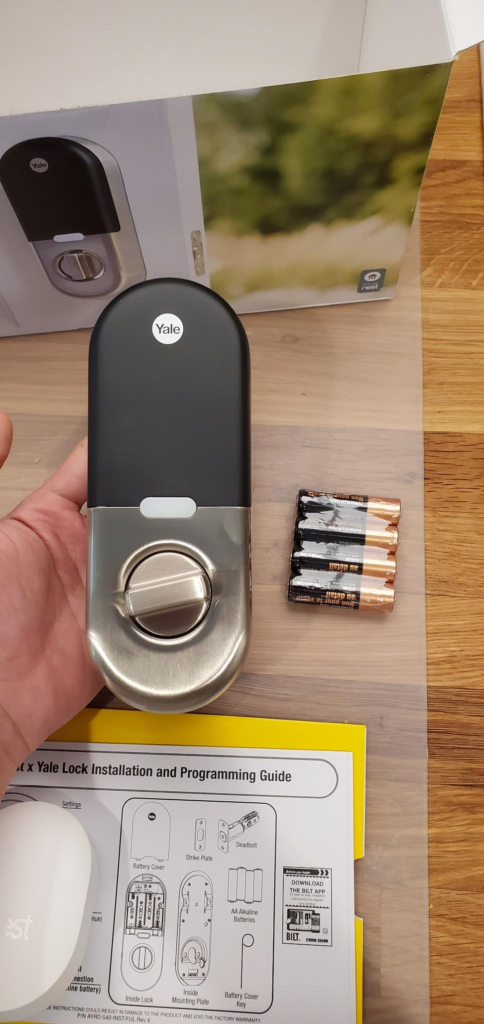
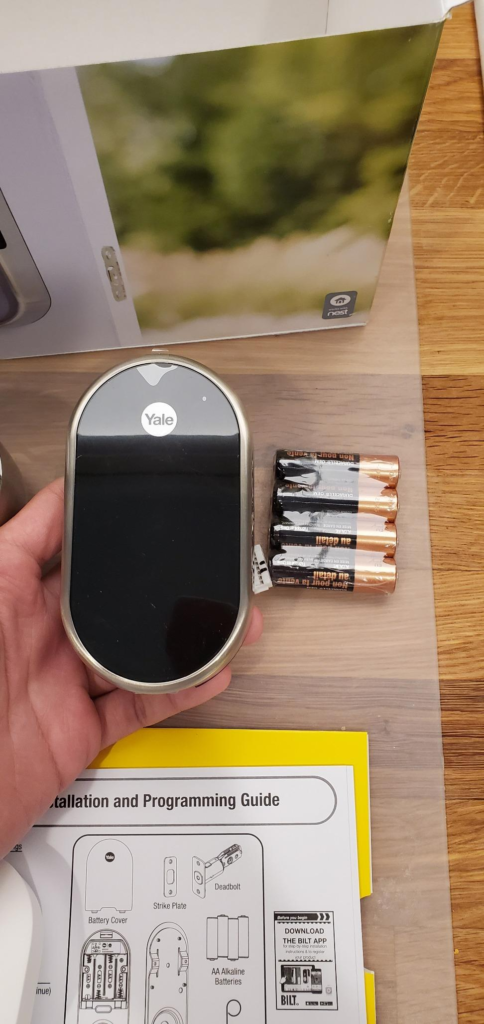
Here is what the Nest x Yale actually is, at the hardware level: a Thread-protocol deadbolt with no Bluetooth radio and no direct Wi-Fi connection.
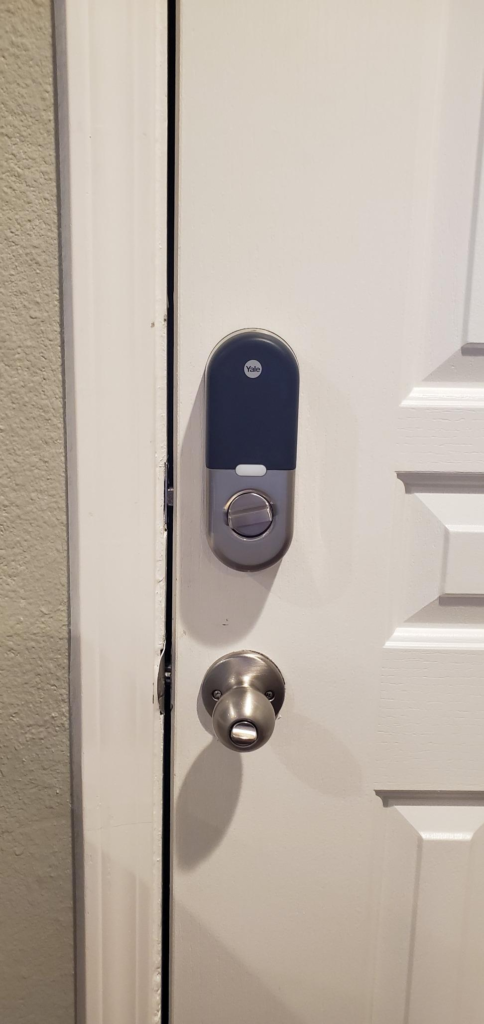
It does not connect to your router. It connects to a Nest Connect — a small plug-in bridge device — which then connects to your Wi-Fi and relays commands to the Nest app. Remove the Nest Connect from that chain, or allow it to drift offline, and the lock becomes an island. Still lockable by keypad. Still mechanically sound. But invisible to your phone.
This is not a flaw in the traditional sense. It is a deliberate architectural choice. Thread is a robust, low-power mesh protocol well-suited to smart home environments. But it means the lock’s digital intelligence is only as reliable as the Nest Connect device bridging it to the internet.
And that bridge has a documented, widely reported instability problem.
| Component | Connection Type | Failure Risk |
|---|---|---|
| Lock hardware | Thread (ZigBee-derived mesh) | Very Low |
| Nest Connect bridge | Wi-Fi dependent | Moderate–High |
| App control | Cloud-reliant via Nest Connect | Dependent on above |
| Keypad access | Local, battery-powered | Very Low |
The keypad never fails. The hardware rarely fails. The connectivity layer fails repeatedly and unpredictably — particularly after router firmware changes, mesh network updates, or ISP-side resets.
The Threshold Where the Outcome Quietly Breaks
There is a specific home environment threshold at which the Nest x Yale’s offline behavior shifts from occasional nuisance to chronic anxiety.
That threshold is defined by three conditions, and if your home meets more than one of them, the product will behave differently than the marketing suggests:
| Condition | Below Threshold | Above Threshold |
|---|---|---|
| Router brand/type | Standard modem/router combo | Mesh network (Eero, Orbi, Nest Wifi, Asus AiMesh) |
| Google ecosystem depth | 0–1 Nest devices | 2+ Nest devices already active |
| Connectivity tolerance | Occasional offline acceptable | Remote access is operationally critical |
Users inside this threshold — particularly those running mesh networks — report the Nest Connect losing sync with the lock multiple times per day, with no user-correctable fix. Factory resets resolve it temporarily. Moving the Nest Connect closer or further from the lock resolves it temporarily. It returns.
Users below this threshold — simple router, stable Nest ecosystem, low remote-access dependency — report an entirely different experience: reliable, quiet, and smooth.
The product is not inconsistent. The product is consistent within a specific environment profile. The problem is that most buyers don’t know which environment they’re in until after installation.
Why Most Buyers Misread This Too Early
The first comparison most shoppers make is the obvious one: Nest x Yale vs. August Smart Lock vs. Schlage Encode. They open a comparison article. They look at the feature table. They see keypads, apps, voice control, installation difficulty. The Nest x Yale wins on aesthetics, loses on integrations, and comes in competitive on price.
That comparison is not wrong. It is incomplete.
The feature table never shows:
| Feature Table Shows | What It Misses |
|---|---|
| “Works with Google Assistant” | Requires Nest Connect bridge in range |
| “Remote lock/unlock via app” | Only when Nest Connect is online |
| “Real-time notifications” | Disabled when lock goes offline |
| “Shared passcode access” | Requires other users to have Nest accounts |
| “No subscription required” | True — but Nest Connect hardware is a single point of failure |
The buyers who feel betrayed by this lock are not buyers who received defective units. They are buyers who evaluated the feature column without understanding the connectivity architecture beneath it.
Who Is Actually Inside This Problem
The Nest x Yale lock is a precise fit for a specific buyer profile, and a poor fit for everyone outside it.
This lock is built for the person who:
- Already owns two or more active Nest or Google Home devices
- Uses Google Assistant as their primary voice interface
- Has a conventional single-router Wi-Fi setup (not mesh)
- Treats keypad access as their primary entry method, with app control as secondary
- Wants a front door that integrates quietly with their existing Nest thermostat, Nest Cam, or Nest Hello doorbell
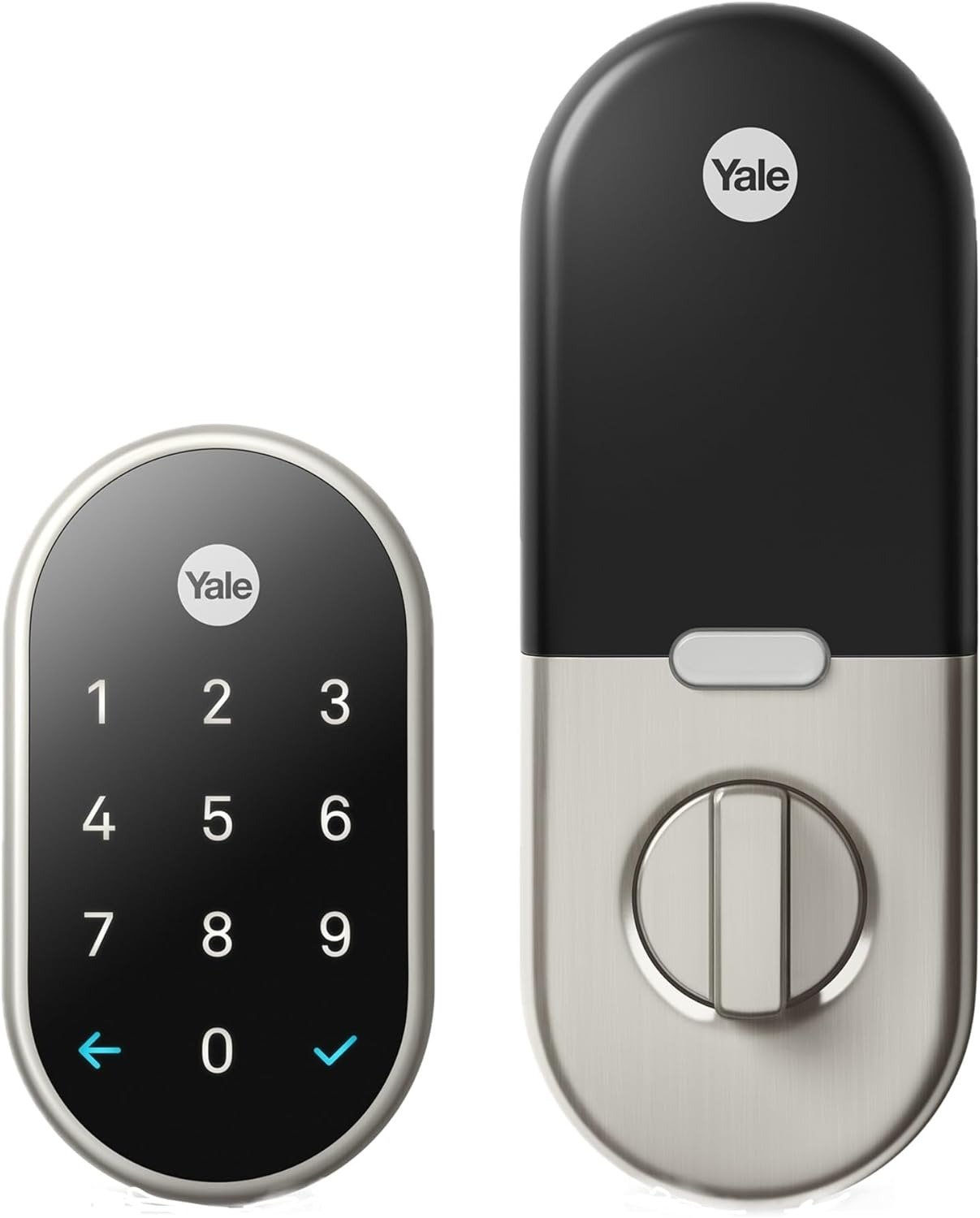
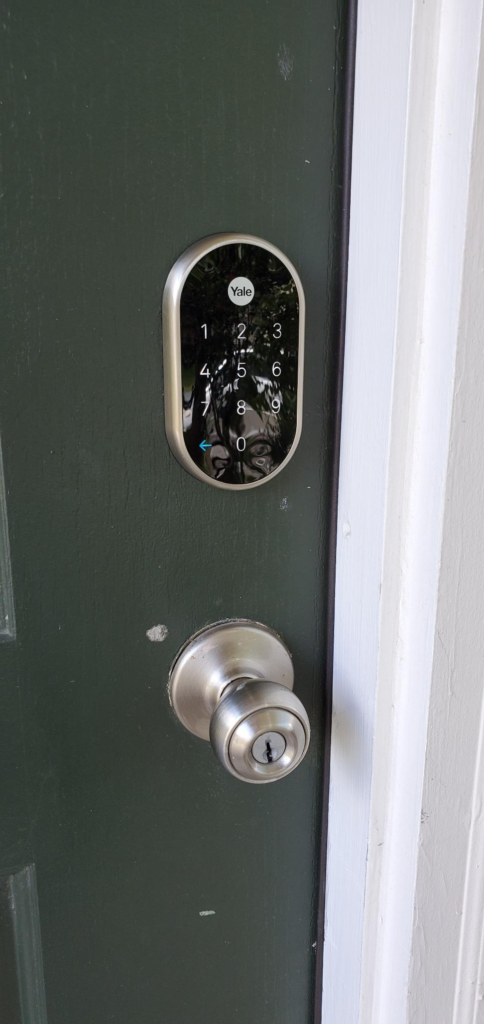
For that person, the experience is genuinely excellent. The keypad is responsive in all weather conditions. The lock passed independent security testing at 91%, with no keyhole to pick. The Nest app’s access scheduling is more granular than most competitors. The hardware itself — 150+ years of Yale manufacturing behind it — is physically outstanding.
The two-year warranty is longer than any other Yale smart lock. The satin nickel finish holds up. The battery life runs approximately one year under normal use before low-battery alerts begin.
Where Wrong-Fit Begins
If the description below matches you, you are in wrong-fit territory. Not slightly wrong. Structurally wrong. Purchasing this lock will not resolve your anxiety — it will add a new layer of it.
| Wrong-Fit Signal | Why It Matters |
|---|---|
| You use Alexa as your primary voice assistant | Alexa has zero integration with this lock |
| You own Apple HomeKit devices | HomeKit is entirely unsupported |
| You use a mesh Wi-Fi system (Eero, Orbi, etc.) | Documented offline instability with Nest Connect |
| Your household guests don’t use smartphones | Shared access requires Nest accounts |
| You expect auto-unlock by proximity | Not a native feature without workarounds |
| You need platform flexibility now or in 2–3 years | Google’s Nest ecosystem has a discontinuation track record |
The last point deserves direct naming: Google discontinued Nest Secure in April 2024, forcing all Nest x Yale owners previously using Nest Guard as a bridge to migrate to Nest Connect. This was handled — but it was not optional, and it was not announced far in advance. If ecosystem longevity is part of your purchase logic, that event is a data point you should weigh honestly.
The One Situation Where This Product Becomes Logical
After mapping the connectivity architecture, the failure threshold, the wrong-fit signals, and the ecosystem dependency, the purchase case narrows to a specific situation.
Buy the Nest x Yale lock when:
You are already living inside the Google/Nest ecosystem — at minimum a Nest thermostat or Nest Cam — running a conventional single-router network, and your primary use case is a reliable, elegant, keypad-first deadbolt with clean app control and Nest ecosystem continuity. You want your front door to feel like it belongs to the same system as the rest of your home, and you have no current or near-term use for Alexa or HomeKit.
In that situation, this lock is not a compromise. It is the correct device.
At its current price point on Amazon (~$190–$249 depending on configuration), the bundle including Nest Connect is the only version worth purchasing — because buying the lock alone, without Nest Connect, removes all app functionality entirely.
| Bundle Option | Price Range | Verdict |
|---|---|---|
| Lock only (no Connect) | ~$160–$180 | Avoid — app control impossible |
| Lock + Nest Connect bundle | ~$190–$249 | Correct purchase for eligible buyers |
| Used/refurbished units | Variable | Connectivity history unknown — risk elevated |
What It Solves, What It Reduces, and What It Still Leaves to You
| Category | What Changes | What Doesn’t |
|---|---|---|
| Key dependency | Eliminated — no keyhole exists | You still manage battery replacement (~annually) |
| Access sharing | Granular scheduling with timed/one-time codes | Guests need Nest accounts for app access |
| Security | No pick vulnerability; tamper siren included | Nest Connect remains a fragile link in the chain |
| Remote visibility | Lock/unlock status from anywhere | Only when Nest Connect is online |
| Integration | Tight sync with Nest Cam, Hello doorbell, thermostat | No Alexa, no HomeKit, no IFTTT |
| Anxiety elimination | Real, for the right user | New anxiety introduced for the wrong one |
The lock does not lie about what it is. It is a Nest-first device made by a Yale-level manufacturer, priced for the serious smart home user, designed to work inside one specific ecosystem with minimal friction. That is its actual product promise.
Whether your home matches that promise is the only question worth asking before you buy.
Final Compression
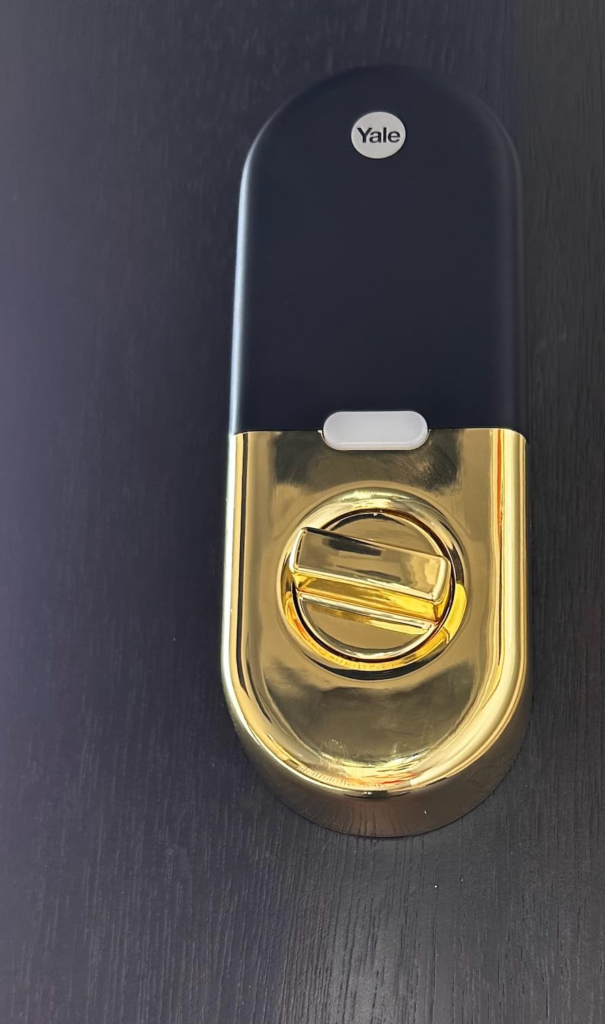
The Nest x Yale lock is not a universally good smart lock. It is an excellent smart lock for a specific home configuration — and a genuinely frustrating one for anyone outside that configuration.
The physical hardware is beyond reproach. The security architecture is strong. The Nest app is clean and functional. The keypad is reliable in rain, cold, and darkness.
The failure point is singular and structural: the lock depends on the Nest Connect bridge for all digital intelligence, and that bridge has documented instability in mesh network environments and after ecosystem disruptions.
The decision compresses to this:
If you run Google Home or Nest devices, use a conventional router, and treat keypad entry as your daily mode — this lock will perform exactly as advertised and then some.
If you run Alexa, use HomeKit, depend on a mesh network, or need platform flexibility — this lock will underdeliver on the exact promise that made it appealing.
Frequently Asked Questions
| Question | Answer |
|---|---|
| Does the Nest x Yale lock work without Nest Connect? | It functions as a keypad deadbolt only. All app control, remote access, and notifications are disabled without the Nest Connect bridge. The bundle is not optional if you want smart functionality. |
| Is the Nest x Yale compatible with Amazon Alexa or Apple HomeKit? | No. Neither platform is supported. This lock operates exclusively within the Google Nest/Google Home ecosystem. |
| Why does my Nest x Yale lock keep going offline? | The most common cause is Nest Connect instability — particularly in mesh Wi-Fi environments or after router firmware updates. Officially recommended fixes include moving the Nest Connect closer to or further from the lock, restarting the Nest app network, or factory resetting the lock. Chronic offline issues in mesh networks remain unresolved for many users. |
| Did Nest Secure’s discontinuation affect the Nest x Yale lock? | Yes. Google ended Nest Secure support in April 2024, which required owners using Nest Guard as a bridge to migrate to Nest Connect. The lock itself continues to operate. Google provided Nest Connects to eligible affected owners at no cost. |
| How long do the batteries last? | Approximately one year under normal use with four standard AA batteries. The lock beeps when batteries run low and can be temporarily powered via a 9-volt battery touching the bottom of the front panel — preventing lockout even if batteries die completely. |
| Can guests access the lock without the Nest app? | Guests can use keypad PIN codes, which don’t require any app or account. For app-based or remote access, guests need the Nest app and a Nest account. This requirement is a meaningful friction point in high-turnover or short-term rental environments. |
| Is this lock still worth buying in 2025? | For committed Nest/Google ecosystem users with a conventional single-router setup: yes. For anyone outside that profile — particularly mesh network users, Alexa households, or HomeKit users — the Yale Assure Lock 2 or August Smart Lock Pro represent fewer dependency risks and broader platform support. |
—
Transparency Note:
This analysis is built on aggregated real-world experience.
It extracts what repeatedly holds, what breaks, and what users uncover only after living with the system—then shapes it into a clear model you can use immediately.
Think of it as structured experience, refined and presented so you don’t have to learn it the hard way.
“A quick note: Don’t believe the star ratings, but trust personal experience. This article is a compilation of collected experiences”