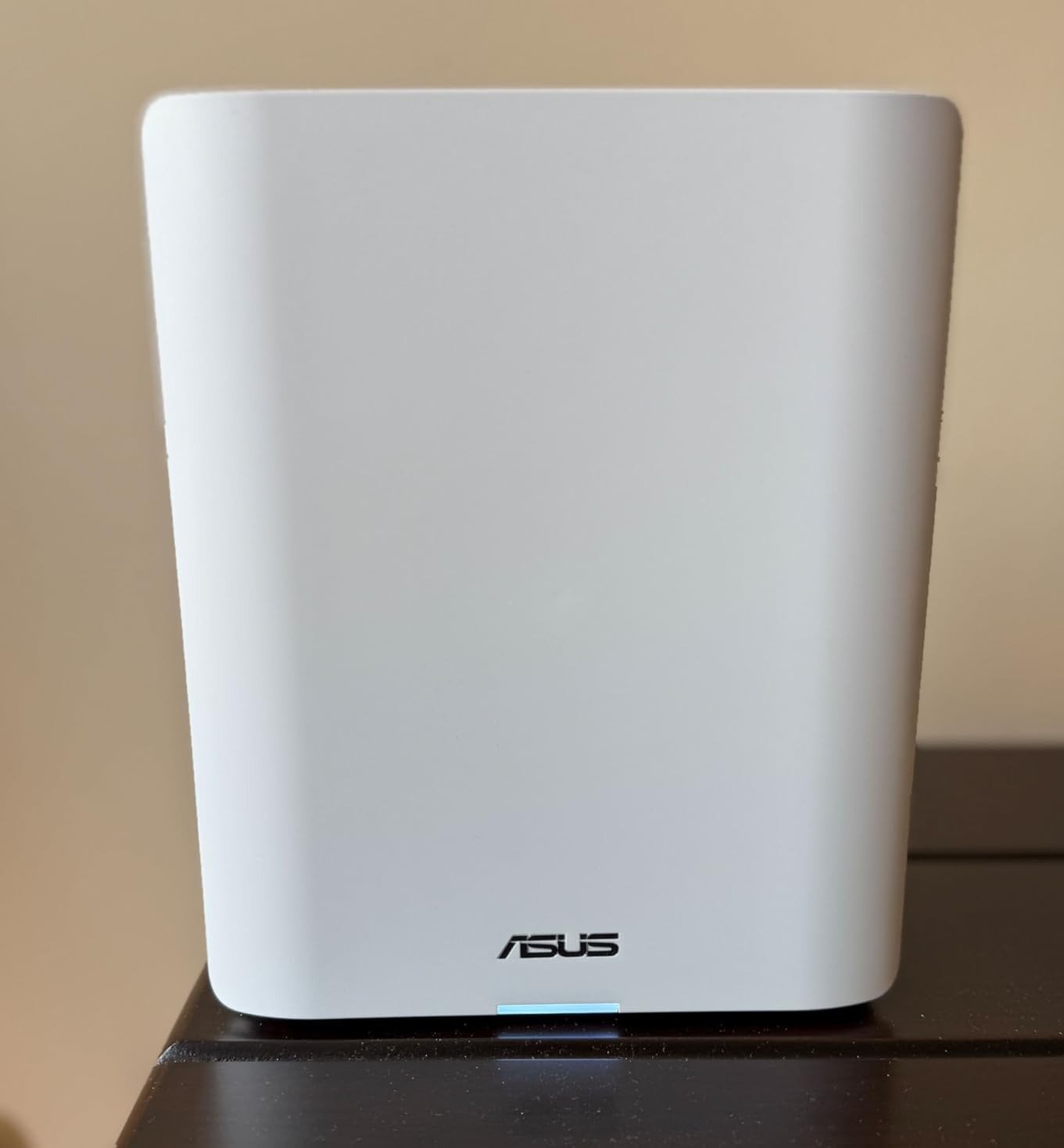
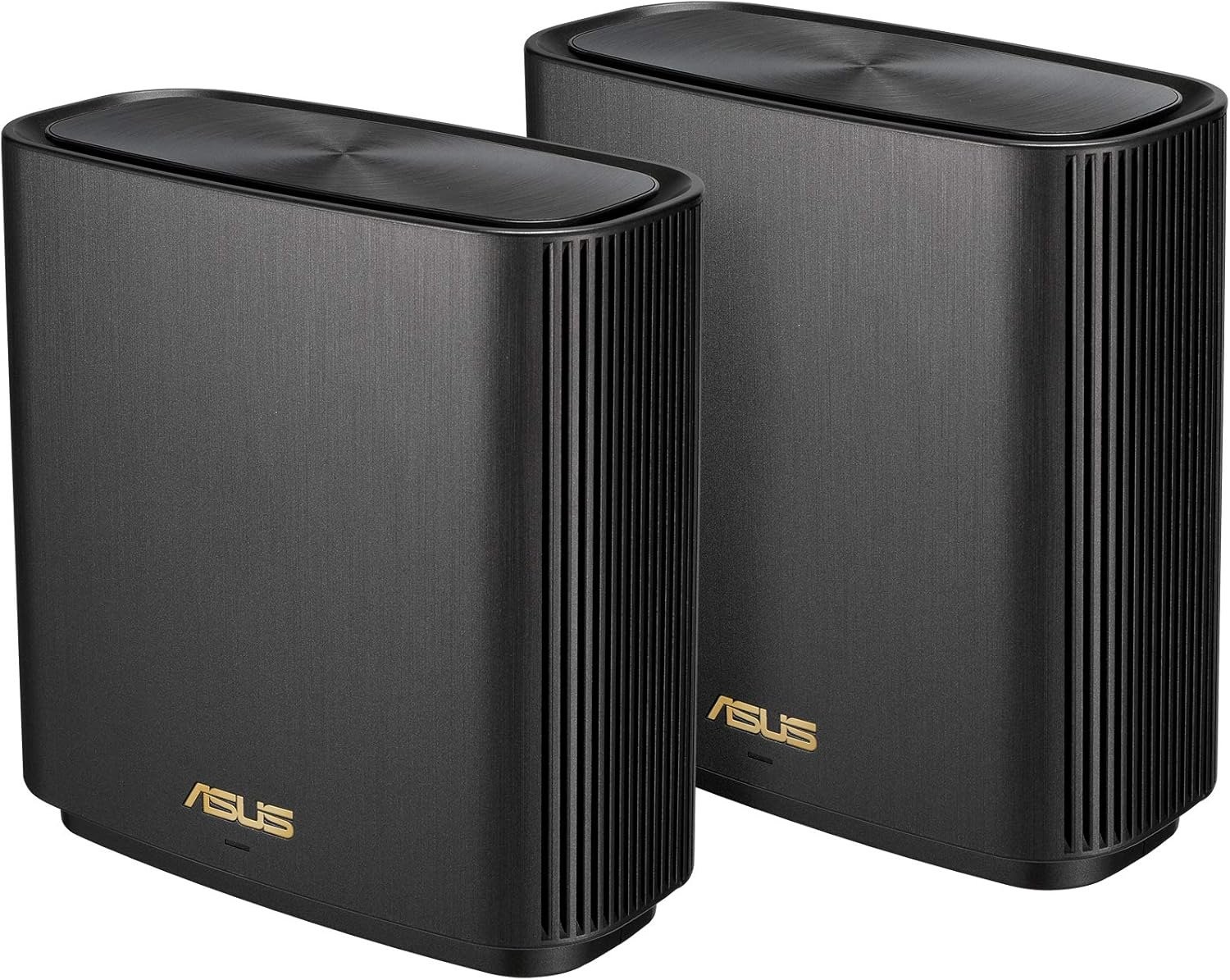
ASUS ZENWIFI XD6 AX5400 REVIEW: YOUR SIGNAL IS STRONG. YOUR SPEED IS BEING QUIETLY HALVED.
The Result Looks Fine. The Problem Isn’t.
You walk from the kitchen to the bedroom. The signal bars don’t drop. The connection icon stays full. The router app shows green across the board.
But something feels off. The 4K stream stutters for two seconds before recovering. The video call degrades and snaps back. The file download that should take thirty seconds takes ninety. You run a speed test, get 200 Mbps, and think: that’s fine, I have gigabit. You do the math, and nothing adds up.
This is not a coverage problem. The ASUS ZenWiFi XD6 AX5400 is genuinely excellent at distributing signal. That part is not in dispute. Where the system breaks down is subtler, more mechanical, and almost never explained clearly — not in the box, not in the marketing, and not in most reviews that test it for three days and move on.
The XD6 delivers one of the strongest per-node Wi-Fi performances of any compact mesh system tested at this price class. A single node performs comparably to ASUS’s own standalone gaming routers. That fact matters. It also obscures the real story.
What You’re Actually Feeling but Not Naming
The frustration isn’t dead zones. You’ve eliminated those.
The frustration is inconsistency. The network is present everywhere, but its behavior is unpredictable. Speeds in the same room vary depending on time of day, on how many devices are active, on whether someone is streaming in another room. You’ve replaced your ISP’s equipment. You’ve run speed tests directly into the modem. The ISP connection is clean. The mesh is the variable.
What you are experiencing has a name: wireless backhaul contention.
It is not a defect. It is not a firmware bug. It is an architectural property of every dual-band mesh system ever made — including this one — and it operates silently beneath every speed complaint users report without being able to explain why their “5400 Mbps” router delivers 200 Mbps to a device sitting thirty feet from a node.
The Hidden Mechanism Behind the Miss
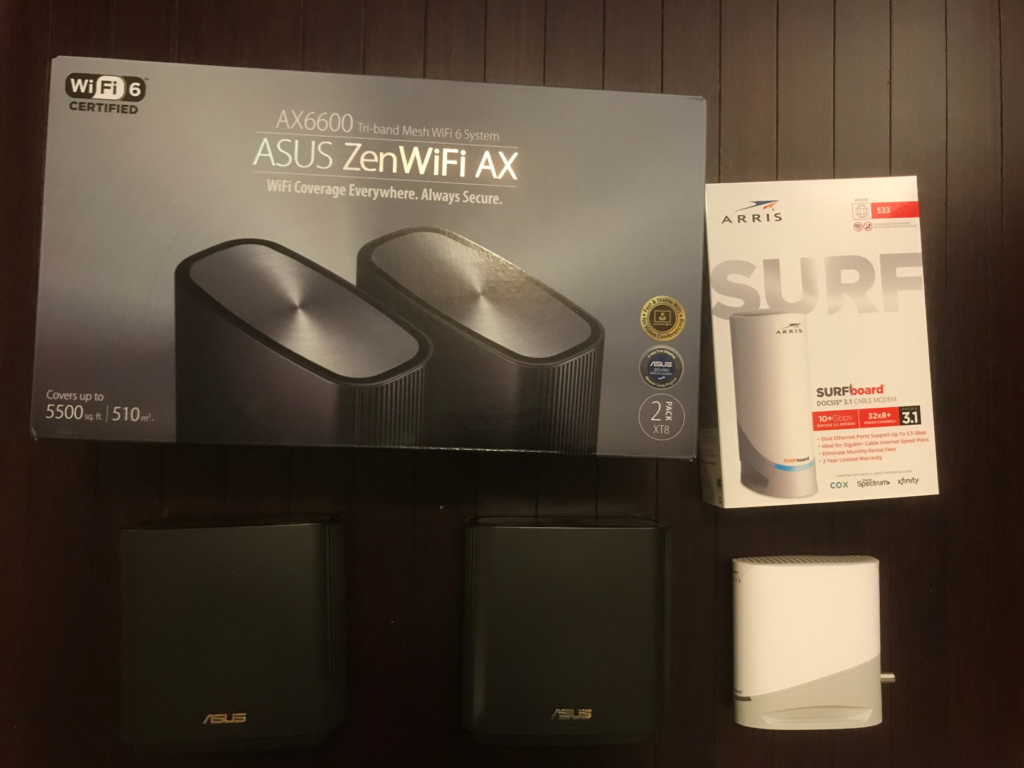
The ASUS ZenWiFi XD6 AX5400 is a dual-band system. That means every unit operates two radios: one at 2.4 GHz (574 Mbps theoretical) and one at 5 GHz (4804 Mbps theoretical at 160 MHz channel width).
In a single-node configuration — one XD6 as your only router — the 5 GHz band serves your devices. Full capacity available. This is why single-node benchmark numbers look impressive.
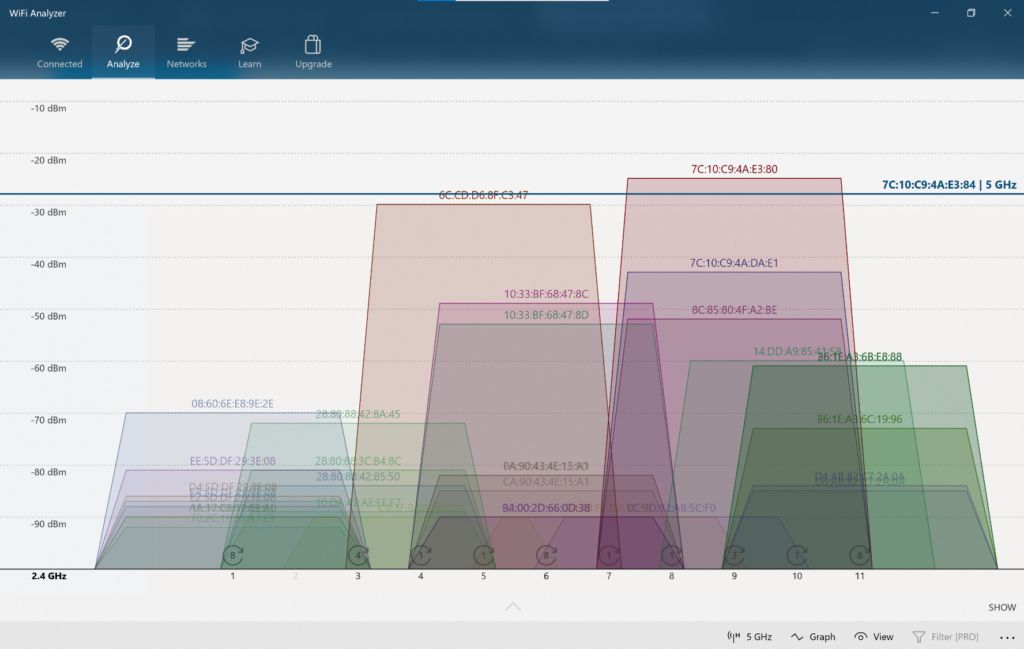
The moment you add the second node wirelessly, something changes structurally. The 5 GHz radio now must perform two jobs simultaneously: talk to your devices and maintain the backhaul connection to the primary node. These two tasks share the same radio, the same channel, and the same available bandwidth.
The result is predictable and unavoidable. In controlled testing, the wireless backhaul in dual-band mesh systems carries a penalty approaching 50% per hop — the radio splits its available capacity between client traffic and backhaul traffic with no separation between them. A node capable of delivering 800 Mbps to a nearby client in single-unit mode may realistically deliver 300–400 Mbps when running wirelessly behind another node, and considerably less at distance or through walls.
This is not an ASUS problem specifically. It is a physics-and-architecture problem that applies to every dual-band mesh product on the market. What makes the XD6 story different — and worth understanding precisely — is what happens when you escape this constraint.
The Threshold Where the Outcome Quietly Breaks
There is a point in every wireless backhaul deployment where the performance math stops working in your favor. For the ASUS ZenWiFi XD6, that threshold is defined by three converging factors:
| Condition | Effect on Throughput at Node |
|---|---|
| Wireless backhaul, nodes 10–15 ft apart, clear LOS | ~60–70% of single-node speed |
| Wireless backhaul, nodes 25–40 ft apart, one wall | ~40–55% of single-node speed |
| Wireless backhaul, two floors, multiple obstructions | ~25–40% of single-node speed |
| Wired Ethernet backhaul, any distance | ~95–100% of single-node speed |
| 160 MHz channel width enabled | Full 5 GHz capacity available |
| 160 MHz disabled (default in some regions) | Reduced to 80 MHz effective throughput |
The 160 MHz channel width issue compounds the backhaul problem. The XD6 defaults to 80 MHz operation in many configurations. Unlocking 160 MHz — which must be done manually through the router interface — is the difference between a theoretical ceiling of ~1200 Mbps and the full ~4804 Mbps the 5 GHz radio is capable of. Most users never change this setting.
The backhaul threshold, in simple terms: if you are running the XD6 wirelessly across more than 25 feet or through more than one structural wall, you are consistently operating below 50% of what the hardware can physically deliver.
Why Most Buyers Misread This Too Early
The spec sheet says 5400 Mbps. The box says it covers 5,400 square feet with two nodes. Neither of these statements is false. Both are responsible for a purchasing decision that works perfectly for one type of home and quietly underperforms in another.
The coverage claim is accurate. Signal reaches 5,400 square feet. Whether that signal delivers adequate speed to every corner of those 5,400 square feet is a different variable entirely — one that depends on your home’s construction, the distance between nodes, whether you have in-wall Ethernet, and whether you’re running the backhaul wirelessly or through cable.
The comparison trap compounds this. Buyers often compare the XD6 against tri-band systems and conclude the XD6 is a weaker product. This conclusion is wrong in one scenario and correct in another. A tri-band mesh system uses its third radio exclusively for node-to-node backhaul, keeping the two client-facing radios fully available. The XD6 has no third radio. In a wireless deployment, the tri-band advantage is real. In a wired deployment, the third radio is irrelevant — and the XD6 costs considerably less while delivering equivalent real-world throughput.
The early comparison trap steers some buyers toward more expensive tri-band systems they do not need. It steers others toward the XD6 with expectations calibrated for wired performance they will not achieve wirelessly.
Who Is Actually Inside This Problem
The buyer for whom the ASUS ZenWiFi XD6 AX5400 is a genuinely excellent decision occupies a specific situation:
- A home with existing in-wall Ethernet runs — even one cable between floors changes the entire performance profile
- A wired home office setup where the secondary node connects via Ethernet and serves wireless clients from a fixed, wired position
- An AiMesh user expanding an existing ASUS ecosystem who needs satellite nodes with full feature support and multiple ports per node
- A user whose internet plan is 500 Mbps or below, where the wireless backhaul penalty still leaves usable throughput at every node
- Someone who values ASUS’s firmware depth — real QoS, VPN server capability, Instant Guard, AiProtection powered by Trend Micro, full SSH access — over the simplified app-only experience of competitors
| User Type | XD6 Fit |
|---|---|
| Wired Ethernet backhaul available | Excellent |
| Internet plan ≤ 500 Mbps, wireless backhaul | Good |
| Internet plan ≥ 800 Mbps, wireless only | Limited |
| AiMesh ecosystem expansion | Strong |
| Apartments with concrete walls | Marginal |
| Multi-floor homes, no in-wall cabling | Conditional |
Where Wrong-Fit Begins
The XD6 begins to disappoint in a specific profile: a multi-floor home, no in-wall Ethernet, internet plan above 600 Mbps, with the secondary node placed across two floors or through dense construction material.
In this configuration, the wireless backhaul is carrying the full load across meaningful physical distance and obstruction. The 5 GHz signal degrades. The backhaul contention is real. The 500 Mbps gigabit plan delivers 150–250 Mbps to devices connected to the secondary node, and this number fluctuates based on concurrent network activity from other devices.
The user who buys the XD6 for this scenario and then compares their satellite-node speed test against their primary-node speed test will feel cheated. The system is performing exactly as its architecture permits. The purchase decision was made without the right variable in view.
Additional situations where the XD6 is not the correct tool:
- Homes where the only location for a secondary node is far from the primary and separated by concrete
- Users whose primary use case is low-latency gaming from the secondary node location specifically (AiMesh does not support 802.11r fast roaming, meaning device handoffs between nodes are not sub-100ms)
- Homes requiring more than two nodes wirelessly — every additional wireless hop compounds the backhaul penalty
The One Situation Where This Product Becomes Logical
Wire the backhaul. That is the complete answer.
When the ASUS ZenWiFi XD6 runs with Ethernet connecting its nodes — a single CAT5e or CAT6 cable between the primary node and each satellite — the architecture changes entirely. The 5 GHz radio is now fully available for client devices. The backhaul penalty disappears. Each node performs at or near its standalone throughput capacity. The system scales cleanly.
In this configuration, the XD6 2-pack delivers something rare: a compact, aesthetically clean, port-rich mesh system with three LAN ports per node, full ASUS firmware feature depth including commercial-grade security through AiProtection Pro (powered by Trend Micro, free for life), built-in VPN server, comprehensive QoS, and AiMesh 2.0 compatibility with the full ASUS router ecosystem.
The wired XD6 performs comparably to the ASUS ROG Strix GS-AX5400 — a standalone gaming-grade router — in per-node throughput testing. This is not a marketing claim. It emerged from head-to-head benchmark testing, and it was described by the reviewer who conducted it as “unexpected in the most positive way.”
The 3-port LAN configuration per node is a meaningful differentiator. Most competing mesh systems at this price provide one LAN port per satellite node. The XD6 provides three, which means wired devices — smart TVs, gaming consoles, desktop computers, NAS drives — can connect directly to any node without a separate switch.
| Feature | XD6 (Wired Backhaul) |
|---|---|
| Throughput at satellite node | ~95% of primary node |
| LAN ports per node | 3 (XD6) / 1 (XD6S) |
| AiProtection Pro | Lifetime, free |
| WPA3 support | Yes |
| 802.11r fast roaming | No |
| VPN server built-in | Yes |
| AiMesh 2.0 compatibility | Full |
| Management interface | Web UI + ASUS Router App |
| 160 MHz channel support | Yes (manual enable required) |
| Supported simultaneous devices | 40+ |
What It Solves, What It Reduces, and What It Still Leaves to You
What it solves:
Dead zones in a wired home. The XD6’s individual node performance is strong enough that a two-pack, properly positioned and wired, covers a 3,000–4,000 sq ft single-family home with consistent gigabit-class speeds at every point.
Coverage gaps from a single router. Even in a wireless configuration, the XD6’s signal distribution is excellent — the problem is throughput, not signal presence.
Network security. AiProtection Pro with Trend Micro delivers intrusion detection and prevention, malicious site blocking, and infected device quarantine. Unlike competing systems that limit security features to a subscription period, ASUS offers this lifetime at no additional cost.
What it reduces:
Wireless backhaul penalty is significantly reduced — not eliminated — when nodes are close together with clear line of sight. Moving nodes from 40 feet apart to 20 feet apart with a clear sightline materially improves backhaul efficiency.
Latency inconsistency is reduced with proper QoS configuration. The XD6’s dual QoS (adaptive and traditional) properly prioritizes real-time traffic when configured correctly.
What it still leaves to you:
Node placement decisions matter more with a dual-band system than with a tri-band system. The XD6 gives you no dedicated backhaul radio to forgive poor placement.
The 160 MHz setting must be enabled manually. The performance difference is significant; it is not automatic.
Fast roaming (802.11r) is not supported. Device transitions between nodes are functional but not seamless in the sub-100ms sense that gaming and real-time voice traffic benefit from.
Final Compression
The ASUS ZenWiFi XD6 AX5400 is not a product with a flaw. It is a product with a condition — and the condition is specific enough that it separates two completely different user outcomes from the same hardware.
If your home has in-wall Ethernet, or if you can run a single cable between floors, or if your internet plan sits at or below 500 Mbps and you are willing to position nodes carefully: the XD6 is a legitimate value at its current price, with firmware depth, security credentials, and port density that most competitors in this bracket cannot match.
If you are expecting tri-band wireless performance from a dual-band system, or if your home’s construction makes wired backhaul impractical, or if your internet plan pushes above 600 Mbps and you want that speed delivered consistently at every node wirelessly: the XD6 will underperform your expectation not because it is broken, but because the architecture you need is a different architecture.
The decision is not complicated once the variable is named. The variable is the backhaul. Wire it, and the ASUS ZenWiFi XD6 becomes one of the most capable and honest mesh systems in its class. Leave it wireless, and you are buying a strong signal with a speed ceiling you did not choose.
| Frequently Asked Questions About the ASUS ZenWiFi XD6 AX5400 |
|---|
| Q: Does the ASUS ZenWiFi XD6 require a wired backhaul to work? ** No. It works in a wireless backhaul configuration and functions reliably in that setup. The question is not whether it works wirelessly — it does — but whether it delivers the throughput you expect wirelessly. For homes with internet plans above 500 Mbps and multi-floor deployments, the wireless speed at satellite nodes will be materially lower than at the primary node due to the dual-band backhaul contention. For homes with plans below 500 Mbps or with close node placement, wireless performance is generally satisfactory. |
| Q: What is the real-world speed difference between wired and wireless backhaul on the XD6? ** In independent performance testing, wireless backhaul in dual-band mesh systems carries a throughput penalty approaching 50% at the satellite node relative to a single-unit configuration. Wired backhaul reduces this penalty to near zero — satellite node performance in a wired setup approaches 95–100% of primary node performance in controlled testing. |
| Q: Does the ASUS ZenWiFi XD6 support 802.11r fast roaming? ** No. AiMesh, ASUS’s mesh framework, uses 802.11k/v for roaming assistance but does not support 802.11r. This means device handoffs between nodes, while functional, are not sub-100ms. For stationary devices and standard use cases this is not noticeable. For latency-sensitive gaming or real-time voice traffic during physical movement between rooms, this limitation is relevant. |
| Q: How many wired ports does each ASUS ZenWiFi XD6 node have? ** Each XD6 node (the standard model) includes one WAN port and three LAN ports, all Gigabit. This is a significant advantage over most competing mesh systems that provide one LAN port per satellite node. The XD6S variant reduces this to one LAN port, which is a meaningful difference when choosing between the two versions. |
| Q: Can I add more ASUS ZenWiFi XD6 nodes later? ** Yes. The XD6 is fully compatible with ASUS’s AiMesh 2.0 ecosystem, which allows you to add compatible ASUS routers as additional nodes. You can mix and match compatible ASUS models within the same AiMesh network, and the system scales without requiring a full hardware replacement. |
| Q: Is AiProtection Pro on the ASUS ZenWiFi XD6 really free for life? ** Yes. ASUS includes AiProtection Pro powered by Trend Micro at no subscription cost for the life of the product. This covers malicious site blocking, intrusion prevention, and infected device detection. Competing systems at this price bracket frequently limit security features to a two- or three-year window before requiring a paid subscription. |
| Q: Why does my XD6 seem slower than the 5400 Mbps specification suggests? ** Two primary reasons. First, the 5400 Mbps figure is the combined theoretical maximum of both bands (574 Mbps on 2.4 GHz + 4804 Mbps on 5 GHz) and represents a ceiling that no real-world device combination will approach simultaneously. Second, the 5 GHz 4804 Mbps figure requires 160 MHz channel width enabled, which is not the default in many configurations. Enabling 160 MHz in the router settings is a manual step that meaningfully improves 5 GHz throughput. |
| Q: How does the ASUS ZenWiFi XD6 compare to tri-band mesh systems? ** In a wireless backhaul deployment, tri-band systems have a structural advantage: their dedicated backhaul radio keeps client-facing radios fully available, avoiding the 50% throughput penalty inherent to dual-band wireless mesh. In a wired backhaul deployment, this advantage disappears — the XD6 performs comparably in throughput while offering more ports per node and ASUS’s deeper firmware feature set at a lower price point. |
Transparency Note:
This analysis is built on aggregated real-world experience.
It extracts what repeatedly holds, what breaks, and what users uncover only after living with the system—then shapes it into a clear model you can use immediately.
Think of it as structured experience, refined and presented so you don’t have to learn it the hard way.
“A quick note: Don’t believe the star ratings, but trust personal experience. This article is a compilation of collected experiences”