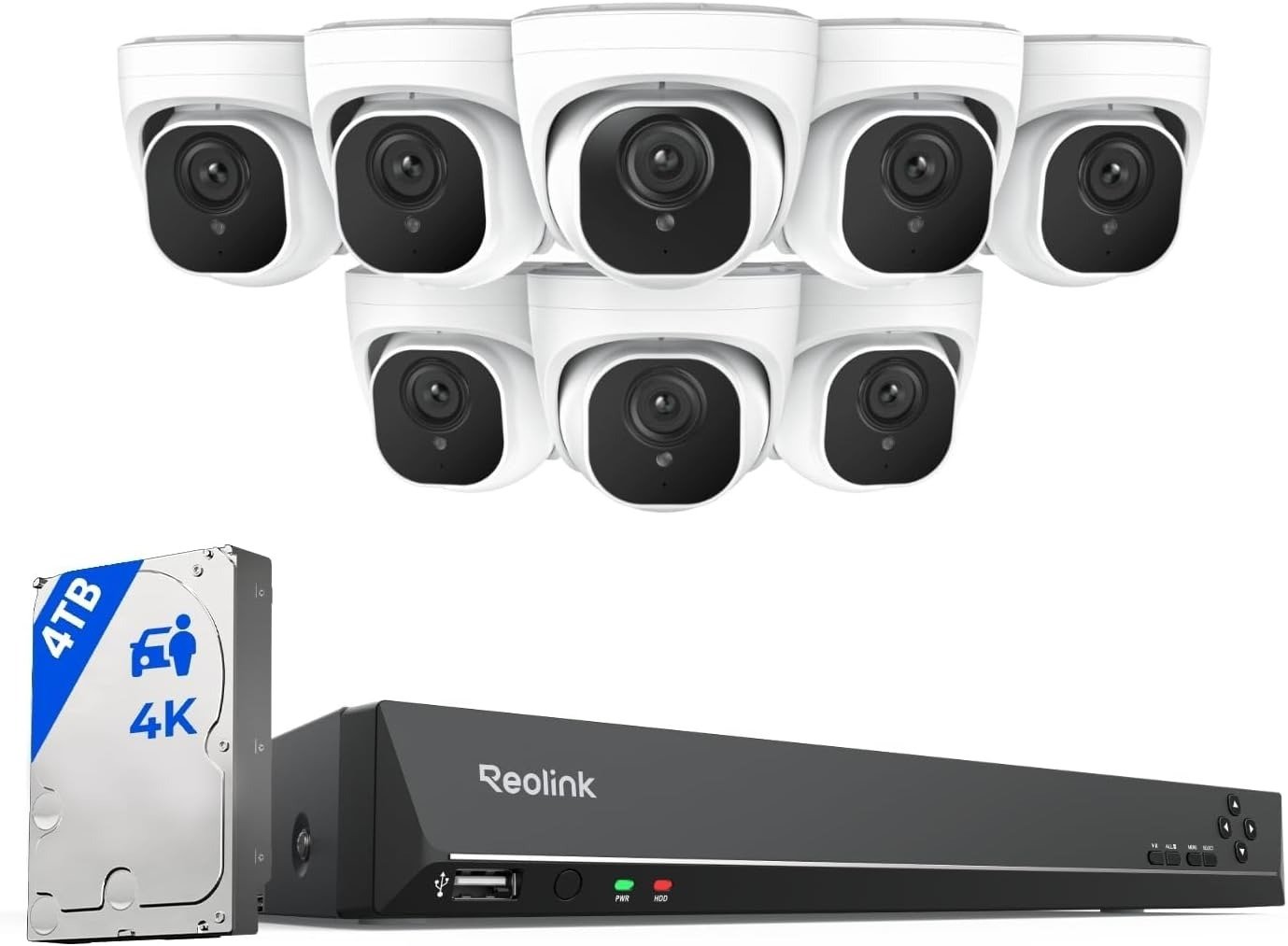
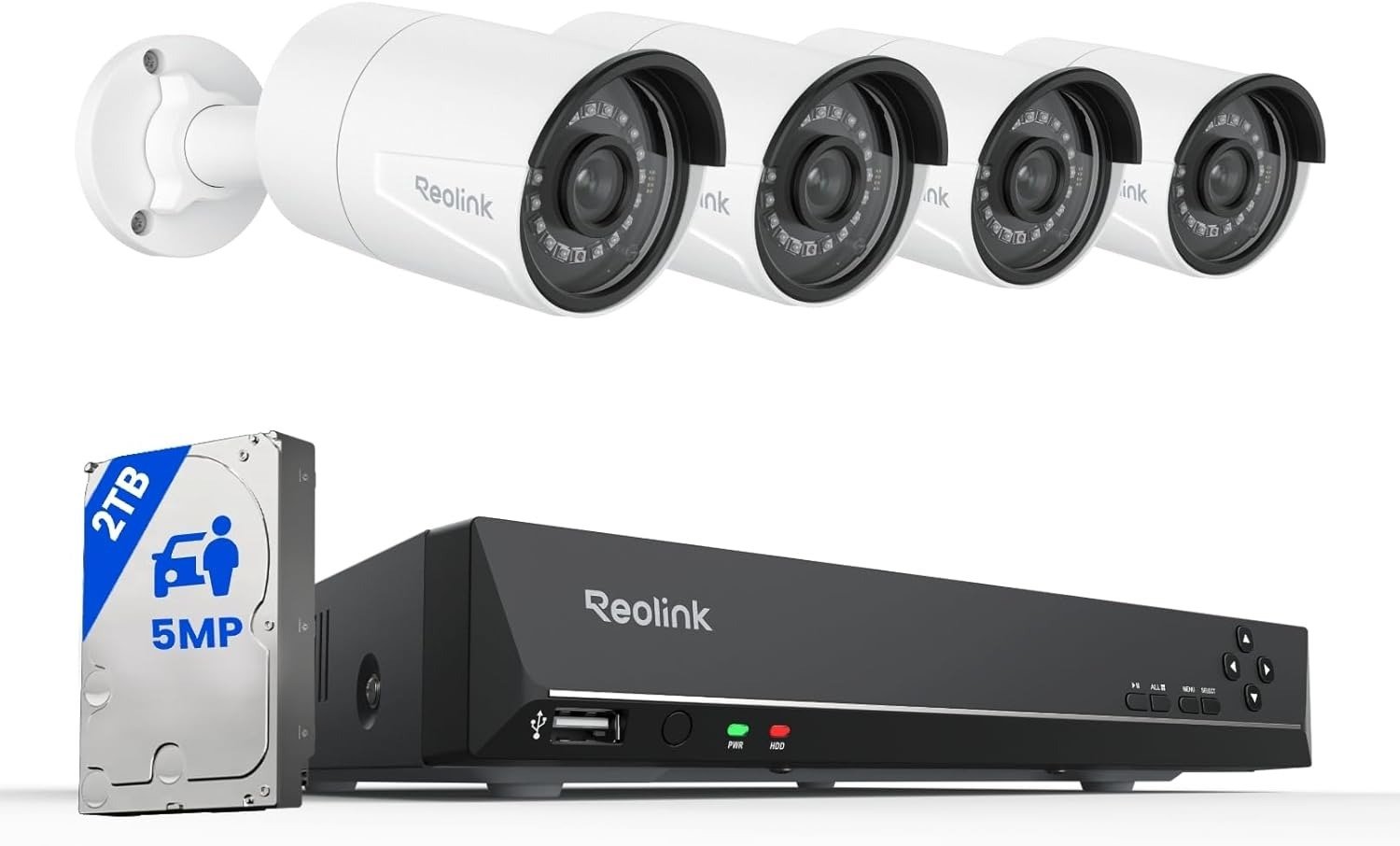
Reolink RLK16-800B8 Performance Study: The Stability Threshold Behind “Slow Remote Viewing” Drift
ANALYSIS FRAMEWORK
7:10 PM. The door opens.
I expect the live view to appear in around 2–4 seconds.
When it stretches into 20–40 seconds,
the routine breaks—and that’s the moment I stop trusting the system.
Why does that happen?
Ceiling: remote-view access latency has a real upper limit before the system feels unreliable.
Variable: repeated viewing load + uplink conditions + app/firmware cycles.
Event: after 1–2 update cycles, or after I increase viewing frequency across multiple phones, load behavior can shift.
The Single Threshold Model I Use
I use exactly one model: Remote Viewing Stability Threshold under repeated load.
If I can’t consistently open live view and recent playback inside a predictable window, the system has crossed the threshold—even if recording is technically still working.
Three numeric anchors I lock early:
- 4K/8MP at 20 fps isn’t the problem; detail is there when access is stable.
- PoE cable runs up to ~330 ft reduce camera-link randomness; wiring helps the base layer.
- 20–40 seconds is the drift window that destroys routine when remote access goes sideways after certain app cycles.
Scenario Card
Environment scale: medium home, 2 floors, driveway + front door coverage
Usage density: ~35–55 active devices total, with 2–4 phones checking live view daily
Operational condition: sustained uplink load around ~8–15 Mbps during peak viewing + 24/7 recording on NVR
Deployment Reality Split
If optimized infrastructure exists: with PoE wiring and a solid wired uplink, the ceiling shifts toward client viewing behavior and firmware/app response.
If constrained infrastructure dominates: when uplink is weak or viewing is mostly cellular under load, the ceiling becomes infrastructure-driven, and drift becomes more likely.
Firmware Discipline
After 1–2 update cycles, remote loading behavior can shift—sometimes the exact same tap-to-live-view rhythm becomes slower or inconsistent.
That’s why I anchor drift to an update event, not to mood or guesswork.
The Real-World Constraint That Actually Bites
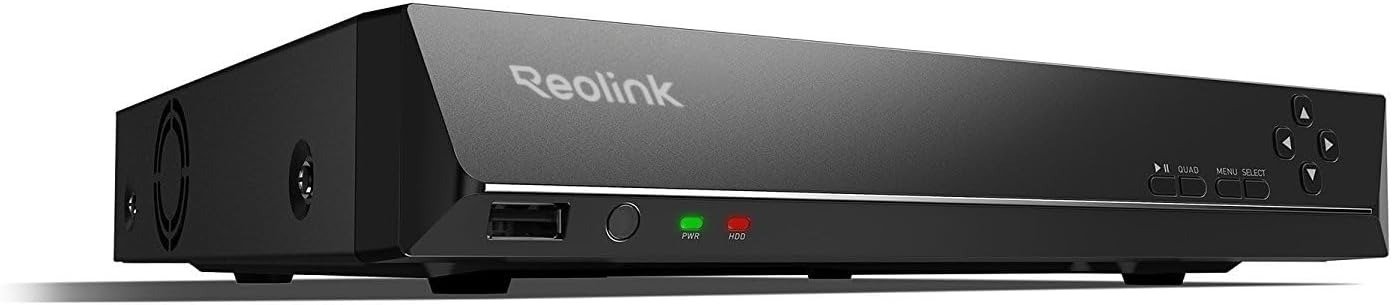
Noise and ventilation are not “comfort details.” They’re deployment constraints.
When the NVR has to sit near an office or bedroom, fan noise and heat placement pressure can force bad positioning—then the system becomes a daily compromise even if the cameras are fine.
The Three Indicators I Watch
- Access latency spike window: live view jumps from ~2–4 seconds to ~10–25 seconds, or worse
- Playback response drift: scrubbing or loading recent clips becomes inconsistent during peak usage
- Viewer-load sensitivity: the system feels normal with one viewer, then degrades when 2–3 people check feeds within the same hour
Hard Constraint and Trade-Off
Hard Constraint: this kit’s lived stability depends on remote access path quality + viewer load patterns + firmware/app cycles more than on raw camera resolution.
Trade-off: you gain PoE recording consistency, but you inherit “remote access reality” where drift shows up if the viewing side crosses the threshold.
Compatibility Split 3.0
Compatible: In certain deployments, stability holds when PoE wiring is clean, the NVR is placed where heat/noise isn’t a daily fight, and viewing load is predictable.
Misaligned: Under constrained uplink + heavy mobile viewing + post-update behavior changes, drift appears as slow loads and inconsistent access.
Transparency Note:
This analysis applies a structured performance framework to documented user patterns and technical documentation, focusing on repeatable behavior over time rather than isolated impressions
One Comment