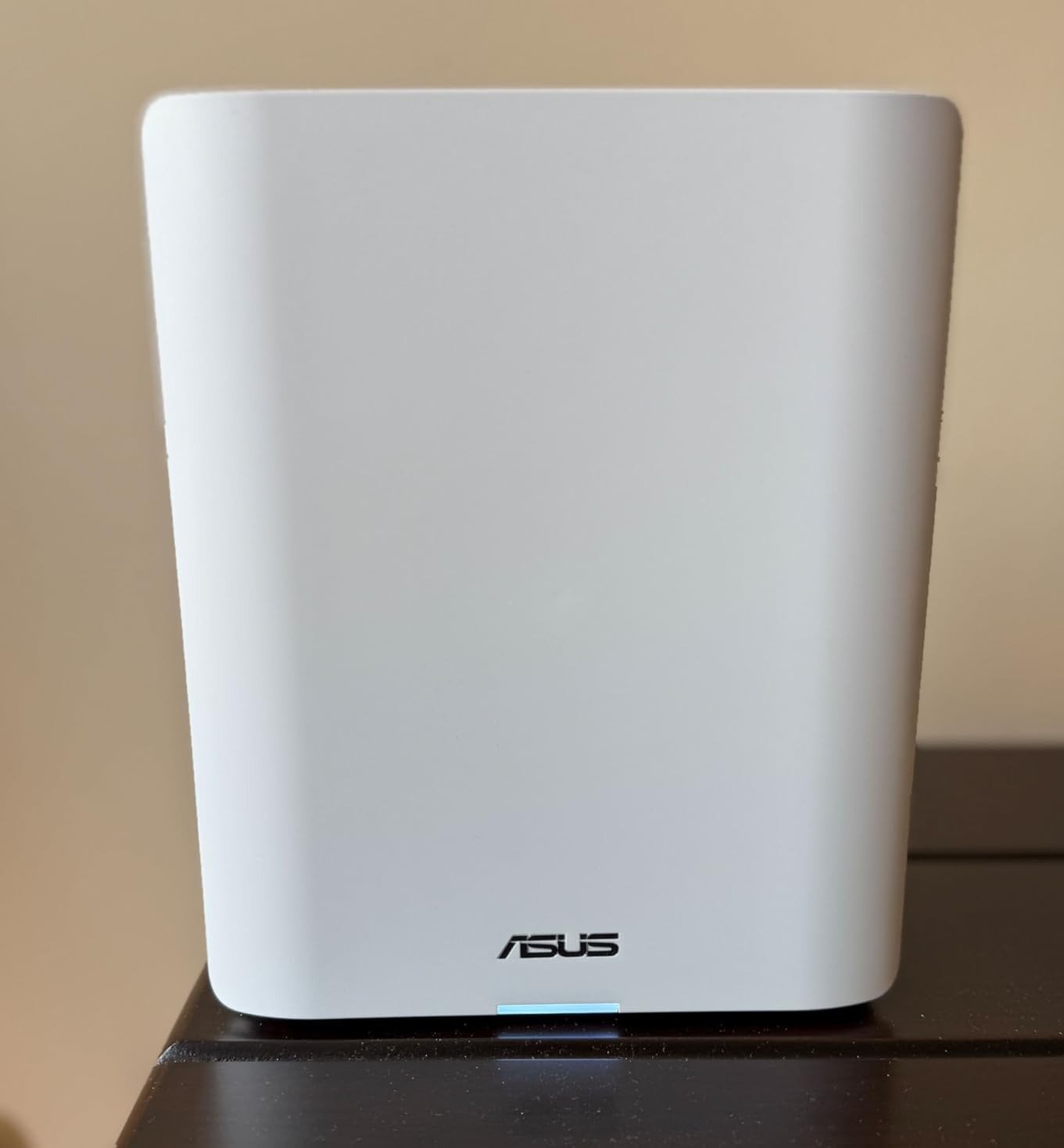
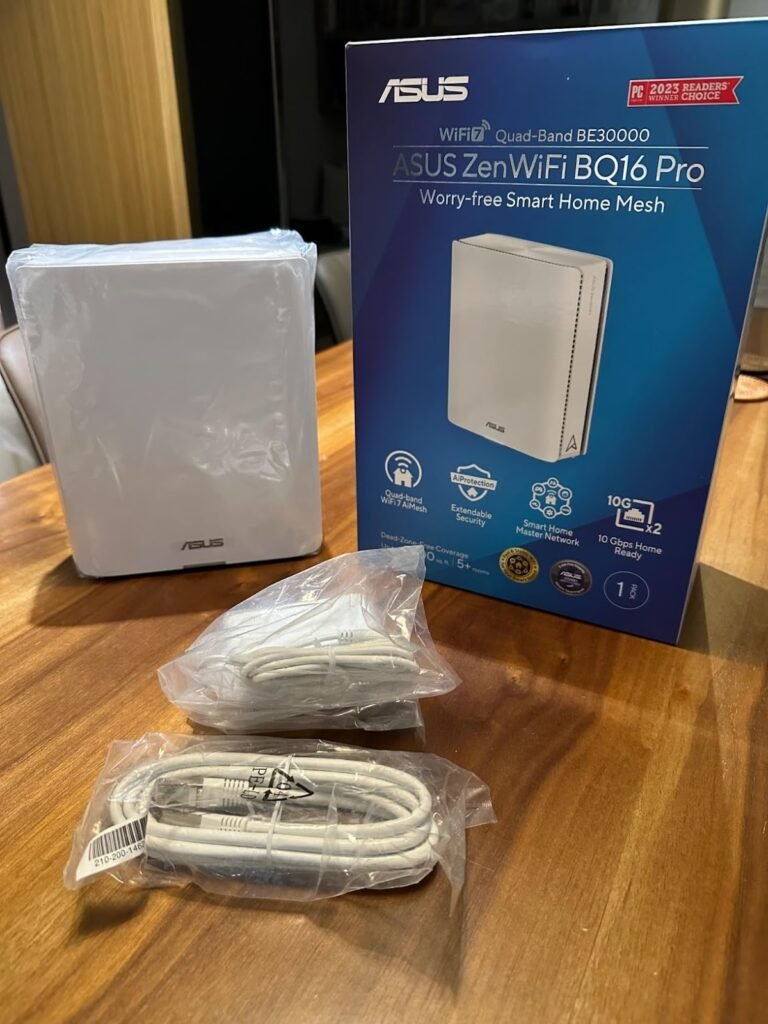
ASUS ZenWiFi BQ16 Pro Review: The Threshold Where It Becomes a Logical Buy
ANALYSIS FRAMEWORK
Expensive Mesh Usually Fails Before the Wi-Fi Does
The failure rarely looks dramatic. It looks like tiny interruptions stacking up until the network becomes mentally expensive.
A premium system is supposed to erase that. The ASUS ZenWiFi BQ16 Pro comes very close when the house is demanding enough to justify its design.
When it is not, the same hardware can feel like overbuilt infrastructure with a longer learning curve attached. That is the whole decision in one sentence.
What I Think This Product Is Actually Selling
Not raw speed. Not even Wi-Fi 7.
What ASUS is really selling here is headroom under pressure.
Two 6 GHz bands, 320 MHz support, MLO, dual 10G ports, AiMesh scaling, mobile tethering backup, and segmentation tools are all different ways of saying the same thing:
this system is built to stay composed when a simpler mesh would start making compromises.
That is why Tom’s Guide saw class-leading short-range throughput, why Tom’s Hardware praised its backhaul flexibility, and why ASUS keeps framing it as a future-proof smart-home platform rather than just a faster router.
The Threshold Model
I would use a single model here: Threshold.
The ASUS ZenWiFi BQ16 Pro becomes a logical buy when at least three conditions are true:
- Your home has real mesh pressure — size, layout, walls, or dead-zone history.
- Your traffic is meaningful enough to expose weak backhaul or weak handoffs.
- You care about control layers such as IoT isolation, VPN segmentation, security tooling, or future multi-gig flexibility.
- You would rather pay once for high-end hardware than subscribe your way through missing features later.
If you are below that threshold, the product still works. It just stops making economic sense.
What You Gain, and What You Quietly Trade Off
You gain unusually high throughput, serious backhaul options, a richer feature stack, and the kind of architectural margin that helps a dense smart home stay orderly.
You trade off price, simplicity, and some tolerance for early-stage quirks that power users often absorb more easily than casual buyers.
Dong Knows explicitly called out its higher price and the lengthy restarts required for some settings.
Tom’s Hardware praised the performance and flexibility but criticized the 1 GbE LAN ports at this level.
User reactions echo the same shape: fast, powerful, but not universally frictionless.
Fit Table: Who Should Buy This, Who Should Walk Away
| Buyer Profile | Fit | Why |
|---|---|---|
| Large home, weak legacy mesh, wants strong wireless backhaul | Excellent fit | The quad-band design and dedicated 6 GHz resources matter here |
| Multi-gig internet household | Excellent fit | Dual 10G ports and higher ceiling have real value |
| Dense smart home with IoT separation needs | Strong fit | Smart Home Master and multiple SSIDs are operationally useful |
| Power user who wants VPN, security, and granular control | Strong fit | ASUS exposes meaningful tooling without a subscription layer |
| Average family on 300–800 Mbps broadband | Acceptable to borderline | It will work well, but much of the cost stays unused |
| Small home or apartment with stable Wi-Fi 6 already | Poor fit | The threshold is not crossed |
| Buyer who wants the easiest possible plug-and-forget mesh | Wrong fit | This class rewards involvement more than passivity |
The Hidden Cost Most People Miss
The hidden cost is not electricity. It is attention tax.
If a mesh system is fast but keeps drawing you back into the app, into reboots, into compatibility workarounds, or into needless tuning, the premium promise gets diluted.
This is why mixed user feedback matters so much more than the marketing line.
The BQ16 Pro appears to have a high ceiling and, for the right setup, a strong payoff.
But if your personality hates troubleshooting and your network does not need this level of control, the attention tax can outweigh the upside.
The Uncomfortable Truth About “Future-Proof”
Future-proofing is only useful when you are buying into a problem that is actually arriving.
If you already have newer clients, a fast WAN, growing device count, and a house that punishes weaker mesh systems, then yes, this architecture buys breathing room.
If you are buying it because the number is bigger, the ports look expensive, and Wi-Fi 7 sounds like immunity from regret, then the phrase future-proof becomes a polite way to overbuy.
My Decision
I would call the ASUS ZenWiFi BQ16 Pro a high-conviction buy only above the threshold.
Not because it lacks power. The opposite.
It has enough power that the wrong buyer pays for architecture they will never meaningfully use.
But in the right environment — large home, difficult layout, fast internet, advanced device mix, real need for segmentation and backhaul resilience — it stops looking expensive and starts looking structurally correct.
That is a very different standard from ordinary router praise, and it is the right one here.
Final Boundary
If your problem is simple Wi-Fi, this is too much.
If your problem is network stability under modern household load, this is where the conversation becomes serious.
[Link — Product Page placement: “If this is the pressure your network is under, the ASUS ZenWiFi BQ16 Pro becomes a logical next step.”]
ASUS ZenWiFi BQ16 Pro: Where Fast Mesh Stops Being the Real Question
The Problem Usually Starts After You Stop Looking at the Spec Sheet
A dead zone is annoying. A random handoff is worse.
The real irritation begins when the network looks elite on paper, your phone shows full bars, and the routine still feels brittle.
Video calls hesitate in the room that was supposed to be fixed. Smart home devices cling to the wrong band.
A premium mesh kit turns into something you keep checking instead of something you forget exists.
That is the threshold that matters here. Not peak speed. Not Wi-Fi 7 branding. The point where a network stops demanding your attention.
Why This System Pulls Attention in the First Place
ASUS built the ZenWiFi BQ16 Pro as a quad-band Wi-Fi 7 mesh system with two 6 GHz bands, rated up to BE30000, with 12 internal antennas, 16 front-end modules, dual 10G ports per unit, USB 3.0, AiMesh expansion, 4G/5G mobile tethering, and up to three preset SSIDs through Smart Home Master for IoT, VPN, and parental-control scenarios.
On paper, that is not normal consumer mesh. It is a high-density, high-control architecture aimed at homes where the network is no longer a background utility.
The Hidden Variable Is Not Speed. It Is Routine Friction Load
The uncomfortable truth is that many people buy premium mesh for coverage and only discover later that coverage was the shallow problem.
The deeper problem is routine friction load: how often the network asks for intervention after the honeymoon period.
The BQ16 Pro looks strong here because its extra 6 GHz band can support dedicated backhaul logic, its MLO design can improve link flexibility, and ASUS includes feature depth without pushing subscription fees for core security and management features.
But the same system also carries setup complexity, more settings, and a steeper chance of user-induced misconfiguration than simpler ecosystems.
That trade-off is part of the product, not a footnote.
What the Professional Testing Actually Suggests
The broad pattern across credible reviews is unusually consistent: this system is extremely fast when conditions line up, especially on 6 GHz and in mesh scenarios that benefit from its quad-band design.
Tom’s Guide called it the fastest router it tested in that roundup, recording 2.62 Gbps at 15 feet and 1.532 Gbps at 50 feet, while Tom’s Hardware described it as a “genuine speed demon” with 6 GHz throughput cresting 3,500 Mbps at close range and long-range 6 GHz results approaching 3,000 Mbps.
The repeated message is clear: this is not fake flagship hardware. The throughput upside is real.
Where the Story Gets Less Comfortable
The weakness is not that the BQ16 Pro is underpowered.
The weakness is that premium mesh has a higher penalty for imperfection.
Tom’s Hardware called out the mixed 2.4 GHz results and noted that ASUS still uses three 1 GbE LAN ports alongside the two 10 GbE ports, which feels conservative at this tier.
Dong Knows noted that some settings require lengthy restarts, that the system is comparatively expensive, and that AFC was still pending at the time of that review update.
User feedback is also not perfectly clean: one verified Best Buy reviewer praised signal strength and setup ease but still said Wi-Fi 7 had to be disabled; another owner described the system as extremely fast but quirky at first.
This is exactly where expensive networking gear creates regret: not when it is weak, but when it is powerful enough to expose every small instability.
The Real Threshold
The threshold is simple: this system starts to make sense when your network is no longer being judged by “Can it reach the room?” and starts being judged by “Can it hold a high-speed, high-device, low-intervention routine without becoming a hobby?”
If you are running multi-gig internet, heavy wireless backhaul, newer Wi-Fi 7 clients, dense smart-home zones, or mixed traffic that includes work, gaming, streaming, and device isolation, the BQ16 Pro’s architecture has a reason to exist.
If your house is moderate, your internet is ordinary, and your device mix is mostly Wi-Fi 6 or older, then much of what you are paying for will sit there like unused horsepower.
What I Would Watch Before Calling Any Mesh “Worth It”
The first thing I would watch is not a speed test.
It is whether the system reduces checking behavior. Less band babysitting. Less “why did that speaker disappear?” Less need to separate devices into emergency workarounds.
The second thing is whether the extra control features actually solve something in your house.
Smart Home Master is useful if you truly need cleaner IoT separation or instant VPN segmentation. It is decorative if your network life is simple.
The third is whether the premium hardware is helping a real bottleneck or just flattering your spec bias.
Threshold Table: When This Class of Mesh Starts Making Sense
| Real Need | What Happens With BQ16 Pro |
|---|---|
| Multi-gig internet and fast local transfers | Strong fit |
| Large home with wireless backhaul pressure | Strong fit |
| Heavy IoT separation needs | Strong fit |
| Want subscription-free security and VPN tools | Strong fit |
| Mostly older devices and modest broadband | Borderline fit |
| Small apartment, simple usage | Weak fit |
| Want the simplest possible setup over deep control | Weak fit |
The table is blunt on purpose.
The BQ16 Pro is easiest to justify when the hidden cost of weak mesh is already showing up in your daily routine.
Who This Is Quietly Not For
This is not for someone who wants to install a mesh kit once, never touch an advanced setting, and pay flagship money only to end up using it like a basic access point pair.
It is also not for buyers who confuse maximum published throughput with universal client experience.
Most of the magic here lives in architecture, backhaul flexibility, advanced segmentation, and future-facing overhead.
If your network life does not press on those limits, the system can feel more impressive than necessary.
The Point Where Curiosity Should Turn Inward
The question is no longer “Is the ASUS ZenWiFi BQ16 Pro fast?” That part is largely settled.
The sharper question is this: when does that speed become operationally useful, and when does it become expensive excess?
That is where the decision lives.
[Link — Decision Article placement: “If you want the part that matters most, read the point where this system becomes the right fit — and where it clearly does not”]
Transparency Note:
This analysis is not based on quick personal impressions.
It is derived from documented system behavior, verified user patterns, and the physical constraints of storage capacity.
The goal is to translate complex technical behavior into a realistic performance model that helps you make a clear decision