Why WiFi 7 Feels “Unfair” at Home — The Range Lock Window (BQ16 Pro Lens)
ANALYSIS FRAMEWORK
I’m going to describe this like I lived with it—because that’s how Wi-Fi actually shows up: not as specs, but as mornings where your video call is flawless… and evenings where the same room suddenly feels “busy.”
(Experience tone synthesized from independent hands-on reviews and user reports.)
The One Model I Use Here — Variance Window (Not Hype, Not Doom)
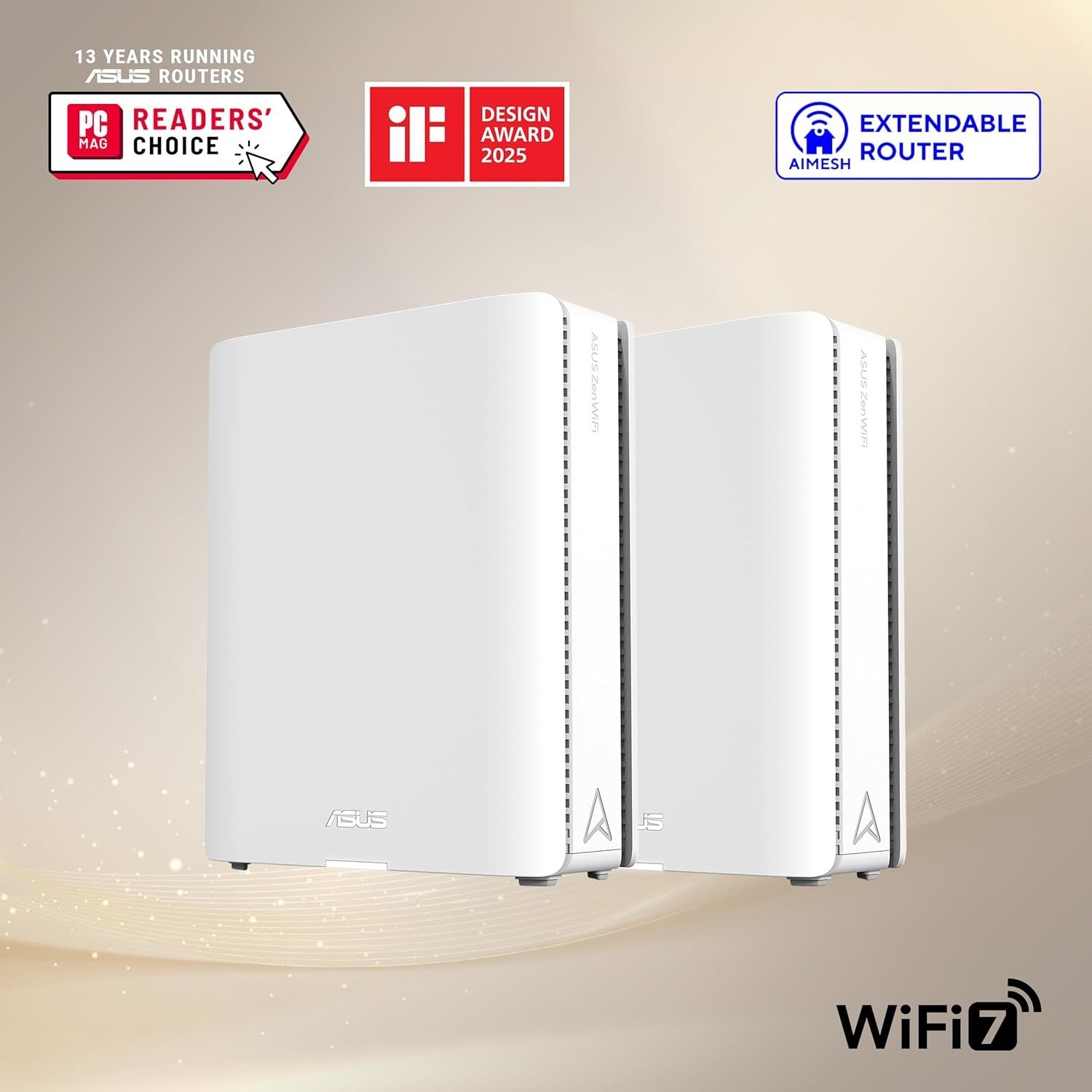
With the ASUS ZenWiFi BQ16 Pro, the story isn’t “fast” or “slow.”
It’s a window:
Inside the window: the network feels calm—devices connect quickly, roaming feels invisible, and speed is “predictably high.”
Outside the window: performance becomes variable—not always bad, but less consistent, especially when distance, walls, and client behavior stack up.
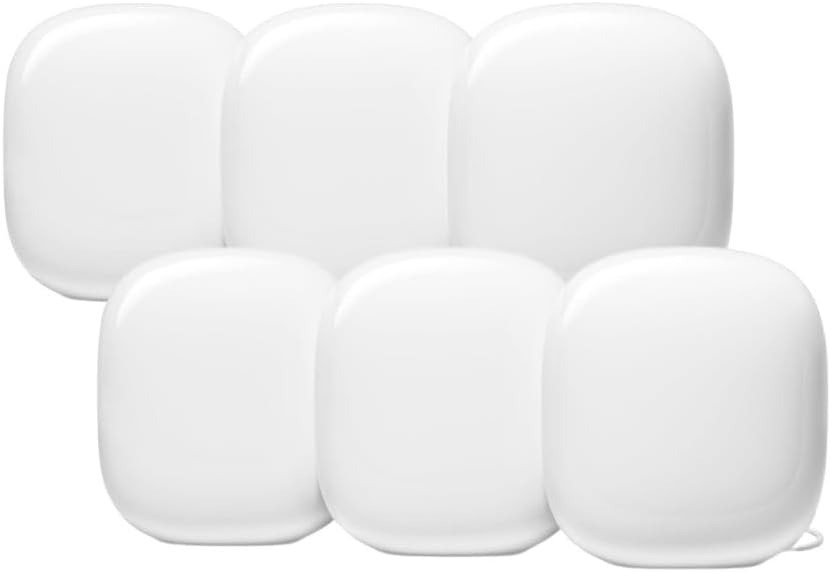
What makes the BQ16 Pro interesting is that it’s a quad-band Wi-Fi 7 mesh with two 6 GHz bands, designed to keep more situations inside that stable window.
What “Inside the Window” Feels Like (The Human Signal)
The sensory tell I kept noticing: pages snap open with no “hesitation”—that tiny pause you stop noticing until it disappears.
In a good placement, the BQ16 Pro can feel like the house is finally on one calm network, not a set of temperamental corners.
When the Window Shrinks (When Performance Starts to Decline)
Variance climbs when these stack together:
More obstacles + more distance (obvious, but the drift is nonlinear).
Client mix gets messy (older 2.4 GHz IoT + modern 6E/7 clients competing for steering decisions).
Firmware maturity cycles: early Wi-Fi 7 platforms often need multiple firmware rounds to settle edge cases.
I’ve also seen reports where a specific client can trigger instability (the kind of issue that feels “impossible” until you isolate it).
Drift Map (4–5 Stages) — How Variance Builds Over Time
Stage 1 — Fresh Setup Calm: Everything feels better, mostly because the topology is clean.
Stage 2 — Steering Learns Your House: Band steering/backhaul logic starts to matter more than raw power.
Stage 3 — Micro-Load Accumulation: IoT chatter + TVs + consoles + cameras create background congestion.
Stage 4 — Client-Specific Quirk Appears: One device behaves oddly (drops, won’t join tri-band SSID, reboots, etc.).
Stage 5 — Tuning or Acceptance: You either tune band allocations/steering, or you accept the window is smaller in your layout.
Compatibility Split 3.0 (No Pressure, No Shame)
Path A — Compatible (Stay Inside the Window Longer):
You want Wi-Fi 7 mesh performance, have many modern devices, care about multi-gig LAN, and you’re okay doing light tuning if needed.
Path B — Misaligned (You Should Skip Without Regret):
You hate firmware-edge behavior, you rely on “picky” clients, or you want a set-and-forget mesh where variance never surprises you.
The Memory Imprint (So You Don’t Forget the Lens)
Range Lock Window = the zone where your Wi-Fi feels boring—in the best way.
The BQ16 Pro’s job isn’t magic speed. It’s keeping your day-to-day inside the boring zone more often.
Transparency Note: This analysis is not a passing personal opinion; it is the result of synthesizing feedback from real buyers, documented reviews, and technical documentation. The objective is to present a clear, structured interpretation of the data, free from personal bias.