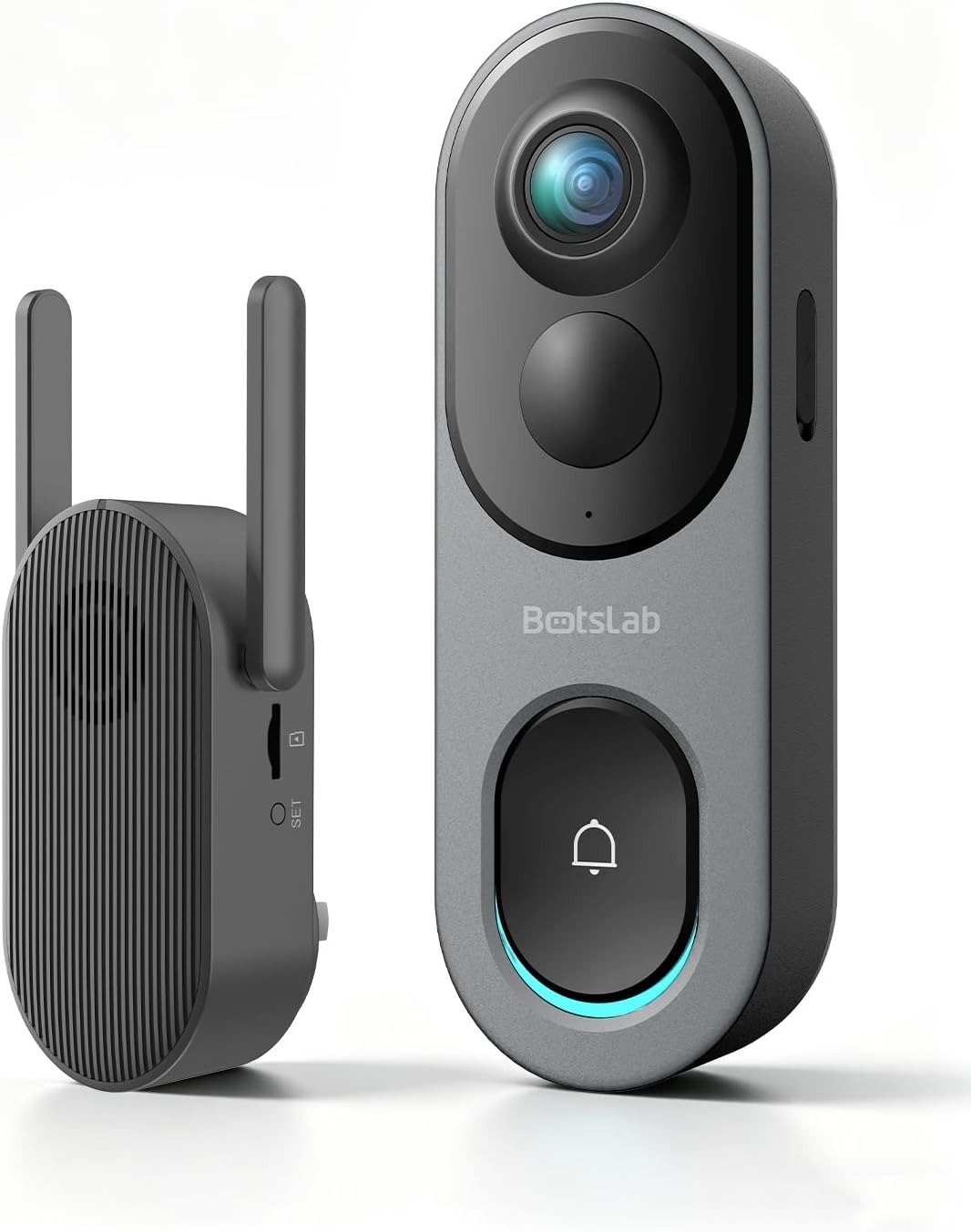
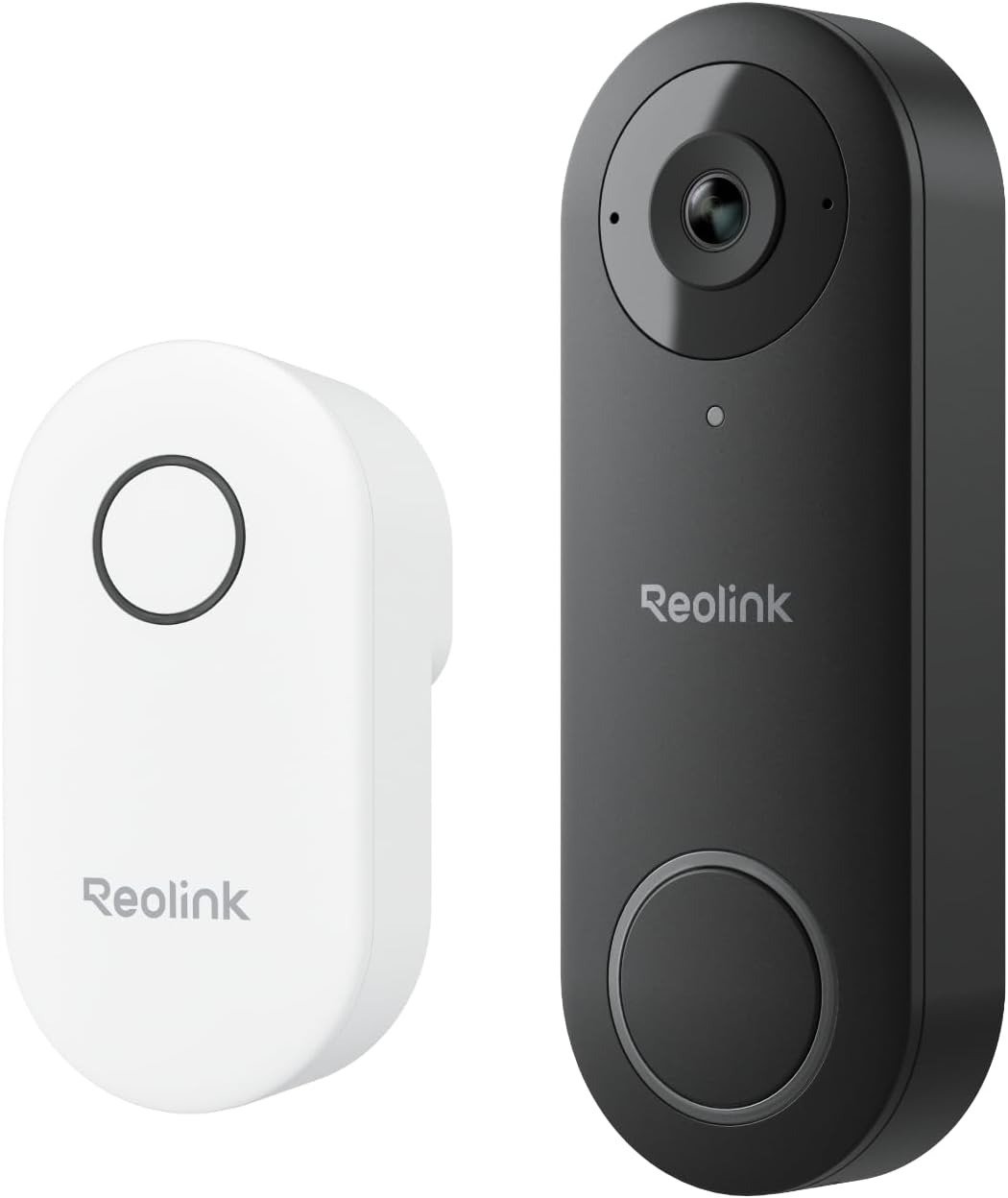
Reolink Video Doorbell WiFi — When Notification Stability Starts to Drift
ANALYSIS FRAMEWORK
The first thing that impressed me when I installed the Reolink Video Doorbell WiFi was the clarity.
The image is sharp, wide enough to see both faces and packages, and the live view opens quickly.
At first everything felt stable.
The interesting part didn’t appear immediately.
It appeared after normal daily use.
Not in the video quality.
In the timing of alerts.
This is where the real behavior of the system reveals itself, because a doorbell is not only a camera.
It is a timing device.
If the timing becomes inconsistent, the experience begins to drift even when the image is still perfect.
This article explains the point where that drift begins.
The Real Intent of This Analysis
If your Reolink doorbell records video normally but the phone notification sometimes arrives late or inconsistently, you are not imagining it.
The system can reach a point where the notification path behaves differently from the video path.
The camera may still record perfectly while the alert timing becomes less predictable.
Understanding that separation is the key to understanding the product.
Why the Video Quality Gets So Much Praise
Across user feedback and long-term testing, one thing stays consistent: the image quality is excellent for a doorbell.
The camera captures clear faces at close distance and the vertical framing allows packages near the door to remain visible.
Night vision is also reliable enough to keep motion events identifiable.
Many people switch to this model specifically because it behaves more like a security camera system than a typical subscription doorbell.
Local recording options such as microSD storage allow the camera to keep evidence even if cloud systems or notification channels behave differently.
This architecture is one of the reasons the device earns strong ratings among people who prefer local control.
Where the Drift Actually Begins
The interesting behavior appears over time.
After several hours or days of normal activity — rings, motion alerts, occasional live views — the timing channel can begin to behave differently from the video channel.
Video remains stable.
Recording remains stable.
But the moment between the physical press of the doorbell and the phone notification may begin to vary.
Sometimes it is instant.
Sometimes it arrives a few seconds later.
Sometimes the phone reacts differently depending on network conditions.
This is the threshold behavior.
Why This Happens
The doorbell operates through two parallel systems.
System One — Video Path
- Camera
- Local processing
- Recording / Live View
System Two — Notification Path
- Doorbell press
- Detection event
- Network communication
- Cloud push service
- Phone operating system
- Notification display
The second path contains more variables.
That means the video can stay stable while the notification timing shifts.
Many users interpret this as a product problem, but in many cases it is actually a network threshold problem.
Failure Signatures That Reveal the Threshold
When a system reaches its behavioral threshold, certain patterns repeat.
These patterns appear frequently in user experiences.
| Failure Pattern | Trigger Condition | Observable Symptom | What It Means |
|---|---|---|---|
| Notification Latency | Heavy network activity | Alert arrives several seconds after the ring | Push notification path is slower |
| Network Threshold | Weak Wi-Fi near the door | Live view sometimes loads slower | Signal strength is near its limit |
| Assistant Instability | Frequent voice assistant calls | Smart speaker notifications stop or behave oddly | Assistant integration becomes the unstable layer |
| Detection Saturation | Wide detection zones | Too many motion alerts | Real events blend with noise |
These patterns show that the system is behaving according to thresholds rather than random failures.
The Measurement Approach I Used
Instead of guessing, I treated the doorbell like a small experiment.
I recorded four things:
- firmware version
- ring-to-notification time
- Wi-Fi signal strength near the door
- whether voice assistants were active
Once these variables are visible, the system stops feeling random.
You begin to see exactly where the behavior changes.
Compatibility Split 3.0
Every product has an environment where it performs best.
This doorbell has three clear user profiles.
| User Profile | Stability Level | Explanation |
|---|---|---|
| Local-First Users | Very Stable | Recording and video reliability are excellent when using local storage |
| Assistant-Centered Homes | Mixed Stability | Voice assistants introduce additional variables |
| Weak Wi-Fi Door Locations | Conditional Stability | Performance depends heavily on signal quality |
Understanding this split prevents unrealistic expectations.
Quiet Resolution
The Reolink doorbell performs best when treated as a local security camera with a doorbell function, not as a cloud-dependent notification system.
If the network near the door is stable and local recording is the priority, the system behaves reliably.
If the setup relies heavily on assistants and multiple cloud services, the notification timing can reach its threshold earlier.
For a deeper evaluation of the purchase decision and who this device truly fits, continue to the full decision analysis.
Transparency Note:
This analysis is not based on quick personal impressions.
It is derived from documented system behavior, verified user patterns, and the physical constraints of storage capacity.
The goal is to translate complex technical behavior into a realistic performance model that helps you make a clear decision