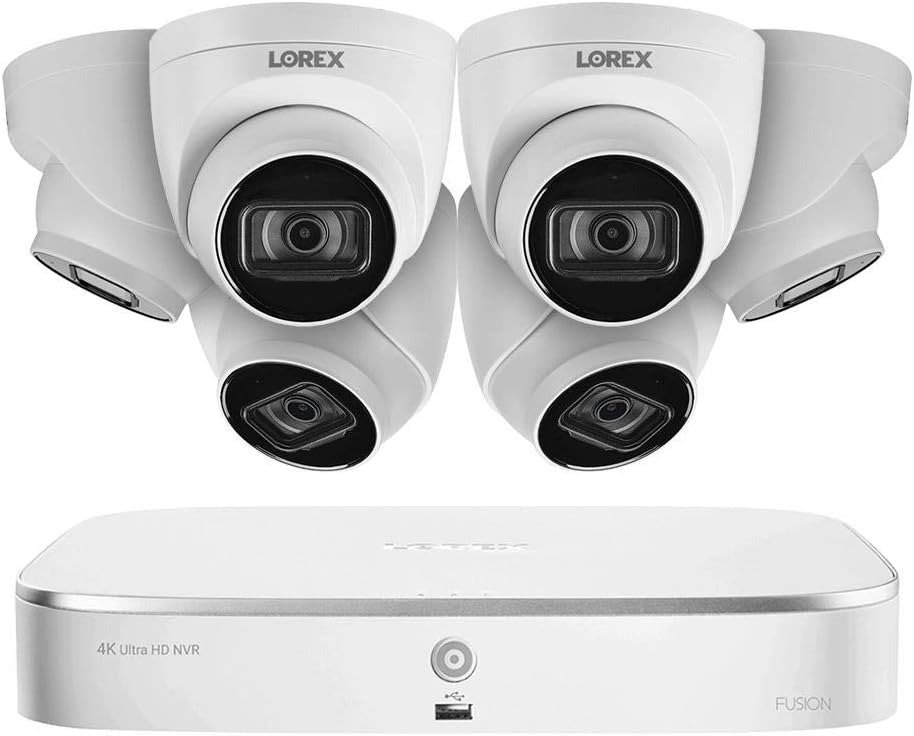
Lorex N4K2-86WD: Where Stability Starts to Drift
ANALYSIS FRAMEWORK
If your Lorex 4K NVR feels sharp at first and then slowly turns into delayed live view, noisier operation, or messy notifications, I don’t treat that as user error. I treat it as a threshold problem. Once an always-on setup crosses a practical operating line, behavior changes.
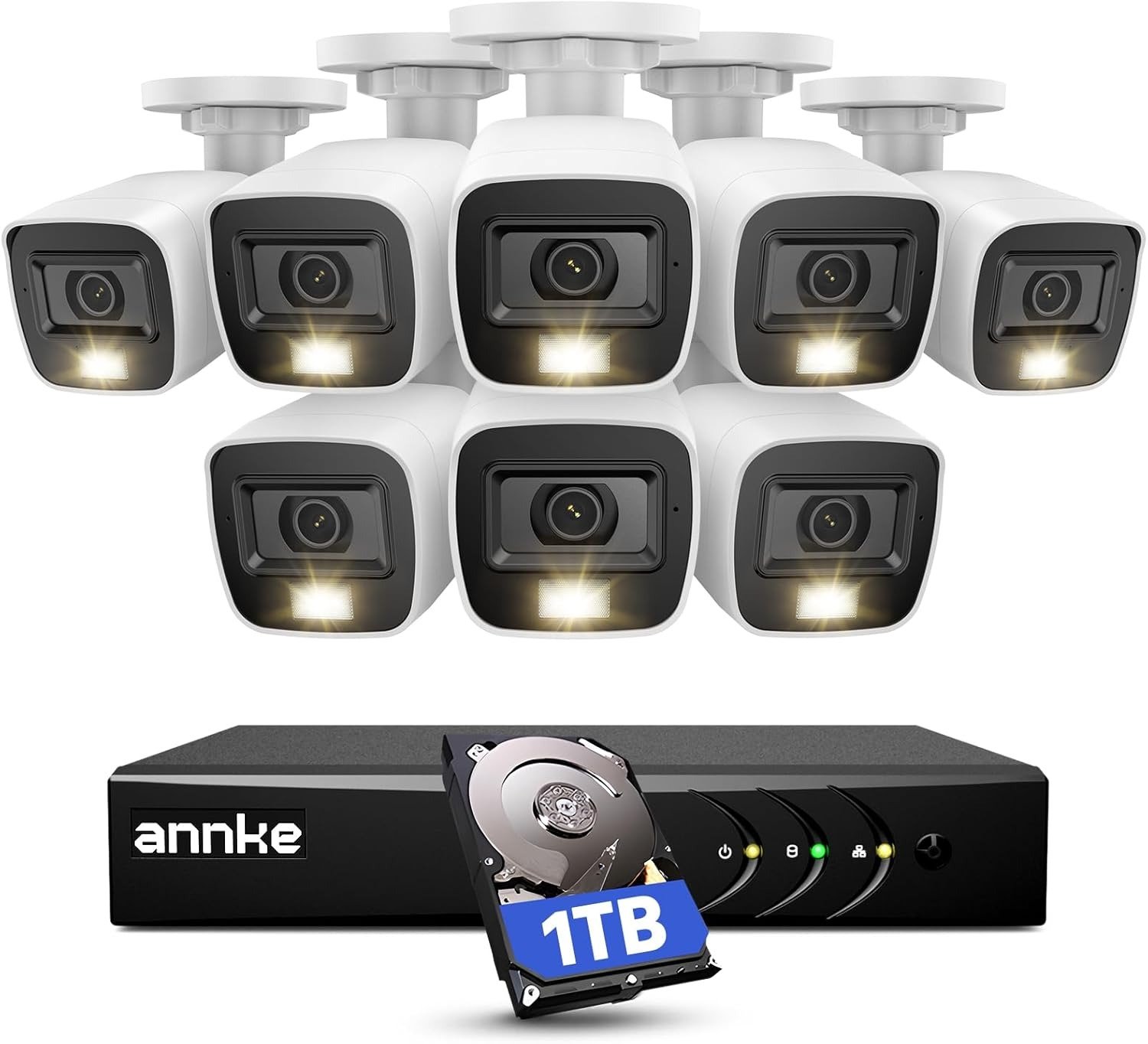
This kit is built around an 8-channel NVR with 2TB included storage, and it records up to 4K/8MP on all channels. It’s a 24/7 machine by design. That’s exactly why drift matters.
The Baseline I Lock Before I Blame Anything
I anchor the baseline around what the system is supposed to do on a normal day:
- Record and view up to 4K/8MP on all channels
- Use local storage without depending on cloud fees, starting with 2TB and support up to 8TB
- Offer synchronized playback of up to 4 cameras at the same time
- Run continuously without turning “maintenance” into a weekly ritual
When that baseline holds, the system feels invisible. That’s the goal.
The Line Where It Starts to Struggle
I track drift using one threshold idea only:
Always-on load + time exposure + constraints → drift
Drift doesn’t mean the system stops recording. Drift means the same actions produce worse behavior after enough runtime.
More app checks. More motion events. More playback searches. More time under load.
Then the small delays begin.
The Exact Moment I Know It’s Drifting
These are the repeatable failure signatures I watch for because they are observable, not emotional:
| Failure signature | Trigger condition | Observable symptom | What it usually means |
|---|---|---|---|
| Time-coupled live view drift | Long runtime + frequent remote viewing | Live view starts arriving 2–5 seconds late during busy periods | You crossed a comfort threshold for remote decode/throughput |
| Remote stability break | Multiple devices connected while motion volume is high | Clients begin reconnecting every 20–30 seconds in peak windows | The system is spending cycles recovering instead of serving |
| Retrieval friction drift | High motion volume + broad detection zones | Playback clips start several seconds late when multiple cameras trigger at once | The event stream is saturating your ability to retrieve fast |
| Thermal drift marker | Recorder in warm/blocked placement over weeks | Fan behavior becomes noticeably louder and stays that way | Heat load is pushing long-run stability |
Numbers I Use So This Doesn’t Turn Into Guessing
I keep this grounded with fixed numeric anchors from the platform:
- Cameras are typically 8MP with 105° field of view
- Weather rating IP67 and operating range -22°F to 140°F
- Night vision up to 130ft in low light and 90ft in total darkness
- Remote use assumes at least 5 Mbps upload for reasonable performance, and up to 3 devices may connect at the same time
These anchors don’t “prove” your house will be perfect. They stop the analysis from floating.
Why Drift Is Behavioral and Time-Coupled
This is the pattern I keep seeing:
- Week one is a demo. Month one is real life.
- You start checking live view more often
- You rely on playback after a real incident
- You tune detection zones, then forget you tuned them
- The NVR runs 24/7 in a spot that slowly accumulates heat and dust
The system doesn’t flip from “good” to “bad.” It drifts. Quietly.
Compatibility Split 3.0 Preview
I don’t decide “good” or “bad.” I split by operating environment:
- Split A: controlled airflow + realistic remote viewing + disciplined retrieval
- Split B: heavier app usage + higher event volume + warmer placement
- Split C: blocked/hot placement + constant remote streaming + chaotic event noise
Transparency Note:
This analysis is not based on quick personal impressions.
It is derived from documented system behavior, verified user patterns, and the physical constraints of storage capacity.
The goal is to translate complex technical behavior into a realistic performance model that helps you make a clear decision
One Comment