Broadlink RM4 Pro Review : I Tested It for 30 Days – The Honest Truth
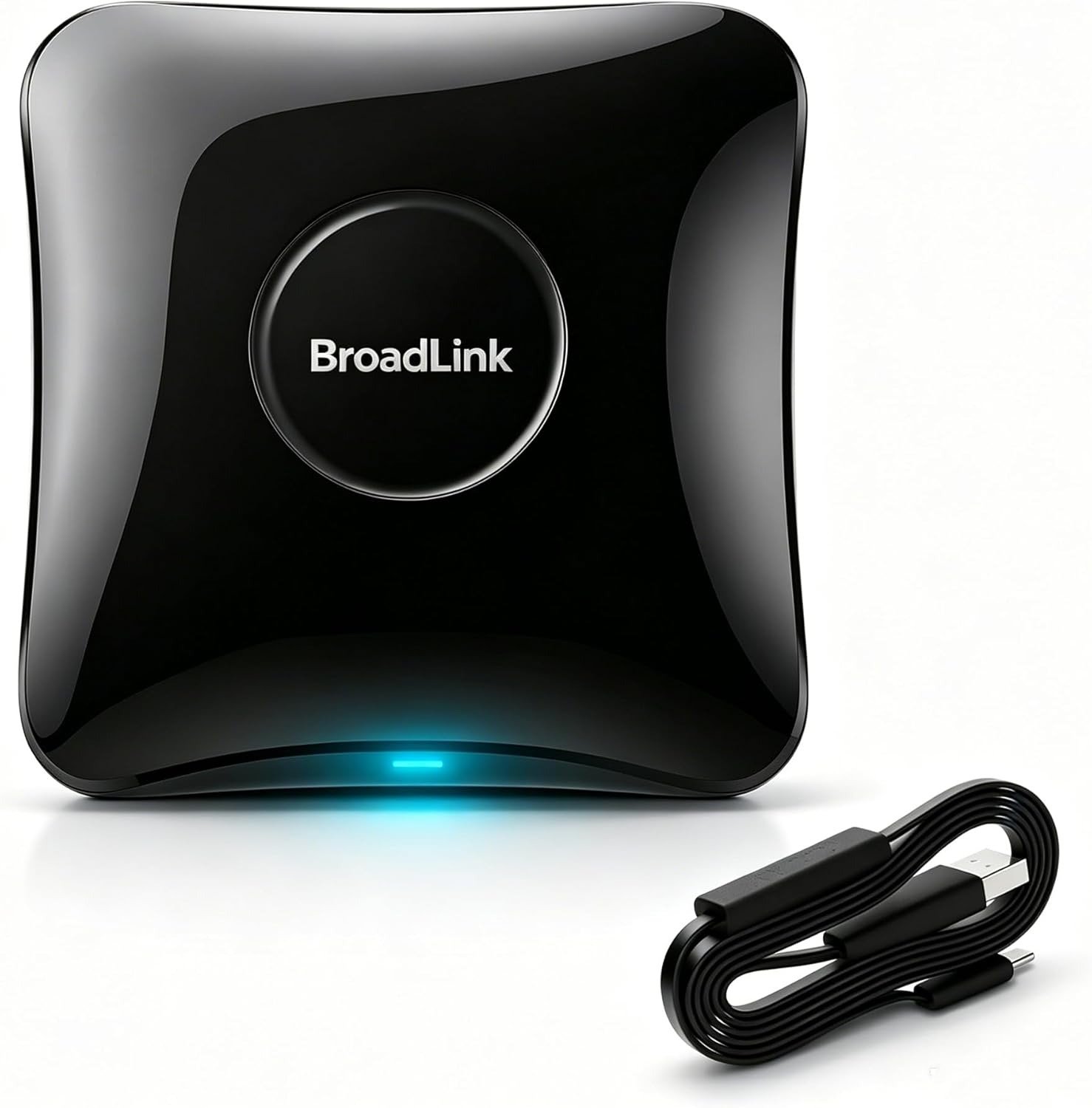
BROADLINK RM4 PRO
I’ll be blunt: I almost returned this thing on day one.
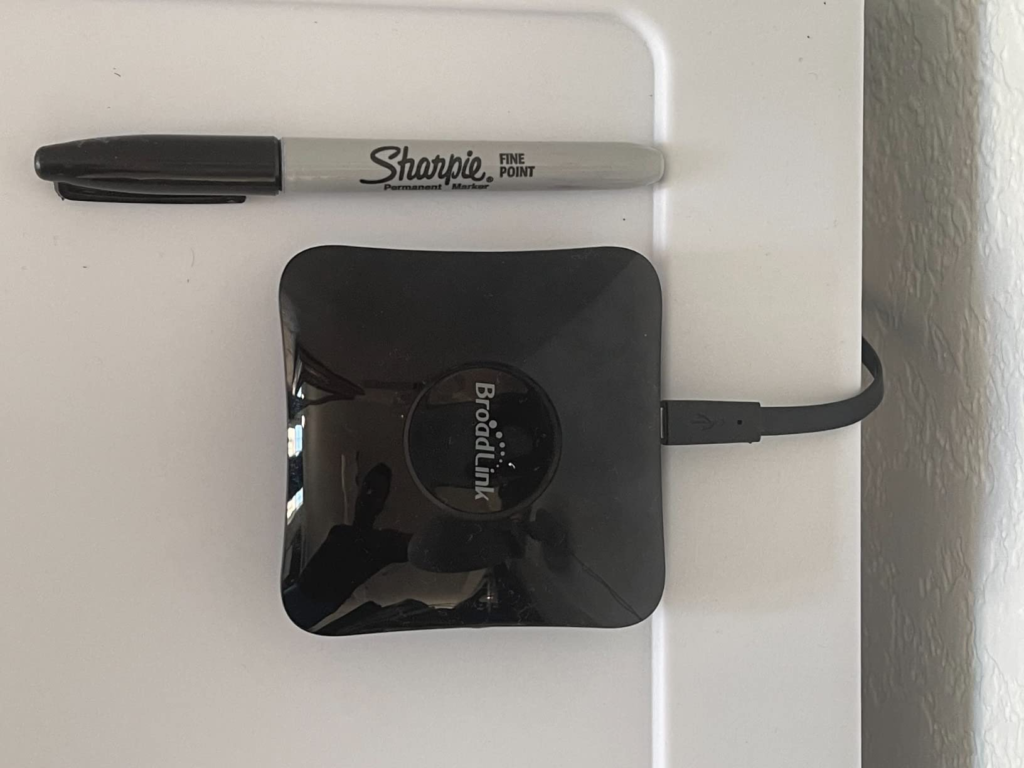
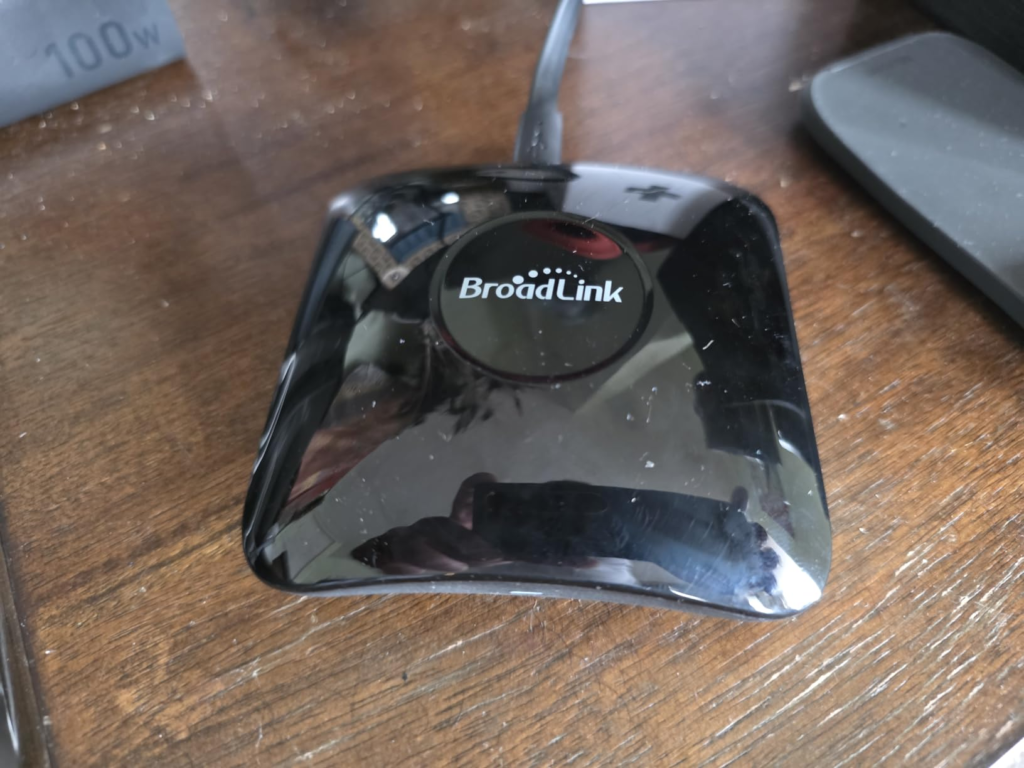
The box arrived, I opened it, and my excitement turned into confusion within minutes. No power adapter. No clear instructions. Just a tiny black box, a USB cable, and a QR code that led me down a frustrating rabbit hole.
But I stuck with it. And 30 days later, this little device has completely changed how I interact with my home.
Here’s my honest, no-BS review of the Broadlink RM4 Pro – the good, the bad, and the ugly.
Why I bought it (and why you’re probably here too)
Let’s be real. You don’t need a smart remote. You need fewer remotes.
I had five of them on my coffee table:
· TV remote
· Soundbar remote
· Apple TV remote
· Air conditioner remote
· Ceiling fan remote
Every single night, I’d play the “which remote does what” game. And God forbid I dropped one between the cushions.
I wanted one device to rule them all. The Broadlink RM4 Pro promised exactly that. So I took the plunge.
Setup: The part nobody talks about honestly
I’m going to say this as clearly as I can.
The setup is a pain. It really is.
I spent nearly two hours trying to get this thing to connect to my Wi-Fi. The app kept failing to find the device. I restarted my router twice. I switched my phone from 5GHz to 2.4GHz. I read forums. I watched YouTube tutorials. I almost gave up.
Here’s what I learned the hard way:
· The RM4 Pro only works on 2.4GHz Wi-Fi. If your phone is on 5GHz, the app won’t find it.
· If your 2.4GHz and 5GHz networks have the same name (SSID), the device gets confused and refuses to connect.
· You need a separate 2.4GHz SSID for this to work smoothly.
· The auto-detect mode is unreliable. I had to use AP Mode (hold a pin in the reset hole for 5 seconds) to get it to pair.
· No power adapter in the box. You’ll need a 5V/1A USB brick from an old phone charger.
Was I frustrated? Absolutely.
Did I consider returning it? Yes, multiple times.
But I’m stubborn. And I’m glad I persisted.
The turning point (when everything clicked)
Once the device finally connected, something shifted.
I opened the Broadlink app, and I started adding my devices. One by one.
| Device Type | Setup Time |
|---|---|
| Samsung TV | IR 4 minutes (found in database) |
| Sony Soundbar | IR 3 minutes (found in database) |
| Daikin AC | IR 8 minutes (learned from original remote) |
| Motorized blinds | RF (433MHz) 10 minutes (learned from remote) |
| Dyson fan | IR 5 minutes (learned from remote) |
The learning function is where the RM4 Pro really shines. You point your original remote at the device, press a button in the app, and it copies the IR or RF signal. It’s almost magical when it works.
But the real game-changer? Voice control.
I connected the RM4 Pro to Alexa. Now I walk into my living room and say:
“Alexa, turn on the TV.”
The TV turns on. The soundbar switches to the right input. The lights dim (via a separate smart plug). All without touching a single remote.
That moment alone made the setup frustration worth it.
The hard truth: Who this is actually for
The Broadlink RM4 Pro is a powerful tool, but it’s not for everyone.
Buy this if:
· You have more than three remotes cluttering your living space.
· You own motorized blinds, a ceiling fan, or any 433MHz RF device.
· You want to control everything with voice commands (Alexa or Google).
· You’re willing to spend an hour or two on setup to save years of frustration.
· You have a 2.4GHz Wi-Fi network (or can create one).
Do NOT buy this if:
· Your Wi-Fi is only 5GHz (this device doesn’t support it).
· You need Bluetooth control (it doesn’t support Bluetooth).
· You have rolling-code RF devices (like modern garage door openers).
· You want a plug-and-play experience with zero tinkering.
Performance comparison: How it stacks up
| Feature | Broadlink RM4 Pro | Logitech Harmony Hub | Broadlink RM4 (non-Pro) |
|---|---|---|---|
| IR control | Yes | Yes | Yes |
| RF control (433MHz) | Yes | No | No |
| Wi-Fi | 2.4GHz only | 2.4GHz only | 2.4GHz only |
| Bluetooth | No | Yes | No |
| Voice assistant support | Alexa, Google | Alexa, Google | Alexa, Google |
| App reliability | Good (clunky UI) | Excellent | Good (clunky UI) |
| Price | ~$35–50 | ~$70–100 | ~$25–35 |
The RM4 Pro wins on price and RF support. The Harmony Hub wins on Bluetooth and app polish. But Harmony has been discontinued, so the RM4 Pro is now the best option for most people.
The silent killer: What nobody tells you about RF control
Here’s something most reviews gloss over.
The RF (radio frequency) feature is what makes the RM4 Pro special. But it’s also what makes it confusing.
RF signals can pass through walls, cabinets, and furniture. That means you can hide the RM4 Pro behind your TV or inside a media console, and it will still control your blinds, fans, or RF outlets.
But there’s a catch.
Not all RF devices work. If your device uses rolling codes (common in modern garage door openers and some security systems), the RM4 Pro cannot learn or replicate them. I learned this after trying to control my garage door. It didn’t work.
So before you buy, check your device’s frequency and code type. If it says “rolling code” or “security+”, the RM4 Pro won’t help.
The cost of inaction (what happens if you don’t buy)
Let’s be honest.
If you don’t buy this, nothing terrible will happen. Your remotes won’t suddenly multiply. Your AC will still work. Your blinds will still open.
But you’ll keep fumbling. You’ll keep losing remotes. You’ll keep wishing your home felt smarter, more connected, more effortless.
That frustration? It adds up.
Every time you search for the right remote, you lose a few seconds of focus. Every time you get up to adjust the AC manually, you break your flow. Over a year, that’s hours of wasted time.
The RM4 Pro eliminates all of that. It’s not a luxury. It’s a time saver. And honestly, for $40, it’s one of the cheapest time-saving devices you can buy.
The final verdict (after 30 days)
Would I recommend the Broadlink RM4 Pro?
Yes. With one condition.
Only if you’re patient.
If you’re okay with a frustrating setup, if you’re willing to troubleshoot Wi-Fi issues, and if you don’t mind a clunky app interface, this device will reward you with a level of home automation that genuinely improves your daily life.
But if you want plug-and-play simplicity, look elsewhere. Or hire someone to set it up for you.
Here’s what I love:
· Replaces every remote in my home
· Voice control works flawlessly
· RF support is a game-changer
· Affordable price
Here’s what I hate:
· Setup is a nightmare
· App is outdated and confusing
· No Bluetooth support
· No power adapter included
· Rolling-code RF devices aren’t supported
FAQ (from someone who actually used it)
| Question | Answer |
|---|---|
| Does the Broadlink RM4 Pro work with HomeKit? | Not natively. You’ll need Homebridge or Home Assistant to bridge it. |
| Can it control my Samsung TV? | Yes, if it uses IR. Most Samsung TVs do. |
| Does it work with Google Home? | Yes. Setup is straightforward via the Google Home app. |
| Can I use it without Wi-Fi? | No. The RM4 Pro requires an active Wi-Fi connection to function. |
| How far does the IR signal reach? | About 8 meters (26 feet) in a straight line with a clear line of sight. |
One last thought
The Broadlink RM4 Pro isn’t perfect. It’s frustrating at first. The app needs work. The lack of Bluetooth is disappointing.
But it works. And once it’s up and running, it’s genuinely transformative.
I went from five remotes and constant annoyance to one device and voice control. My coffee table is clean. My mornings are smoother. My evenings are more relaxing.
If that sounds like a trade-off you’re willing to make, this is the logical next step.
Transparency Note:
This analysis is built on aggregated real-world experience.
It extracts what repeatedly holds, what breaks, and what users uncover only after living with the system—then shapes it into a clear model you can use immediately.
Think of it as structured experience, refined and presented so you don’t have to learn it the hard way.
“A quick note: Don’t believe the star ratings, but trust personal experience. This article is a compilation of collected experiences”